Disney DT1350-RWP
Disney DT1350-RWP CRT RGB mod
Disney Winnie The Pooh - DT1350-RWP
View full CRT details and more mod examples →
Contributors
Thank you to everyone who contributed to this guide:
- Sunthar — author, RGB tutorial
CRT safety
Caution
You can die doing this! So read carefully! CRT TV is not a toy. Do not open a CRT TV. If you don't have any prior knowledge about handling high voltage devices, this guide is not for you. CRT TV contains high enough voltage (20,000+ V) and current to be deadly, even when it is turned off.
Plan of attack
Service manuals
Specs
- Year: 2005
- Chassis: M70
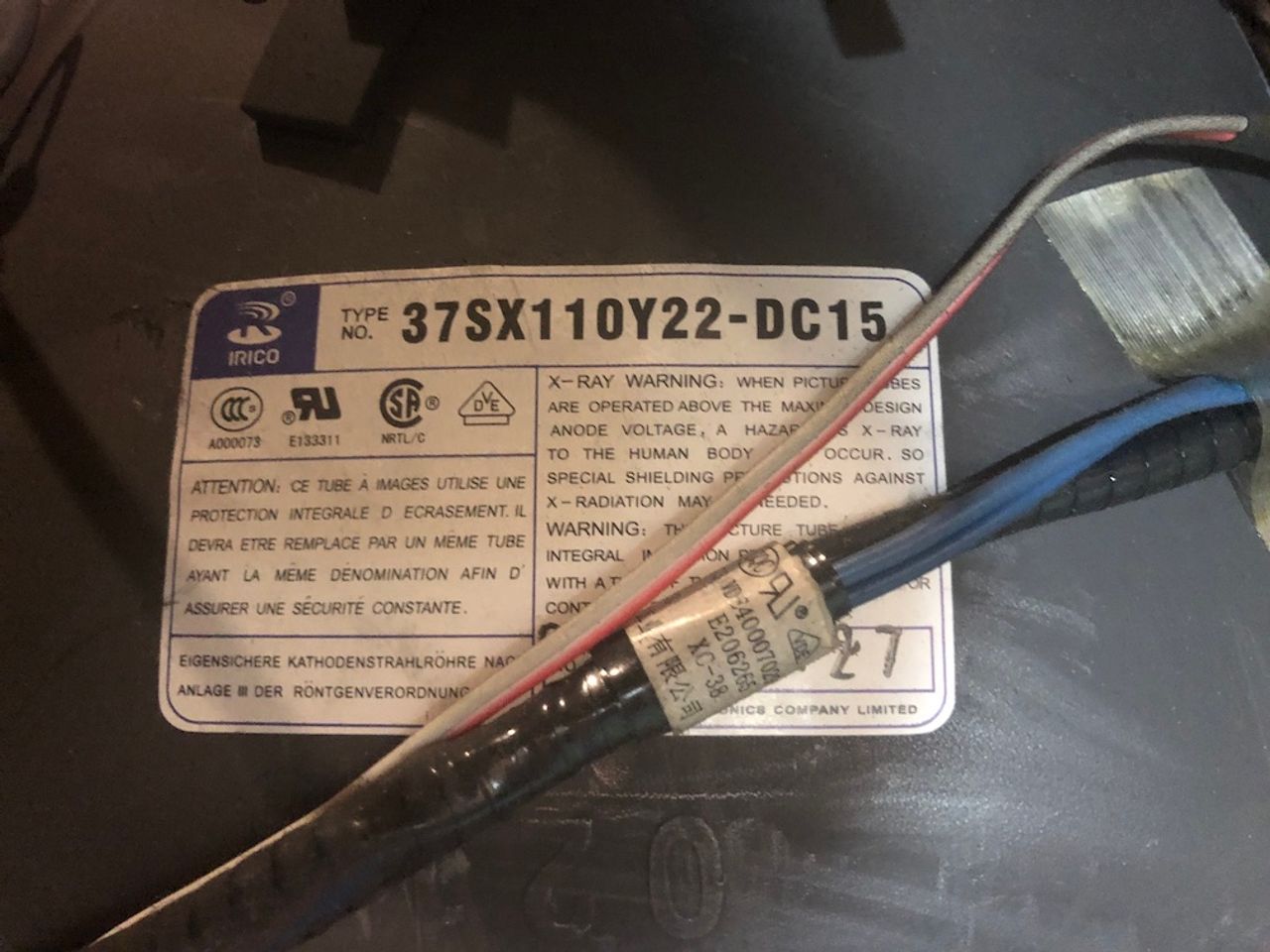
- Tube: Irico 37SX110Y22-DC15
- Jungle Chip: Toshiba TB1238AN
- OSD Chip: Micronas SDA5555
- Screen Size: 13"
RGB mux diagram
Schematics
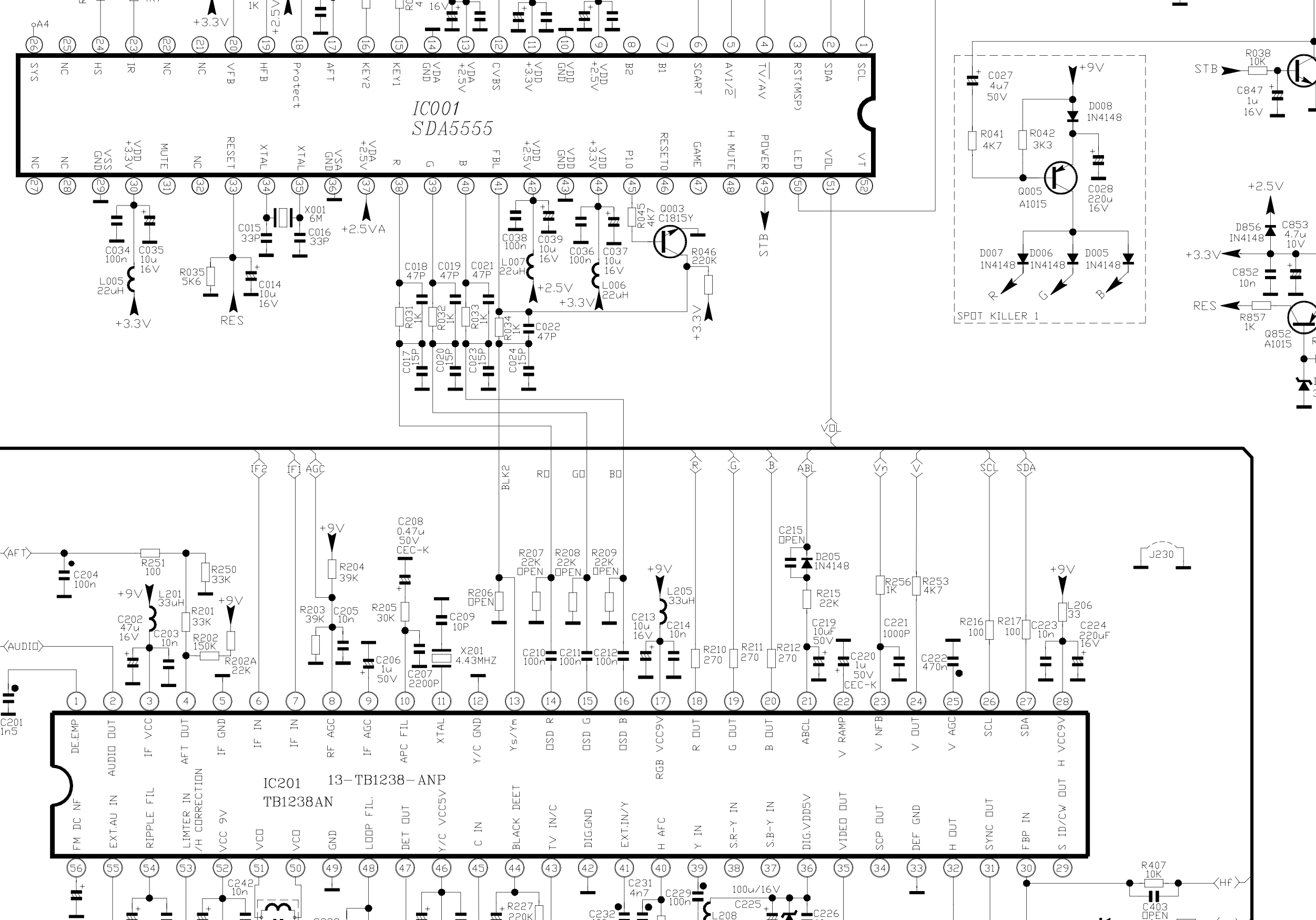
OSD Chip 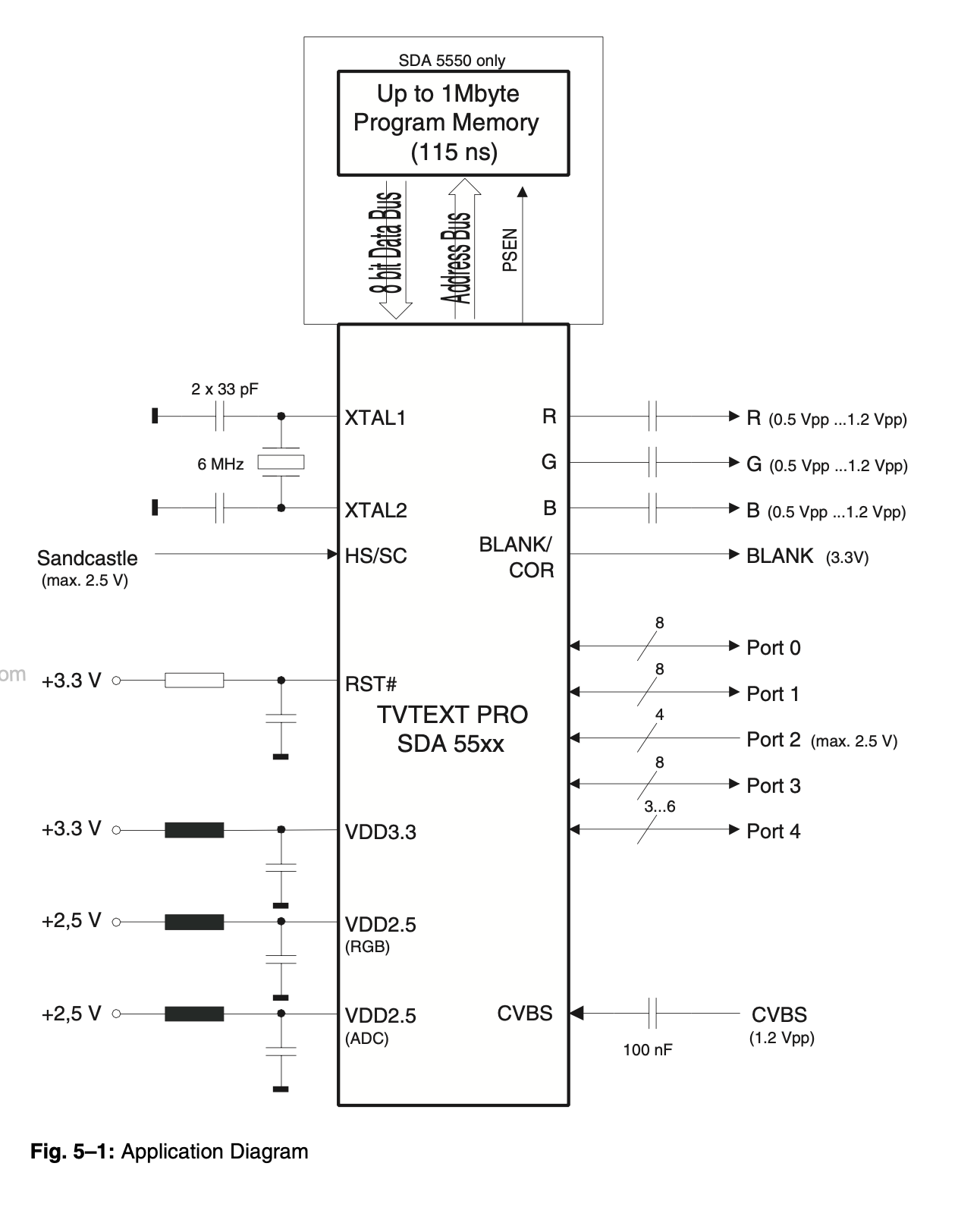
Performing the mod
Now that you roughly know what needs to be done, prepare for the mod. Place the board on a comfortable place. Make sure you are not putting pressure on the flyback or other components.
STEP 1: Connect RGBs, Blanking and Audio
Since there are no components to remove from the board, we can get the wires connected to the board. The mod on the CRT is fairly straight forward.
Close up of RGB and Blanking 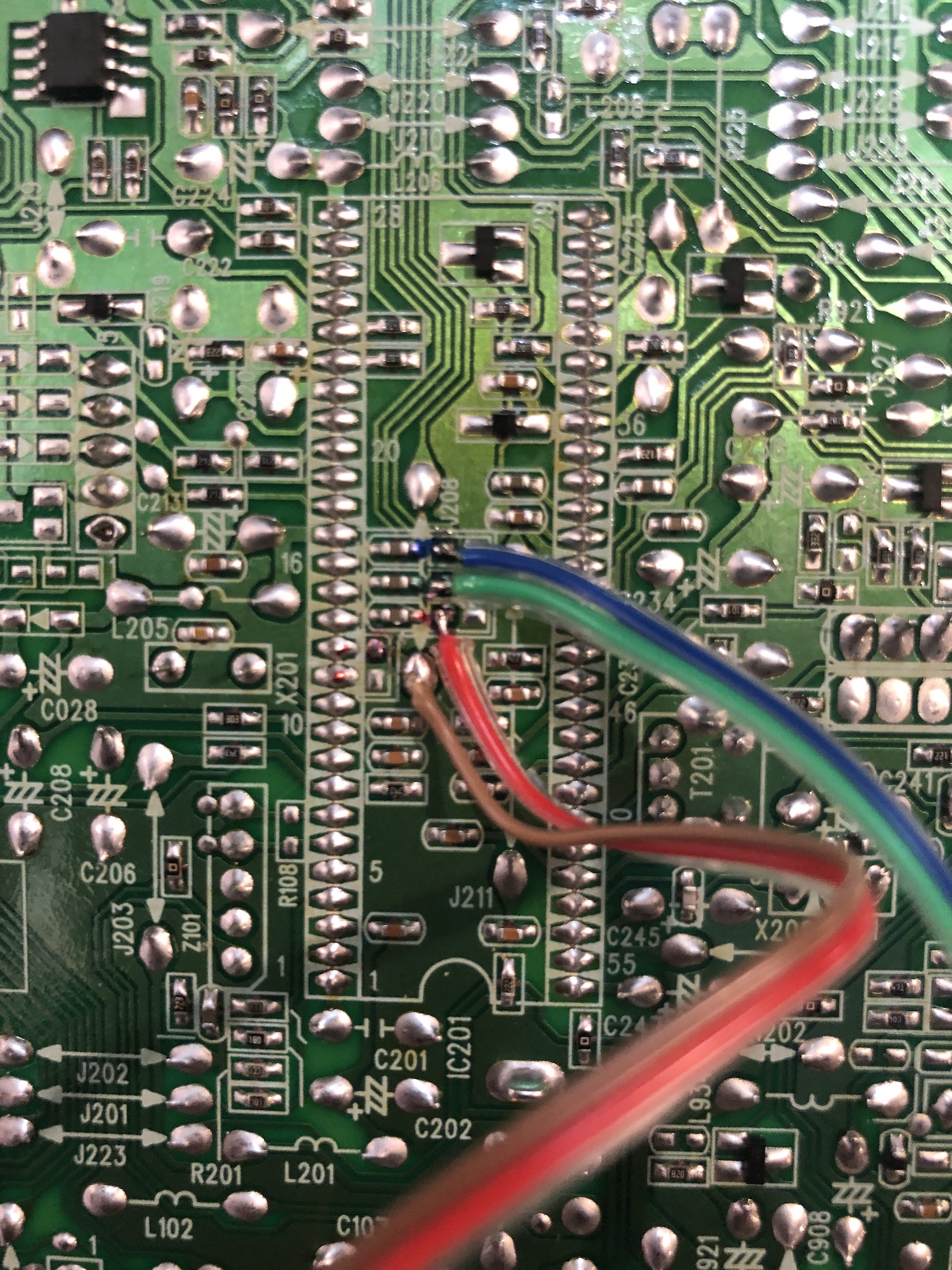
Close up of Sync and Audio 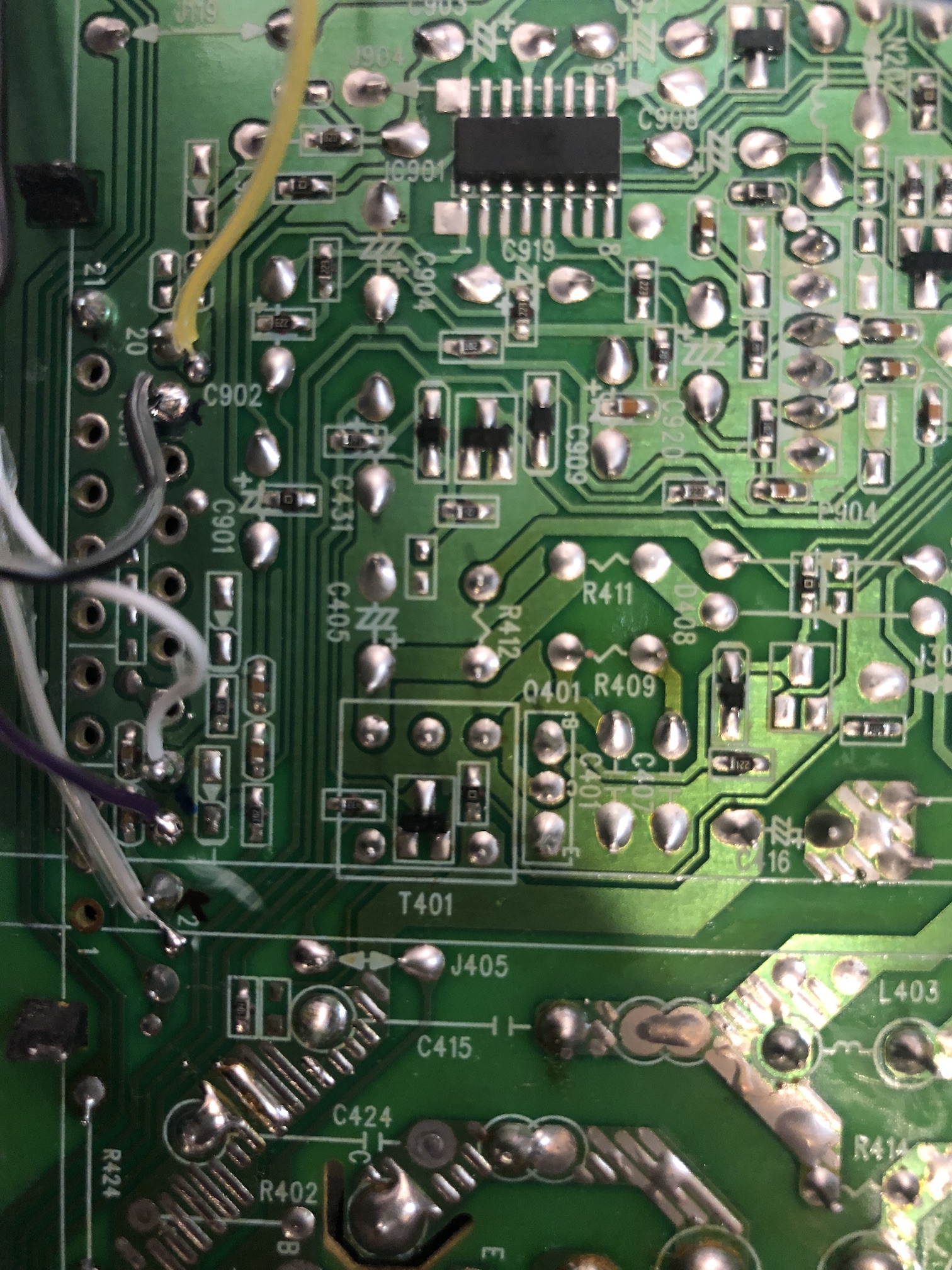
All wired up! 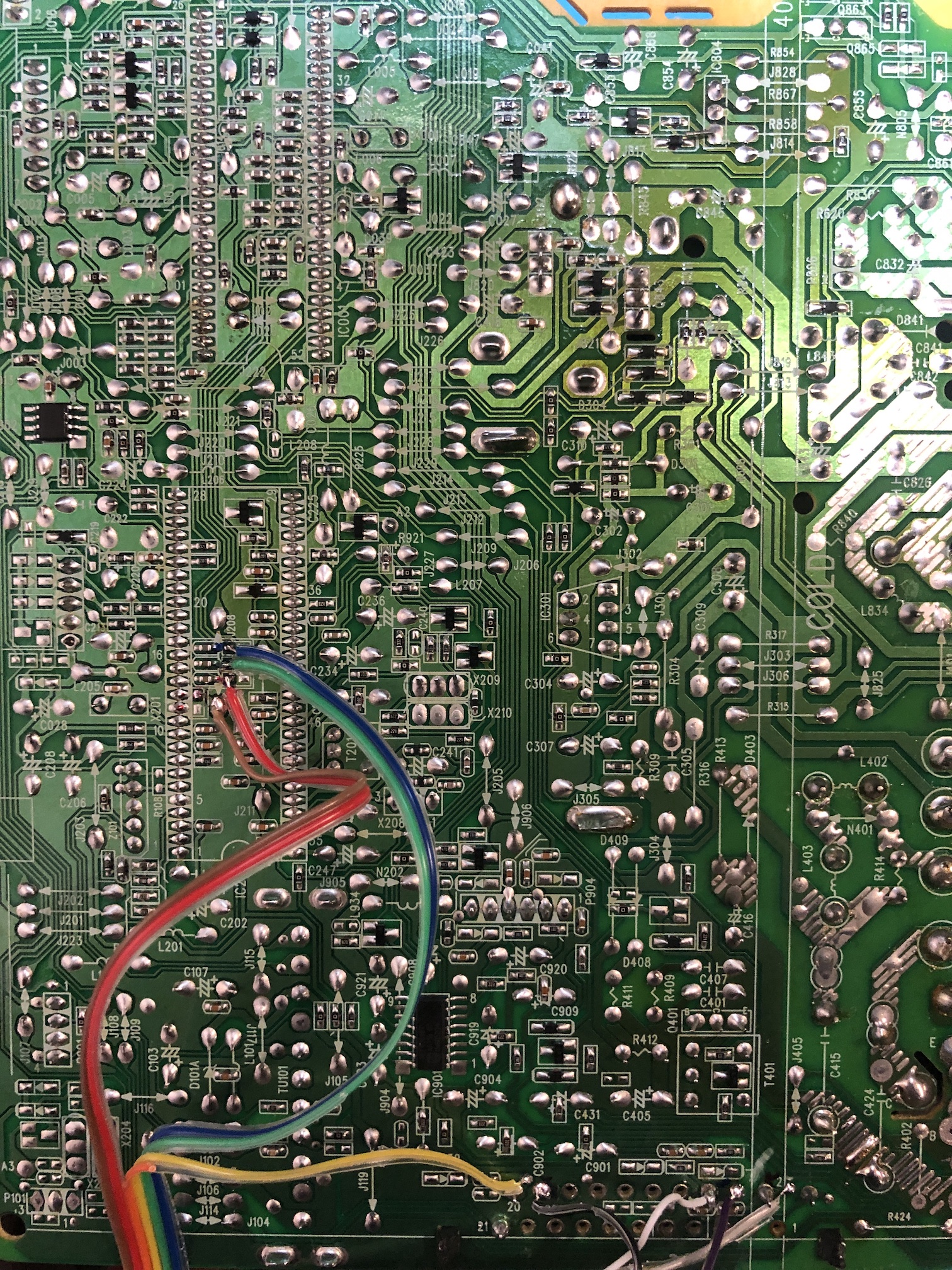
After attaching the bottom black panel to the board 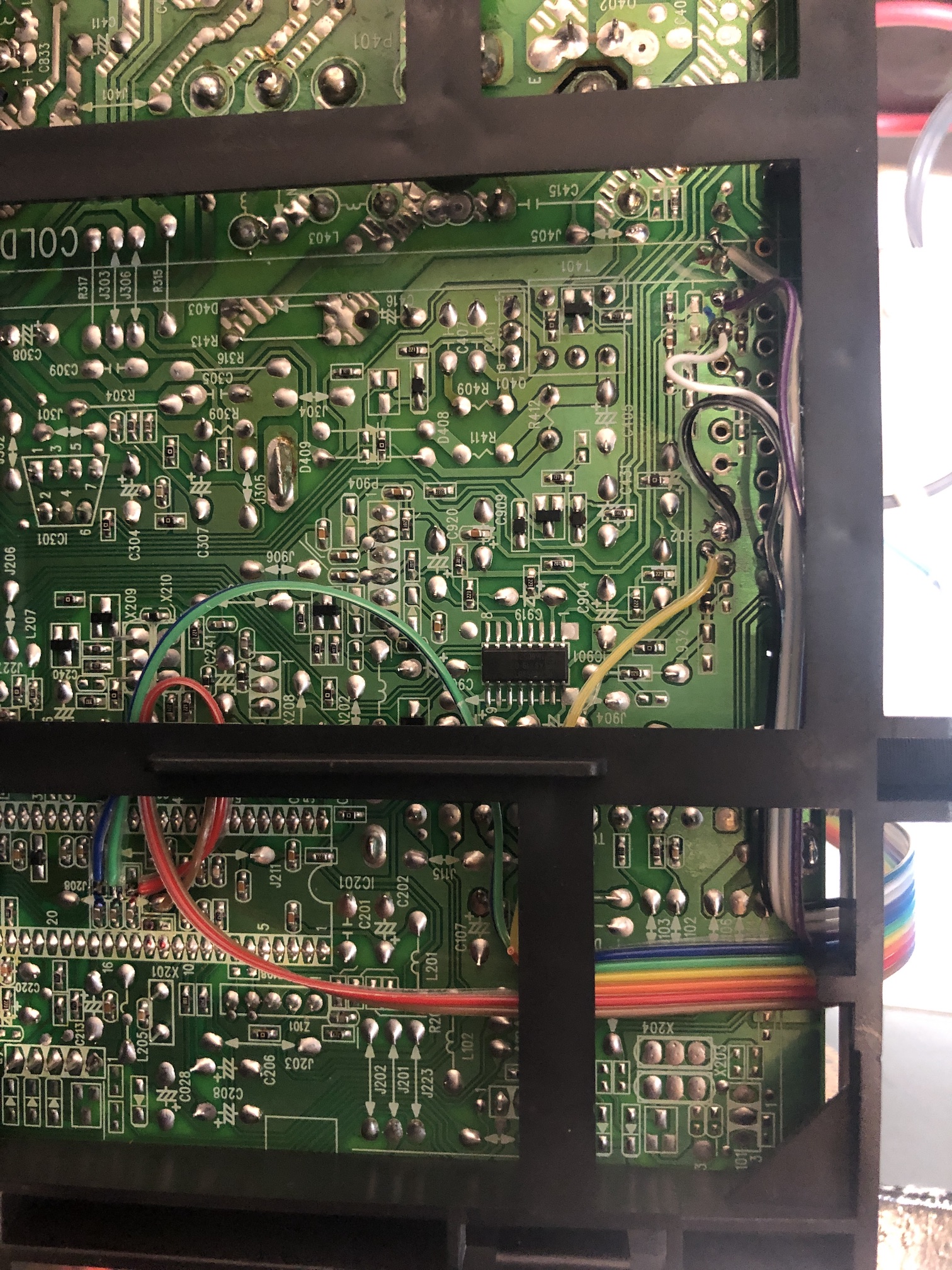
STEP 2: Build your mux board
This mod uses the RGB mux board. This is optional, but will make your mod easier and stable. You can also create the circuit presented in the schematics above without the board. Please also checkout the mux calculator to play with your own values.
| Component | Value |
|---|---|
| RGB/OSD inline resistor (chassis) | 1kΩ |
| RGB termination (R1, R2, R3) | 75Ω |
| RGB inline (R4, R5, R6) | 1kΩ |
| Audio LR (R7, R8) | 1kΩ |
| Diode (R9) | 1N4148 |
| Blanking Ground Resistor (R10) | 2.2kΩ |
| Blanking Resistor (R11) | 0μF |
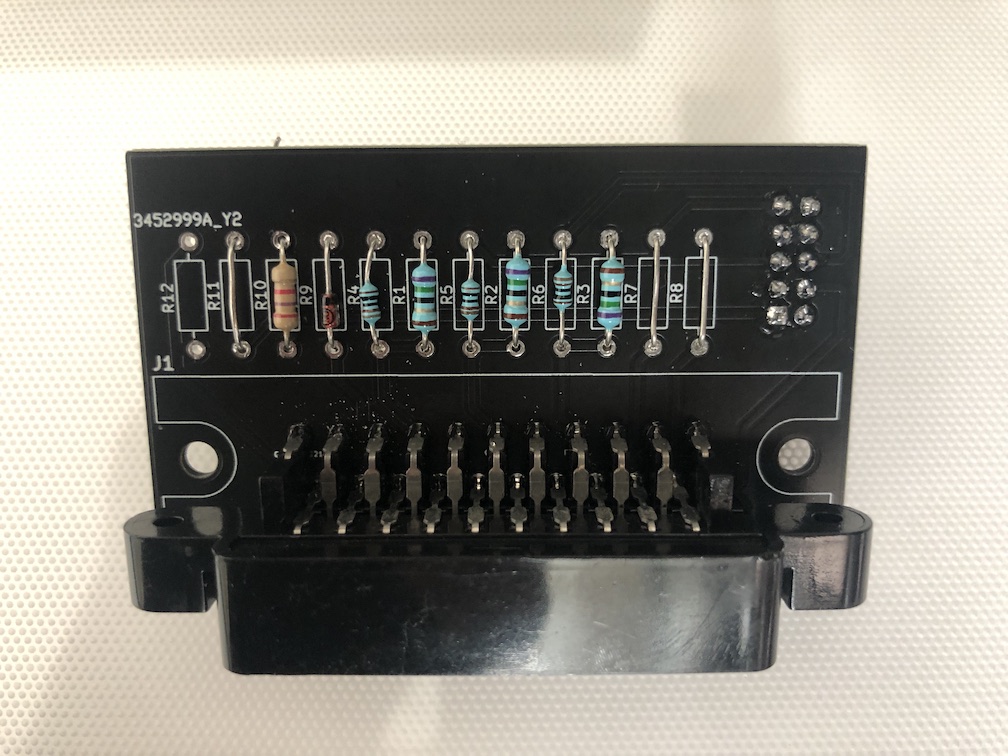
STEP 3: Attach the female SCART connector to TV
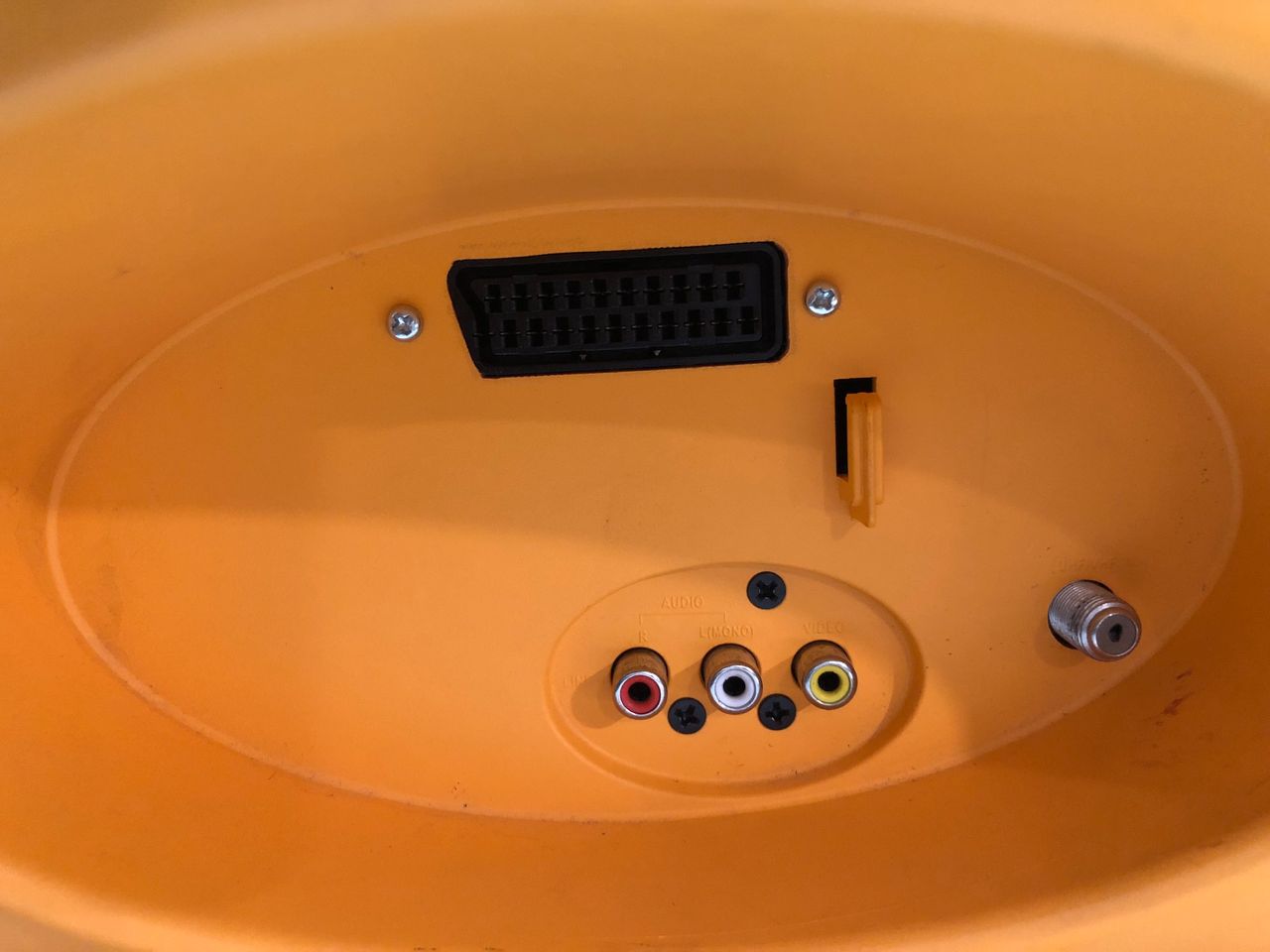
Inside the CRT back chassis 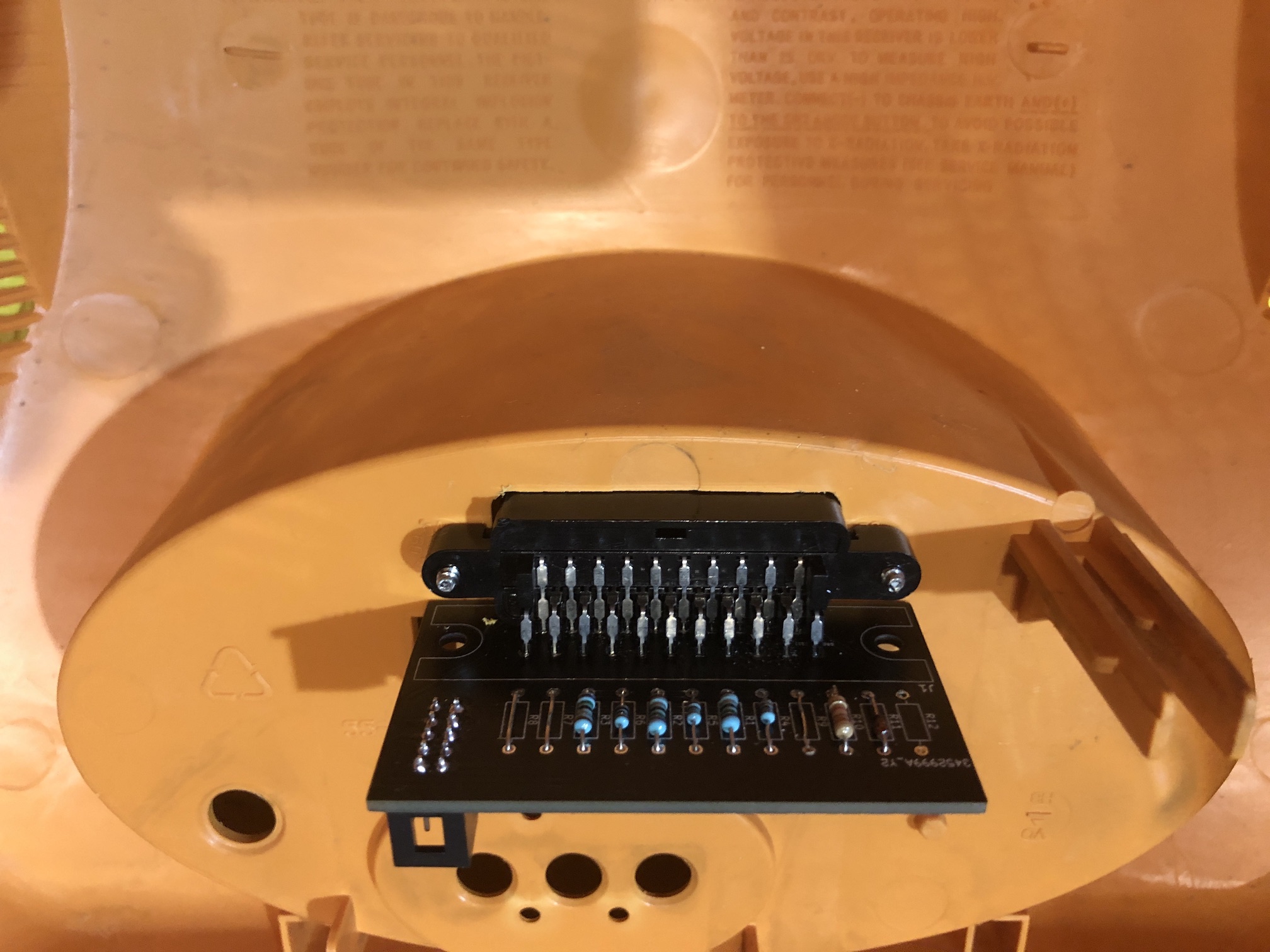
Back of the CRT 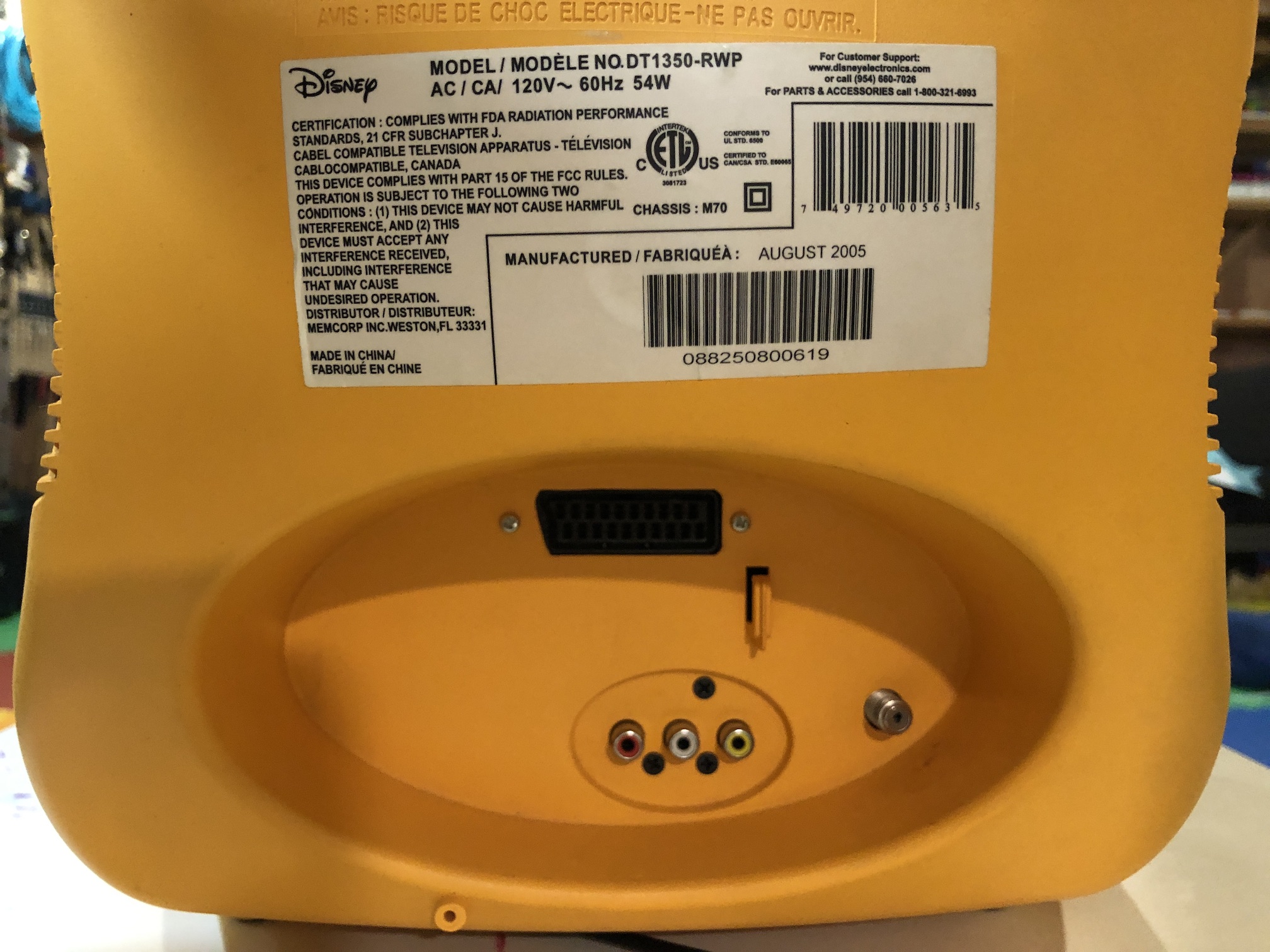
Getting into service menu
While pressing the Volume down on the CRT, press CH 1/2 then Display then CH 1/2 then Display on the remote to get into service mode (aka D Mode).
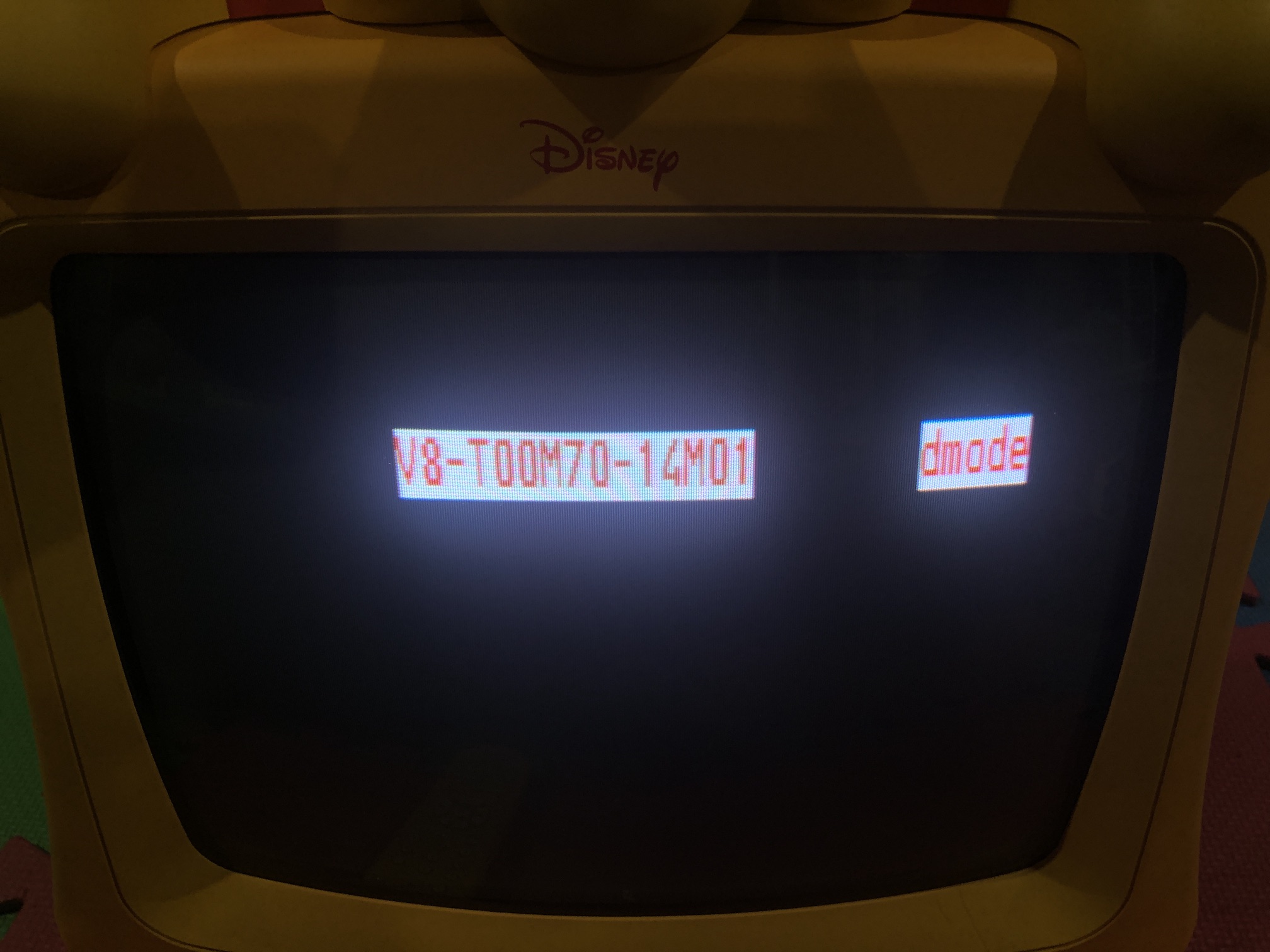
Once in D Mode, press 3 to enter adjustment menu. Here you can navigate using CH +/- and adjust using VOL +/- buttons.
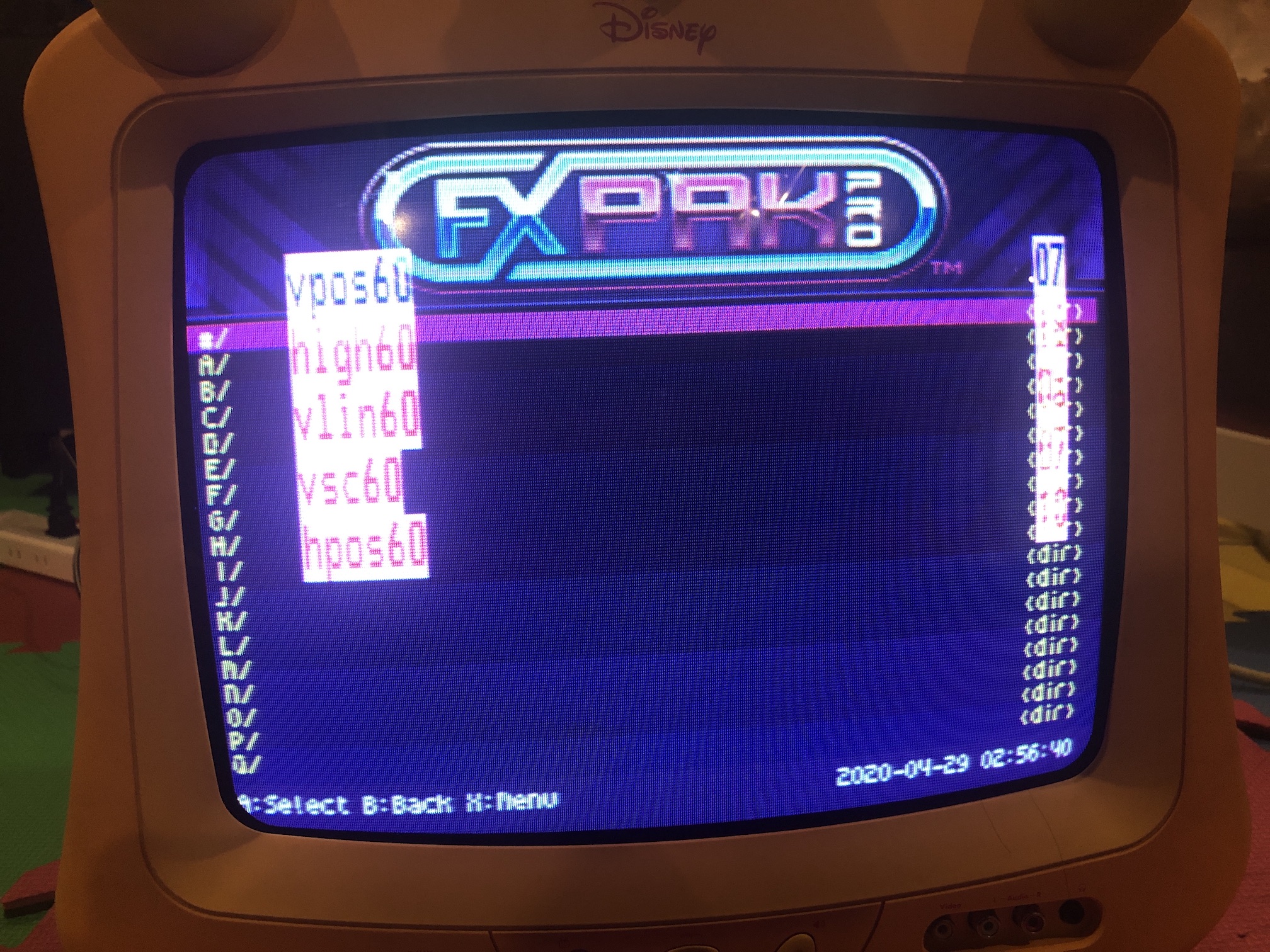
To write values press CH 1/2 button on the remote
Pictures of the mod
Games
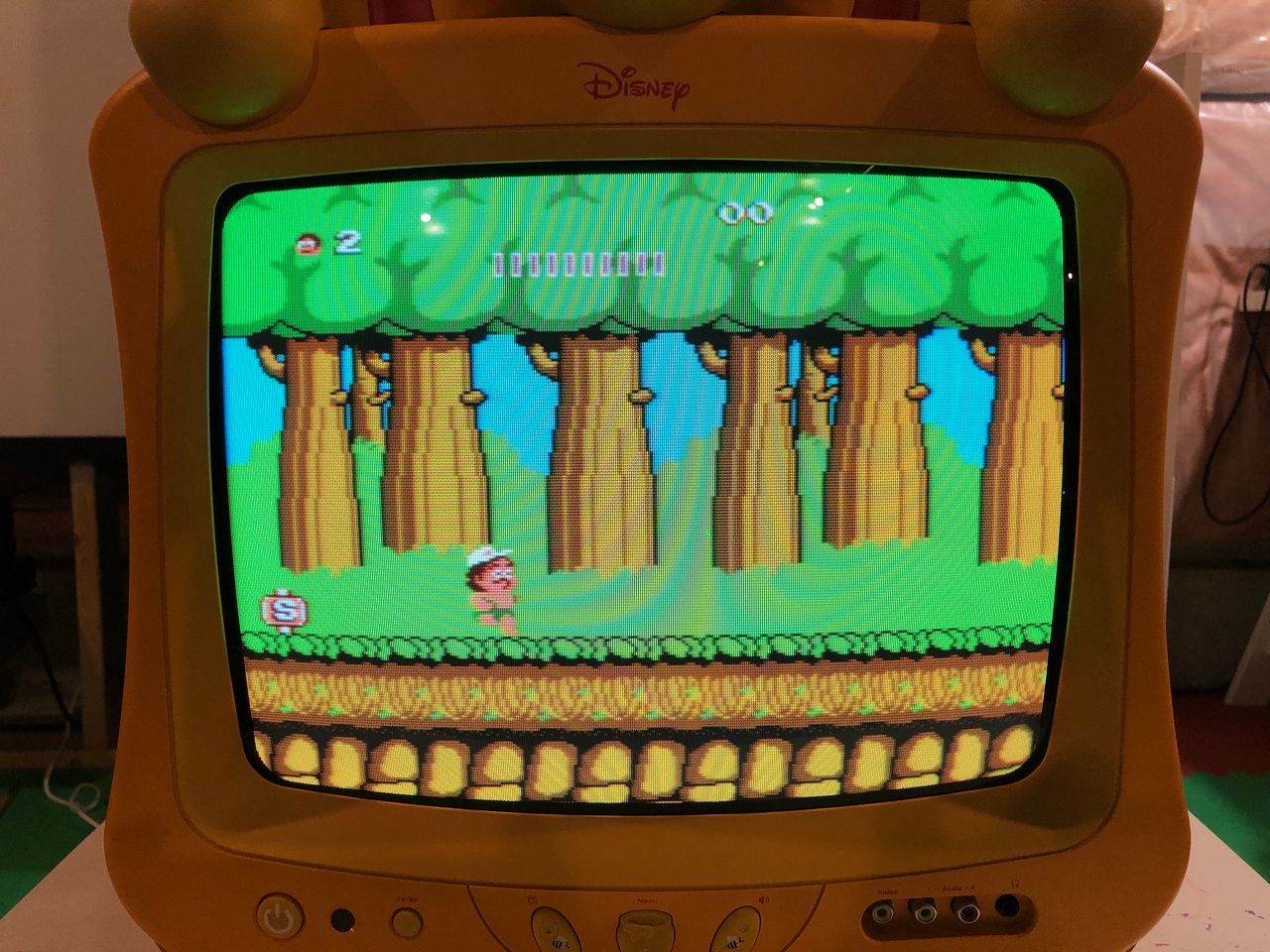
NES - Adventure Island 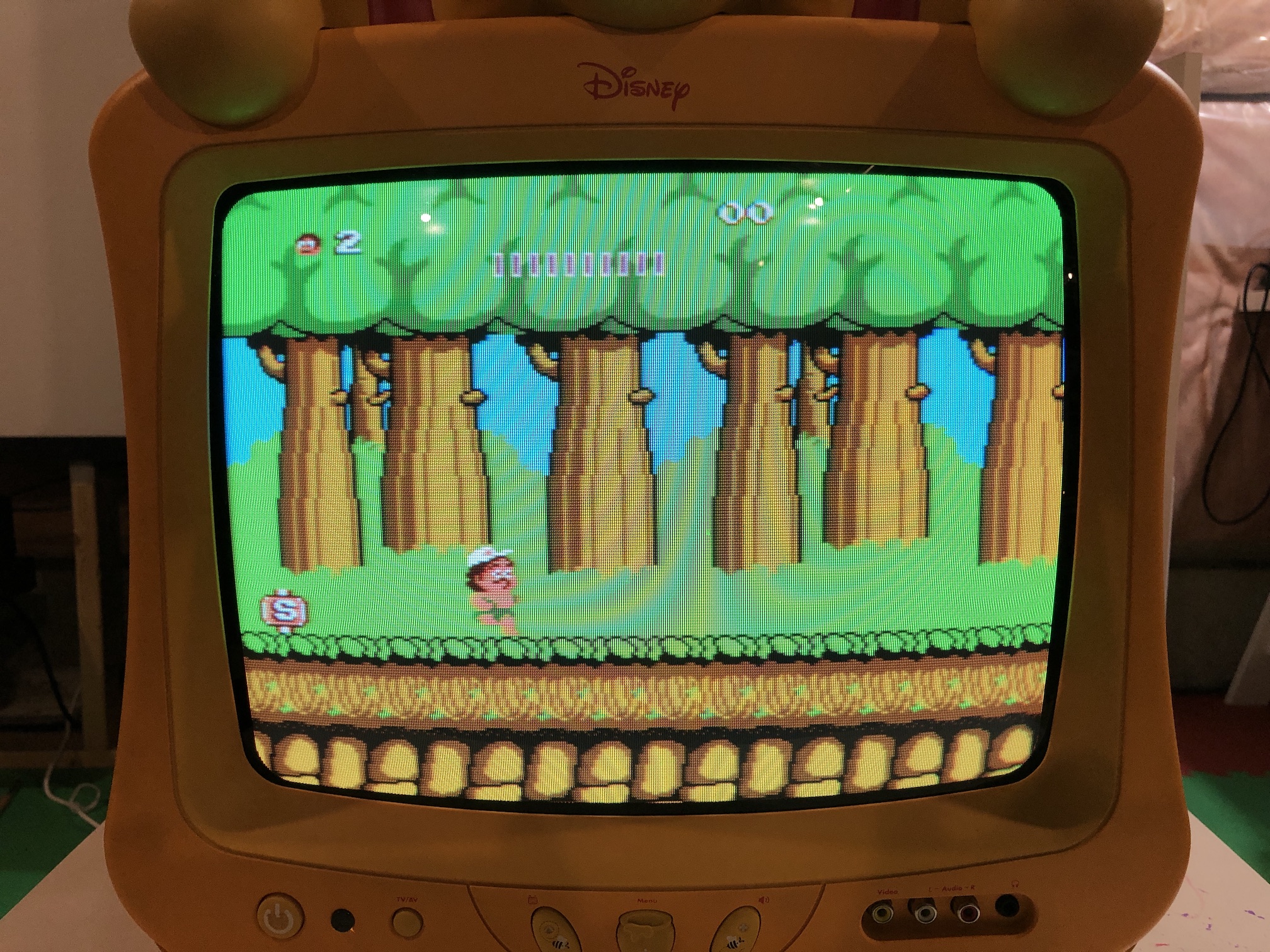
SNES - Super Mario World 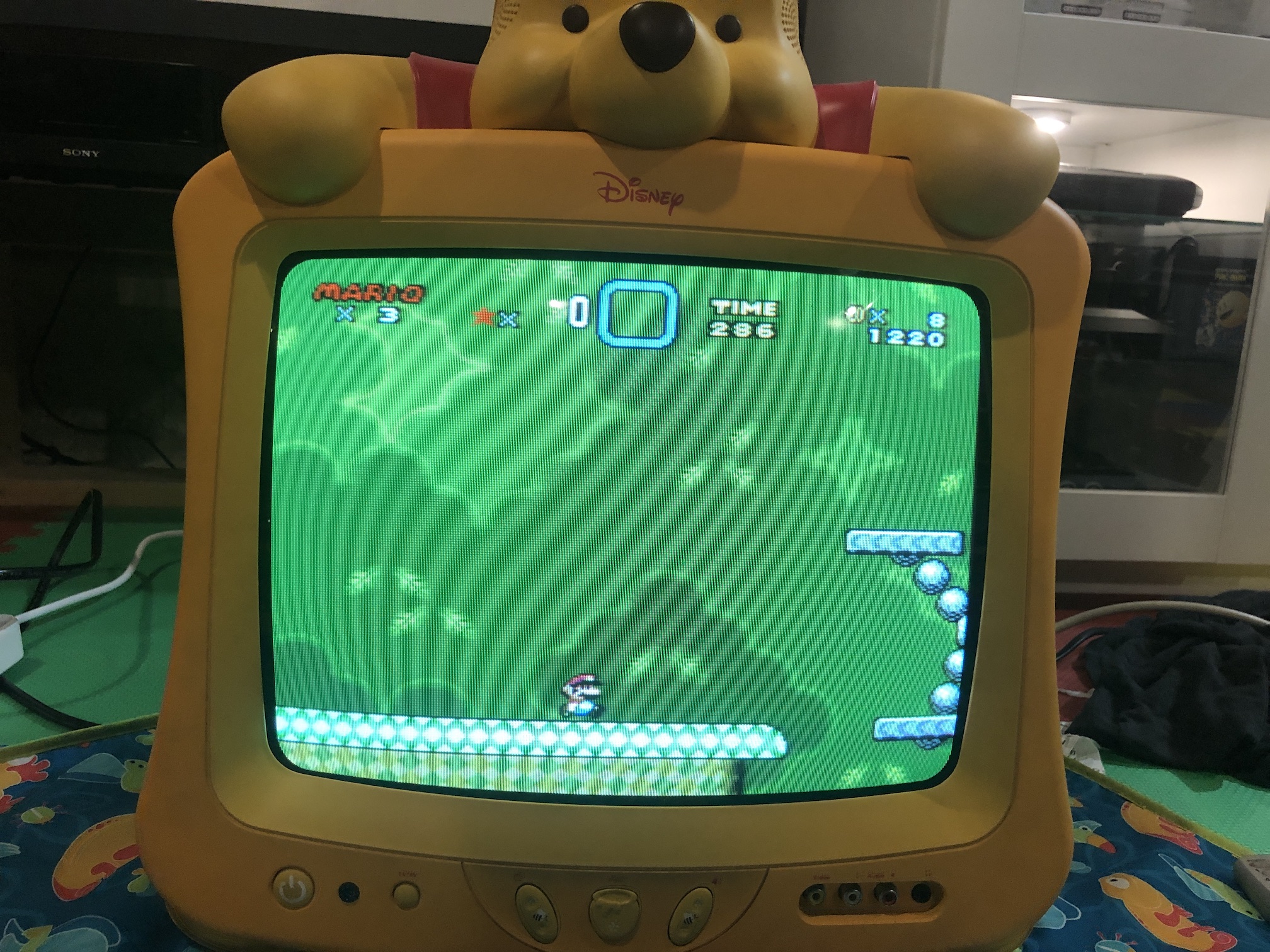
SNES - Super Mario World 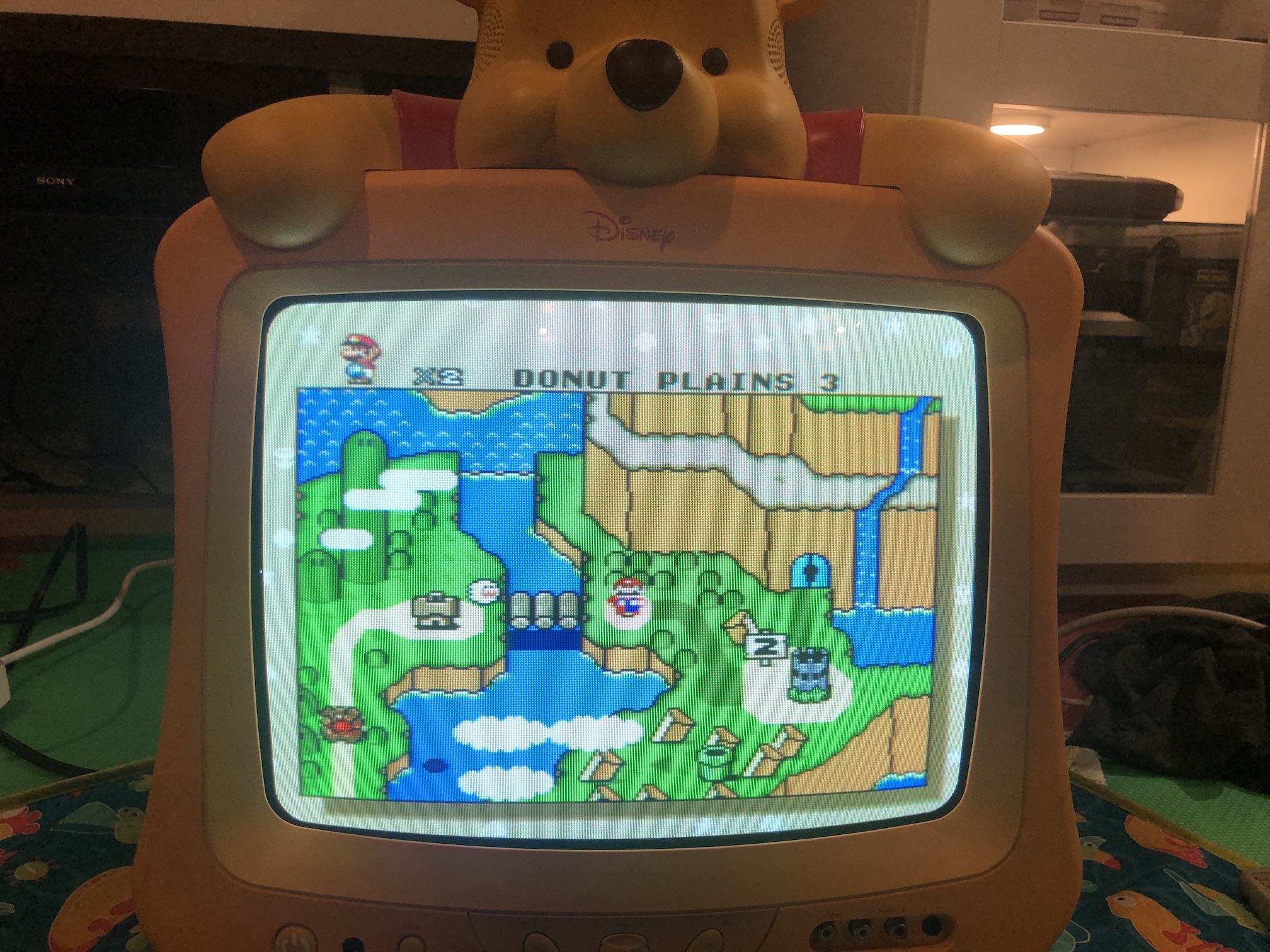
SNES - Mega Man X 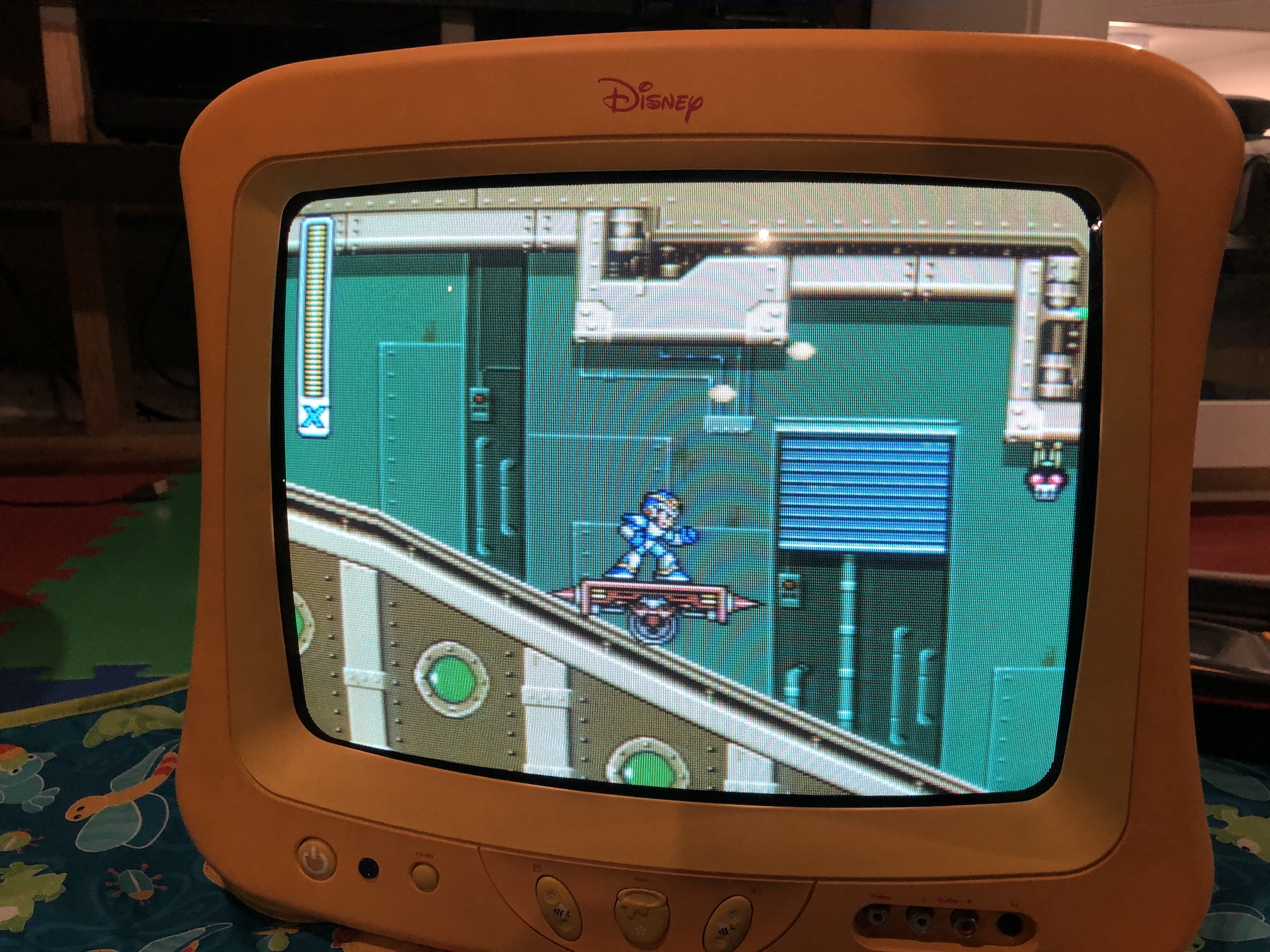
SNES - Mega Man X 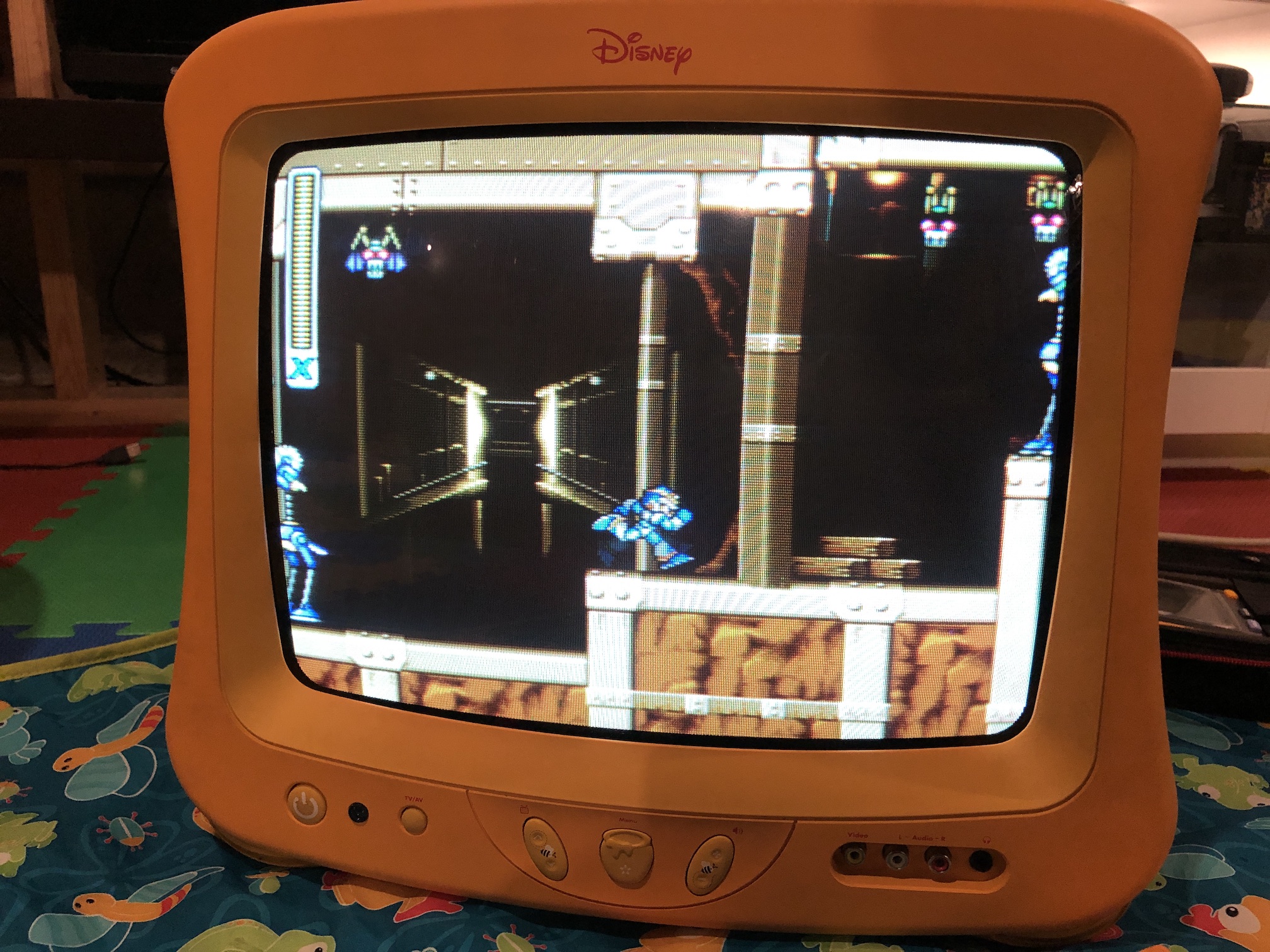
SNES - Mega Man X (close up) 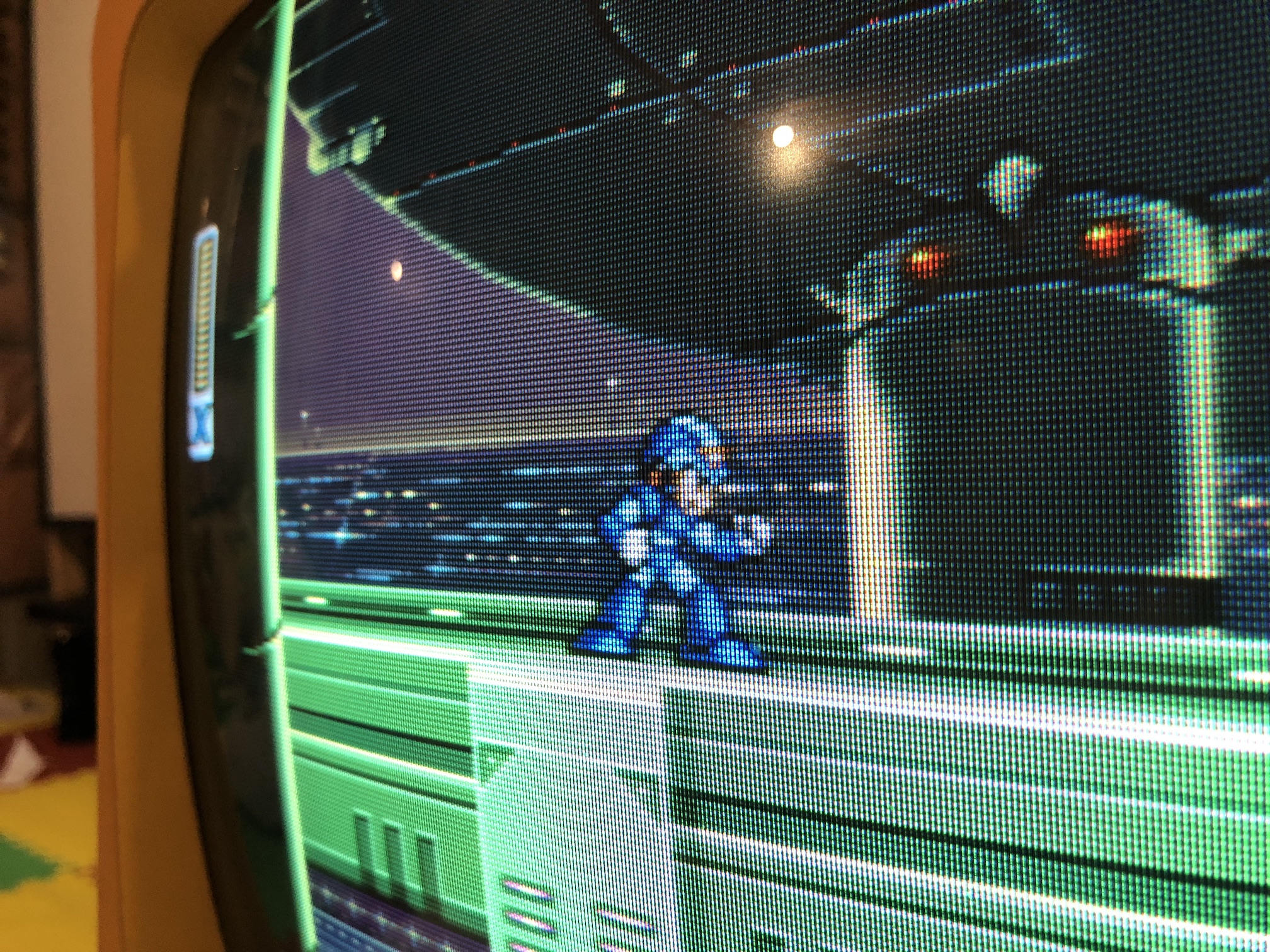
PS1 - Boot 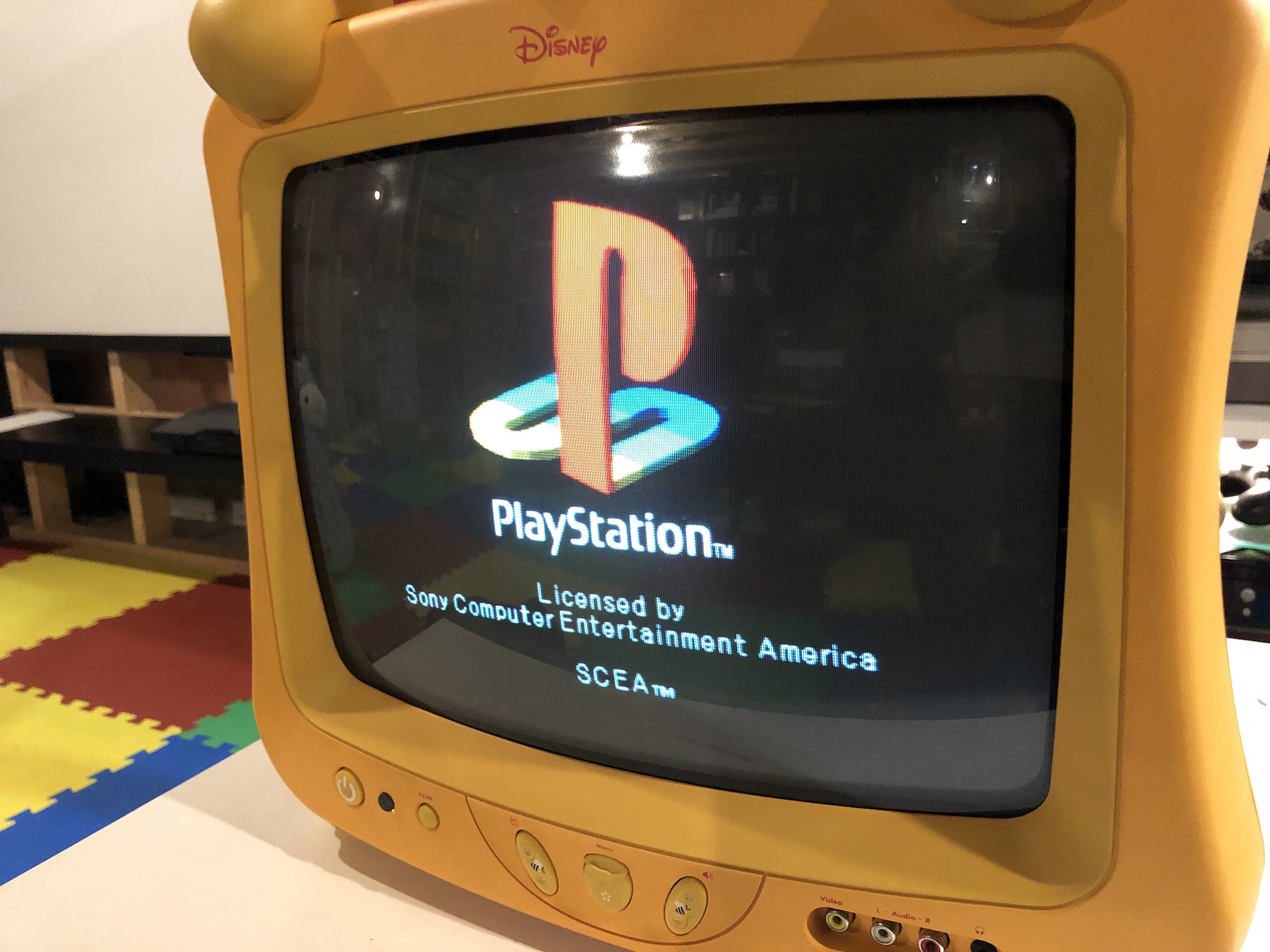
Patterns
Text - FXPakPro 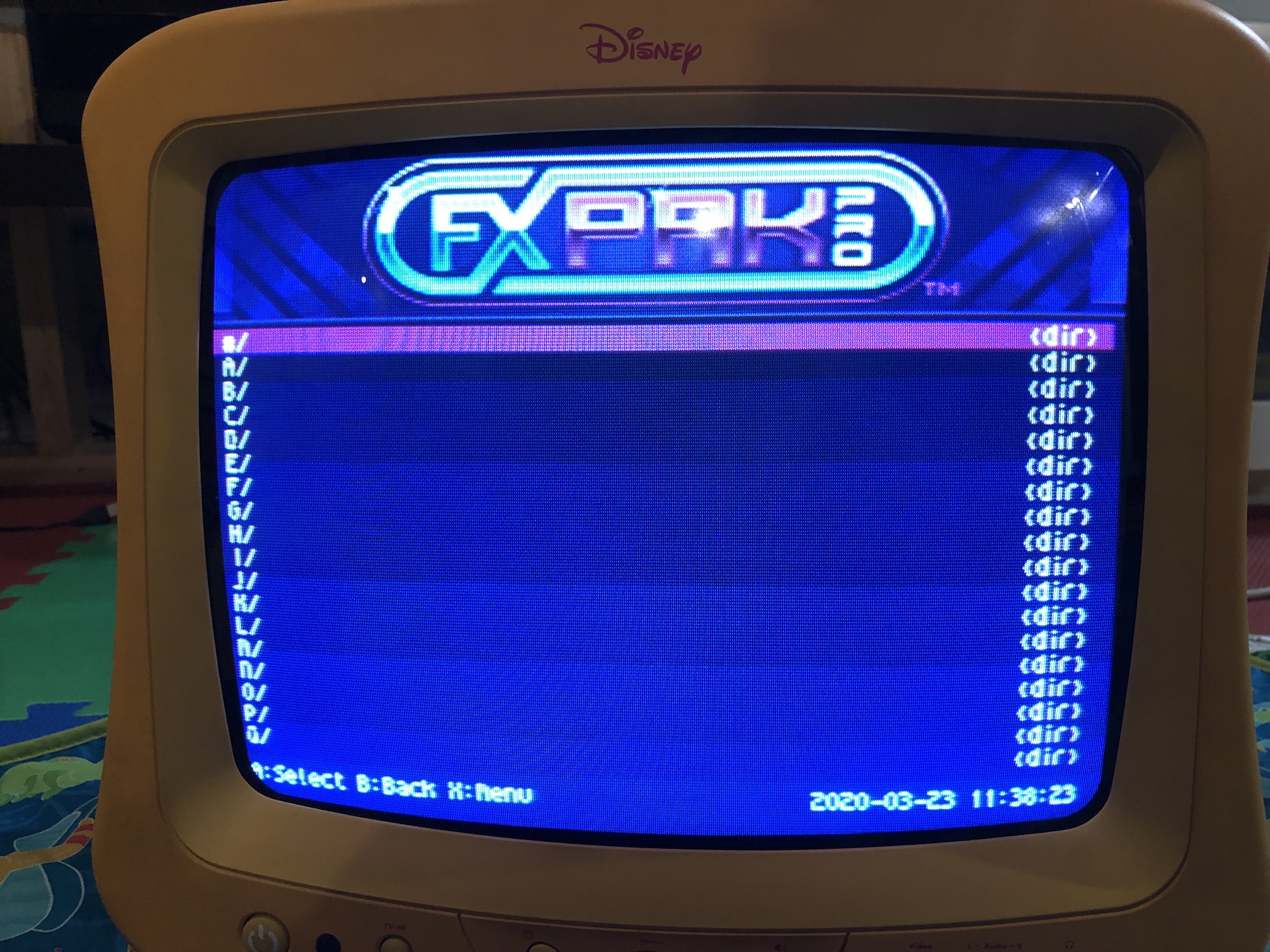
Convergence - 240p test suite 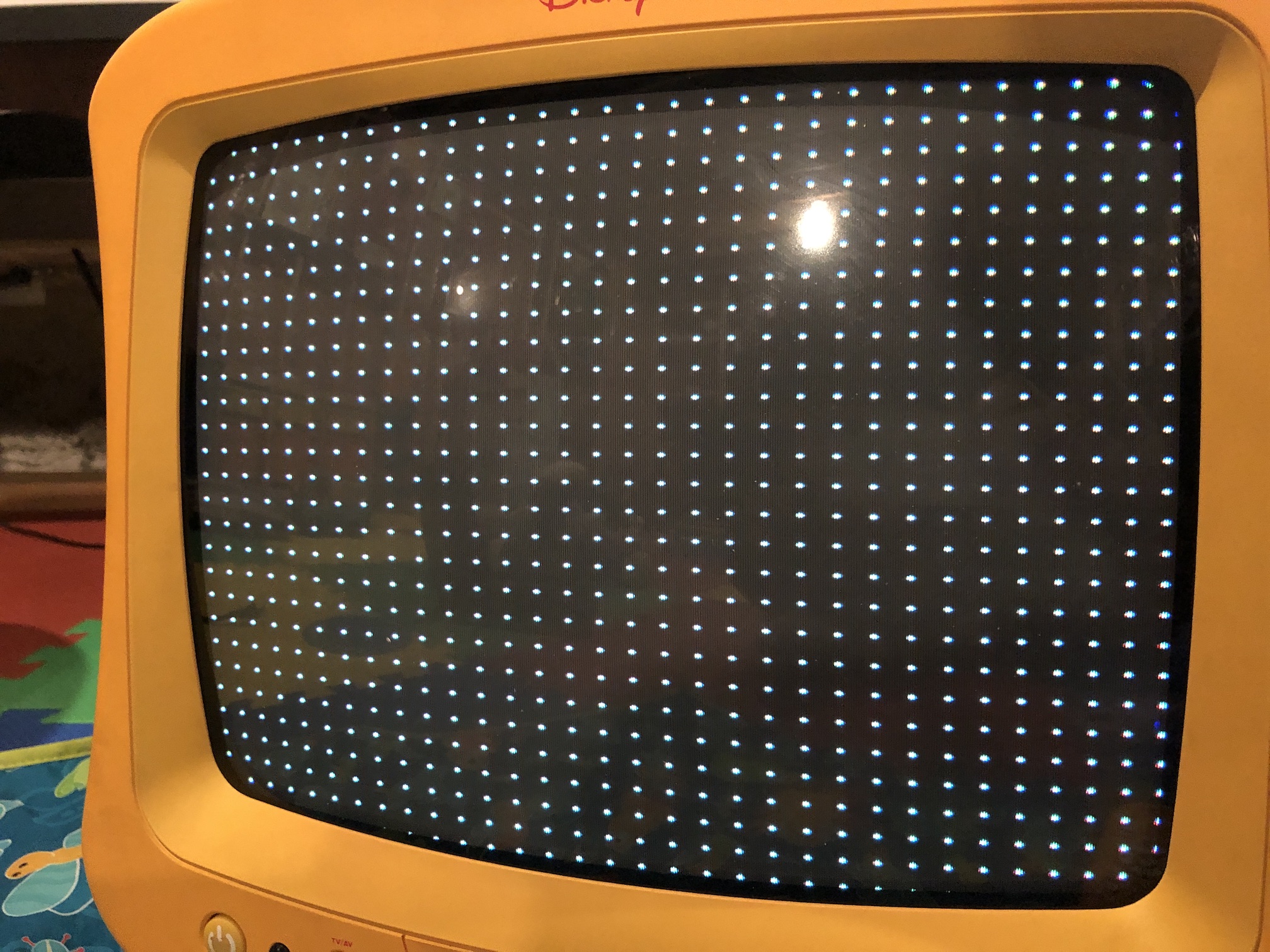
Grid (Before the HPOS shift on service menu) 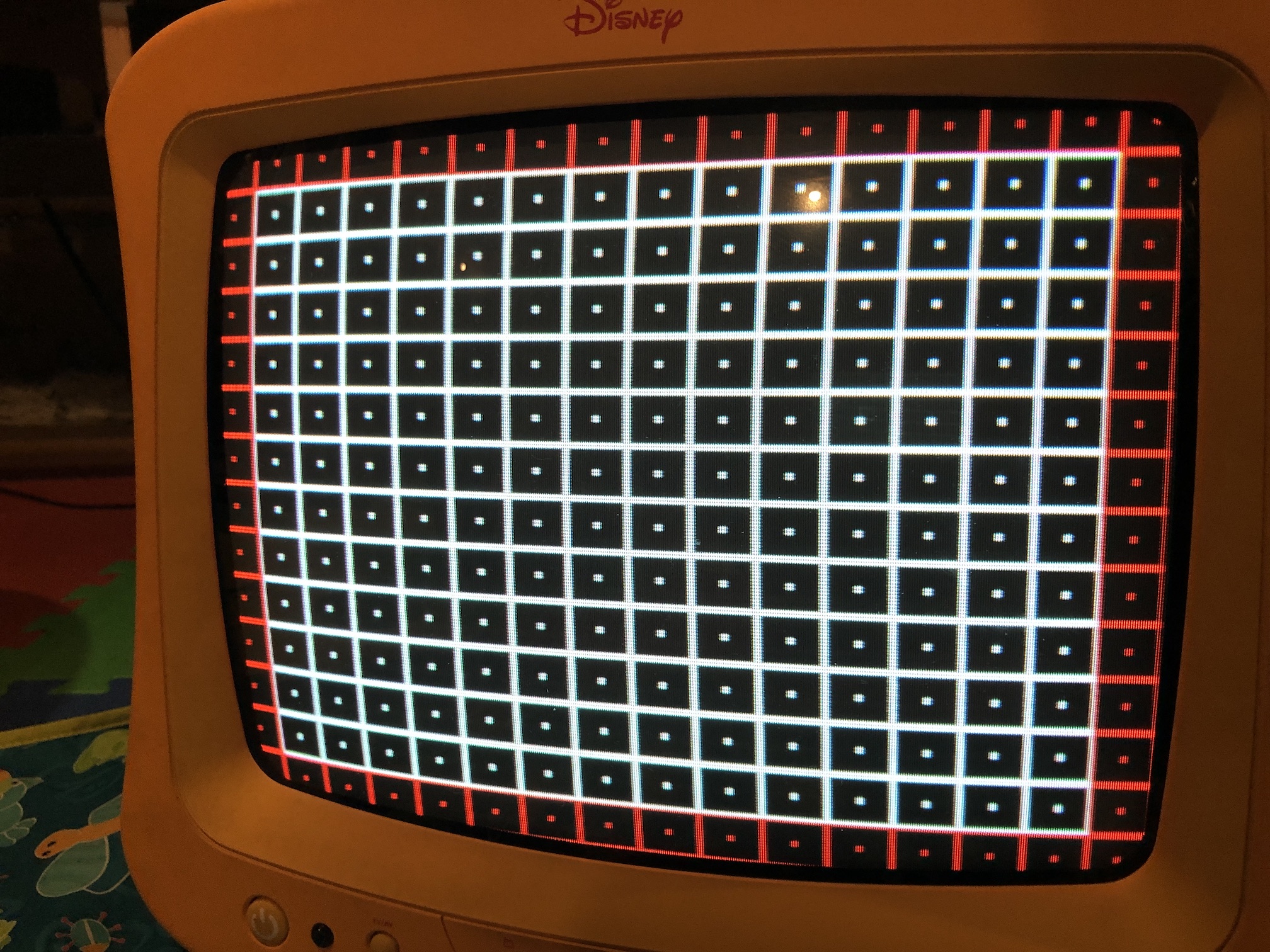
Grid (After the HPOS shift on service menu) 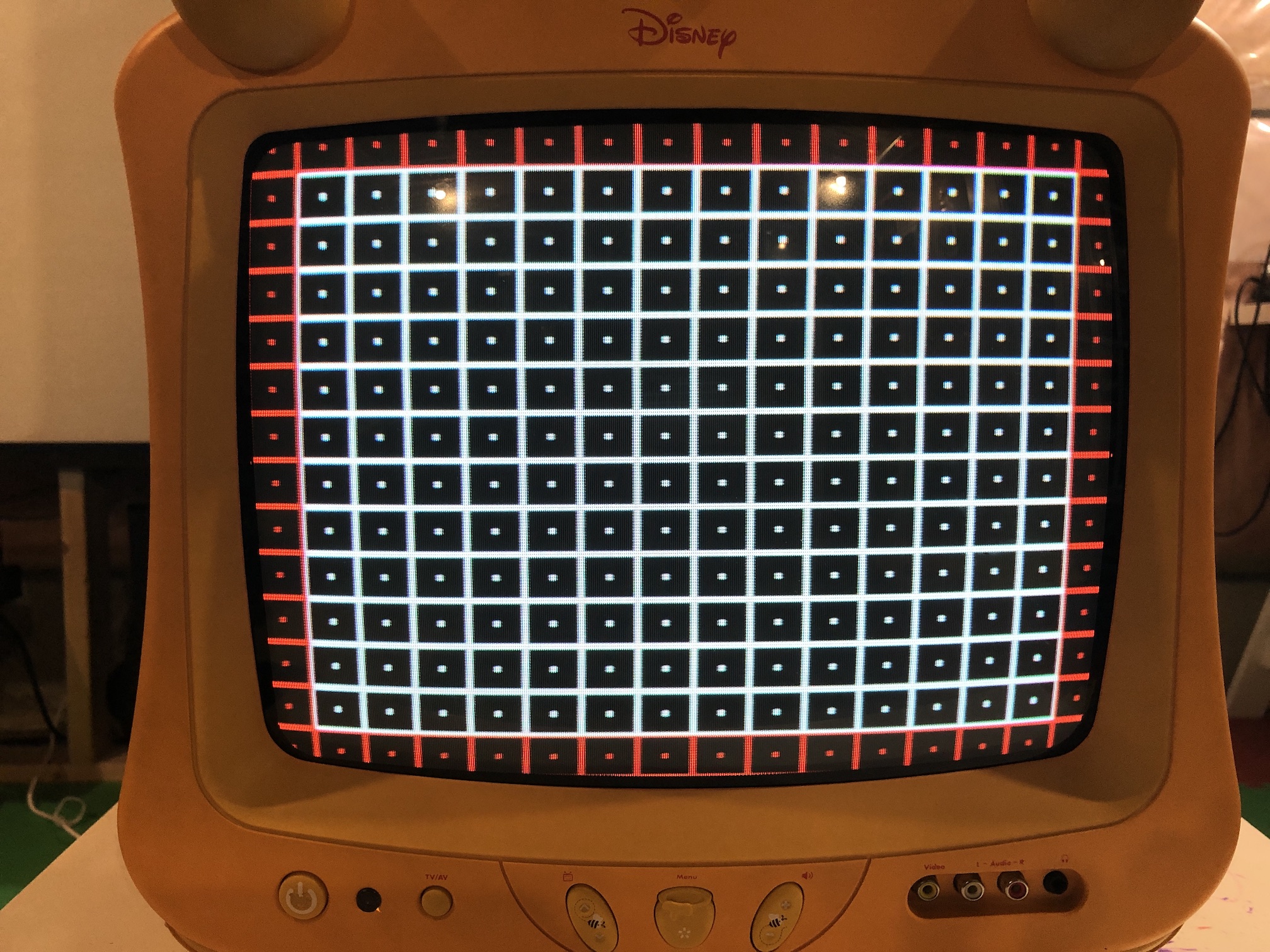
Monoscope (After the HPOS shift on service menu) 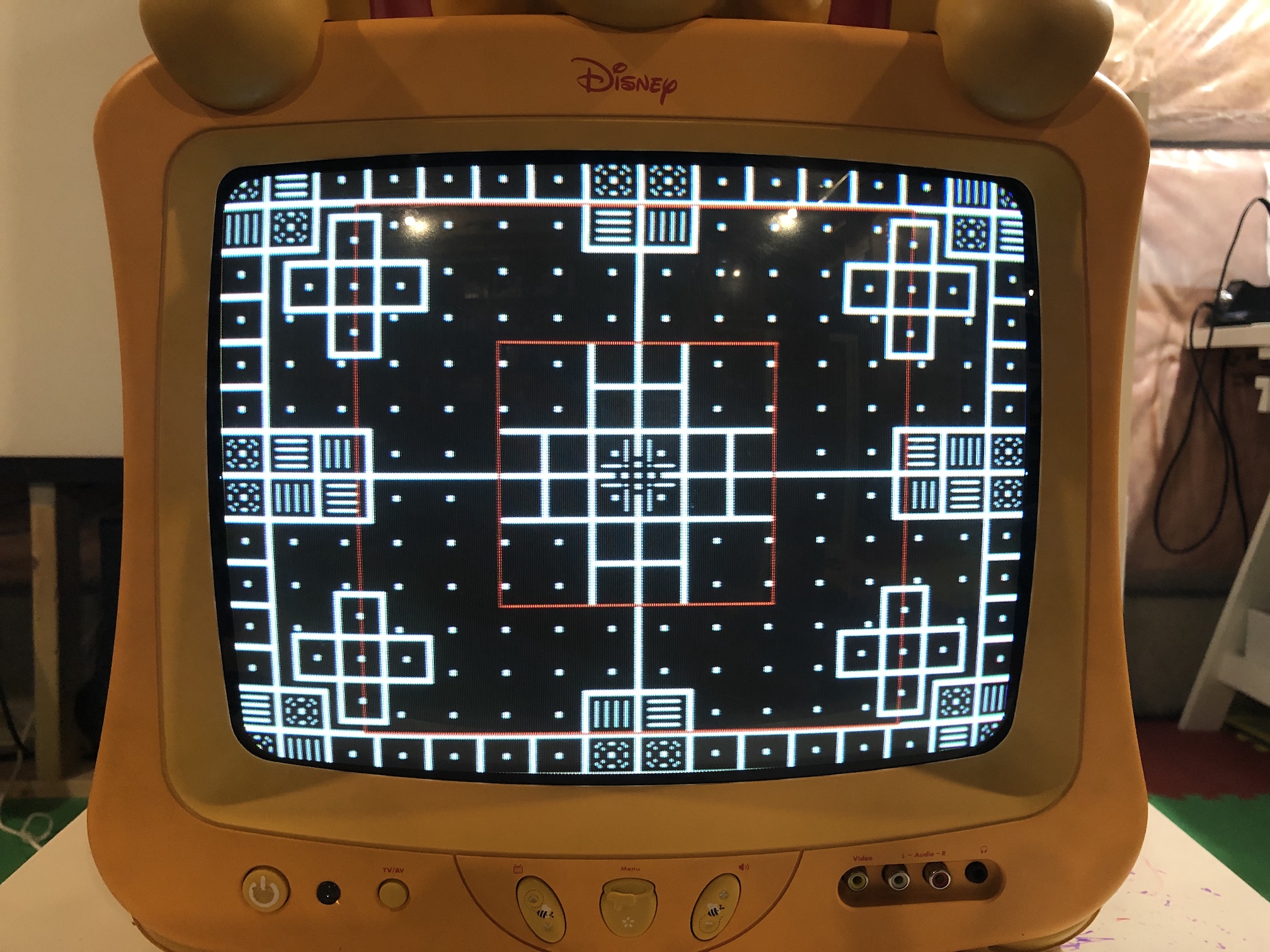
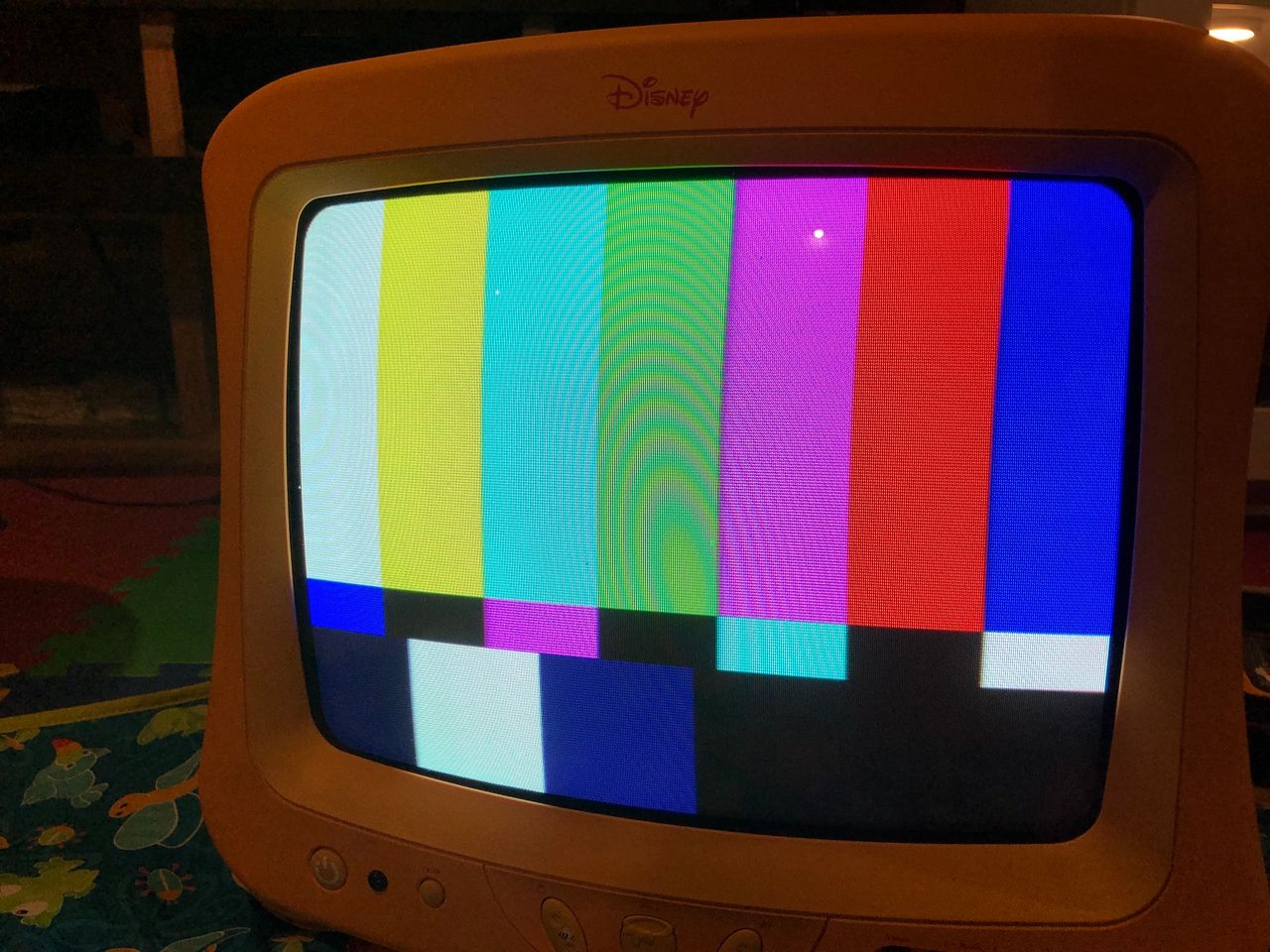
SMPTE Colors 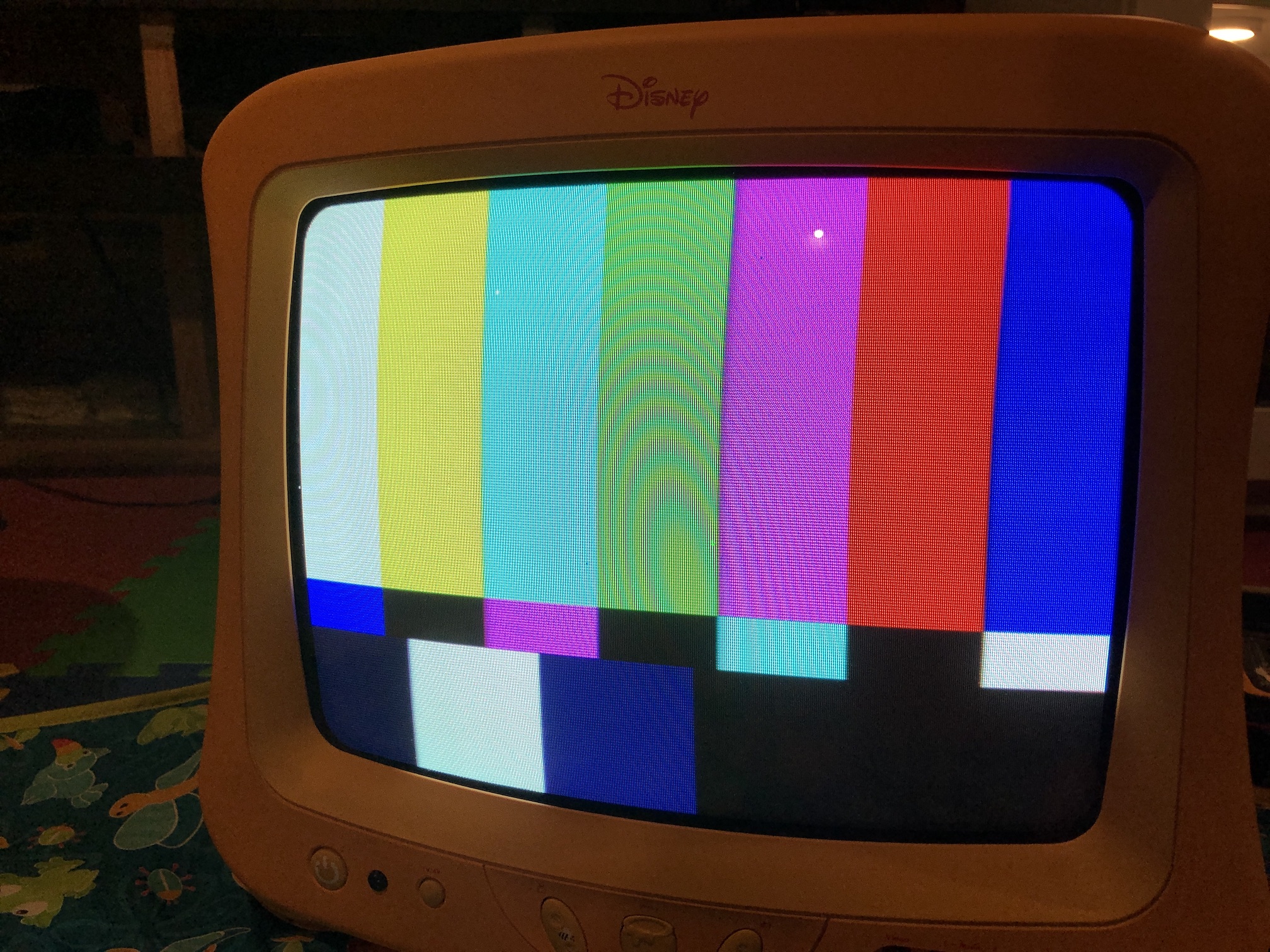
OSD Overlay 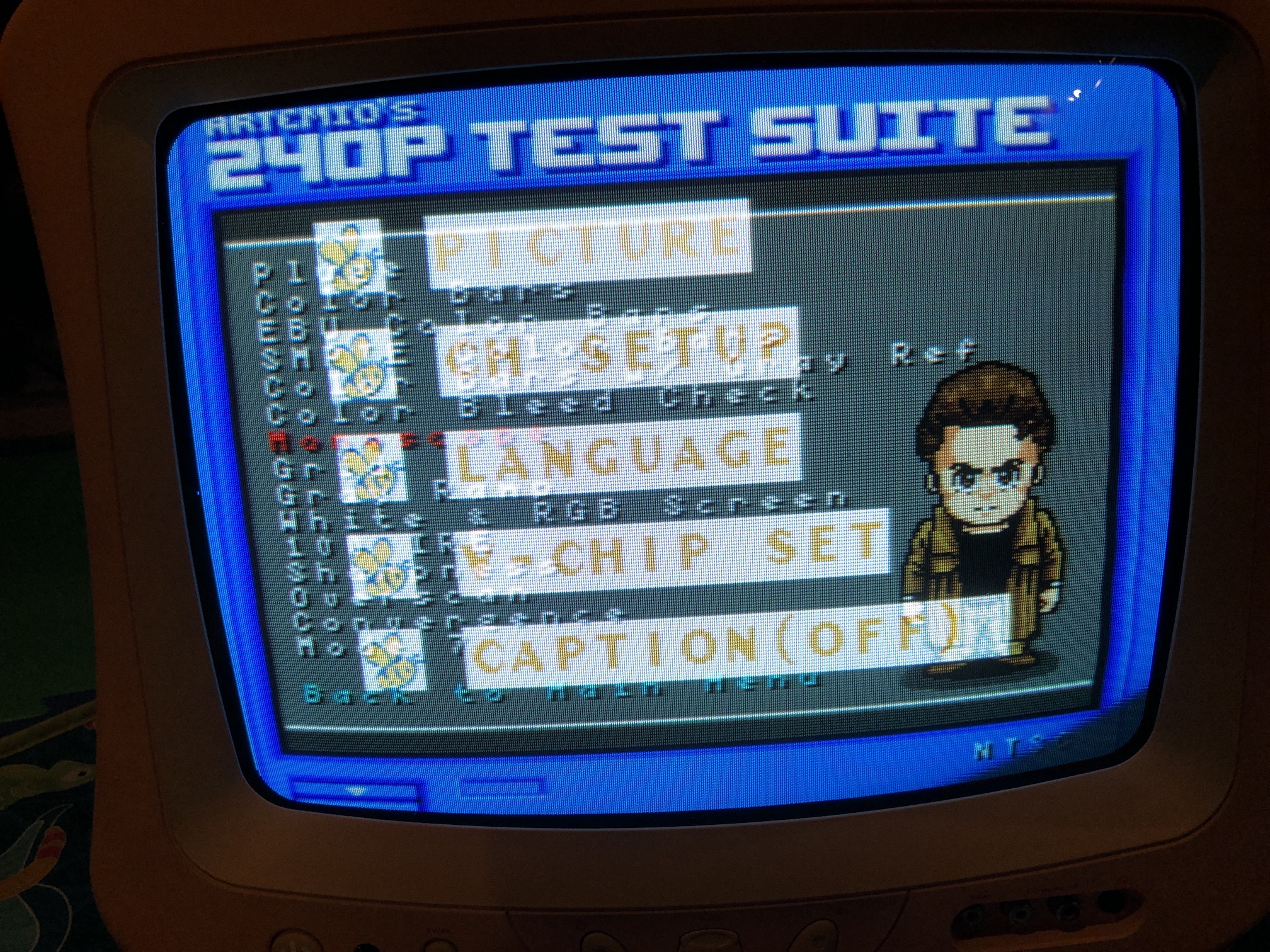
OSD Overlay 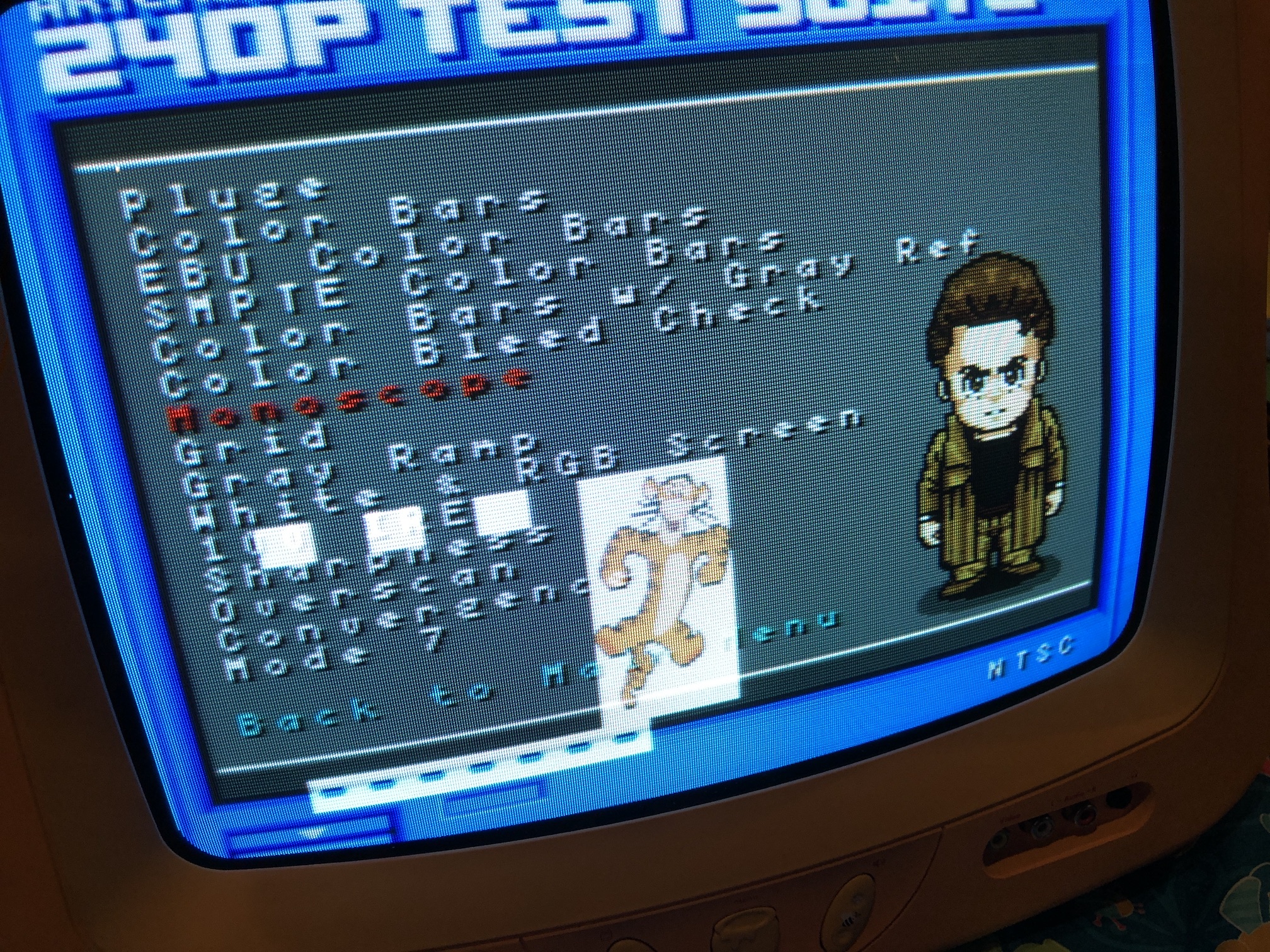
Misc pictures
Board top view 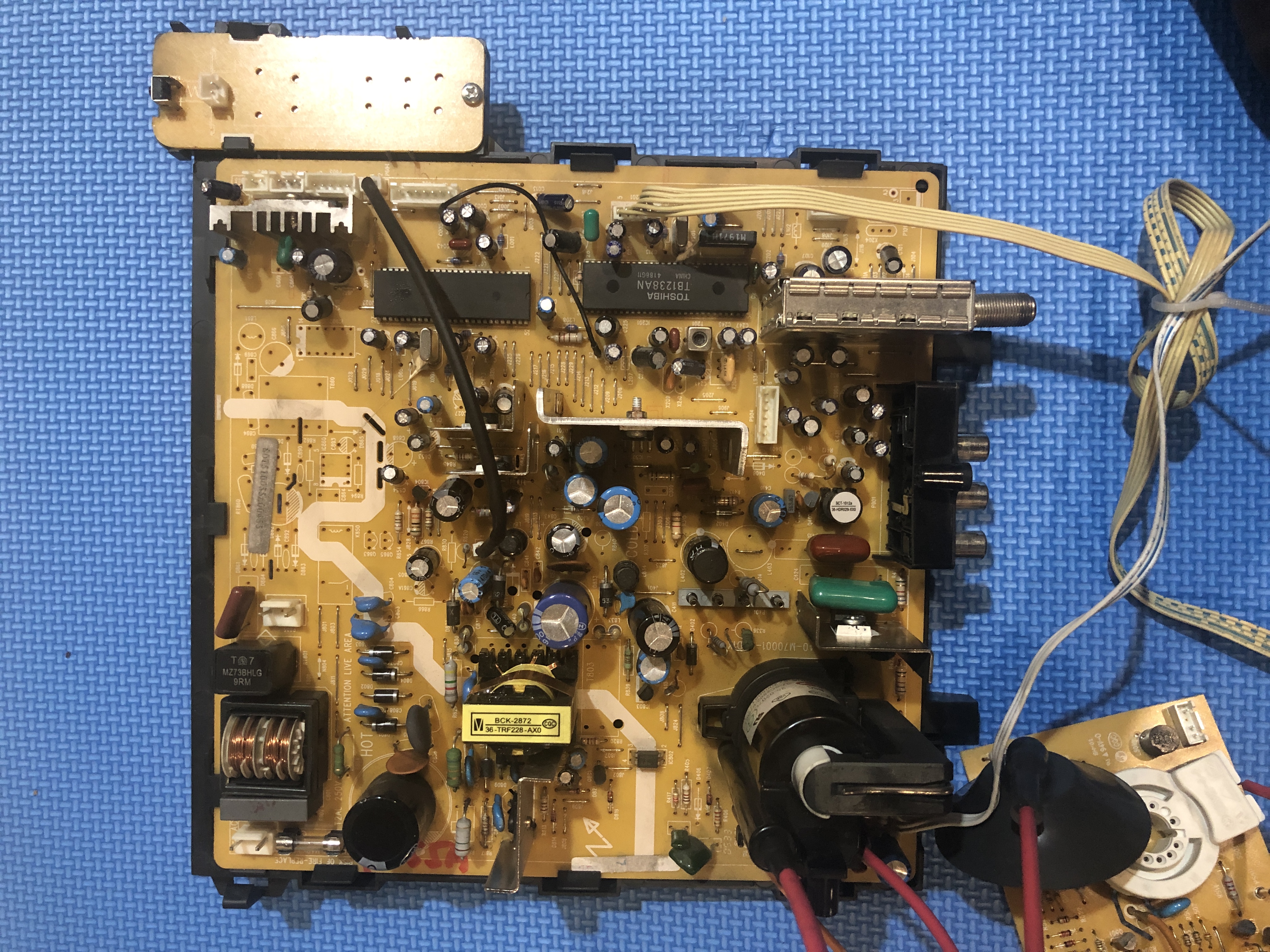
Jungle 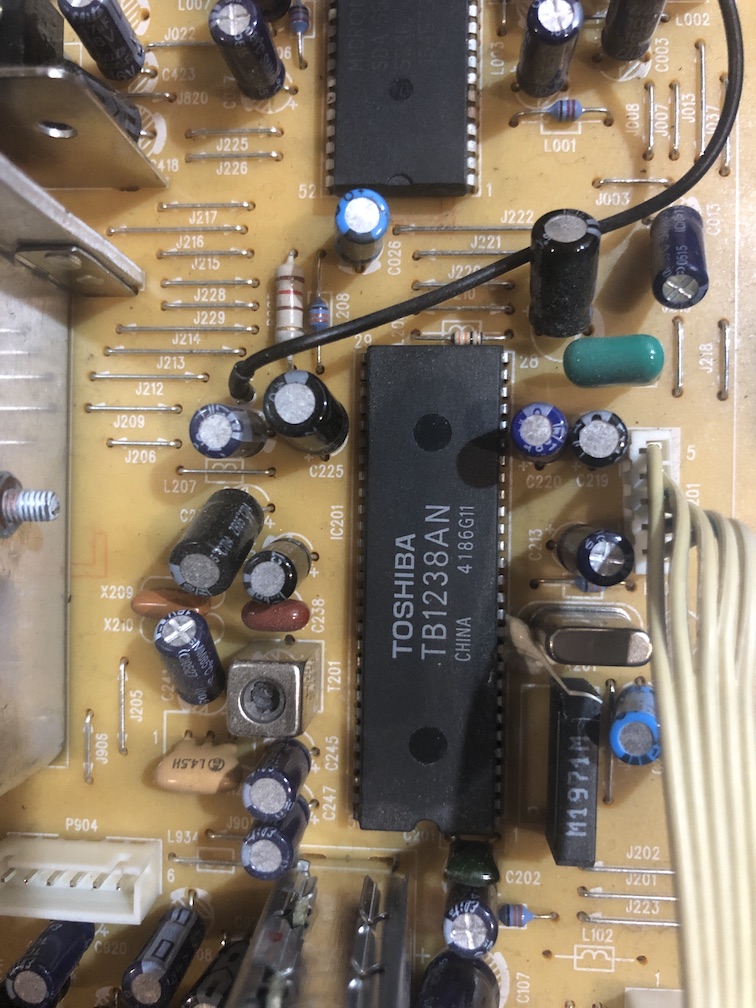
Tube - 37SX110Y22-DC15 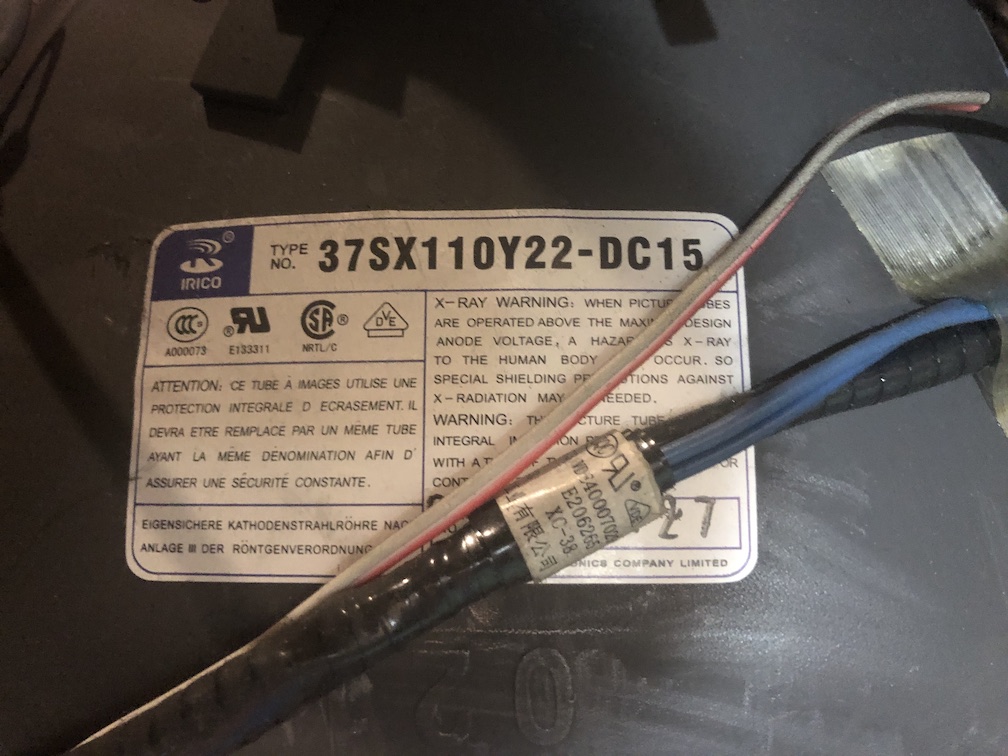
Pictures
Reference Photos