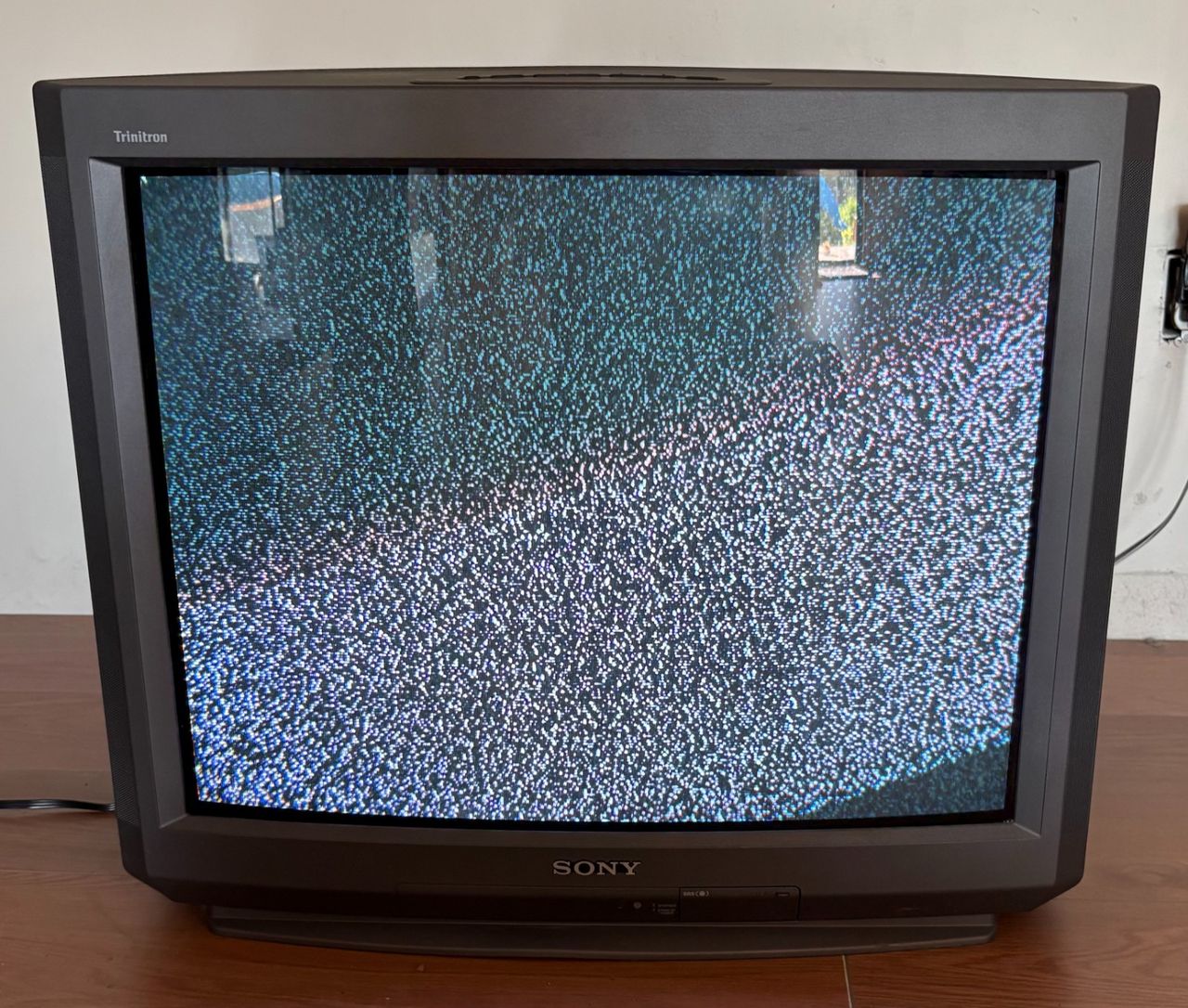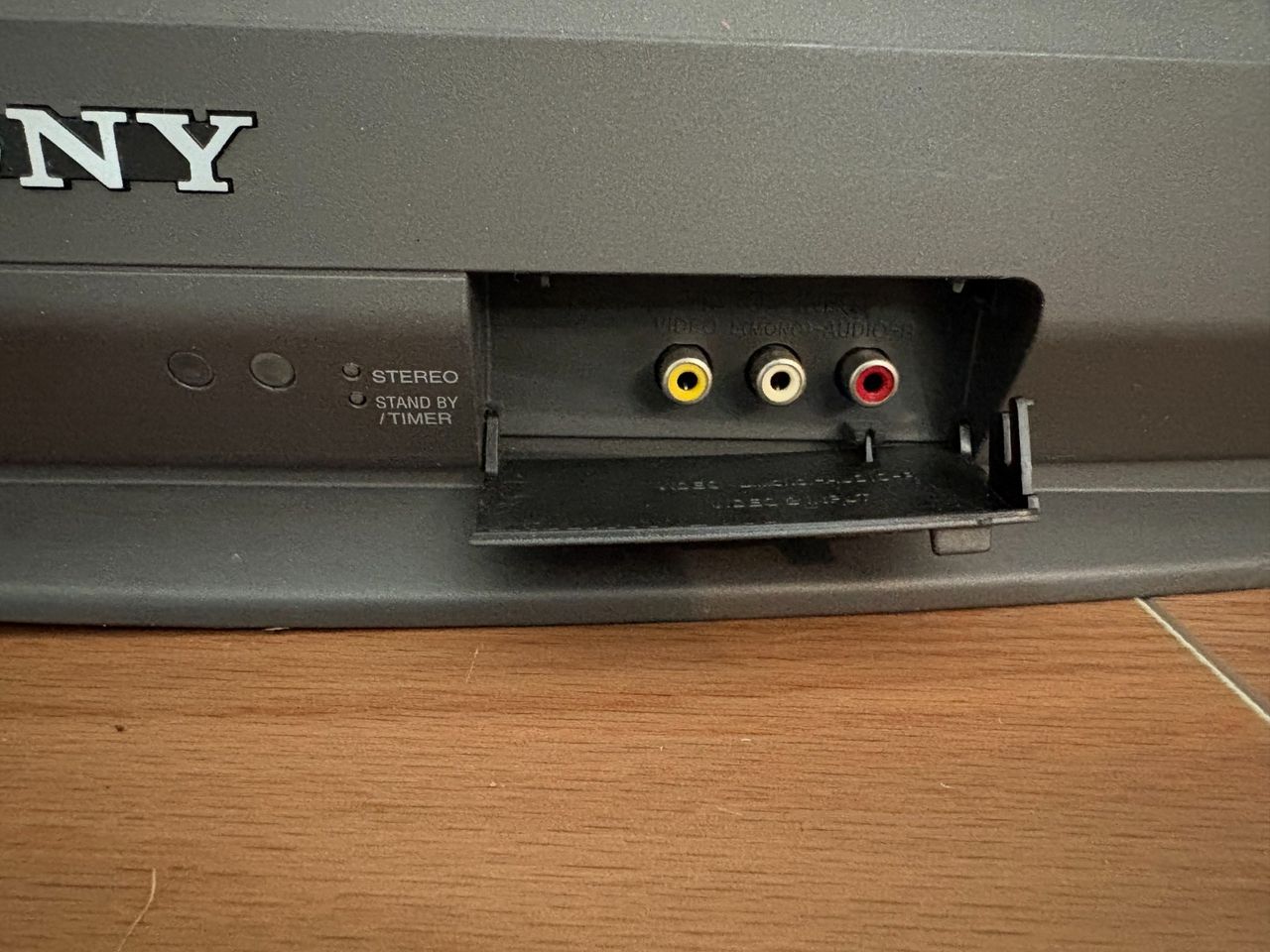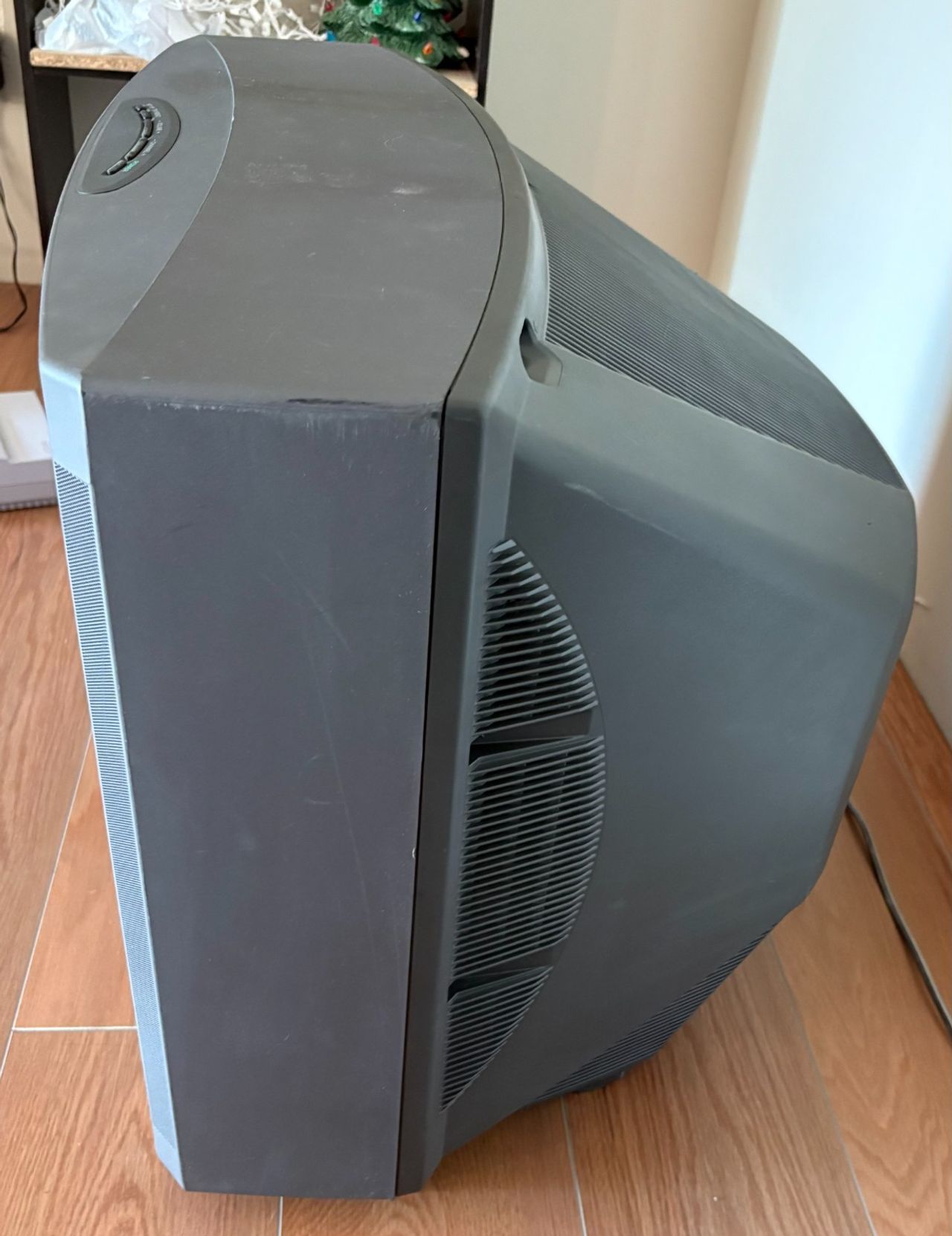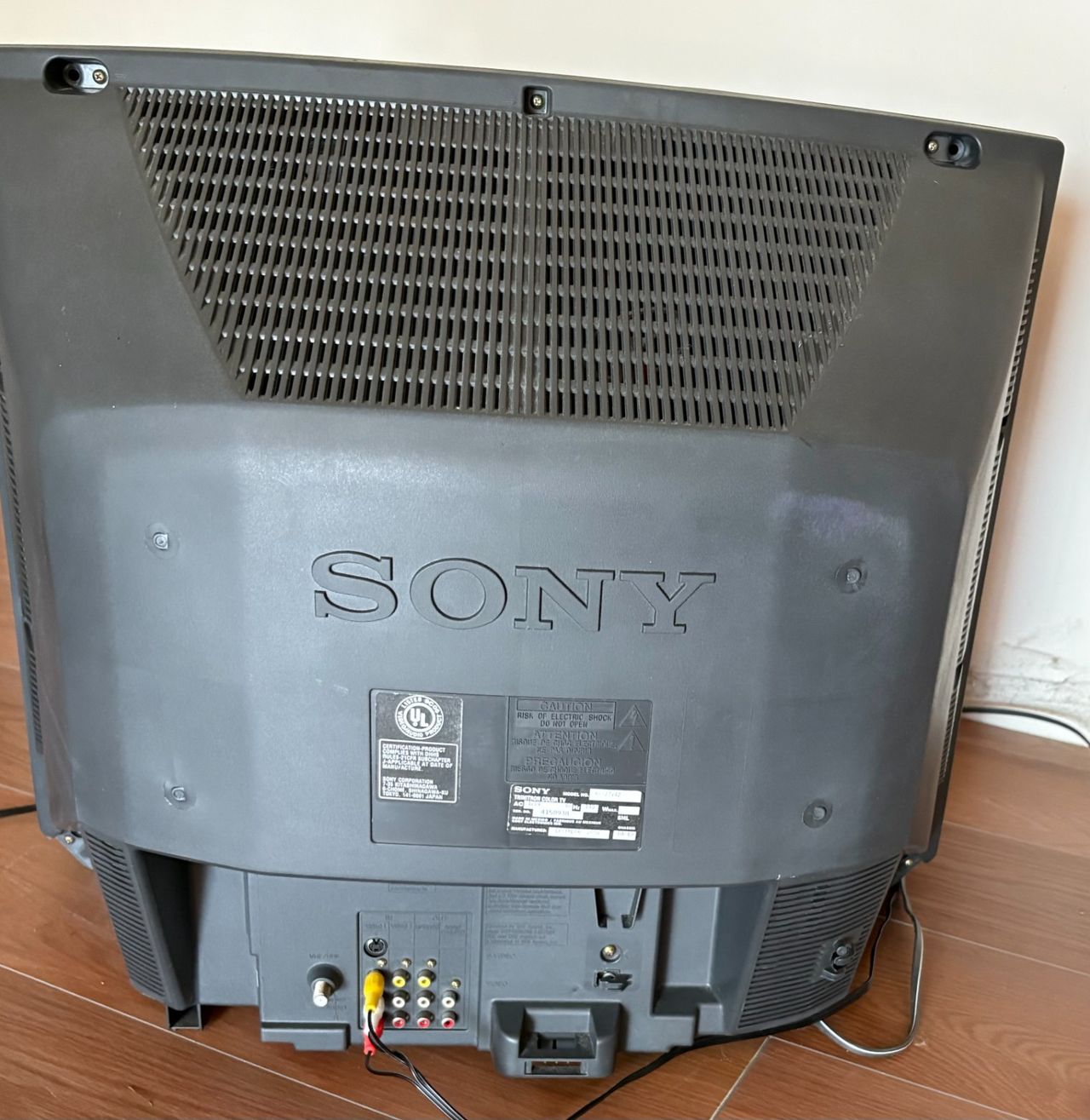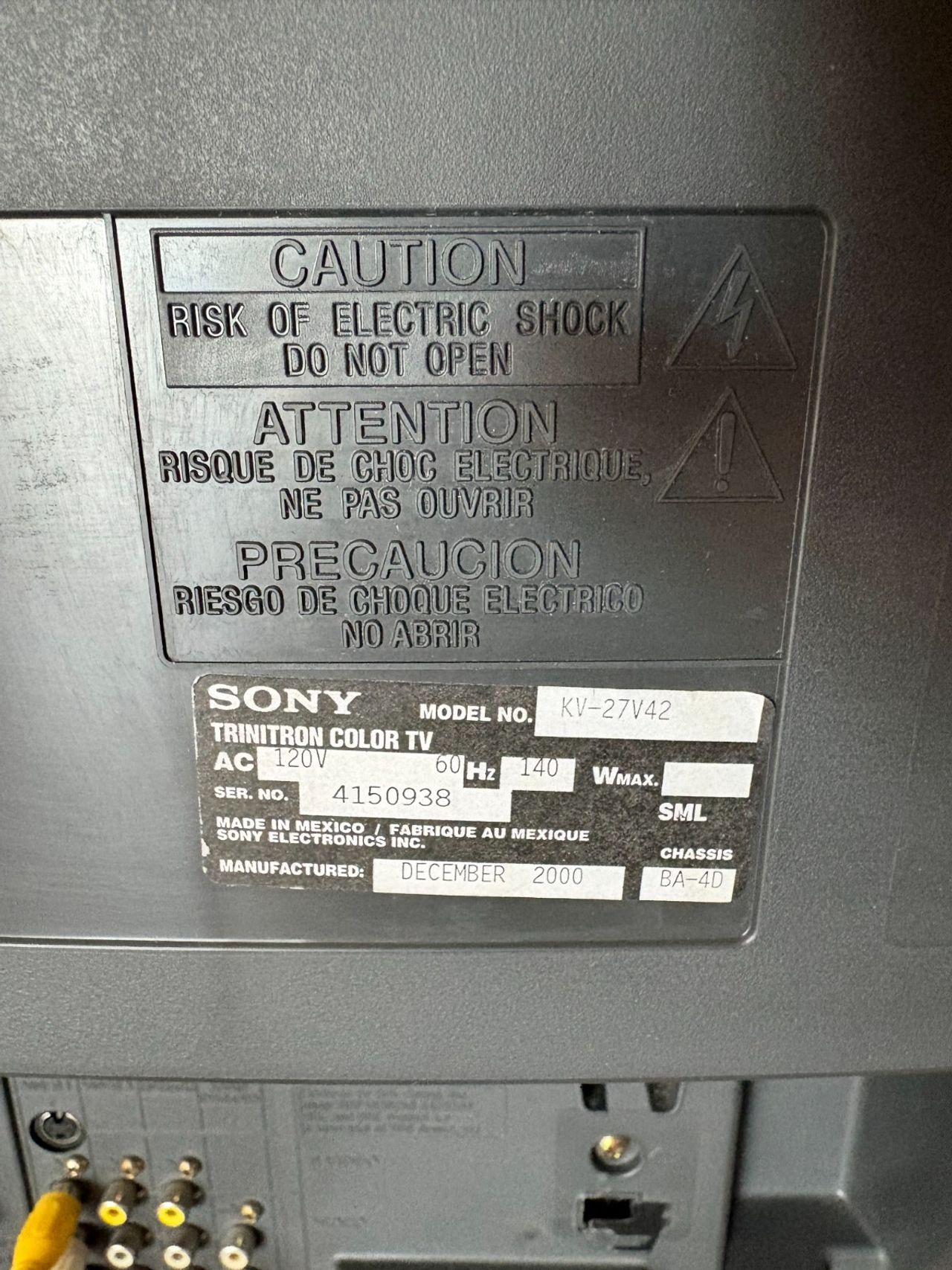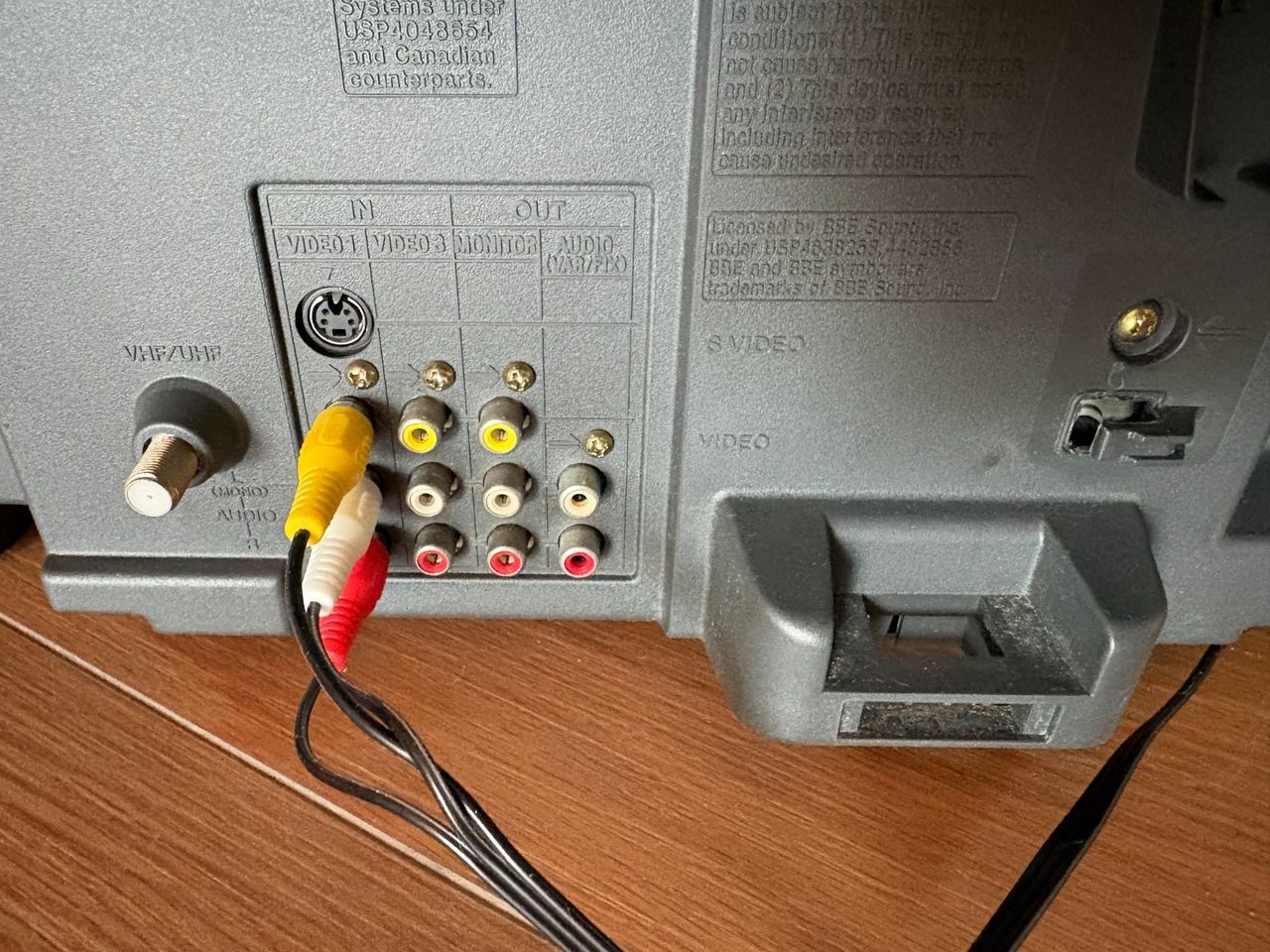
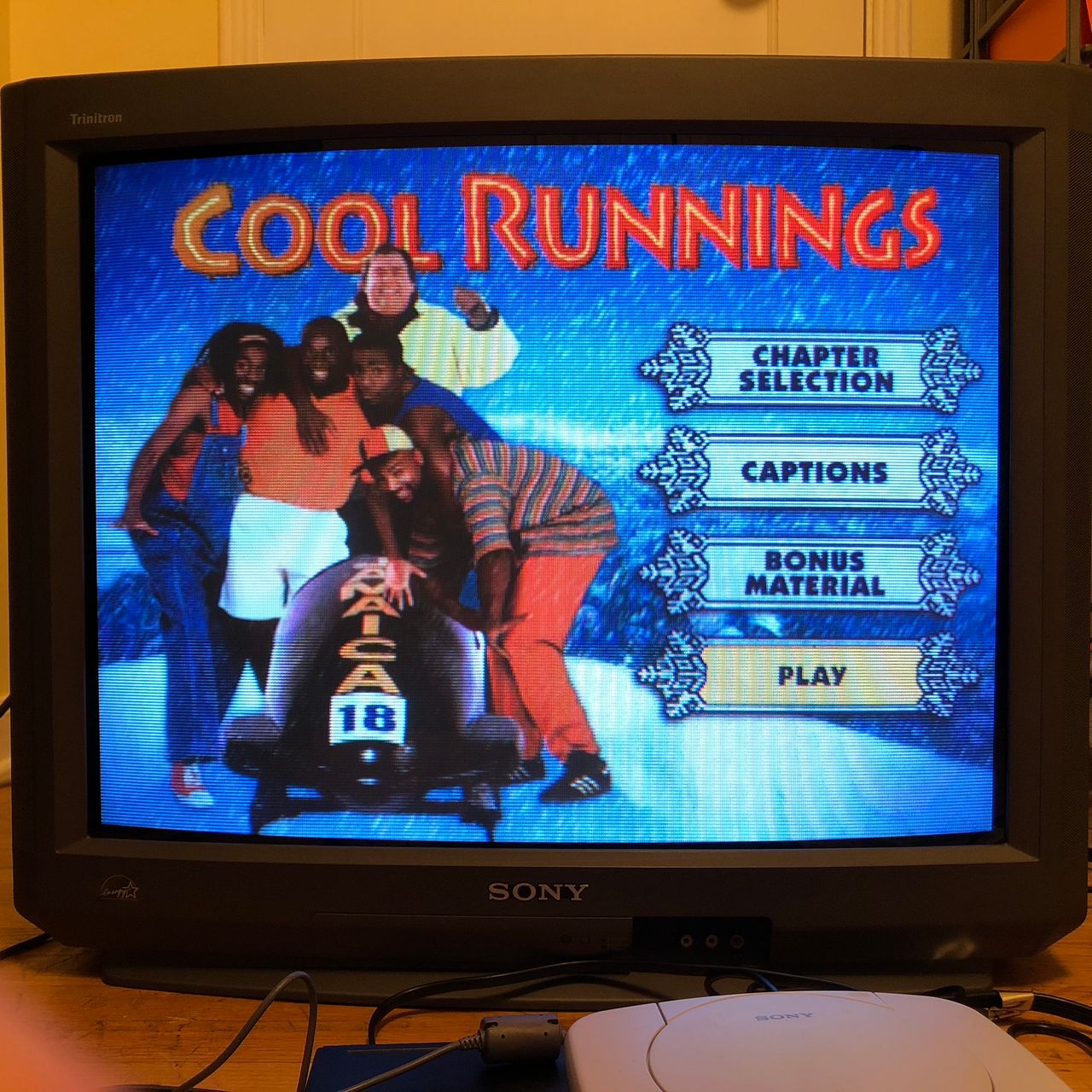
Sony (BA-4D) KV-27V42
Sony (BA-4D) KV-27V42 CRT RGB mod
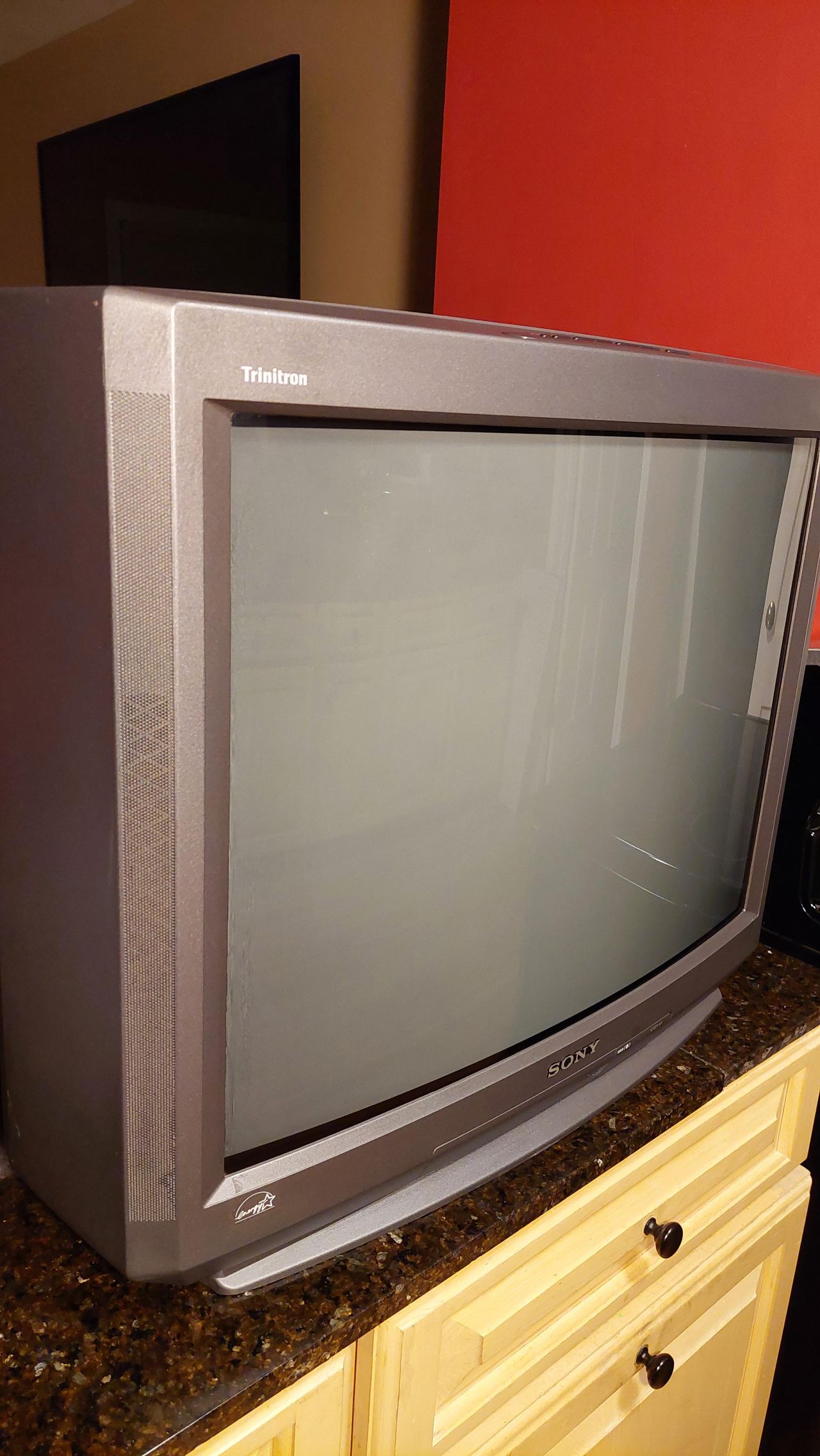
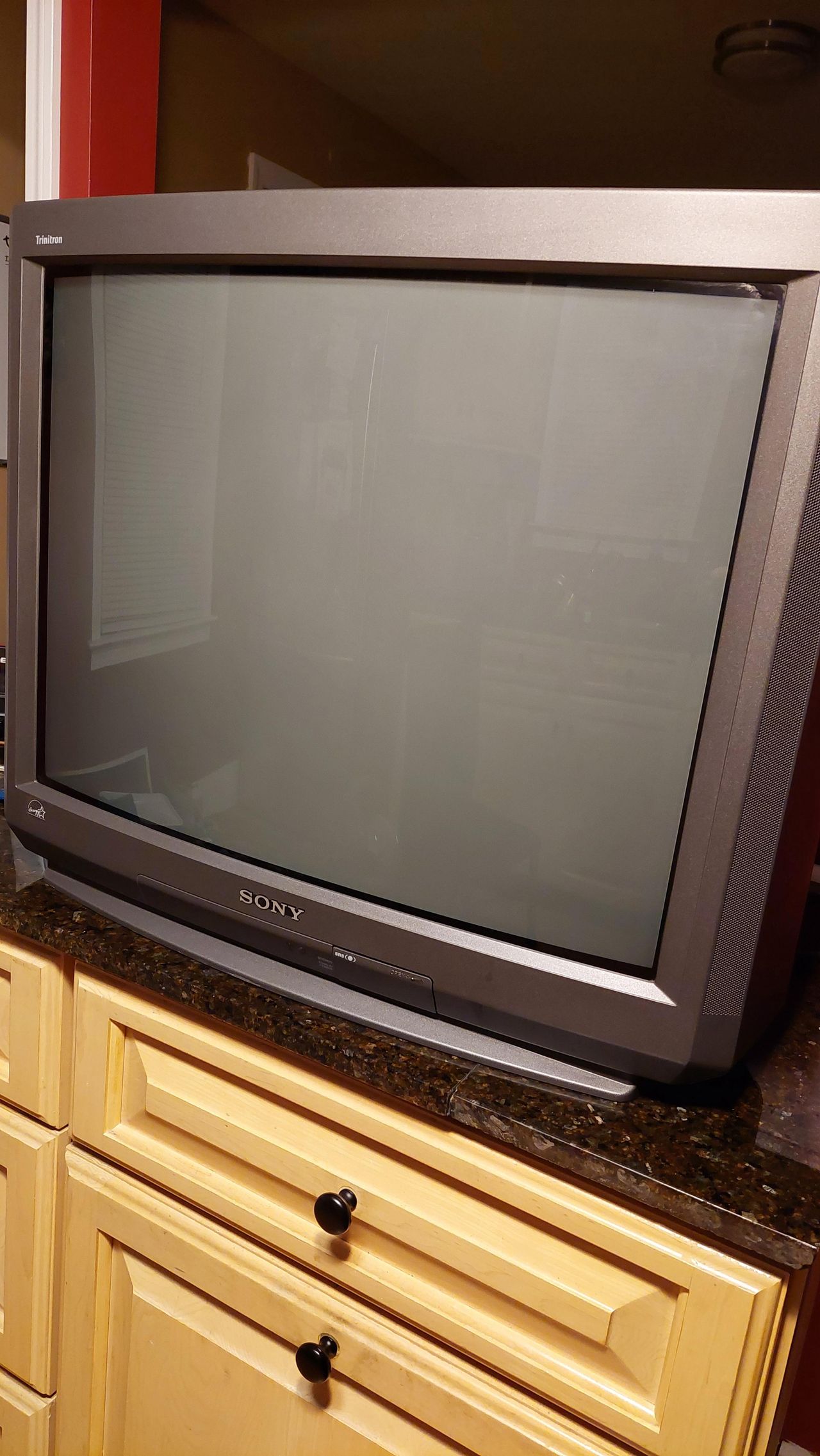
The Sony KV-27V42 is a highly regarded 27" curved CRT television originally released in the late 1990s. Featuring a premium Trinitron tube, built-in stereo speakers, and an S-Video input.
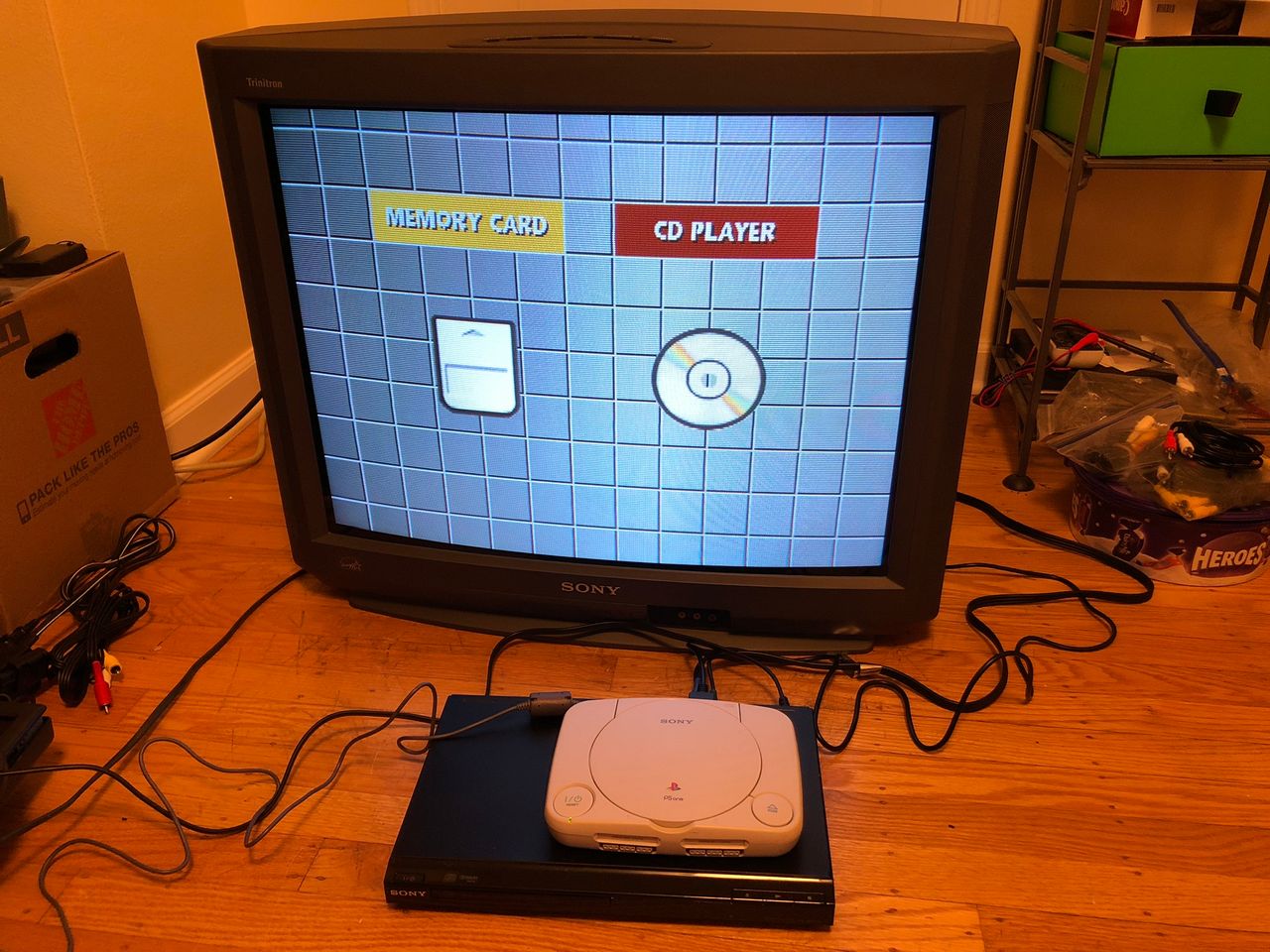
View full CRT details and more mod examples →
This mod by Kaz Packman gives a different perspective on how you can mod your CRT for RGB.
Instructions below should also apply to these models:
- KV-27S42
- KV-27V42
- KV-27S46
- KV-27S66
- KV-35S36
Table of Contents
Contributors
Thank you to everyone who contributed to this guide:
- Tube Gaming — showcase author
- Matt Ross — contributor, CRT specs from CRT Database.
- Kaz Packman — contributor, RGB mod and pictures
CRT safety
Caution
You can die doing this! So read carefully! CRT TV is not a toy. Do not open a CRT TV. If you don't have any prior knowledge about handling high voltage devices, this guide is not for you. CRT TV contains high enough voltage (20,000+ V) and current to be deadly, even when it is turned off.
Plan of attack
Manuals and Datasheets
- Sony KV-27V42 Service Manual — Available for Pro Users only. See CRT details for access.
Specs
- Year: 1999, 2000
- Format: NTSC
- Chassis: BA-4D
- Tube: Sony Trinitron A68LML50X
- Jungle Chip: Sony CXA2133AS
- OSD Chip: Mitsubishi M37273MF-255SP
- Screen Size: 27"
- Weight: 93.5 lbs
- Inputs: Composite, S-Video, RF
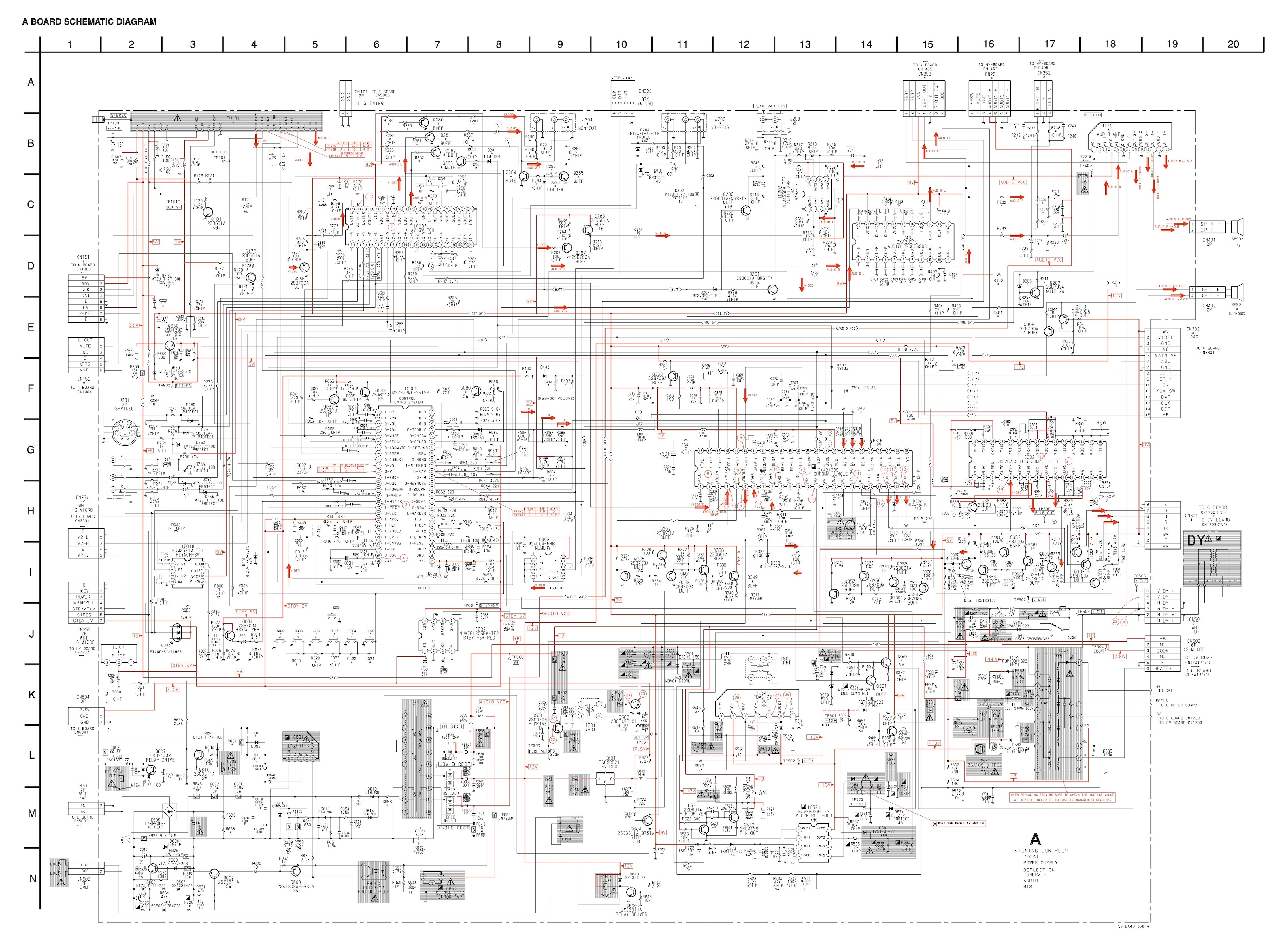
Schematics
Calculating the RGB external resistor value
Formula from our theory page!

Calcualted 910Ω for 0.7Vp-p. With didoe inline for RGB, you have to use 1kΩ
RGB mux diagram
Prepare the mux diagram. If you are building your own circuit, this diagram should help.
Performing the mod
Now that you roughly know what needs to be done, prepare for the mod. Place the board on a comfortable place. Make sure you are not putting pressure on the flyback or other components. Taking out the chassis is fairly straight forward on this CRT. There are few wires that needs to be disconnected.
- Degauss wire
- Power wire
- Ground wire attached to the neck board
- Yoke deflection coil wire
- Anode wire (this is the one with the rubber cap)
- Left and right audio wires
Please remember that wires 1-5 are critical for the CRT to function and should not be omitted. Having any of these wires disconnected while powering up can damage the board and can have adverse effects.
Sometimes it can be overwhelming to see a large chassis. But, we are primarily going to focus on two areas.
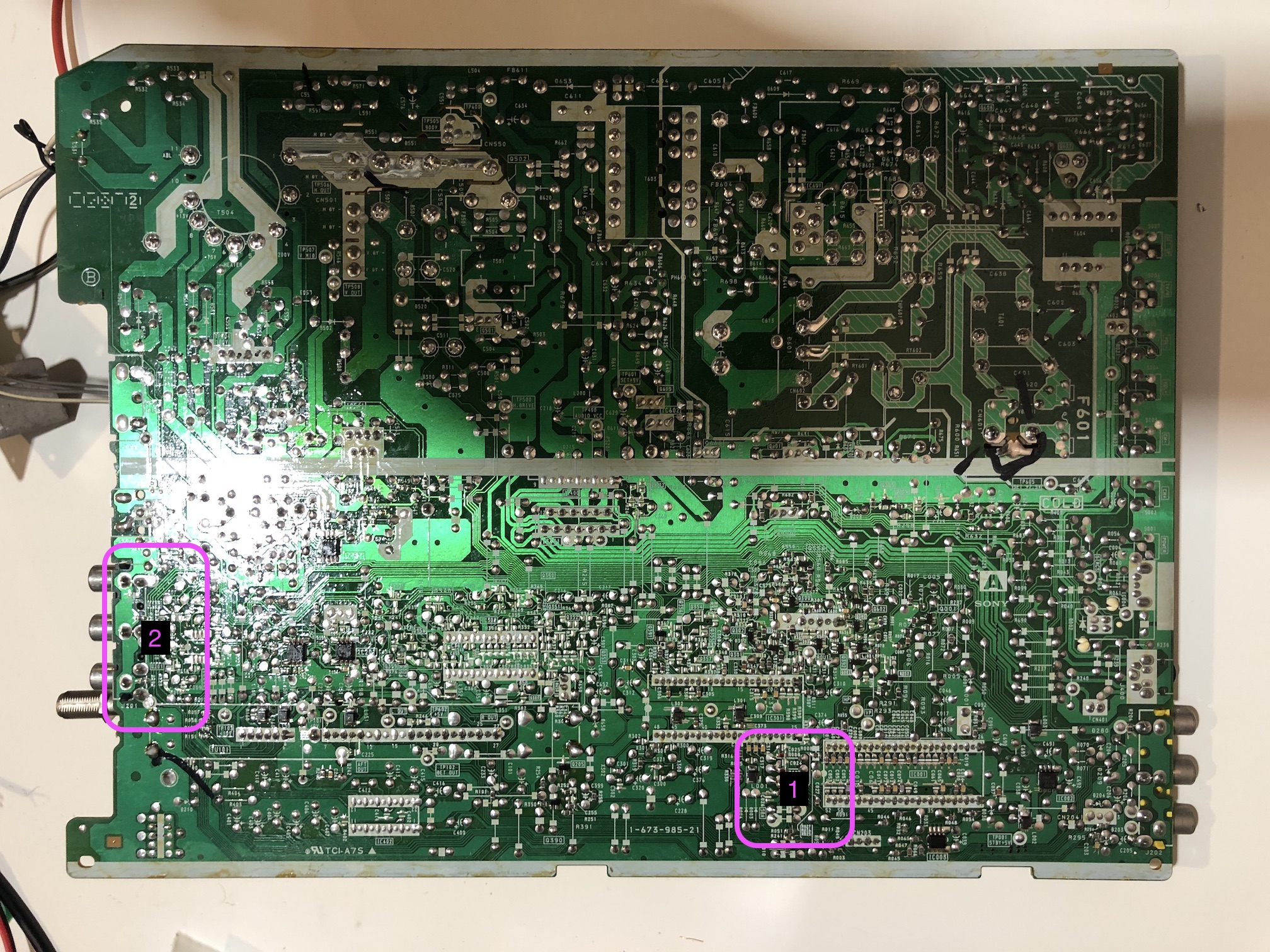
- Area 1: This is where we are going to remove resistors and attach the R, G, B and blanking wires
- Area 2: This is where we are going to connect composite, audio L, R and ground wires
STEP 1: Remove the following components
Zooming in on Area 1.
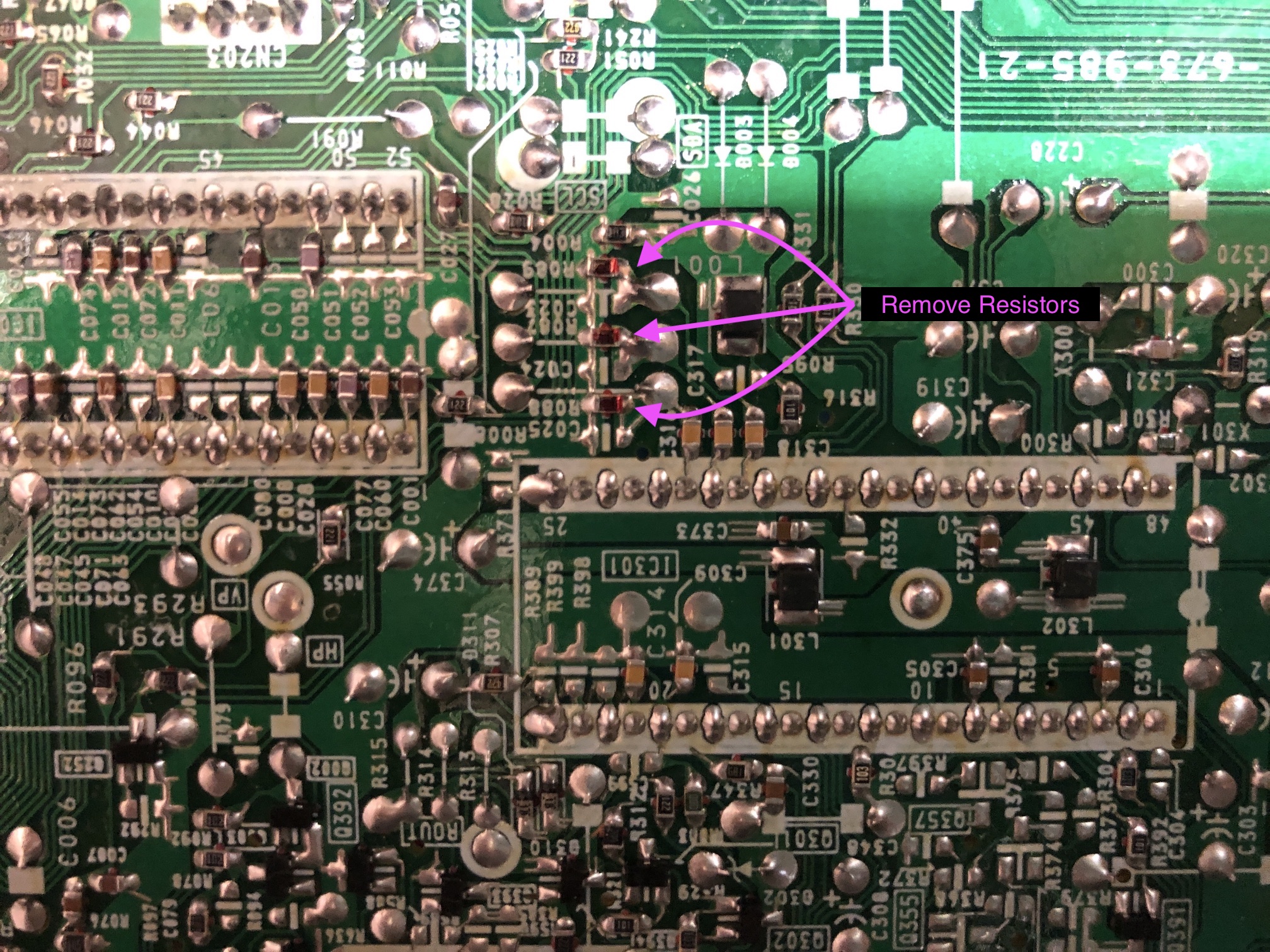
Remove the following components. RGB resistors to the ground. Please always measure and mark them, so that you know you are removing the correct partrs.
- R086 (680Ω) Red ground resistor
- R087 (680Ω) Green ground resistor
- R088 (680Ω) Blue ground resistor
STEP 2: Add RGB inline diodes (optional, but recommended)
To reduce interference, it is recommended to add these inline diodes. You will be lifting one side of the R025, R026, R027 and add diodes.
KV-27V40 - Heat shrink was used in the middle one to avoid shorts. 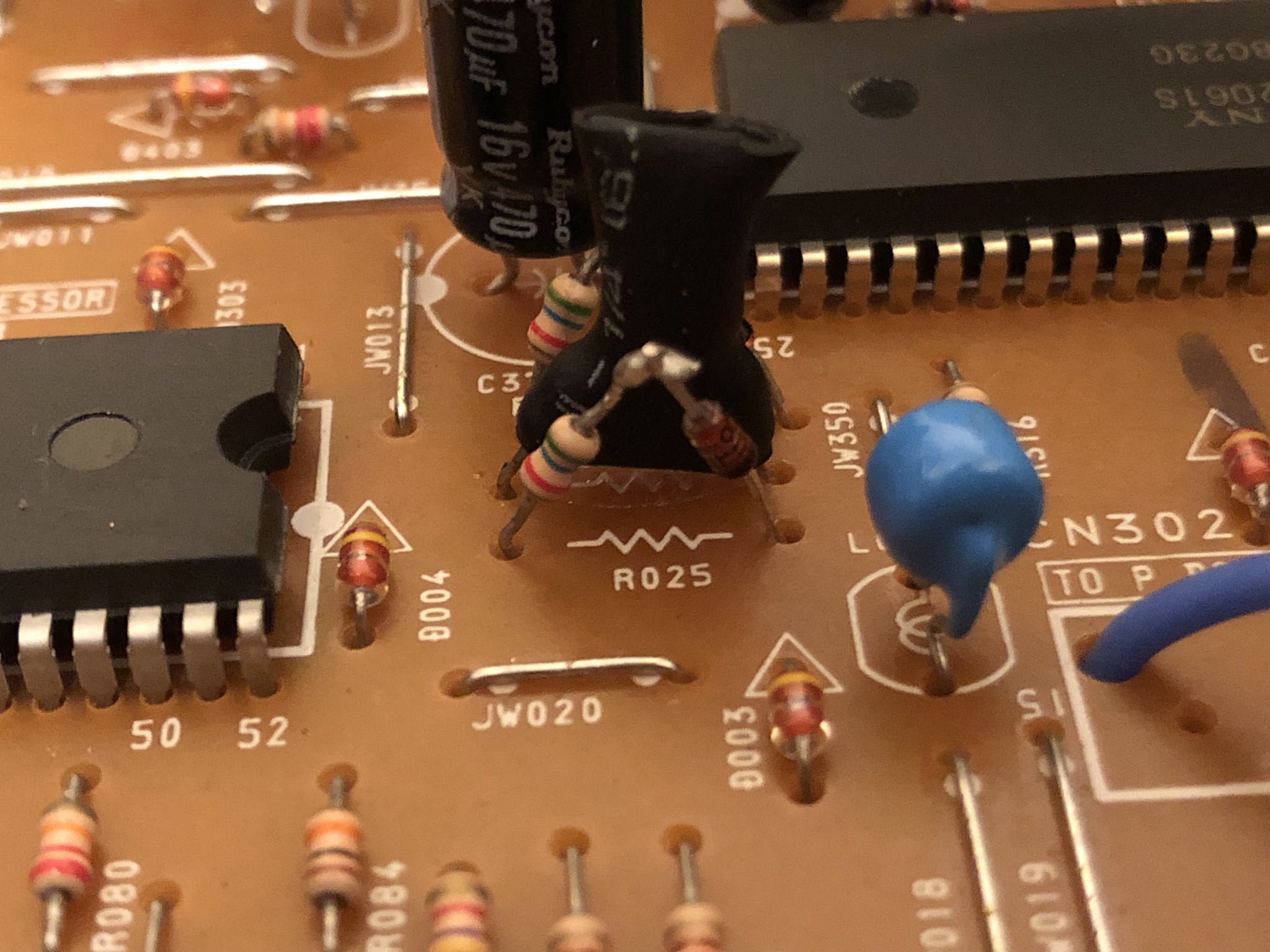
KV-27V42 - Heat shrink was used in the middle one to avoid shorts. 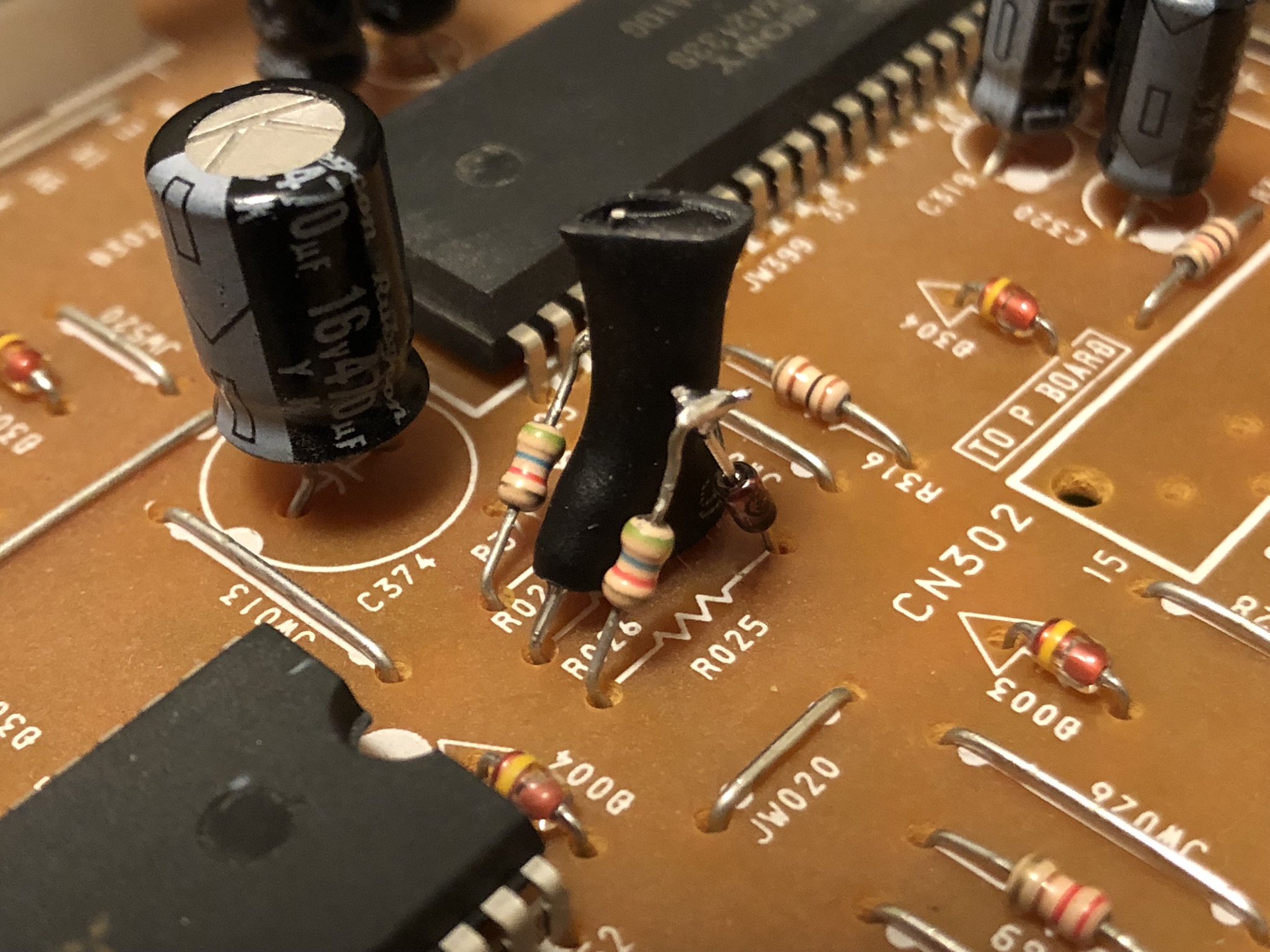
KV-27S42 - Below picture shows before adding the diodes. 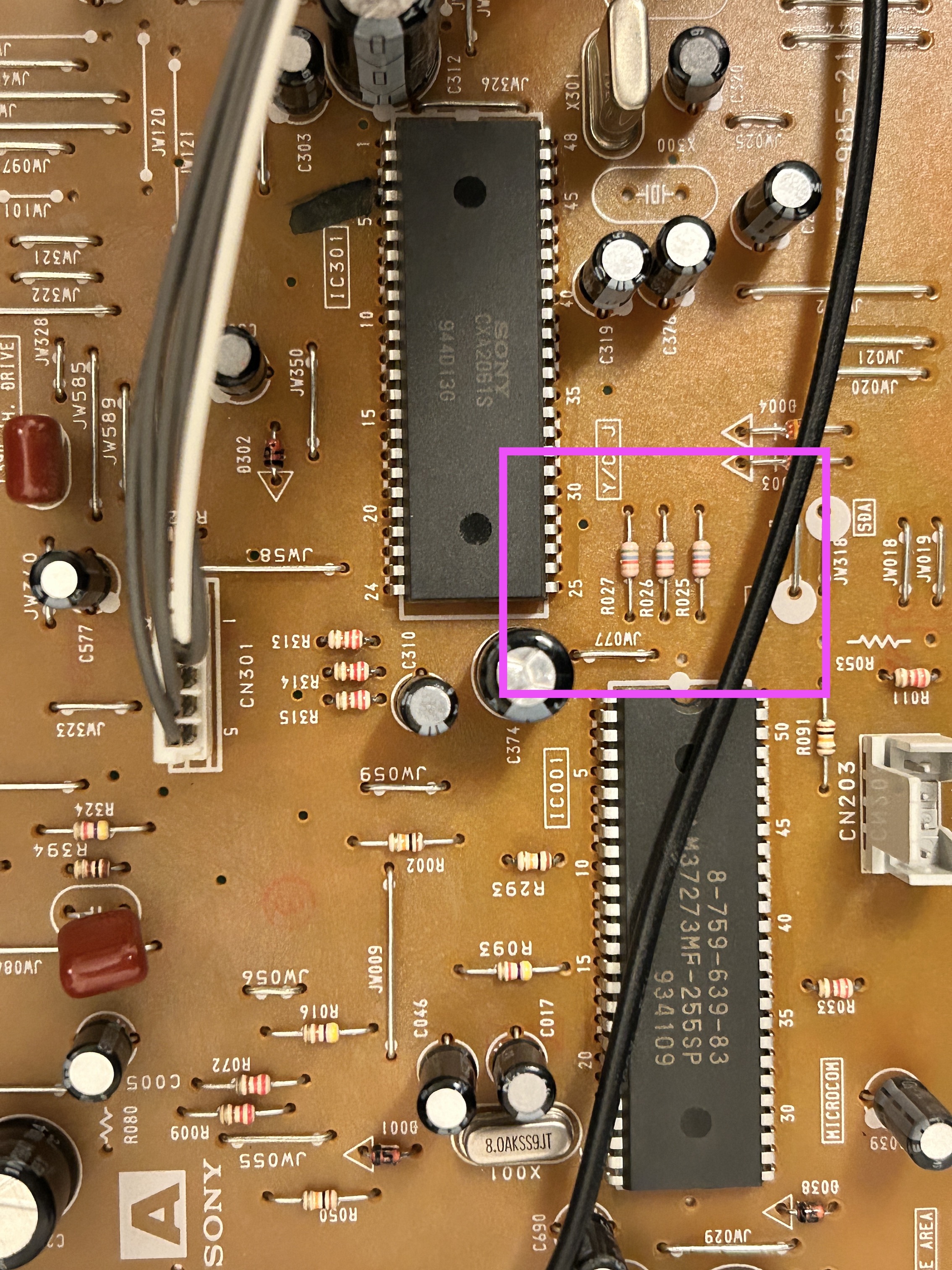
KV-27S42 - After adding diodes inline 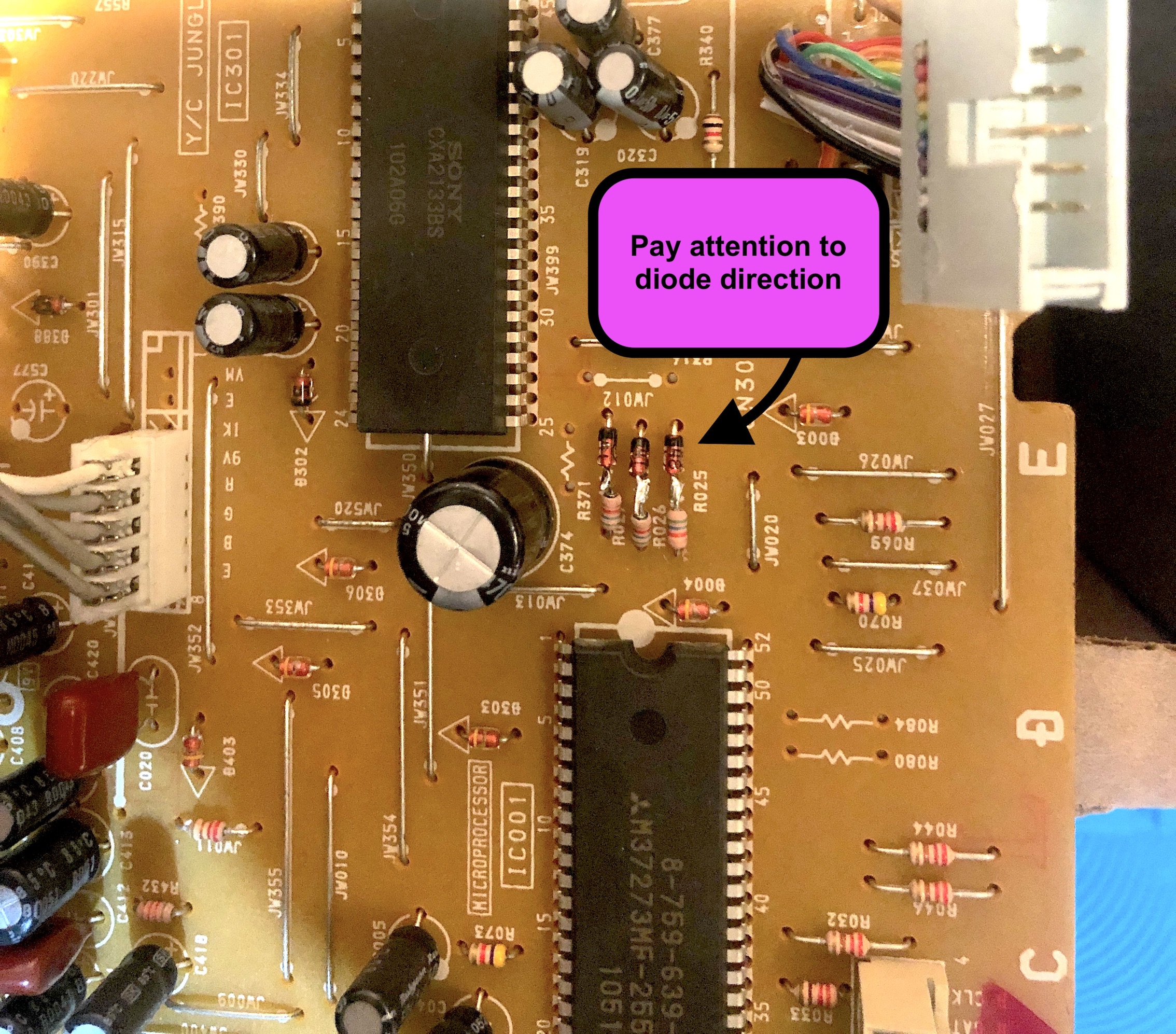
Pay attention to the diode direction and how it was installed. This is extremely important. Otherwise, OSD will not work.
Also, adding didoes means you will need to use 1KΩ resistors on the RGB mux board.
STEP 3: Connect RGBs, Blanking
Then attach the R, G, B and blanking wires to the respective legs of the diodes. Wires should be attached to the side closer to the jungle chip.
- R, G, B wires are red, green and blue respectively
- Brown wire here is used for blanking
There are couple of possible approaches to wiring the blanking signal. If you are utilizing external blanking, please follow the instructions provided for the KV-27S42. However, if you prefer internal blanking, you will need to draw the 5V power from the chassis and route it through a switch.
KV-27S42 RGB/Blanking wiring (uses external blanking) 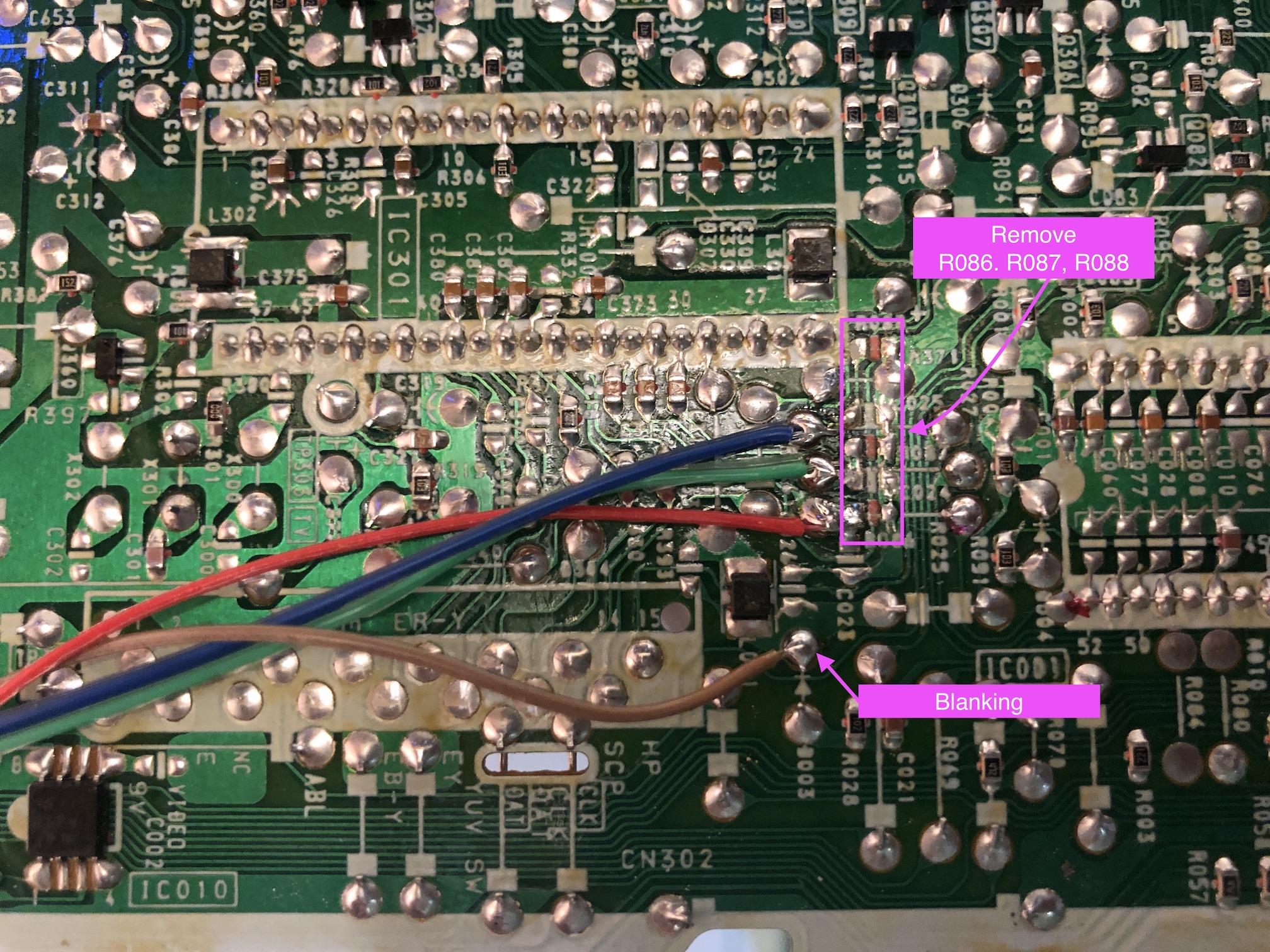
STEP 4: Connect Sync and Audio
If you are using the ribbon cable shipped with the mux board kit, use the below method.
KV-27S42 - Sync, Audio and Ground 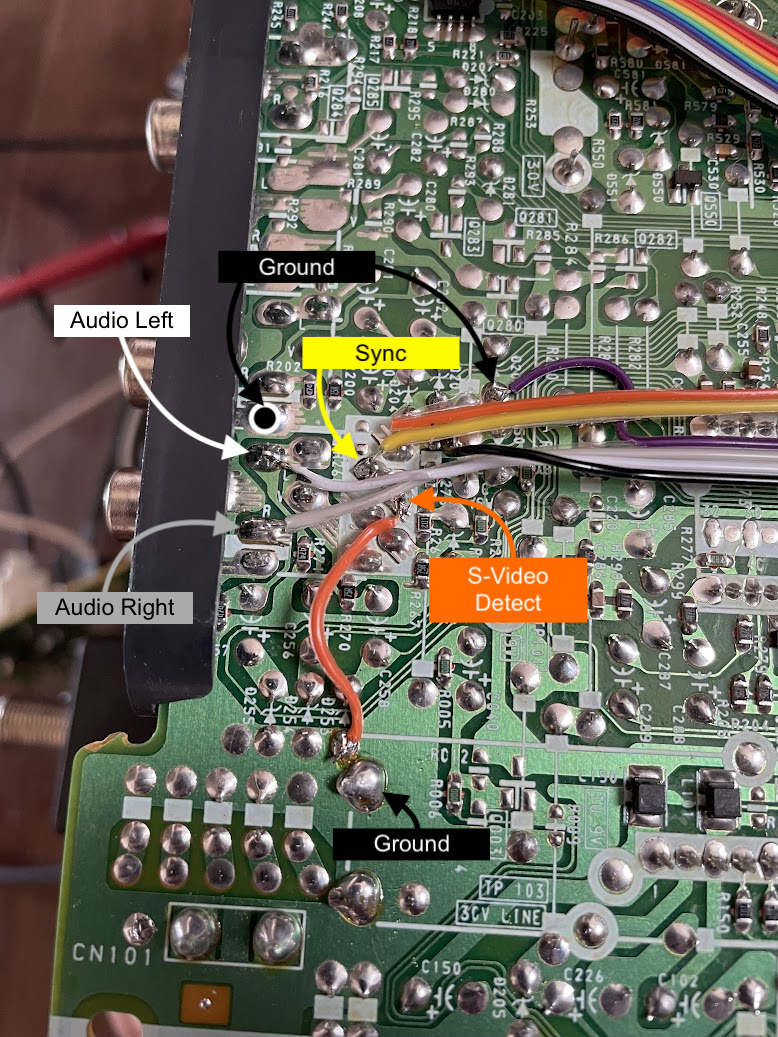 S-Video detect was permanently grounded to enable sync through luma. See the orange wire that goes from S-Video detect to ground.
- Purple and black wires are for ground
- Grey wire is for right audio
- White wire is for left audio
- Orange wire is ground, but you can clip it off
- Yellow wire is for sync
Tips
Later BA-4D 27" sets use a sync separator IC (IC010) for switching to the S-Video input, rather than the logic signal on the shield pins used in previous models. If the IC fails to properly recognize the signal, it loses sync. When I attempted to input RGBs from a Dreamcast with a DC2VGA DIY adapter in CSYNC mode to a KV-27V42 that I modded for a friend, it wouldn't sync unless I changed the ID-1 value to "23." This setting change reverts S-Video detection to the shield logic method instead of the sync separator method. You might want to try changing that setting to see if it resolves your issue.
On KV-27S66 service menu ID1 setting had to be changed from 155 to 23 in order for the s-video ground sensing to actually take effect. 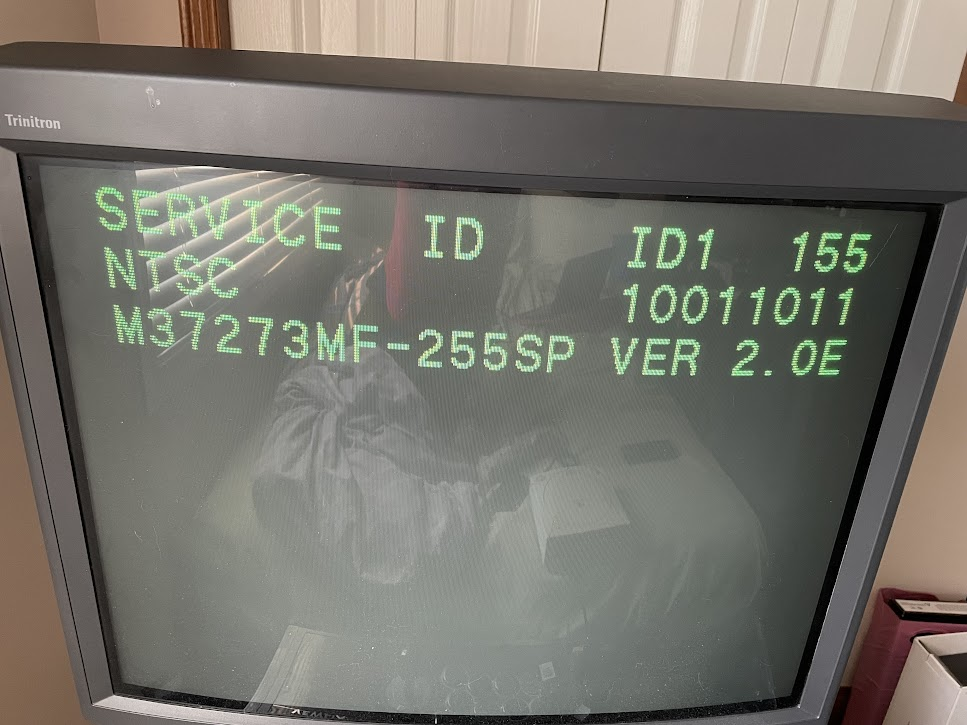
STEP 5: Build your mux board
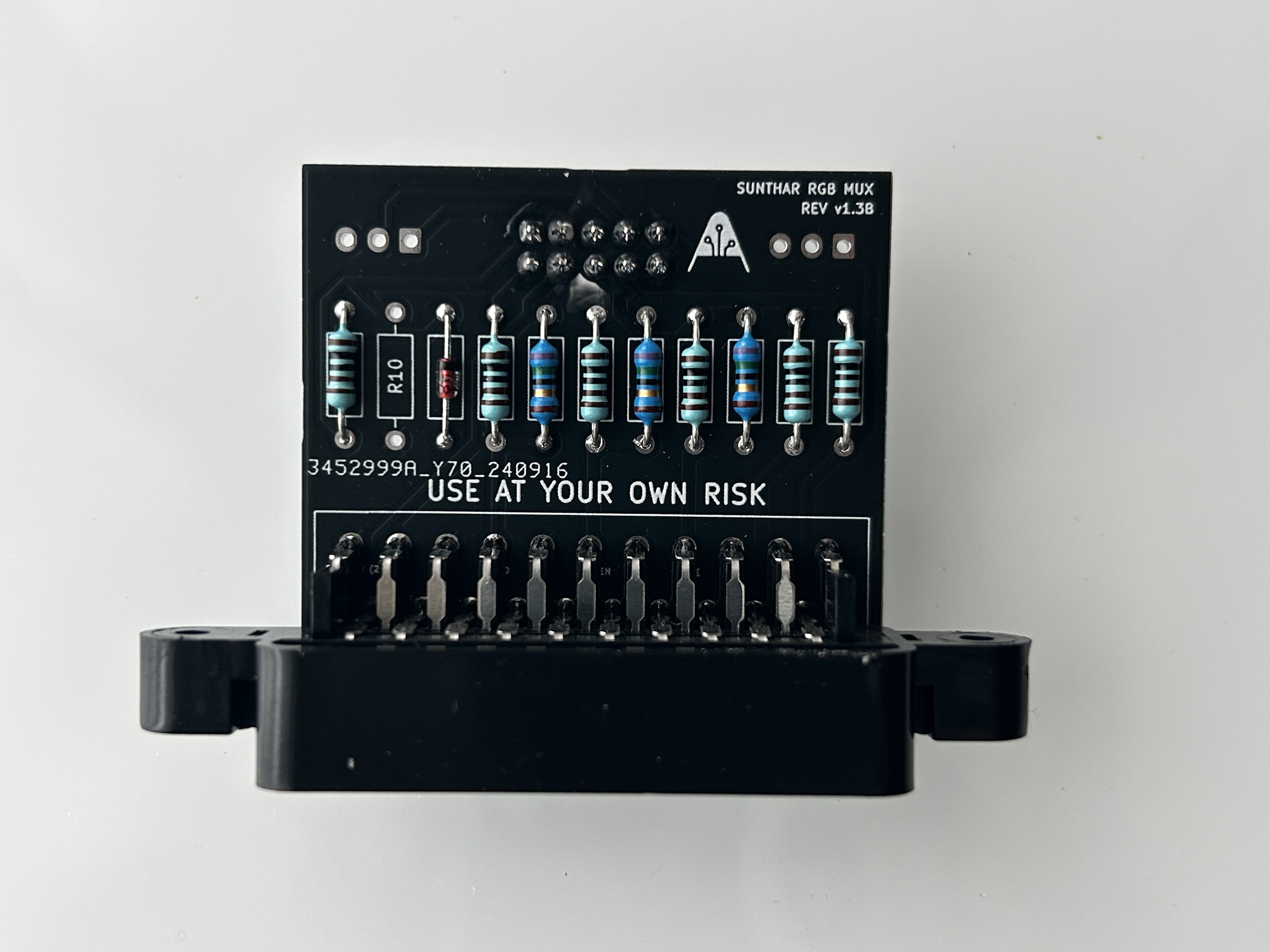
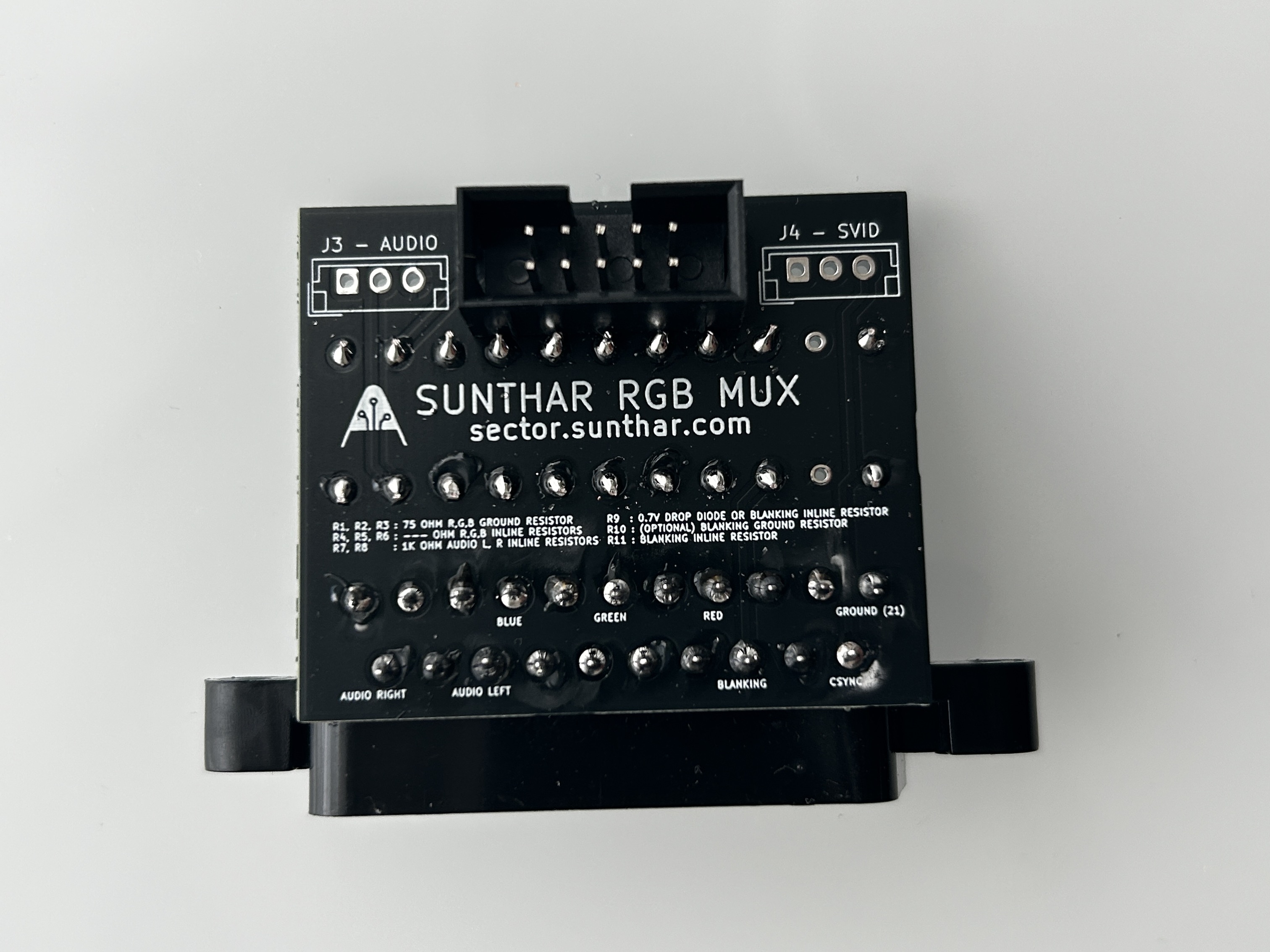
This mod uses the RGB mux board. This is optional, but will make your mod easier and stable. You can also create the circuit presented in the schematics above without the board. Please also checkout the mux calculator to play with your own values.
| On Sony CRT Chassis | KV-27V42 |
|---|---|
| CRT RGB inline resistor | 5.6kΩ |
| CRT RGB ground resistors removed | 680Ω |
| 0.1μF caps replaced | No |
| Add diodes on chassis RGB lines? | Yes |
| Add blanking diode on chassis | No |
| RGB mux board | KV-27V42 |
|---|---|
| Mux board RGB termination (R1, R2, R3) | 75Ω |
| Mux board RGB inline resistors (R4, R5, R6) | 1kΩ |
| Mux board Audio LR (R7, R8) | 1kΩ |
| Mux board blanking diode (R9) | 1N4148 |
| Mux board blanking ground resistor (R10) | open |
| Mux board blanking resistor (R11) | 1kΩ |
| Mux board transistor base resistor (R12) | 1kΩ |
| Mux board transistor (Q1) | PN2222A |
Compatible mux boards:
STEP 6: (Optional) YPbPr mod
To proceed, please refer to the instructions for either BA-4 or BA-4D. These steps are also applicable to the KV-27V42 YPbPr modification.
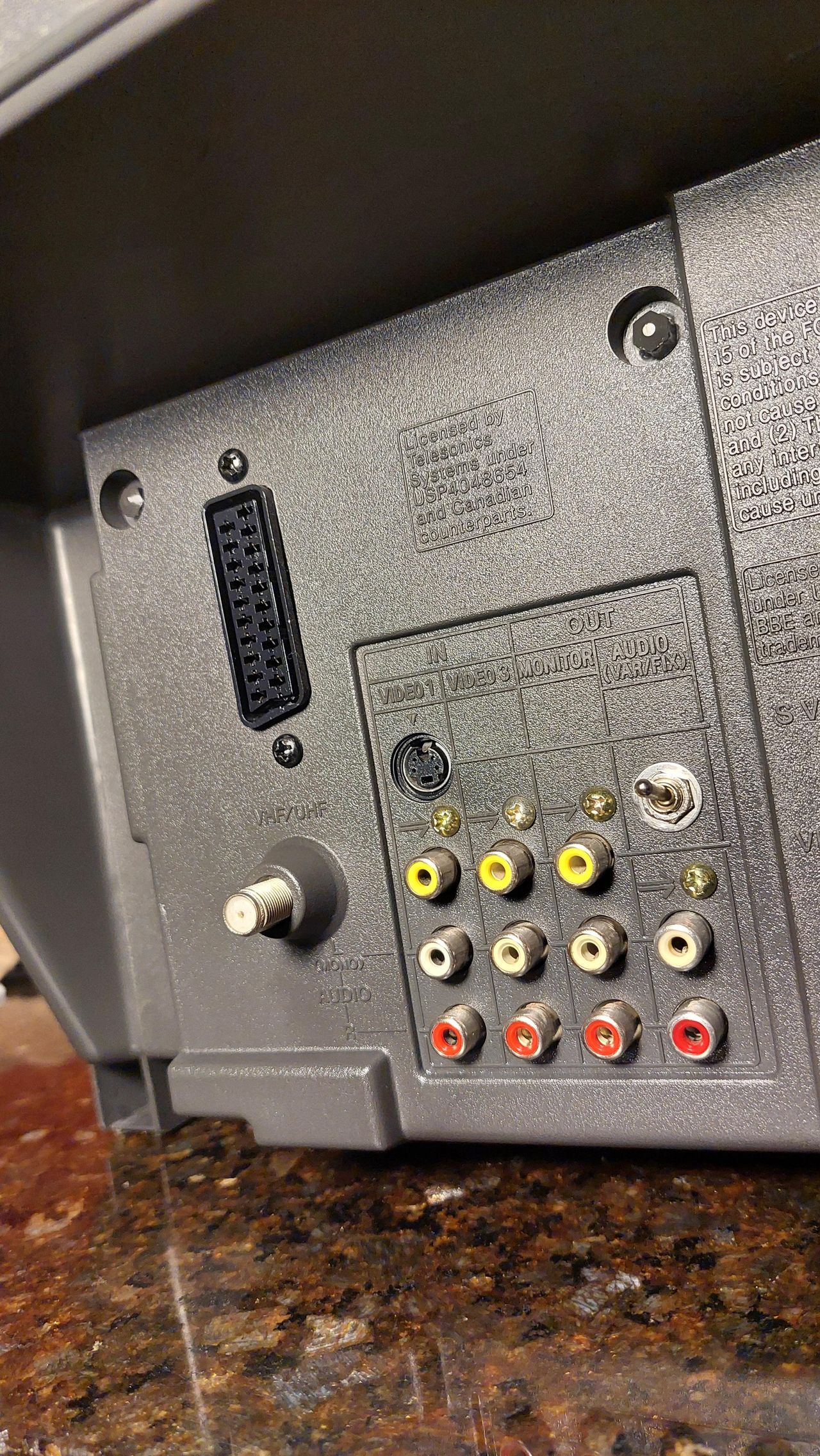
A close look at the RCA jacks 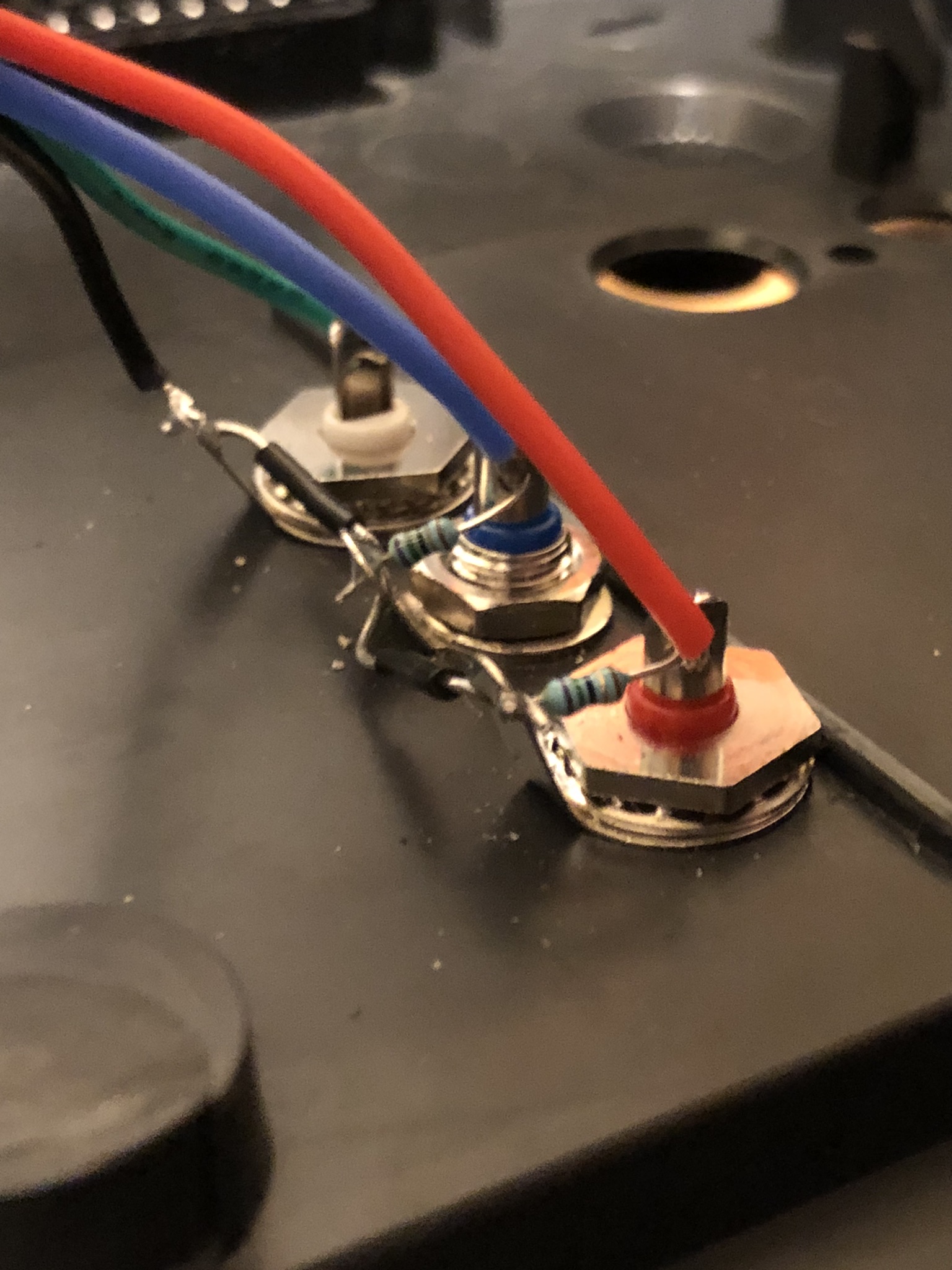
Green panel mount jacks were difficult to source, so I had to improvise. Painted the white jack green with a marker. 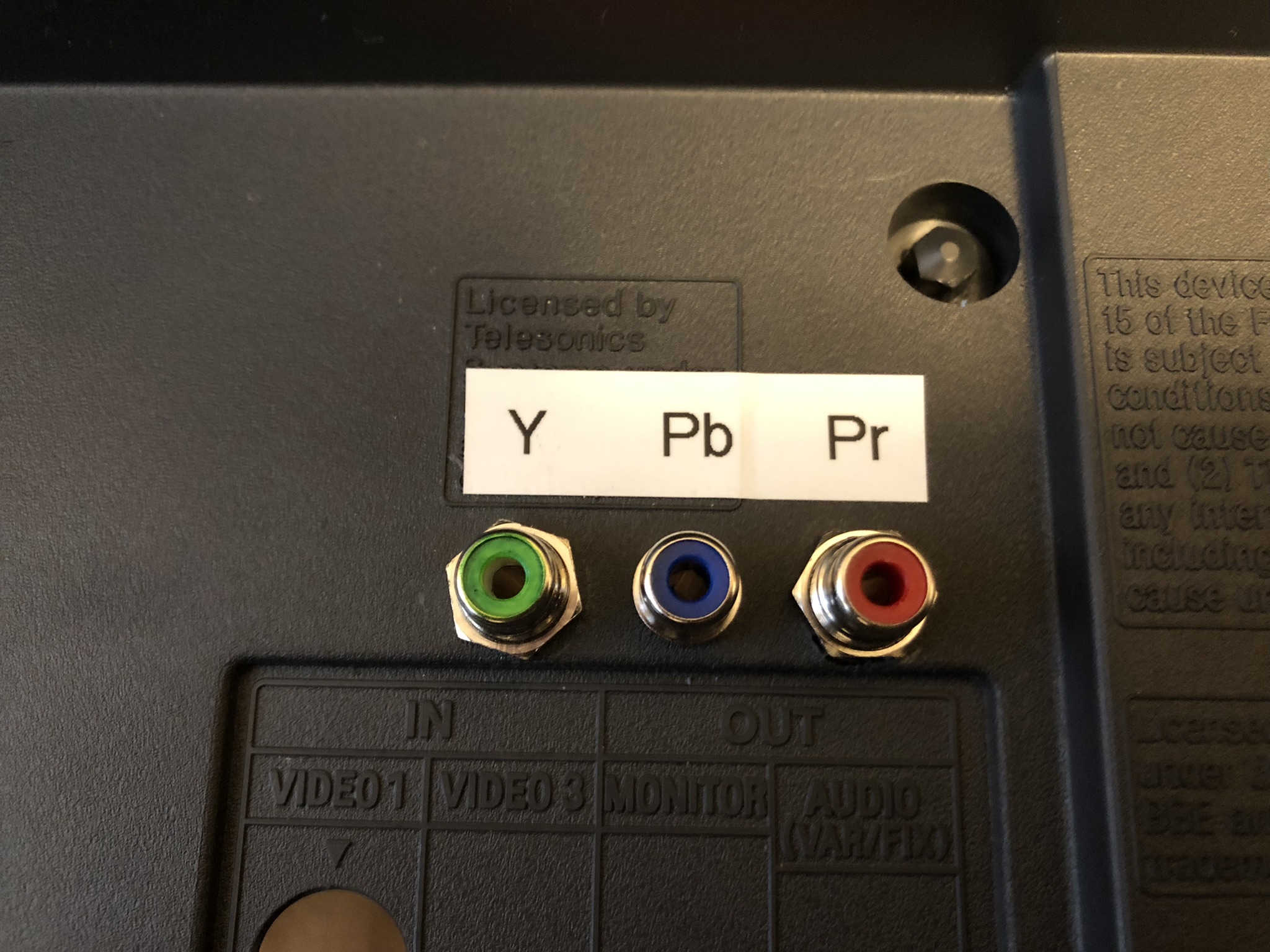
Blanking and Sync 3P3T slide switch 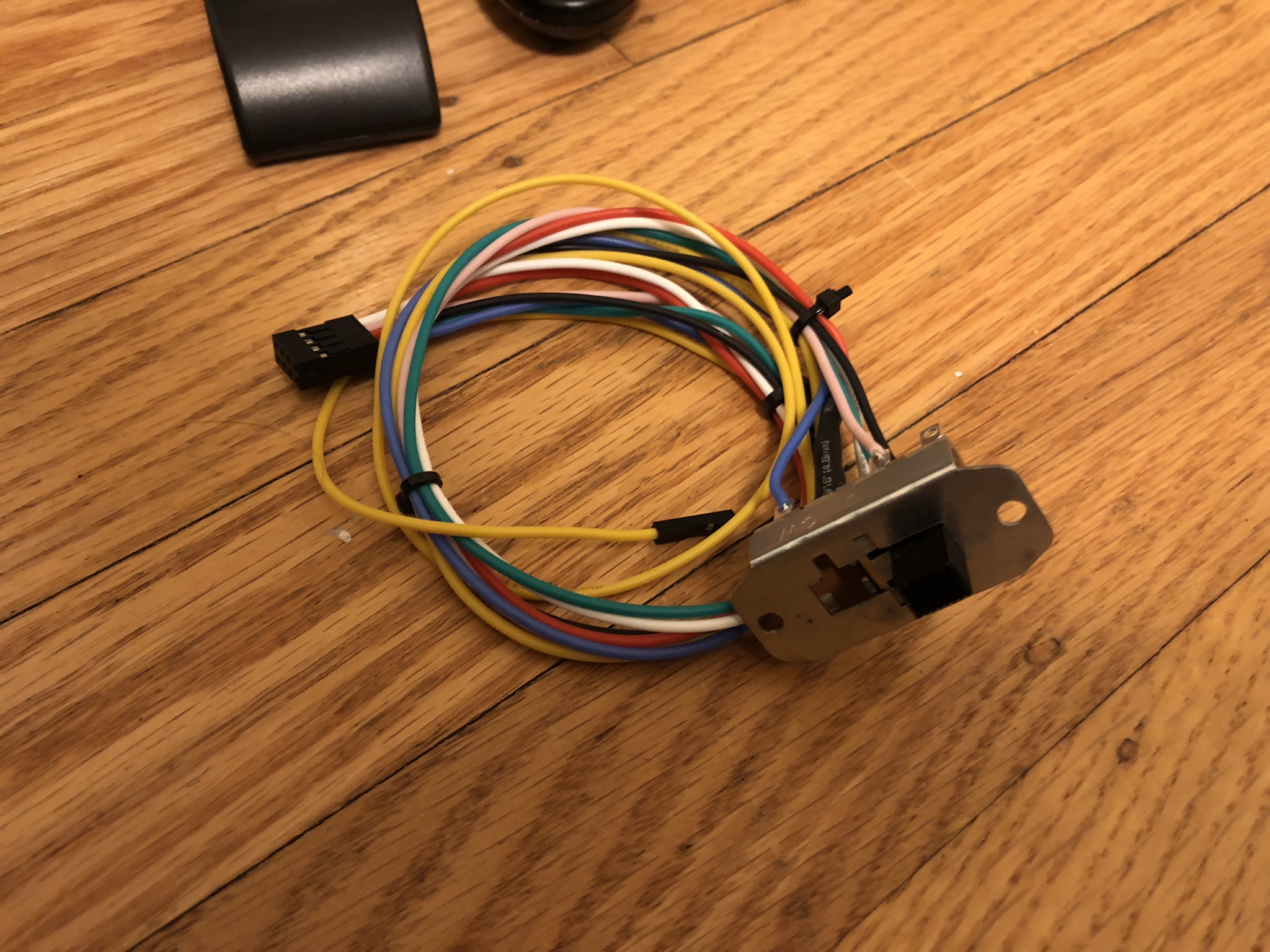
Switch location inside 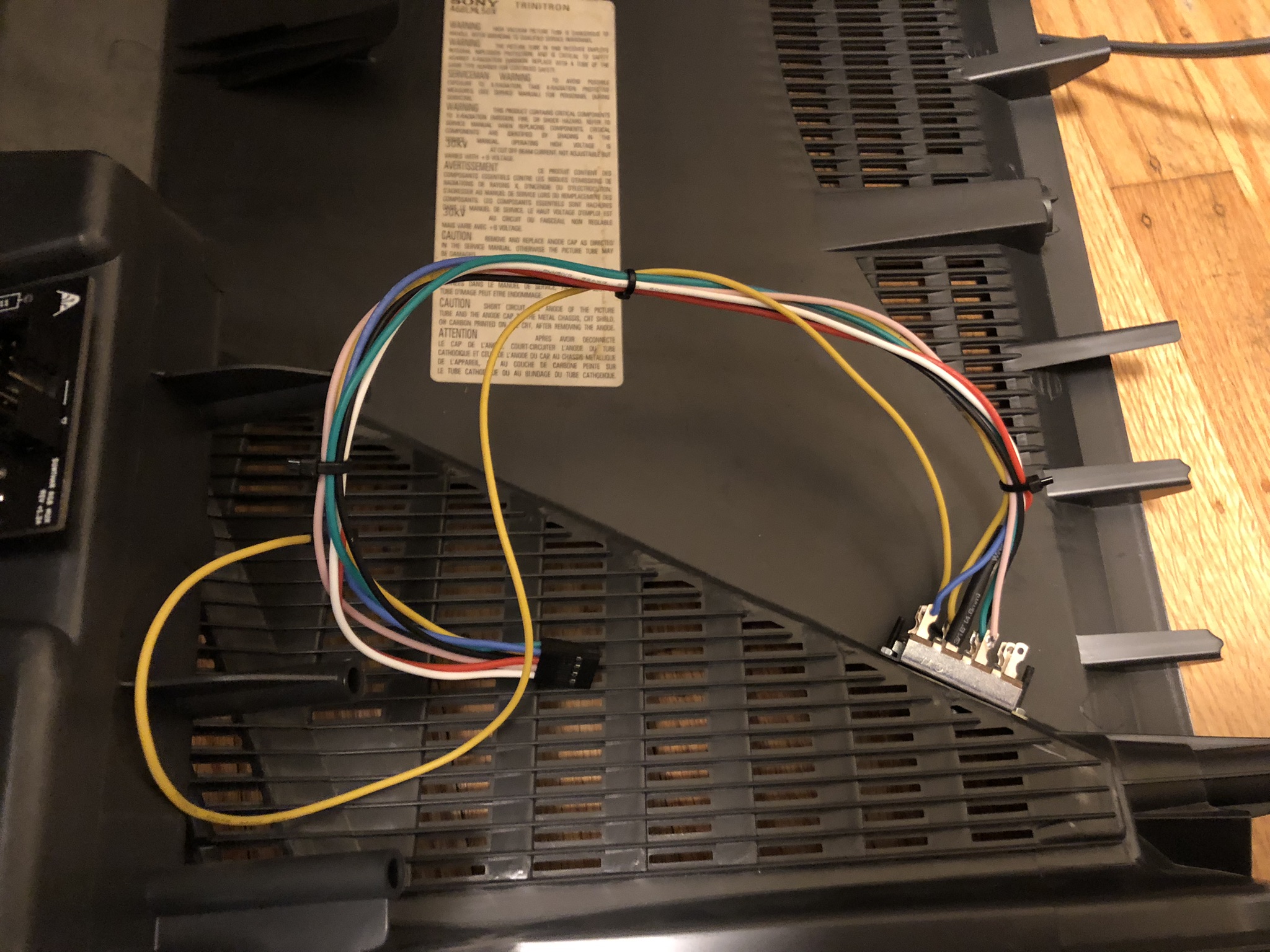
Switch on the outside 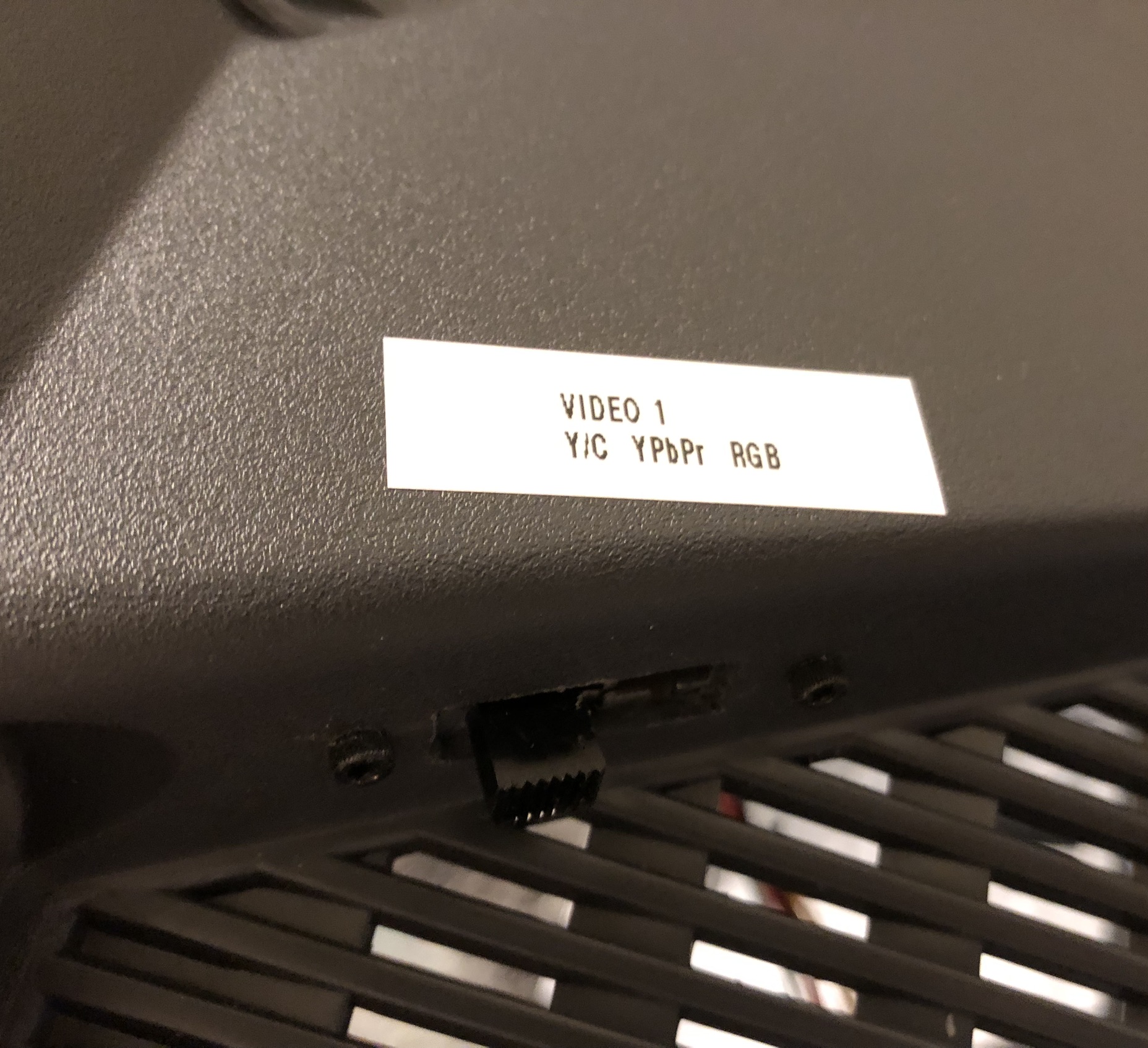
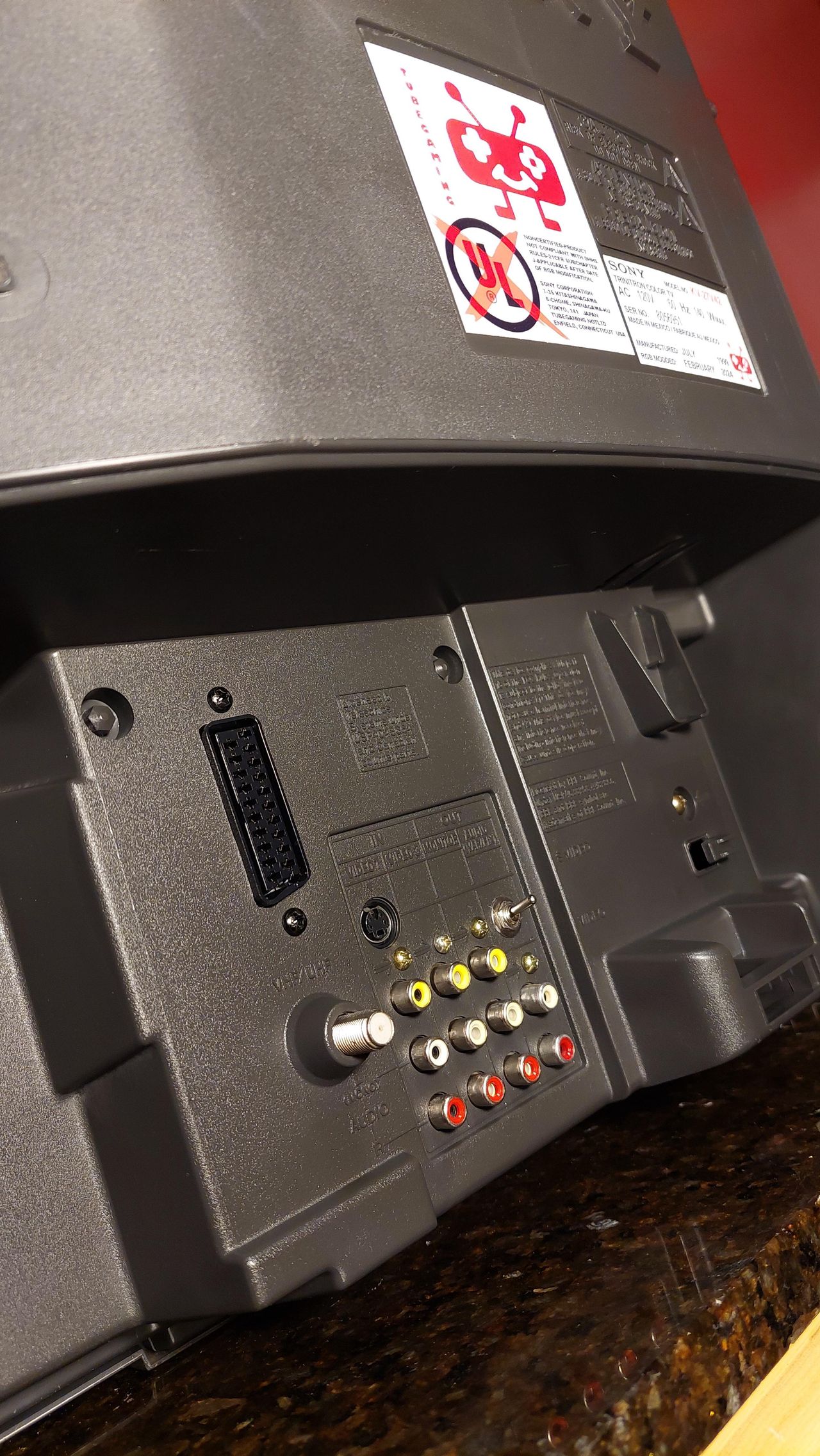
STEP 7: Attach the female SCART connector to TV
Creating a SCART cutout and mounting it is an art. I have a dedicated section for it. How to create and mount a SCART female plug?
Depending on your CRT, you might need to find a good place to mount the SCART port.
Sony KV-27V42 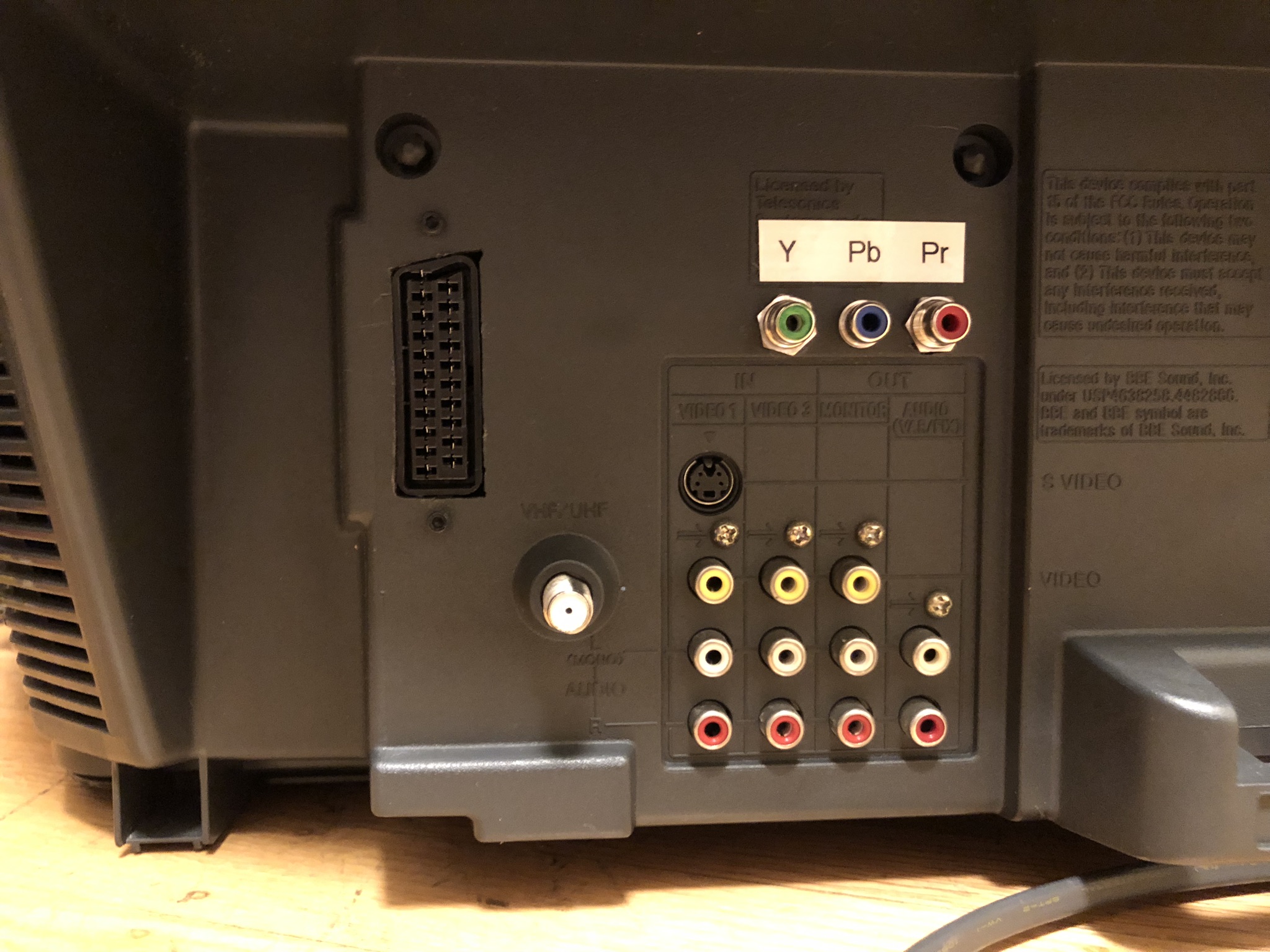
Reducing interference
Sometimes you might notice micro interference in the video signals. This is expected. To reduce it, try the following.
- Use diodes in-line for RGB signal
- Make sure your blanking wire is connected after the diode that feeds into the chroma chip (see diagram)
- Try routing most of the cabling below the PCB
- Keep the ribbon cable short
- I really didn't find any difference in interference in using shielded vs non-shileded cables. Therefore, this is optional.
Getting into the service menu
- Turn the set on and then put into standby
- Press the
Display,5,VOL +buttons in sequence - Turn on the CRT and you should be in service mode
- Use buttons "1" and "4" on the remote control to navigate the service menu
- Use buttons "3" and "6" to adjust the selected data
Pictures of the mod
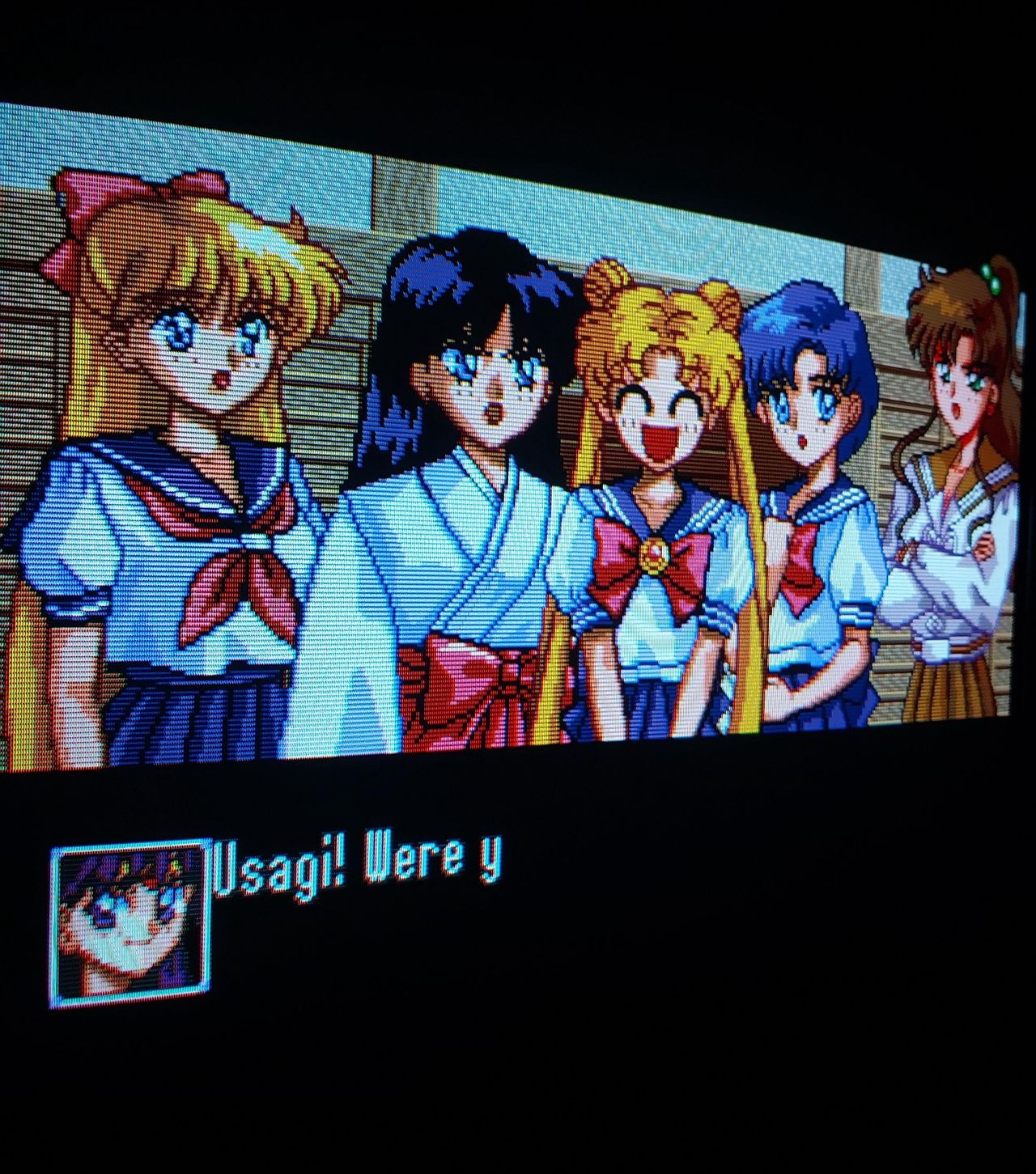
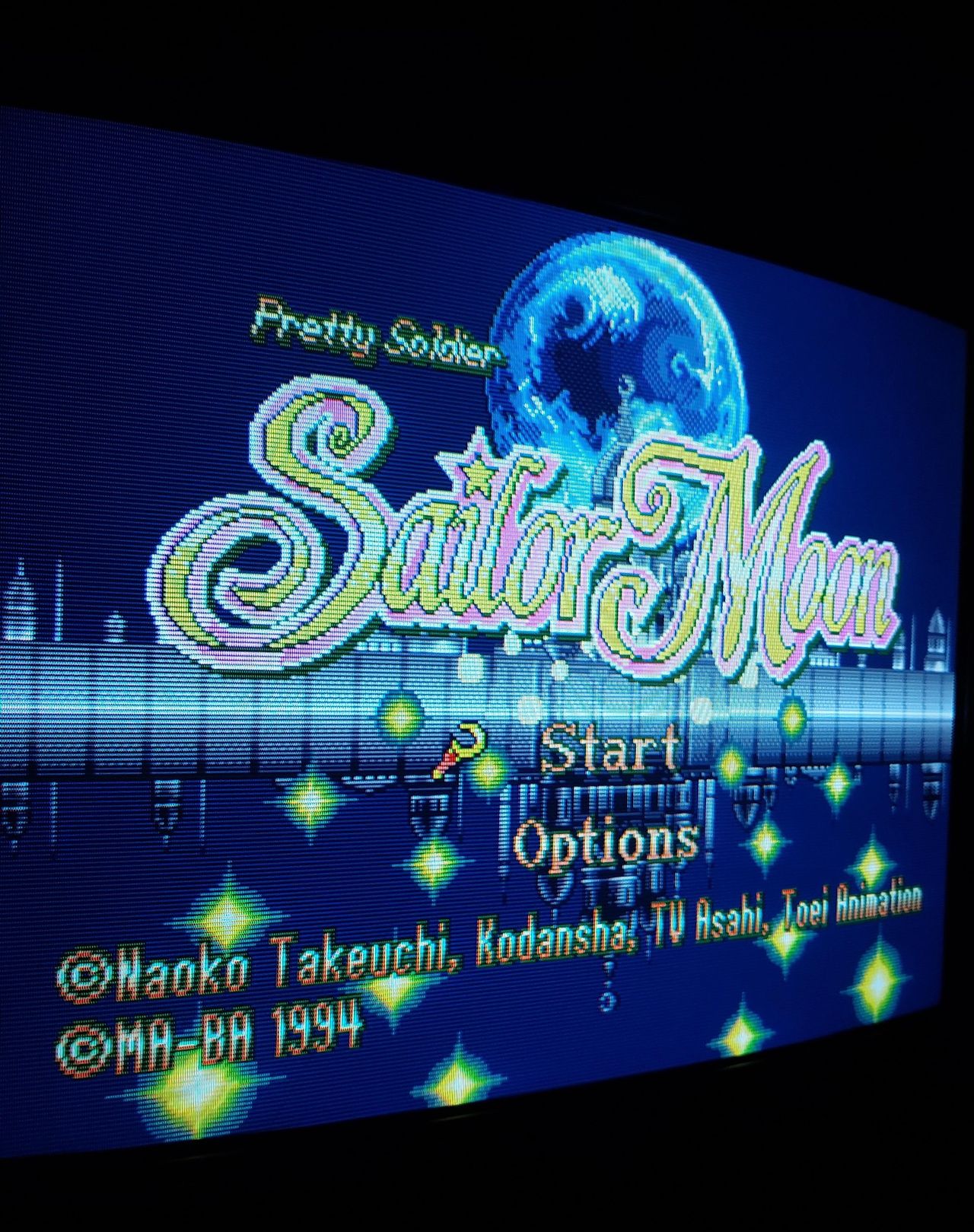
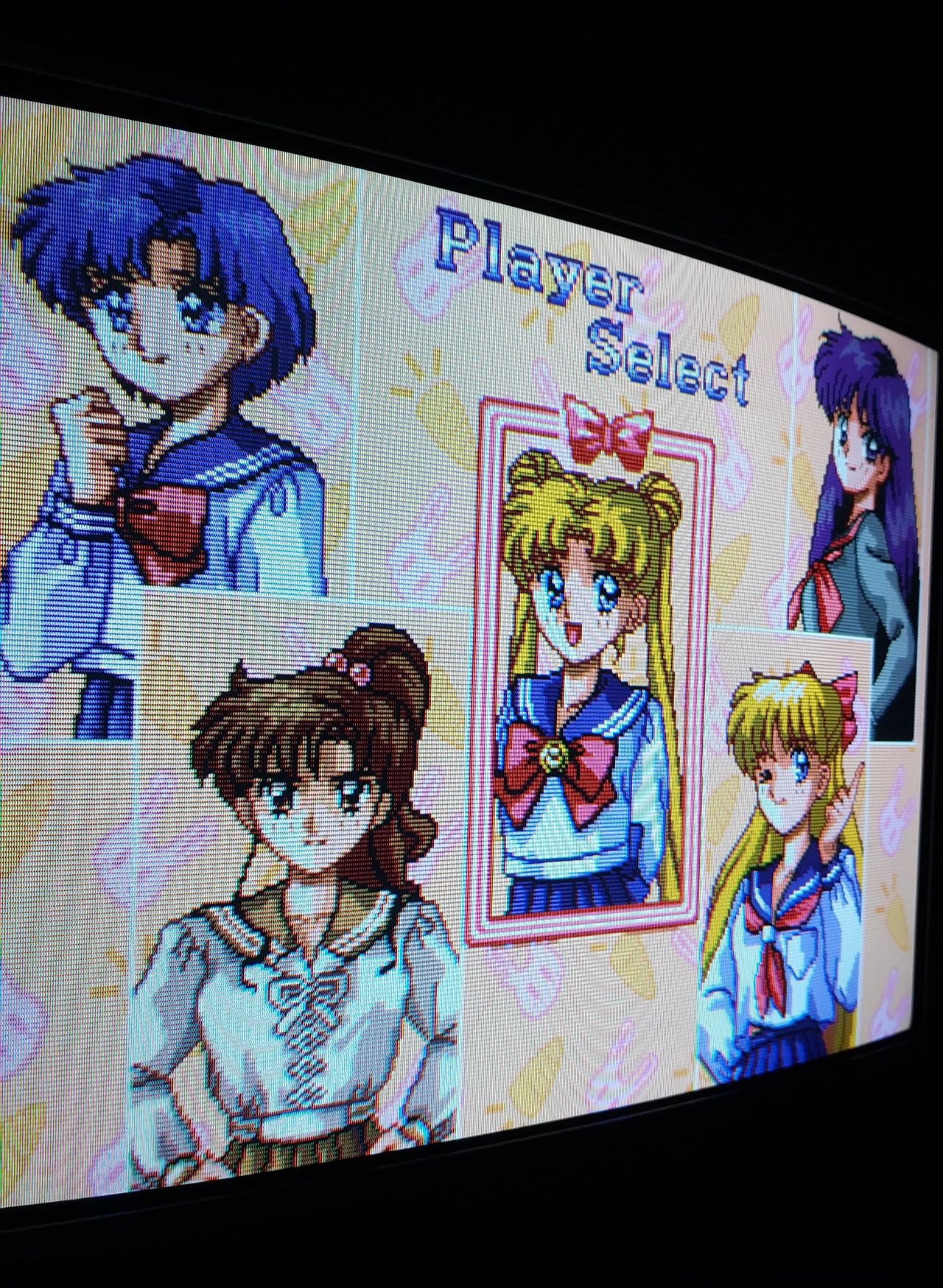
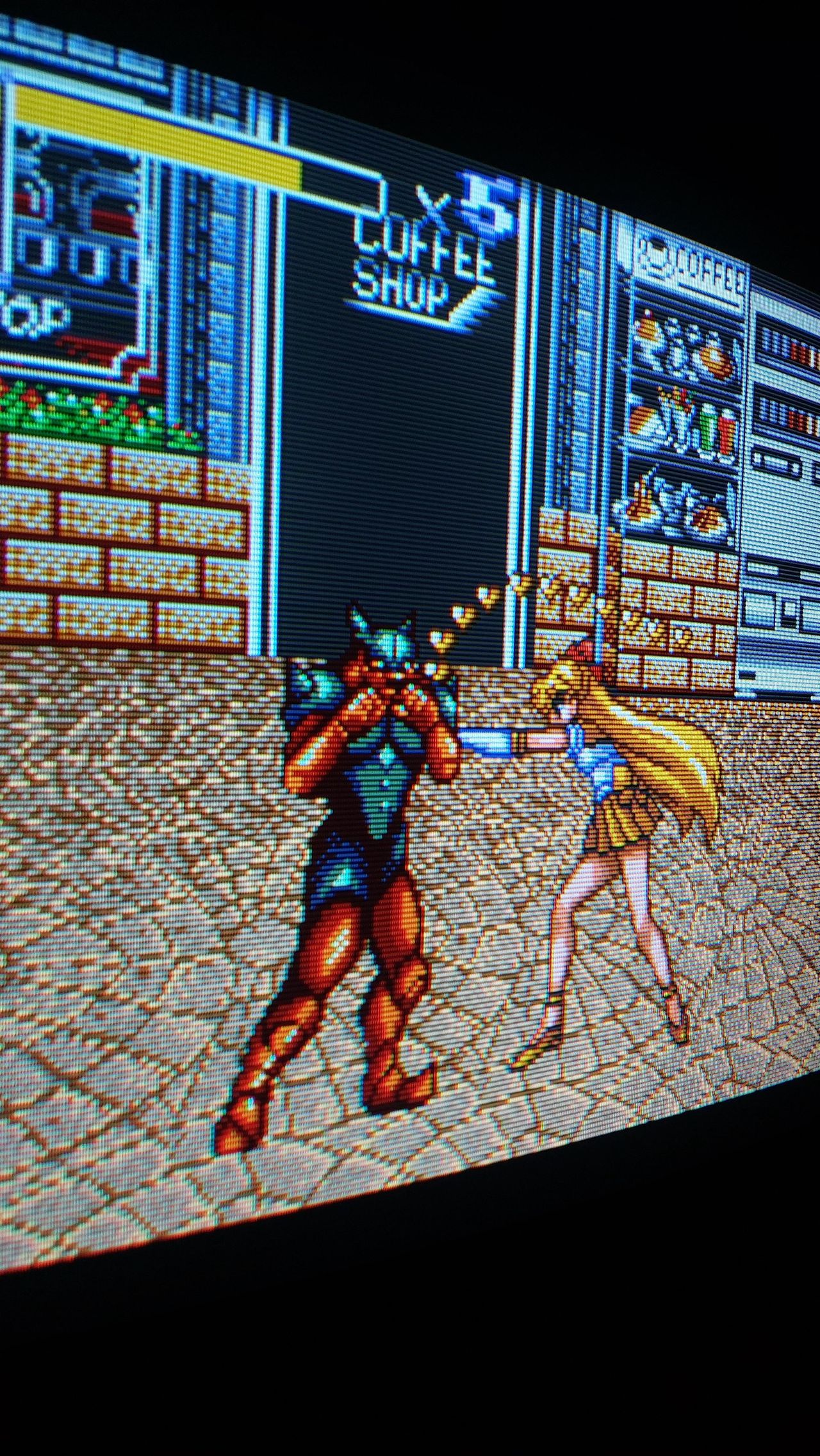
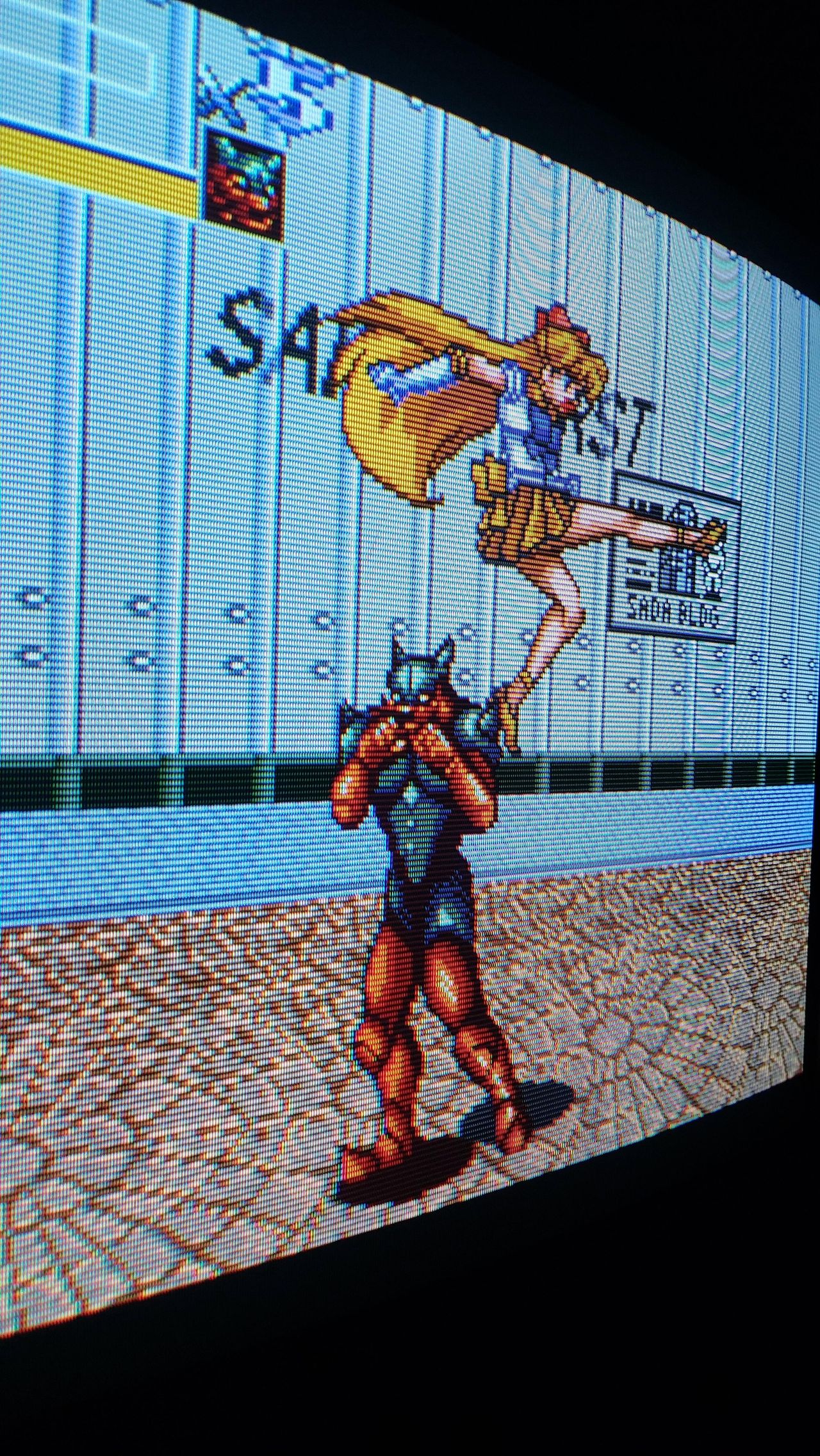
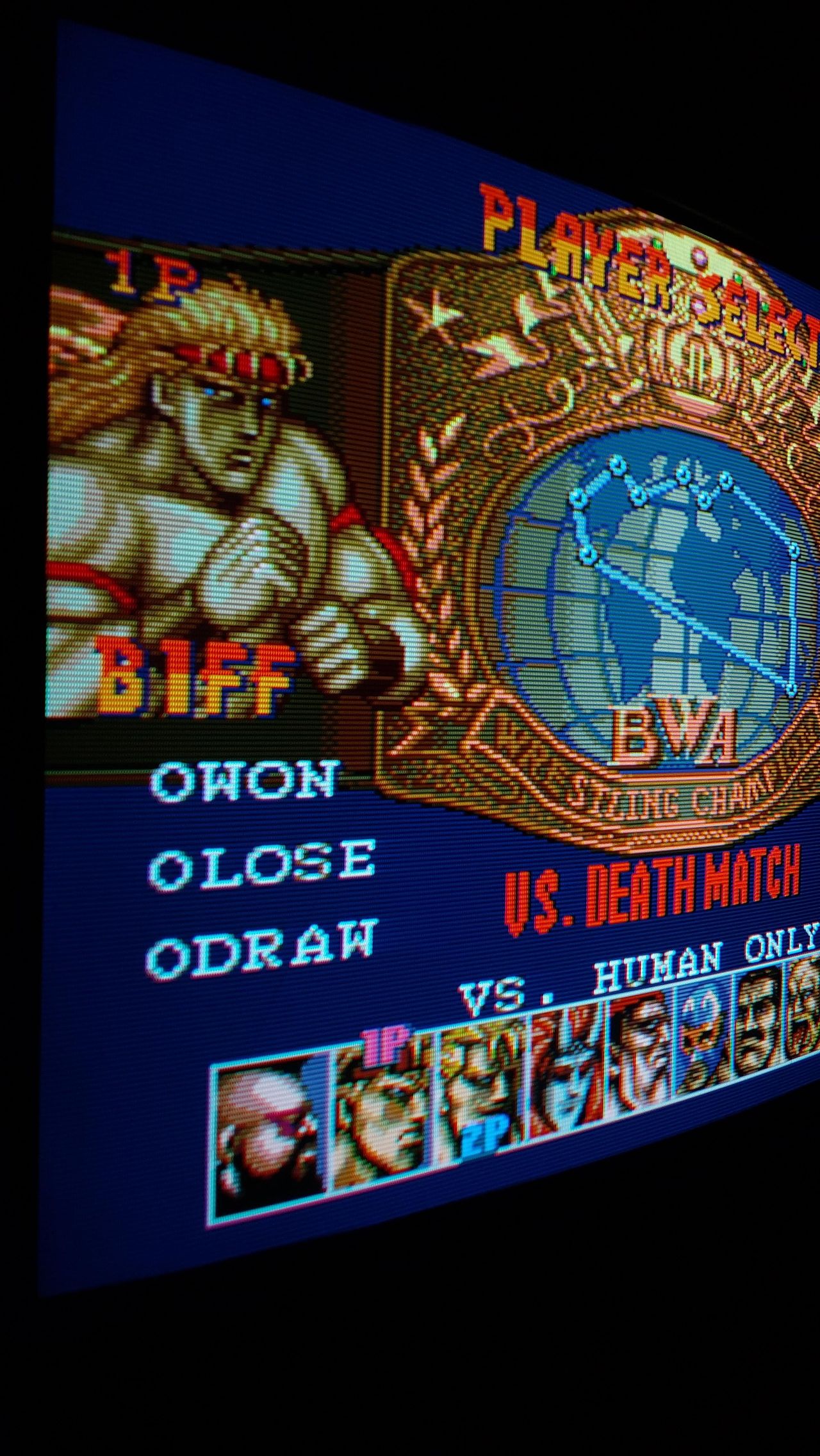
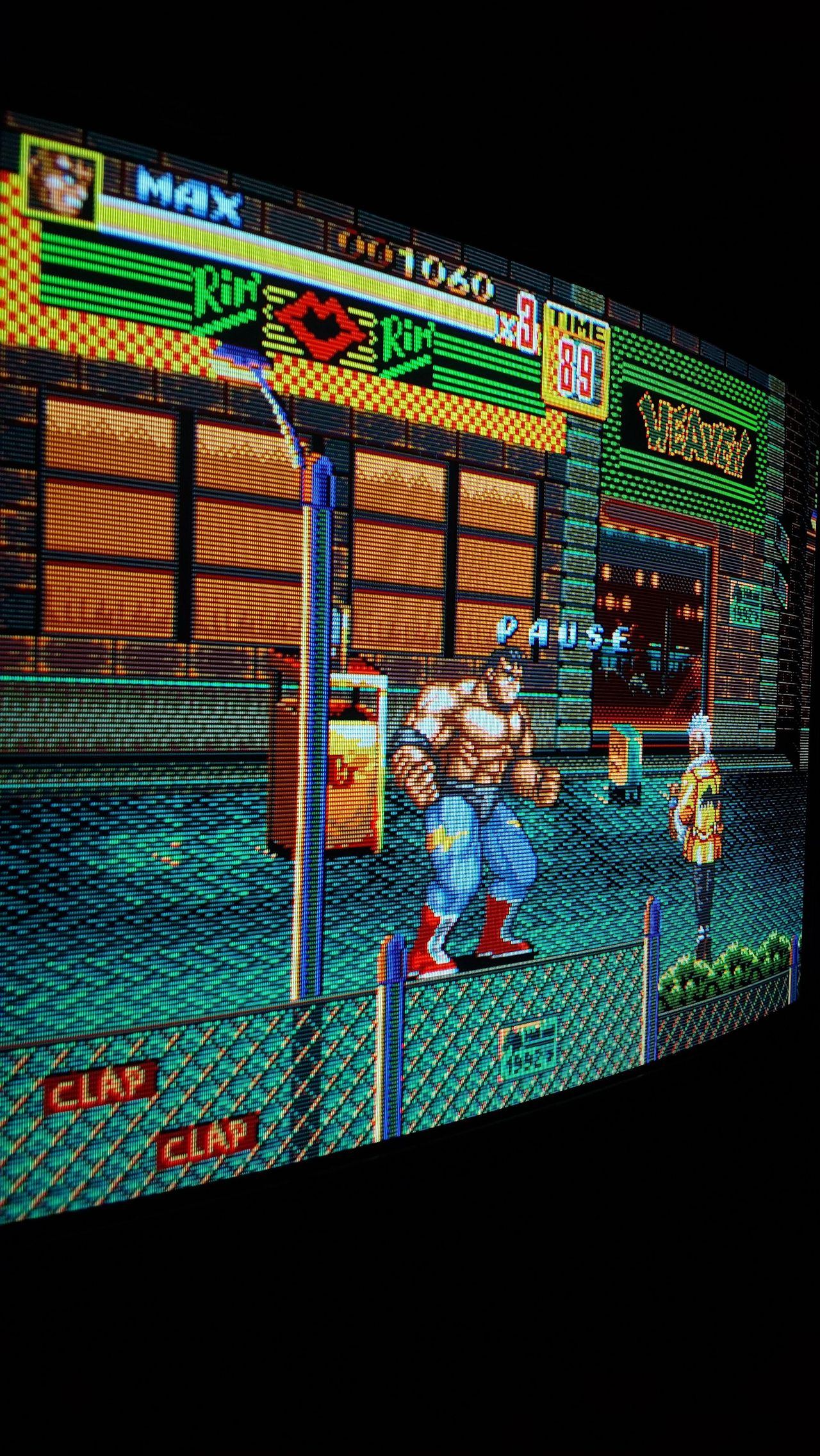
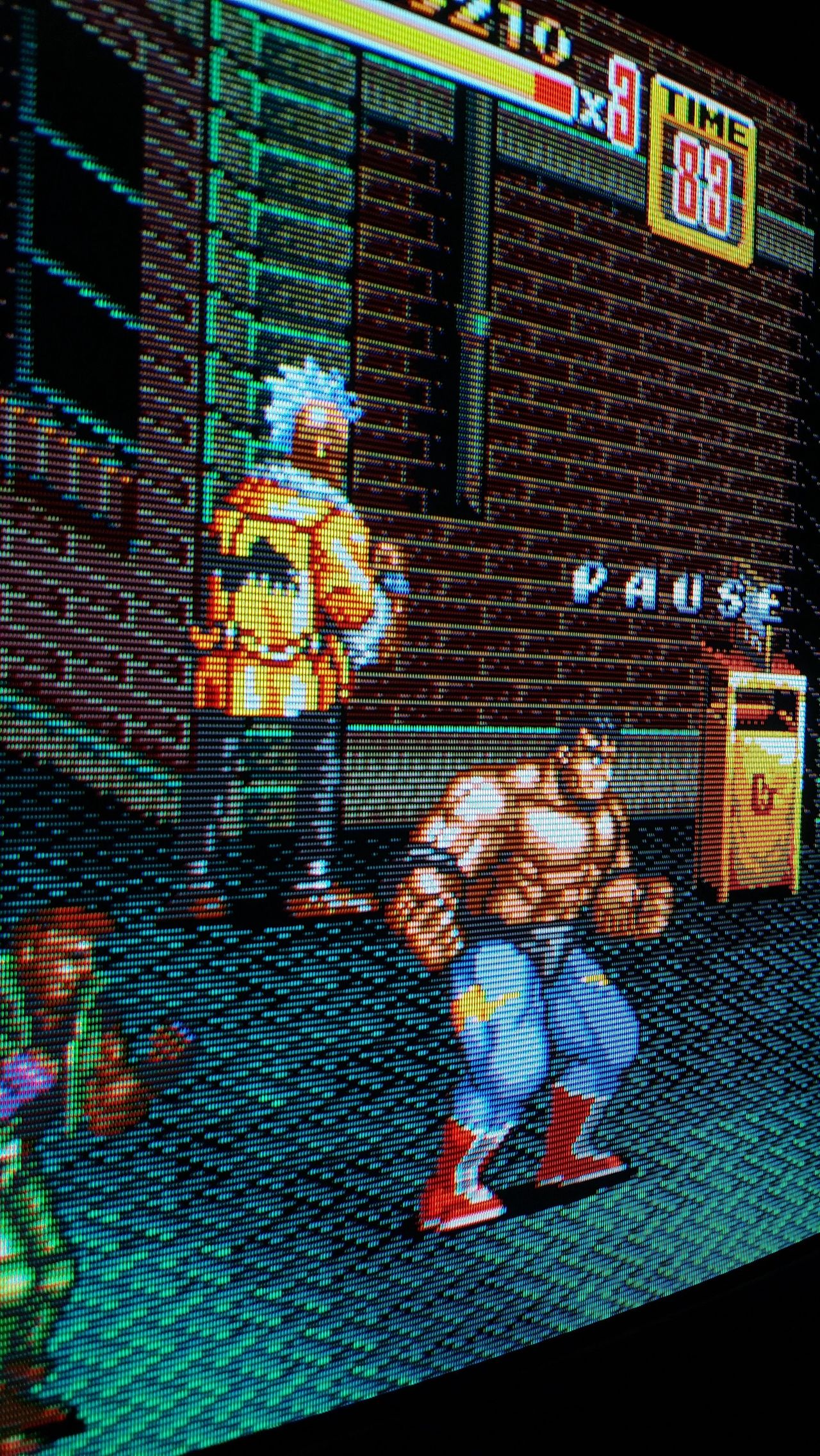
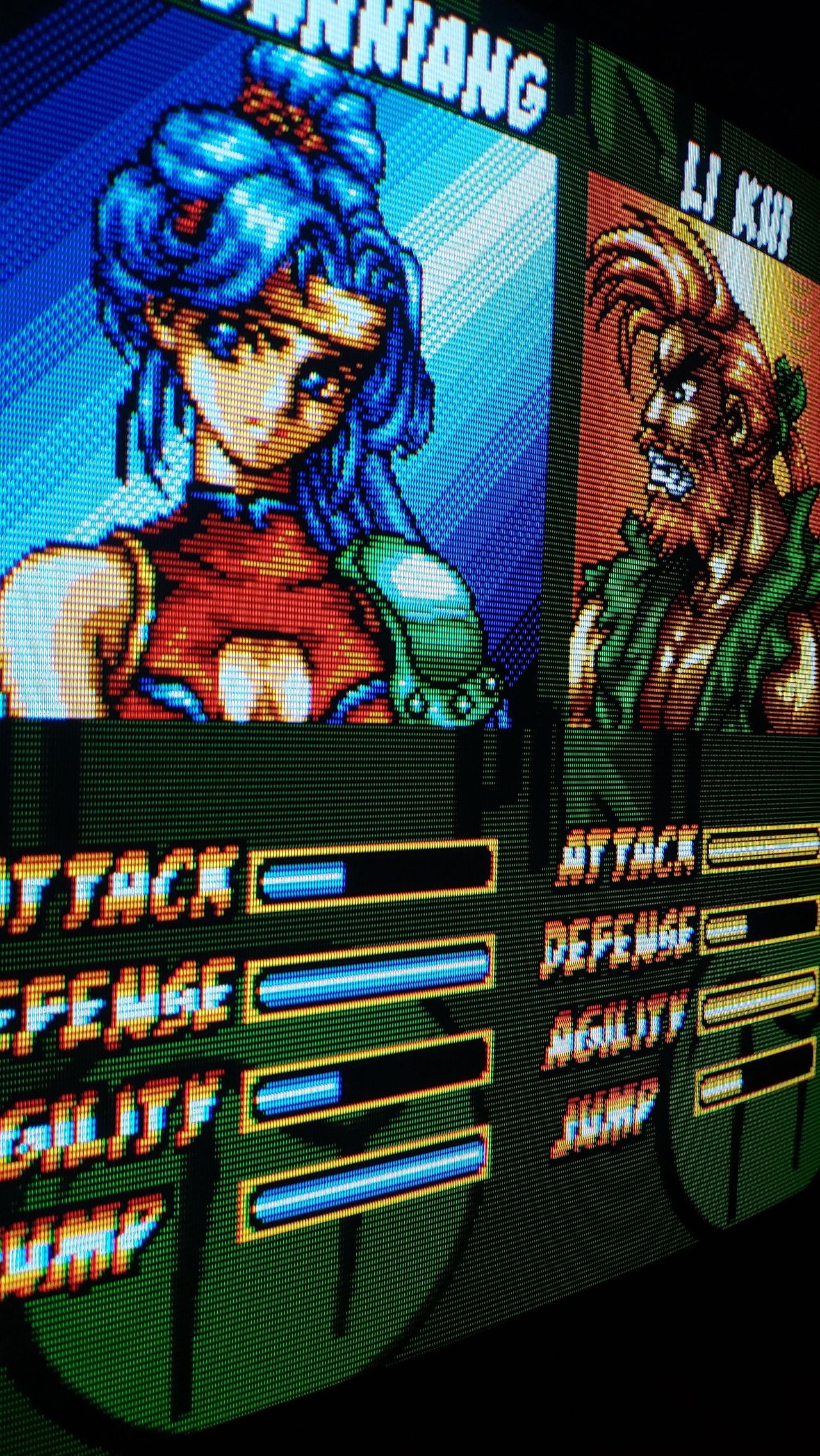
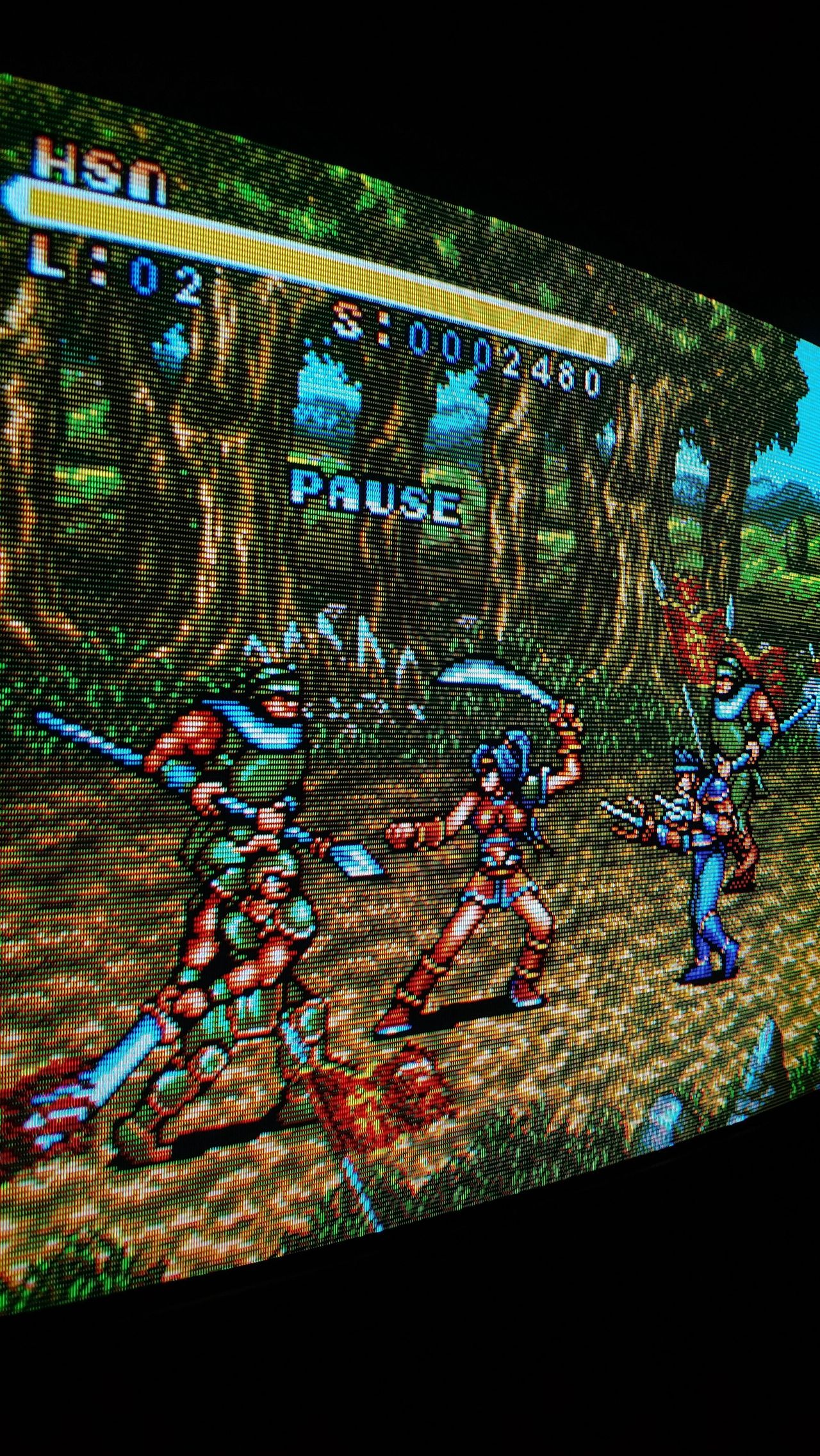
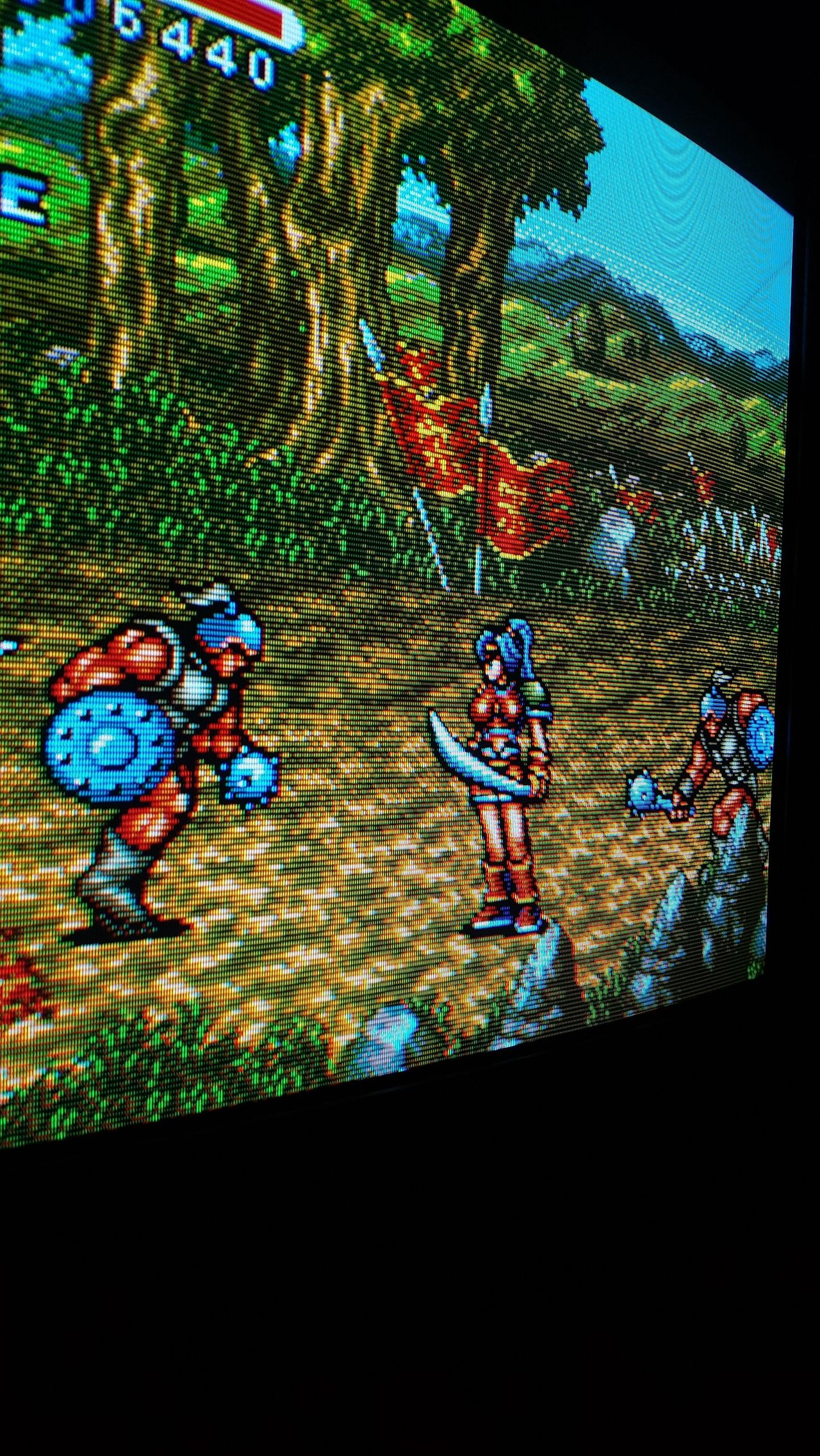
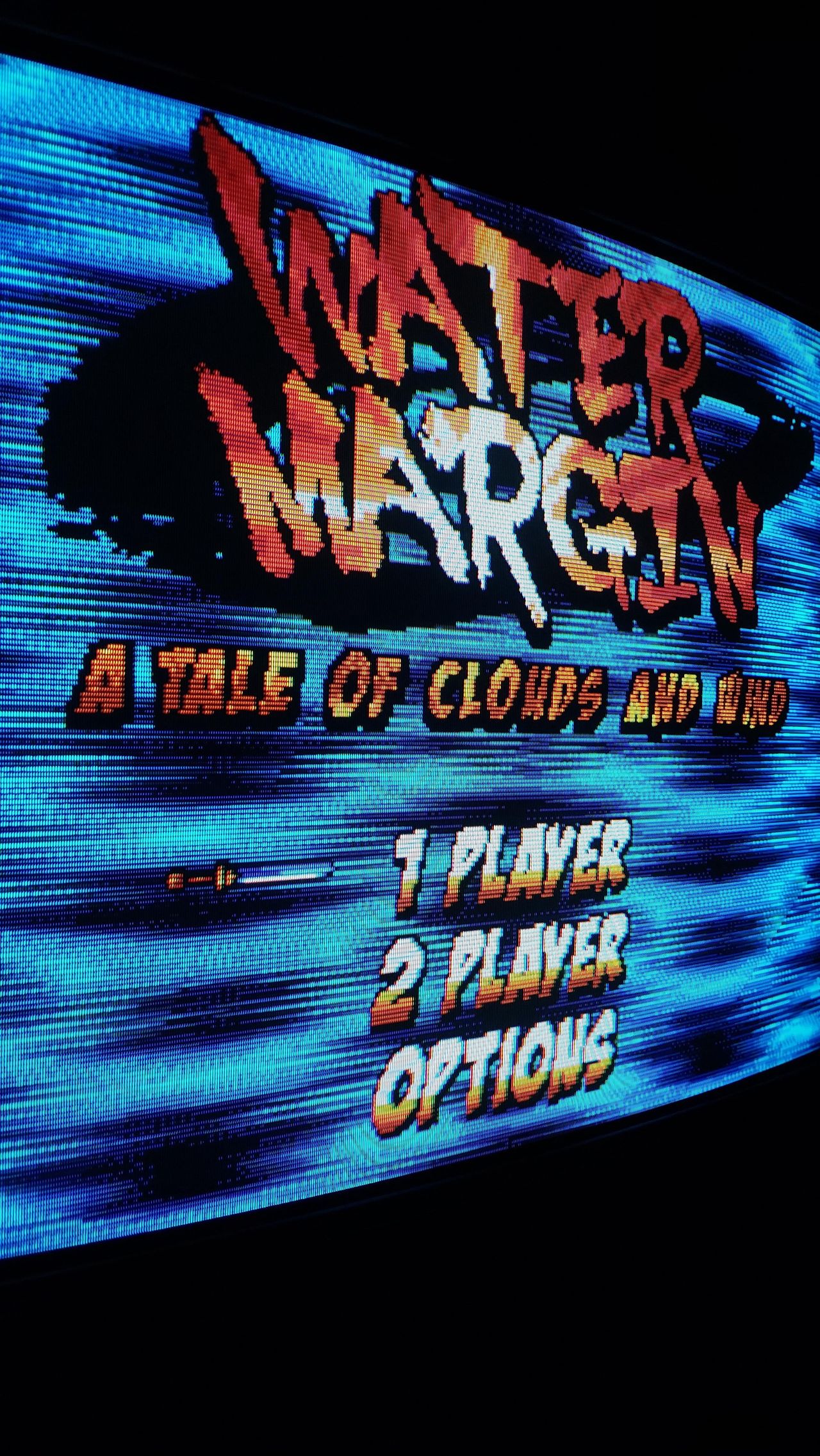
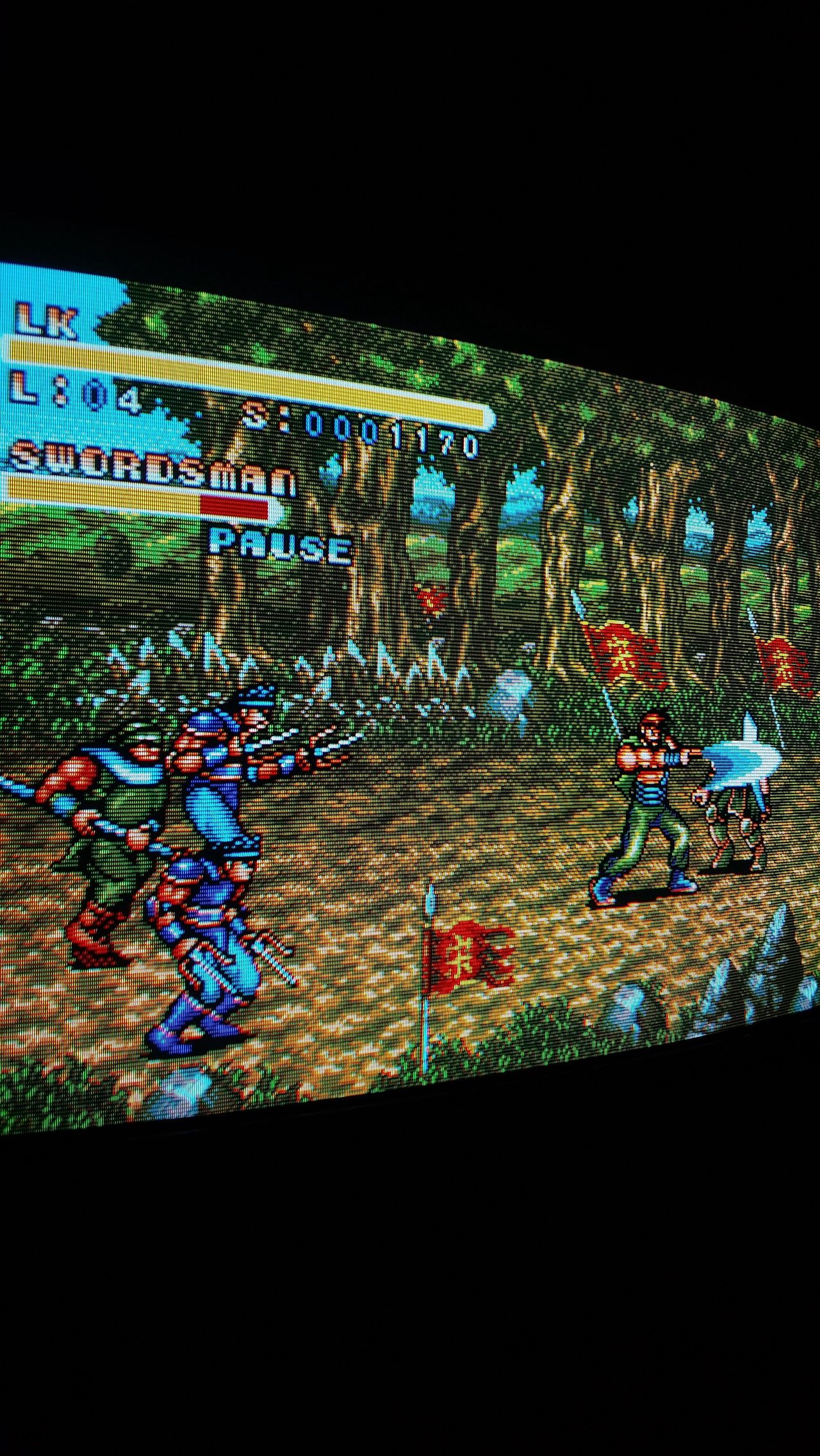
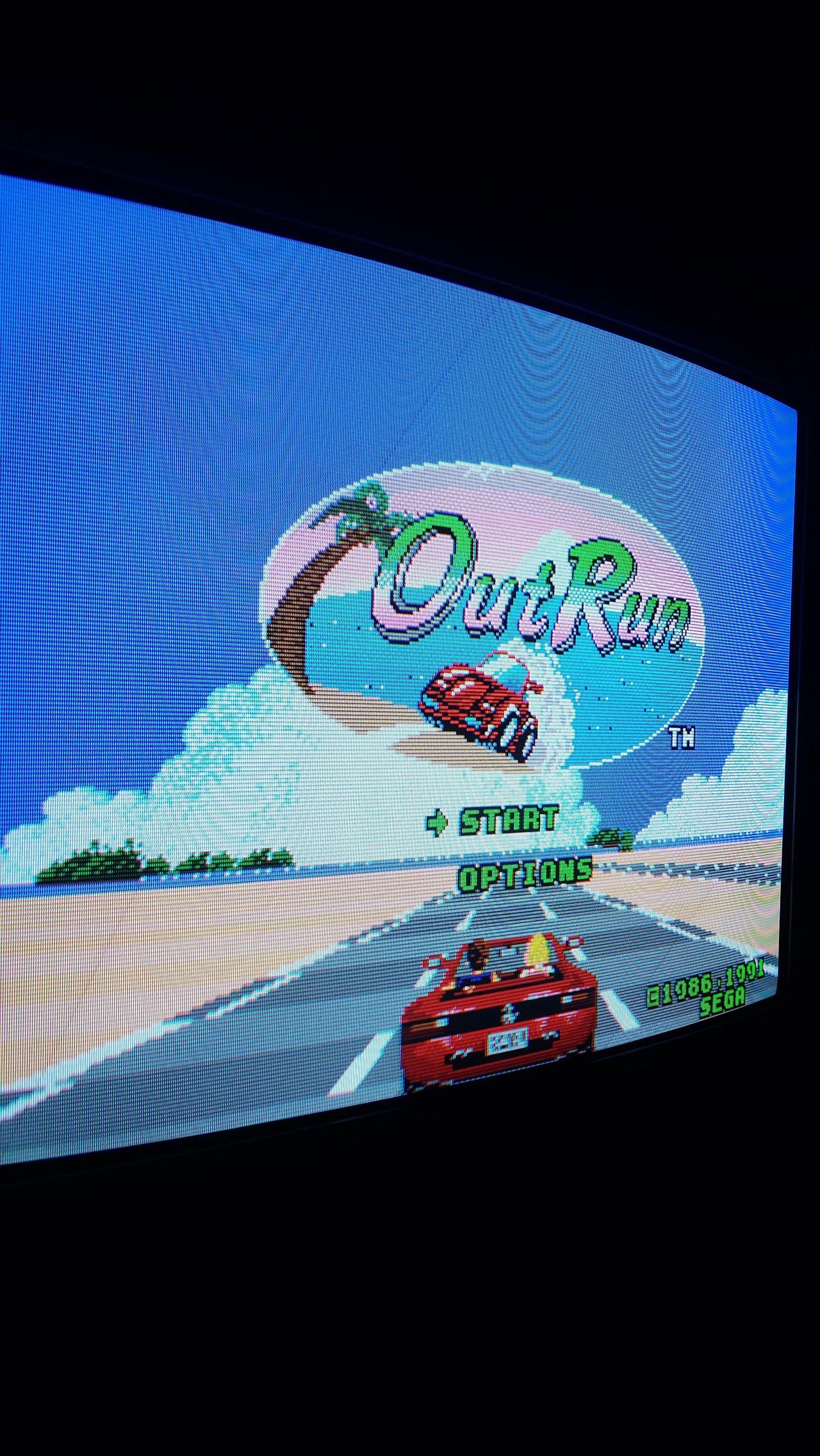
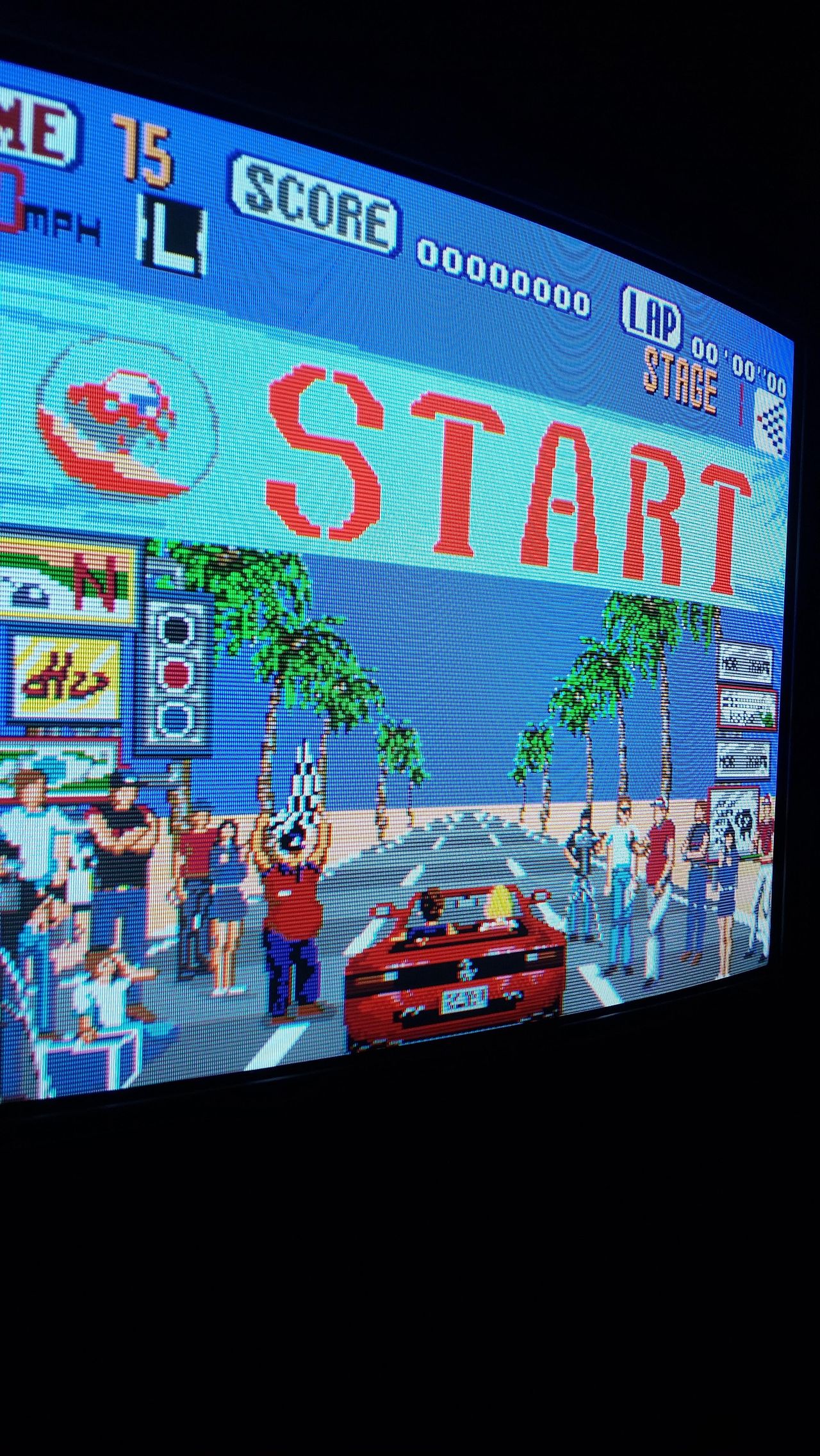
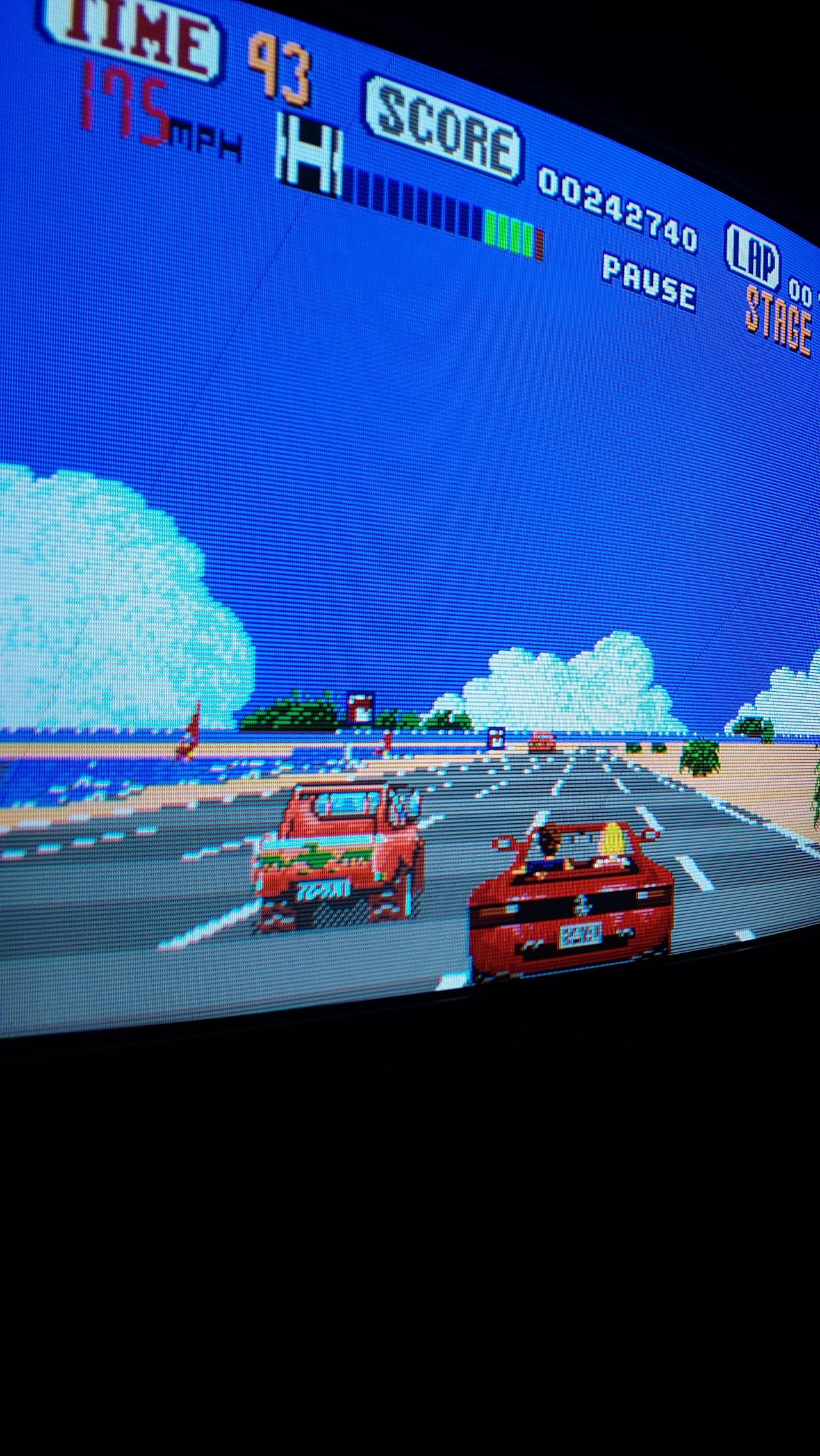
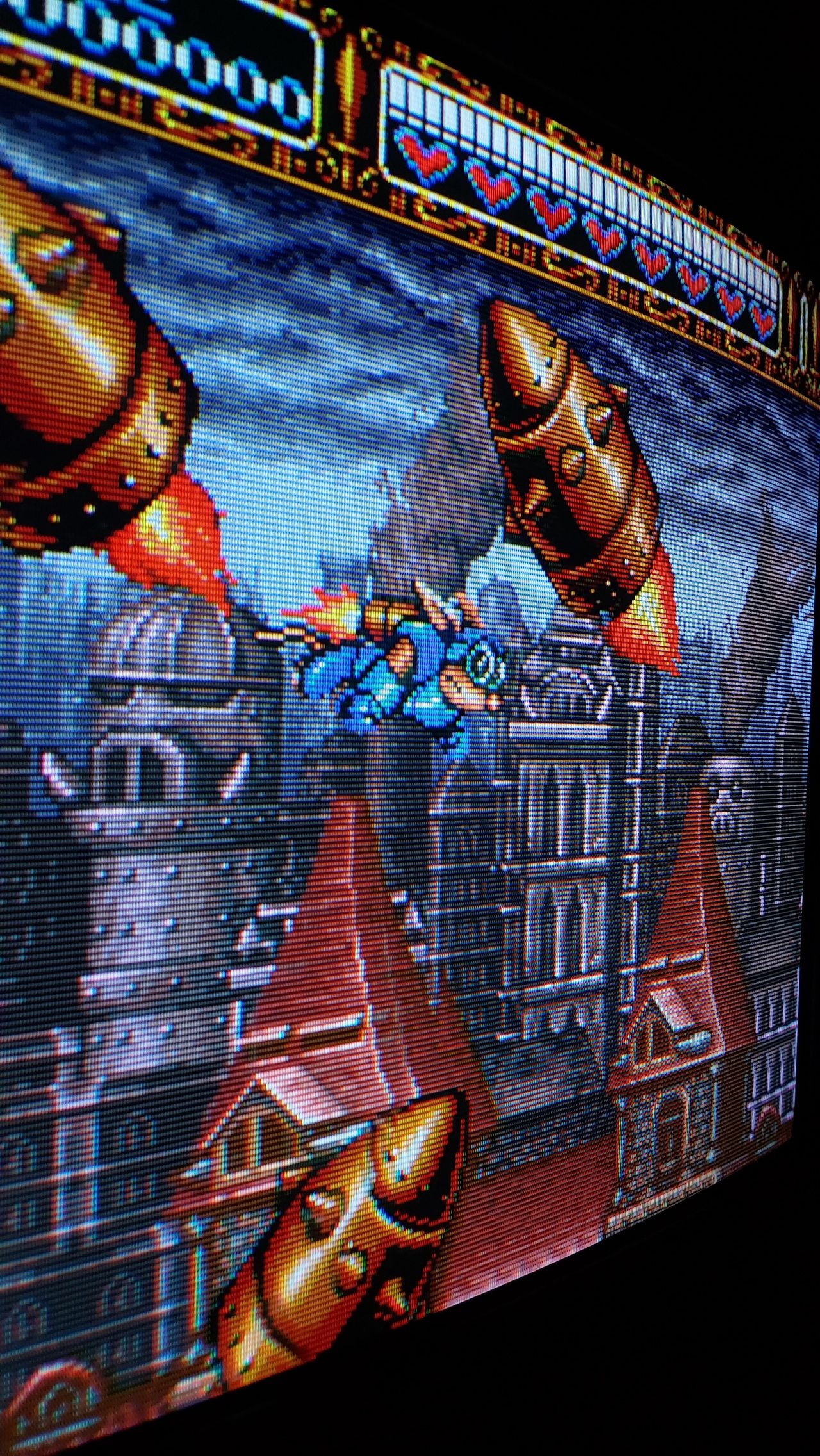
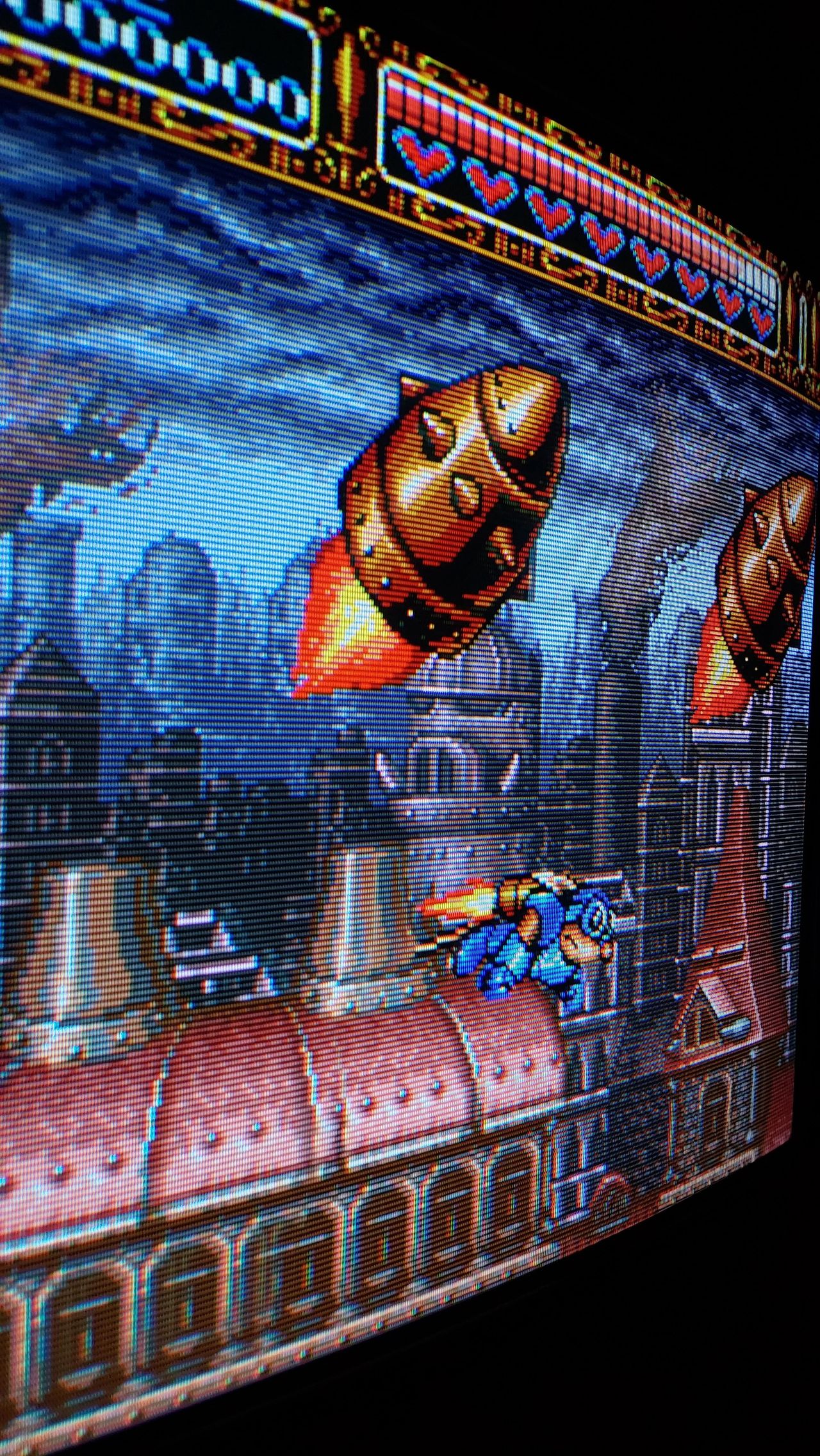
Games
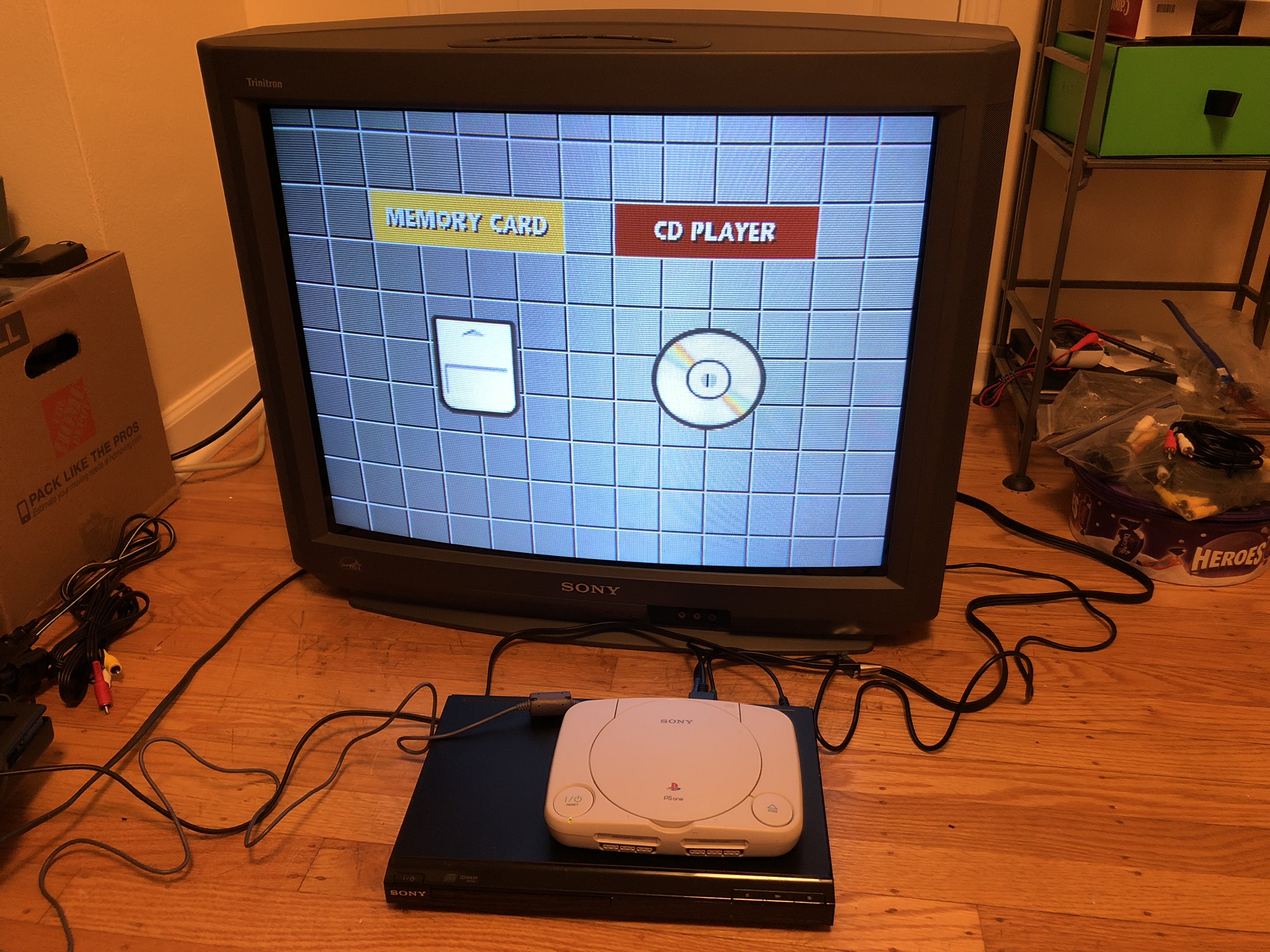
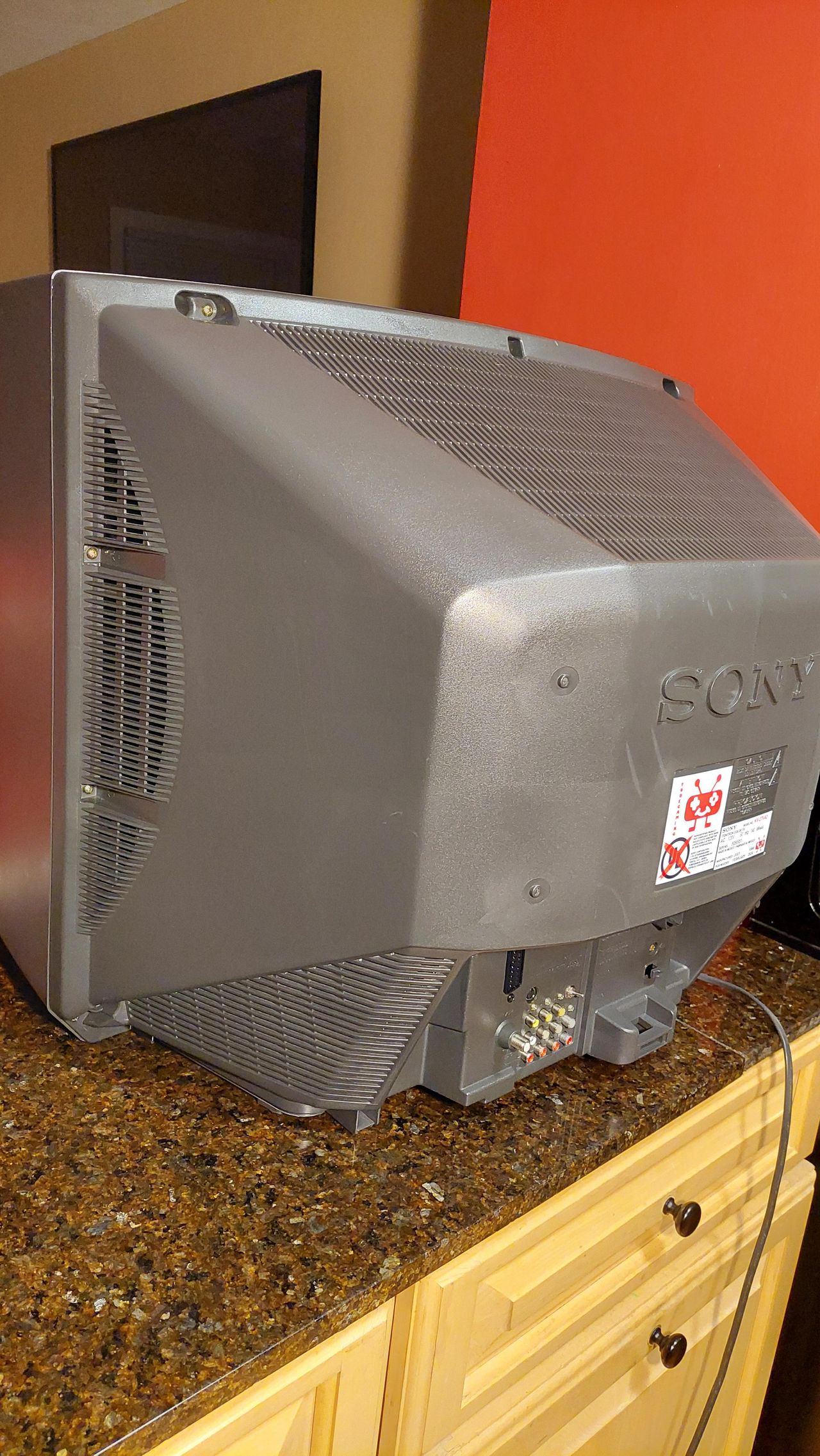
Set
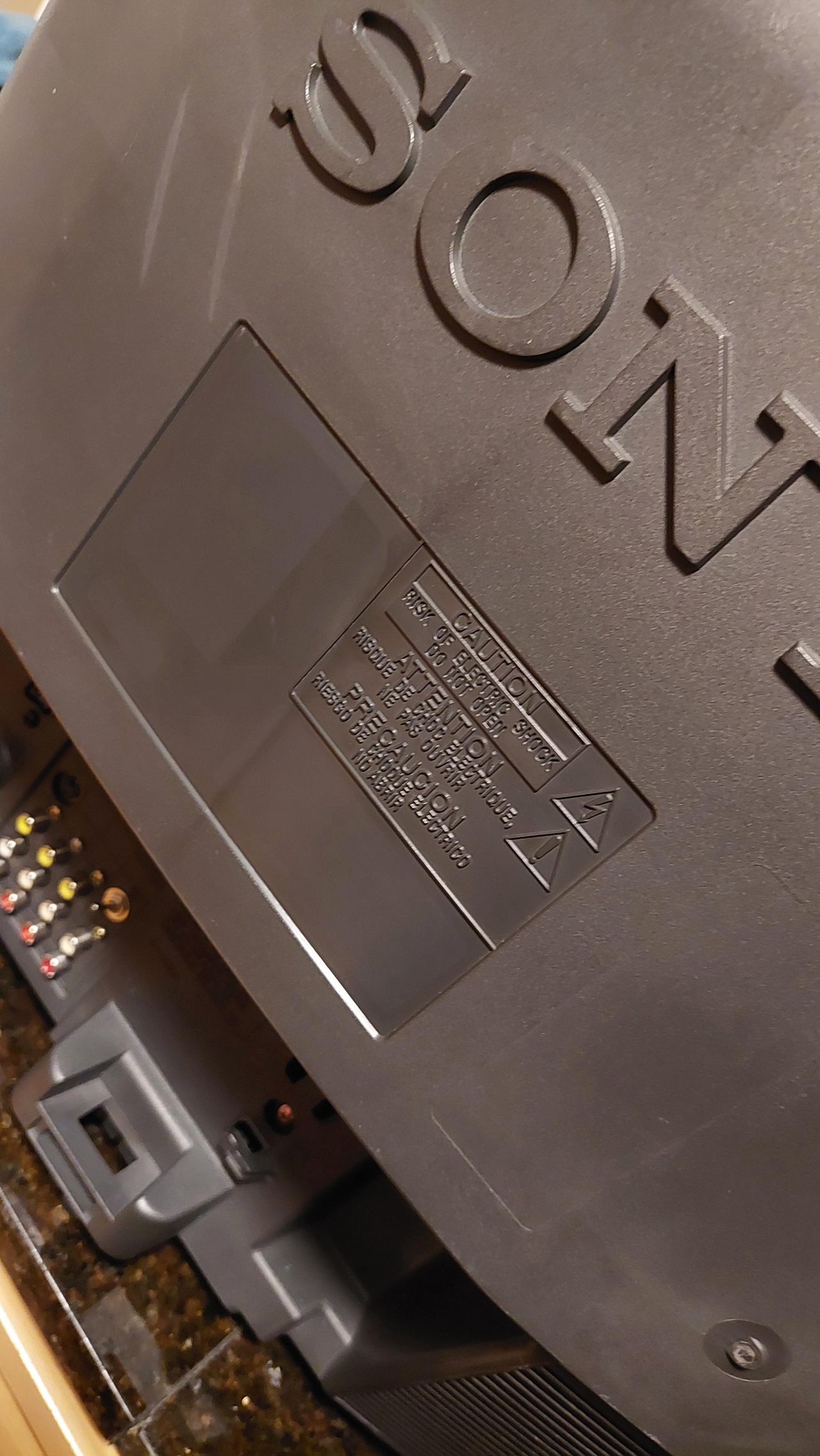
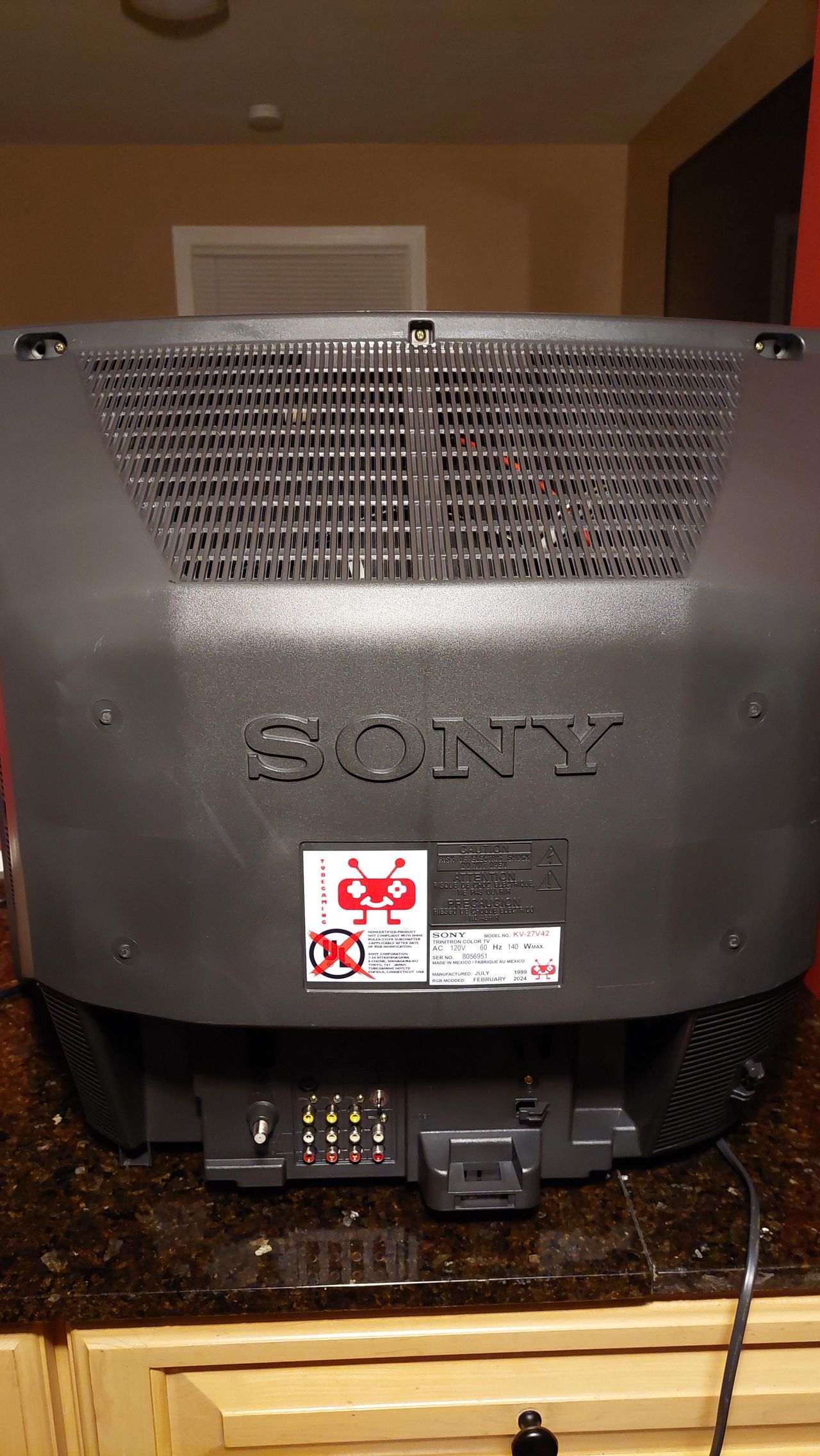
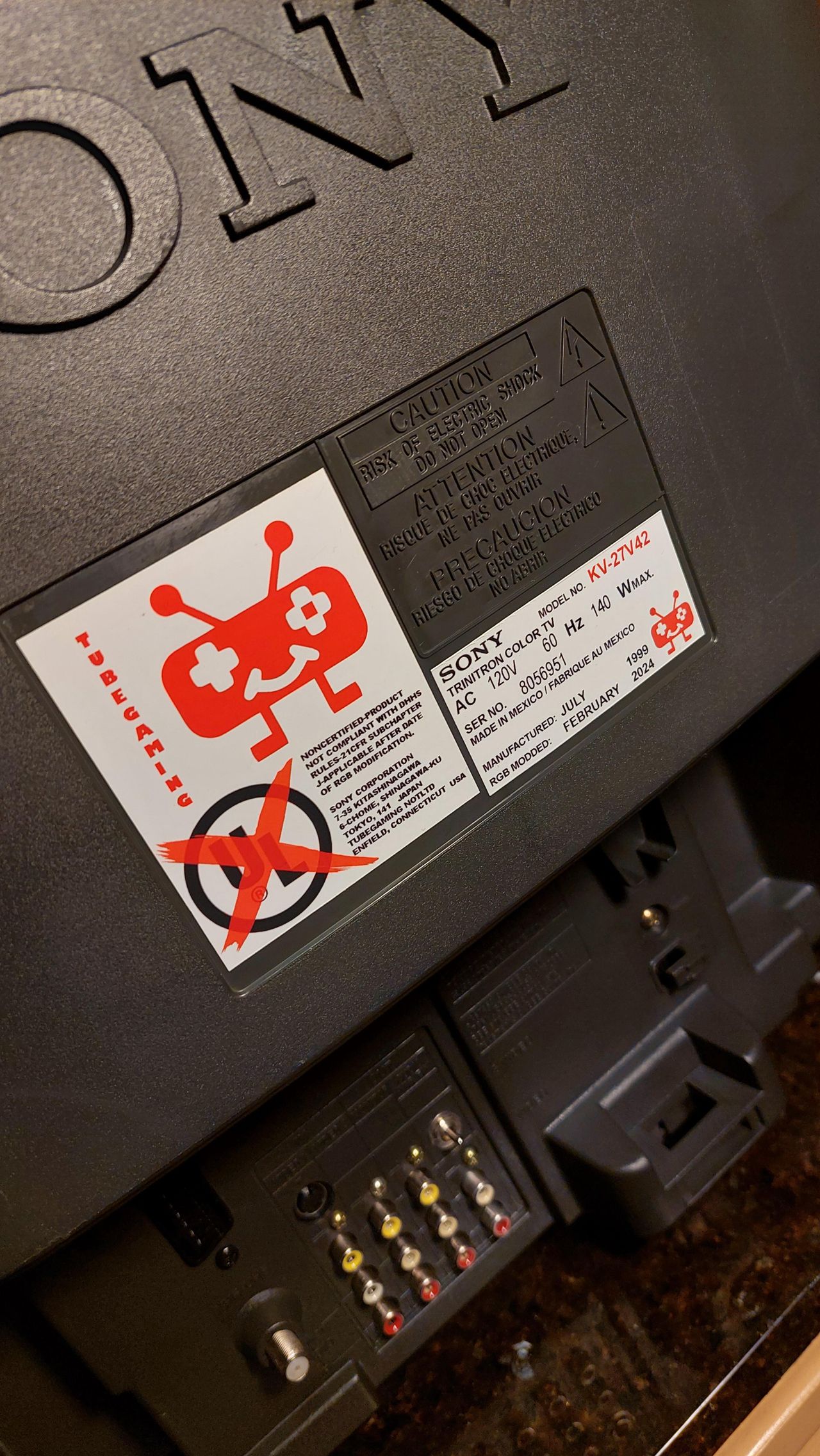
Back label 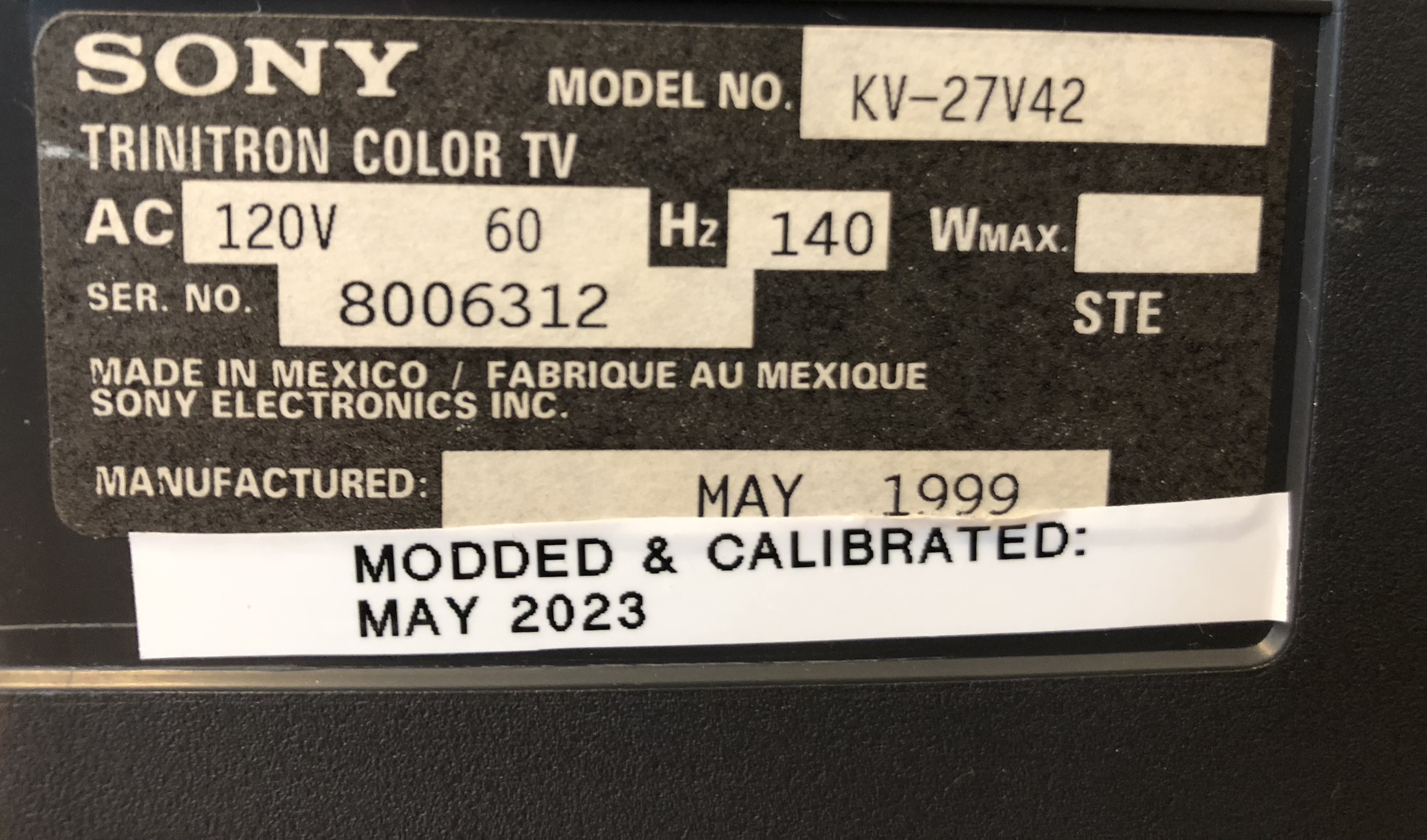
Pictures
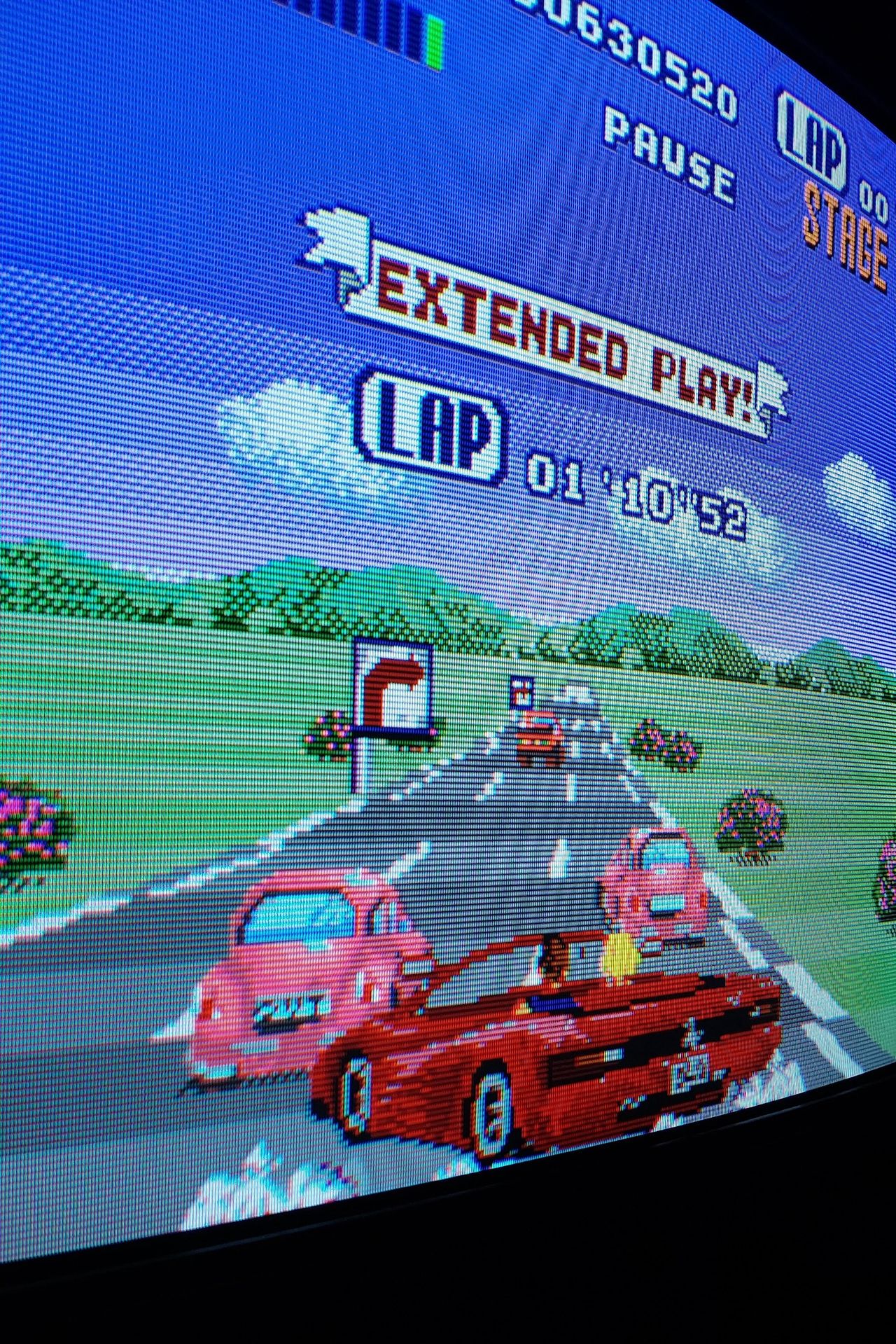
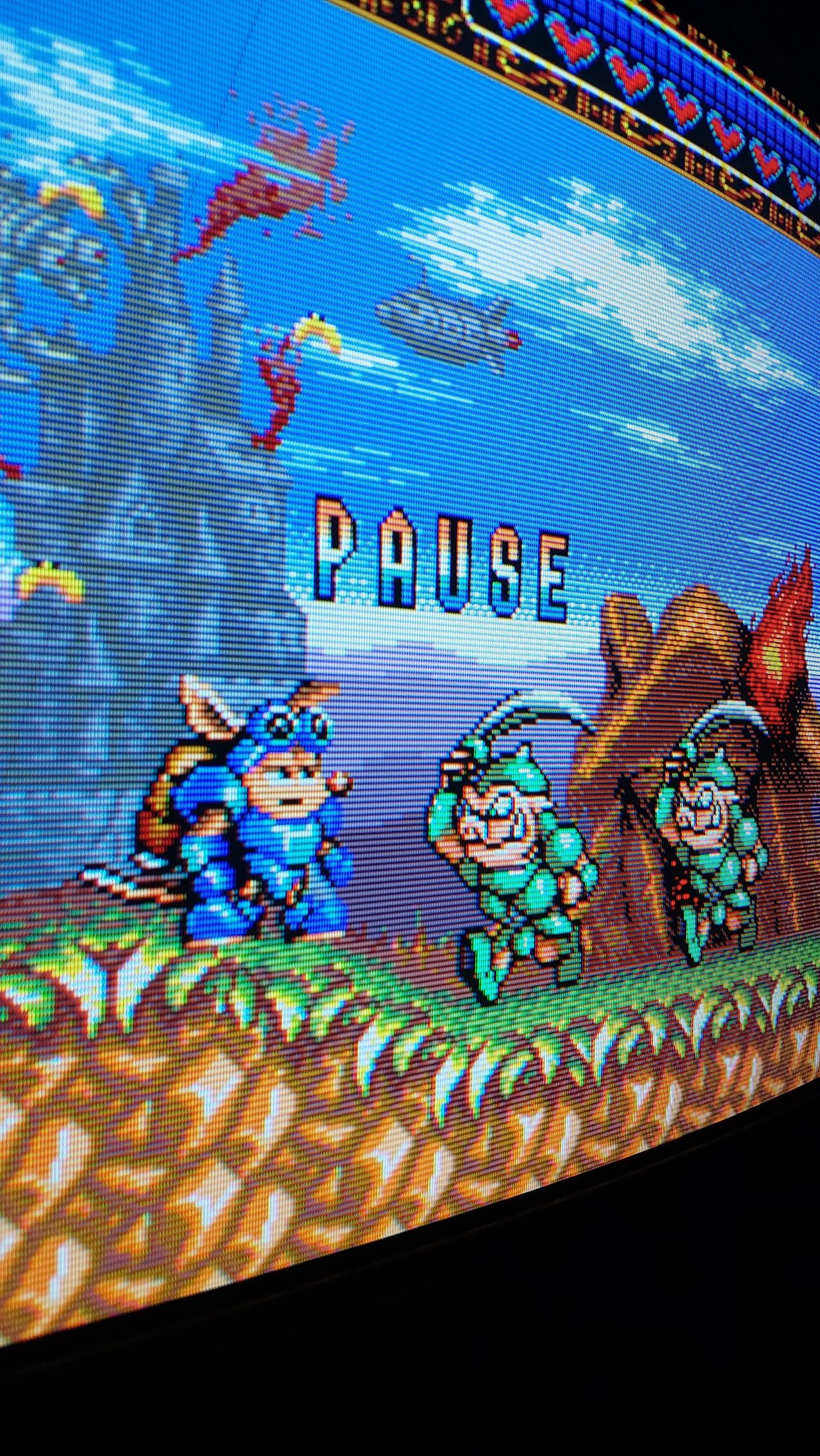
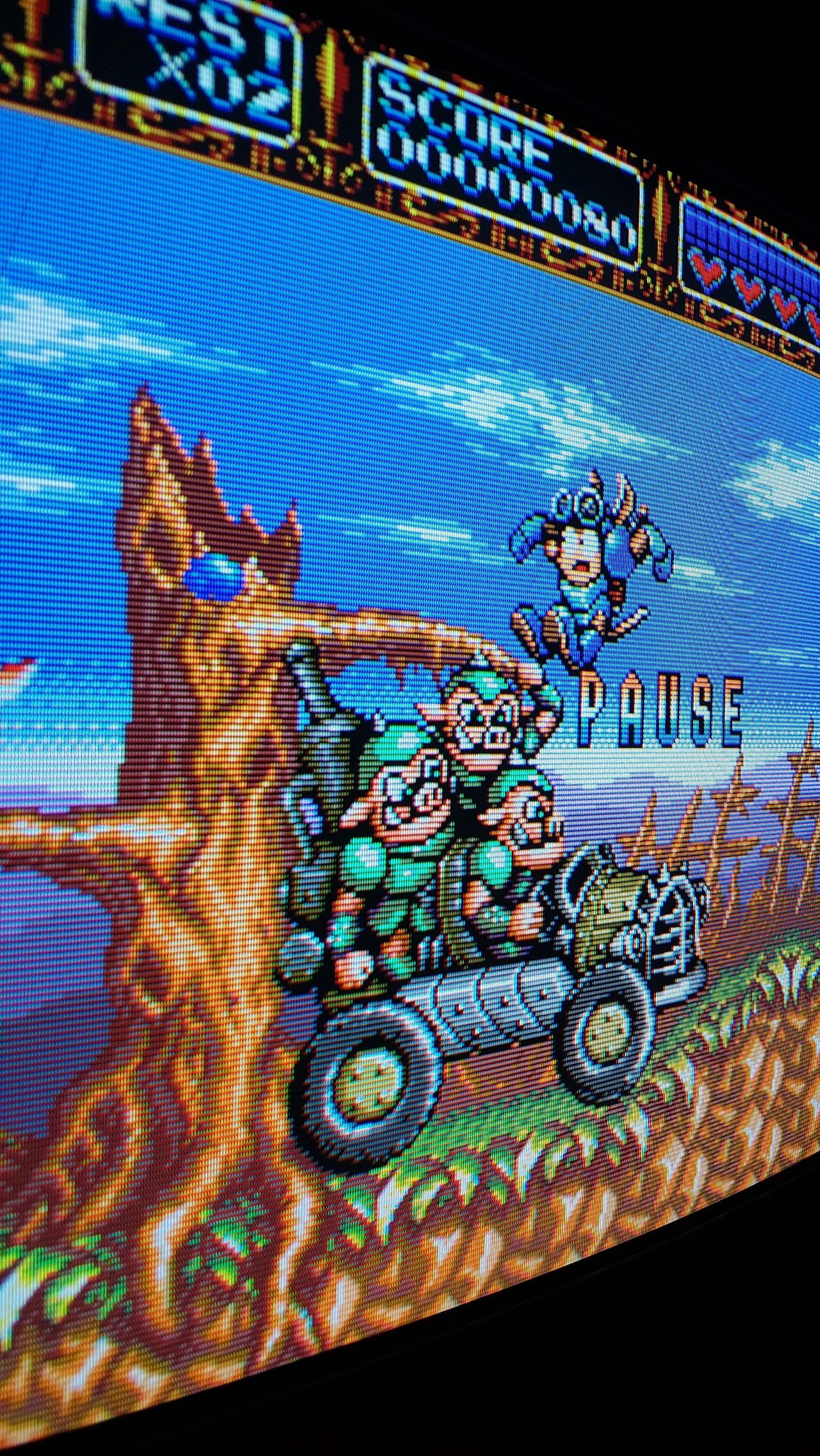
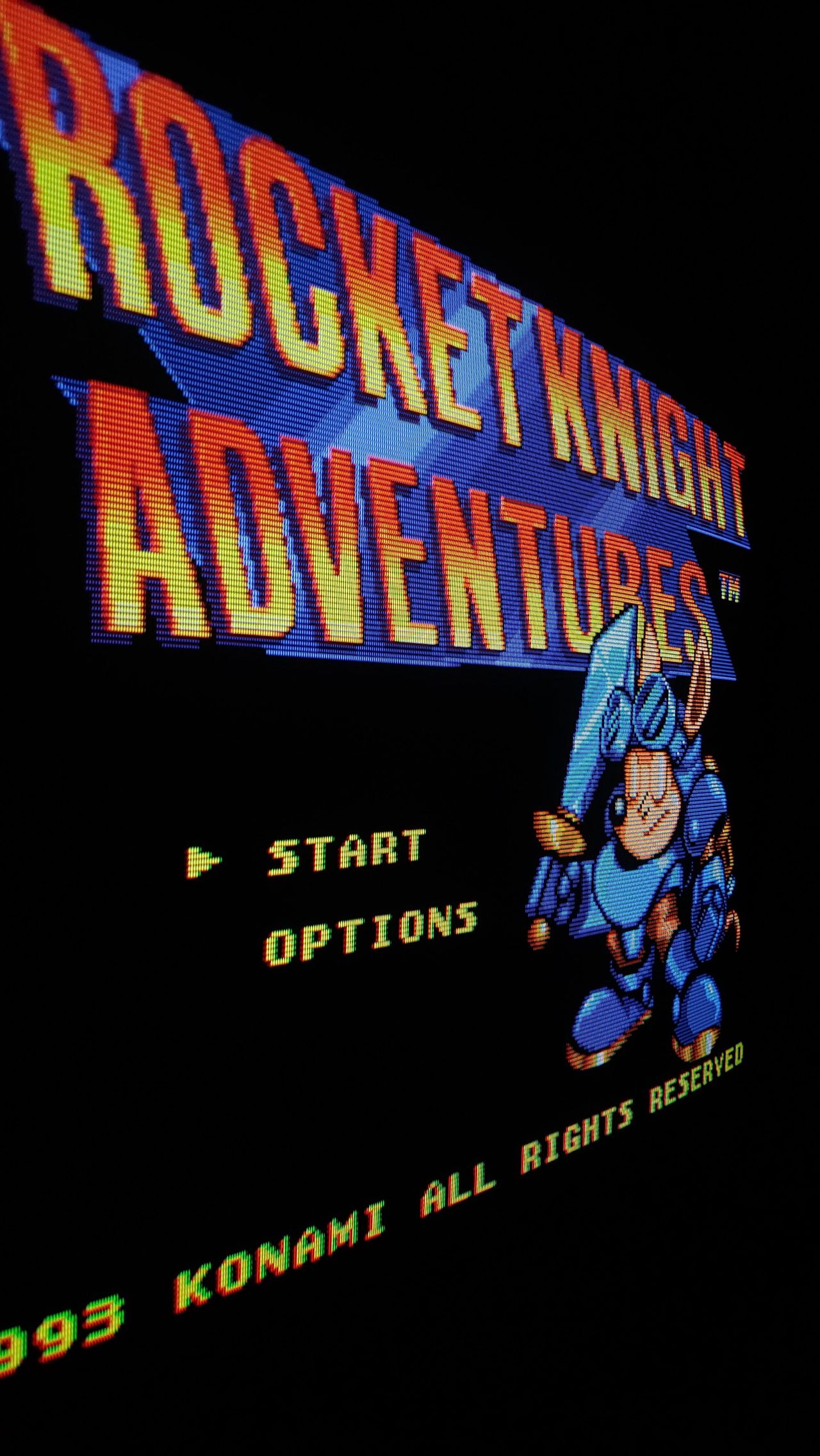
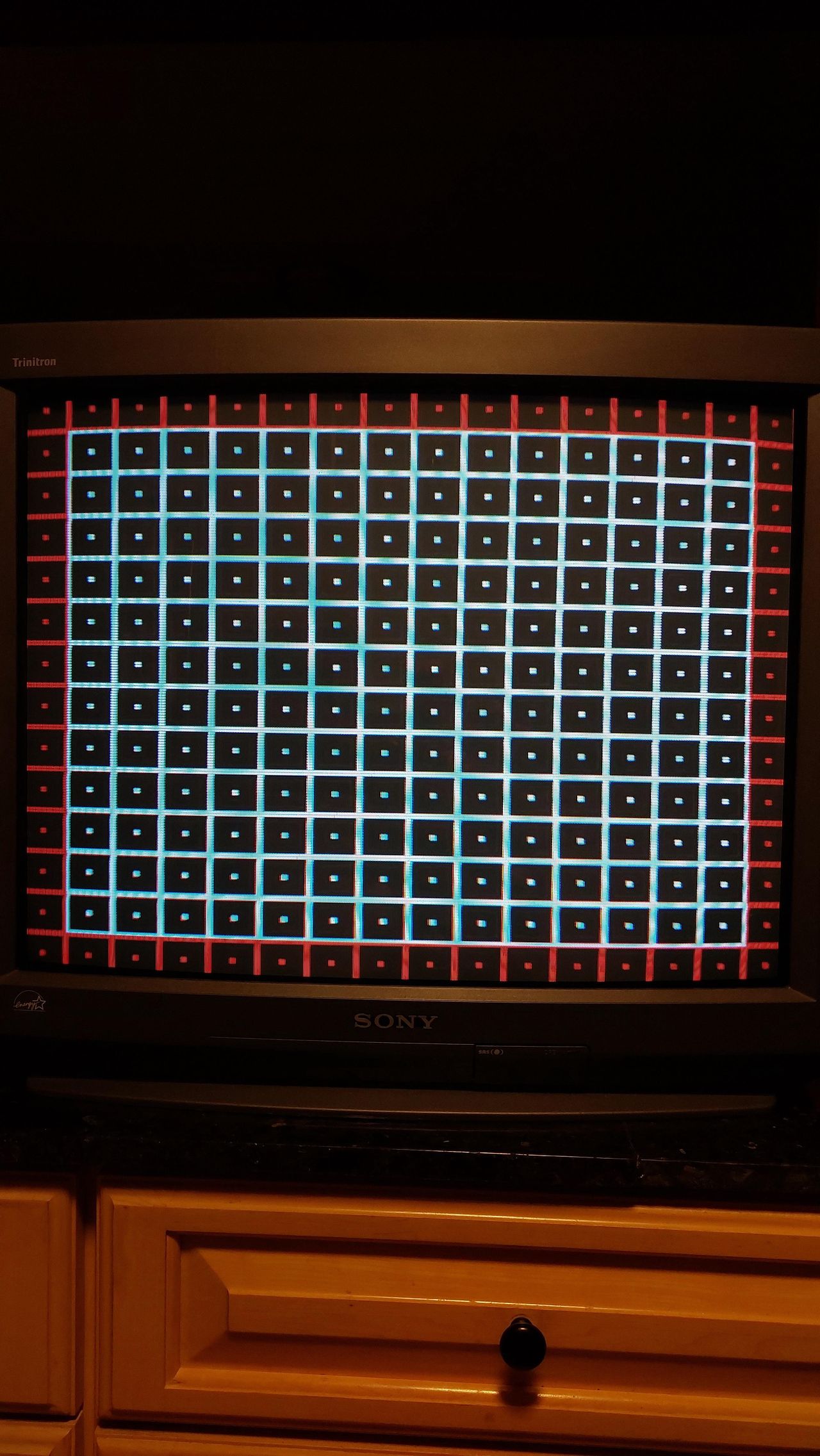
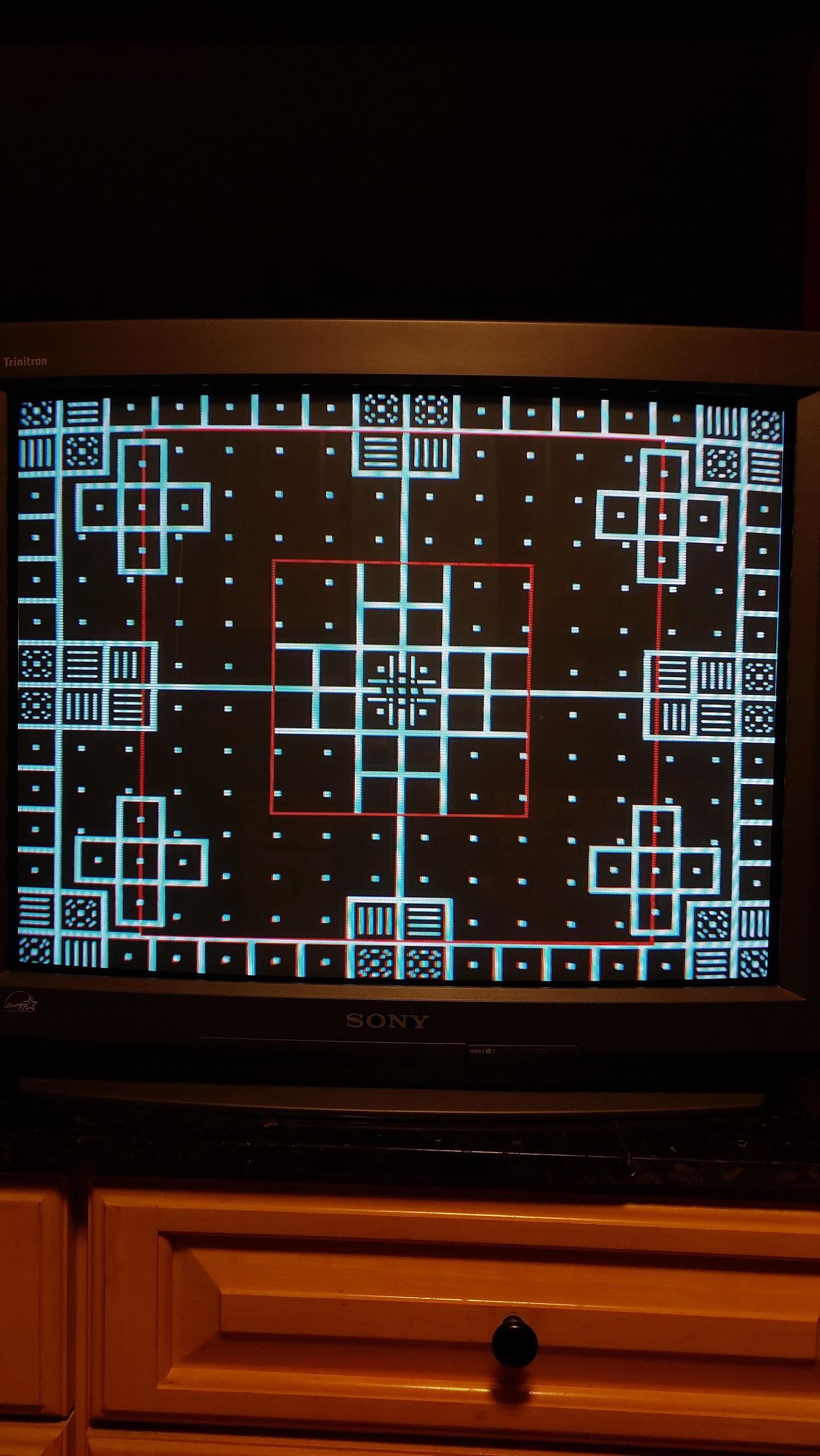
Photos by Tube Gaming
Reference Photos