
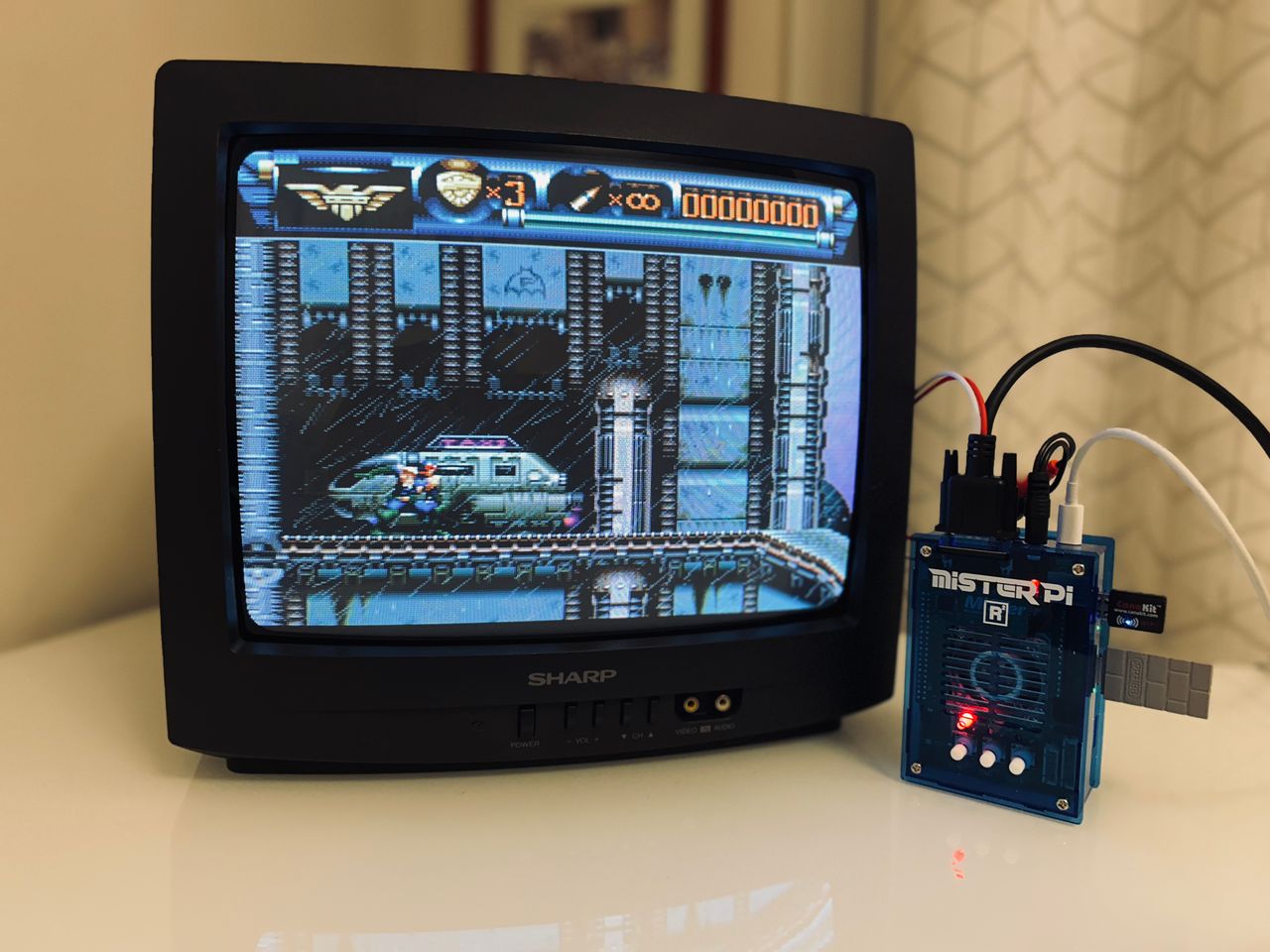
Sharp CJ13M10
Sharp CJ13M10 CRT RGB mod
This tutorial covers the RGB mod for Sharp CJ13M10.
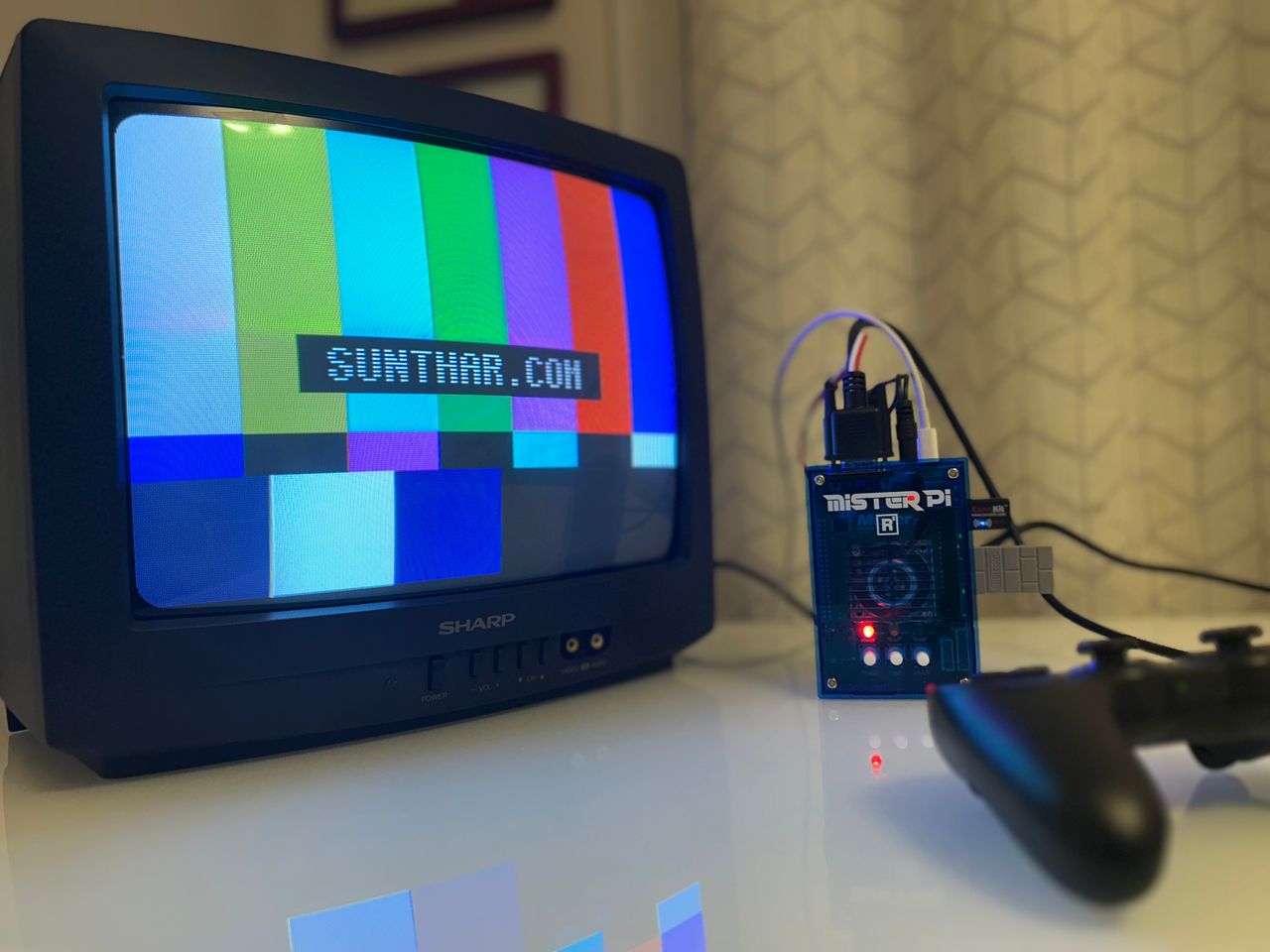
View full CRT details and more mod examples →
This tutorial covers the RGB mod for Sharp CJ13M10. These instructions should also work for
- Sharp CL13M10
- Sharp 20KS100
Contributors
Thank you to everyone who contributed to this guide:
No contributors listed yet.
CRT safety
Caution
You can die doing this! So read carefully! CRT TV is not a toy. Do not open a CRT TV. If you don't have any prior knowledge about handling high voltage devices, this guide is not for you. CRT TV contains high enough voltage (20,000+ V) and current to be deadly, even when it is turned off.
Plan of attack
Manuals and Datasheets
Specs
- Year: 1997
- Format: NTSC
- Tube: Sharp CPJ370BVBK1S
- Jungle Chip: Sharp IX2933CE
- OSD Chip: Sharp IX2942CE
- Screen Size: 13"
- Inputs: Composite, RF
RGB mux diagram
Prepare the mux diagram. If you are building your own circuit, this diagram should help.
Now that you roughly know what needs to be done, prepare for the mod. Place the board on a comfortable place. Make sure you are not putting pressure on the flyback or other components.
STEP 1: Remove the following components
Remove the following components. RGB resistors to the ground. Measure twice and mark before you remove.
- R803 (1.8 kΩ)
- R804 (1.8 kΩ)
- R805 (1.8 kΩ)
Optional
- Replace 0.1uF, 50V electrolytic capacitors with 0.1uF, 50V ceramic capacitors
- Add a diode inline for the blanking circuitry and replace the 6.8kΩ resistor with a 4.7kΩ resistor.
STEP 2: Connect RGBs, Blanking and Audio
Close up of RGB and Blanking 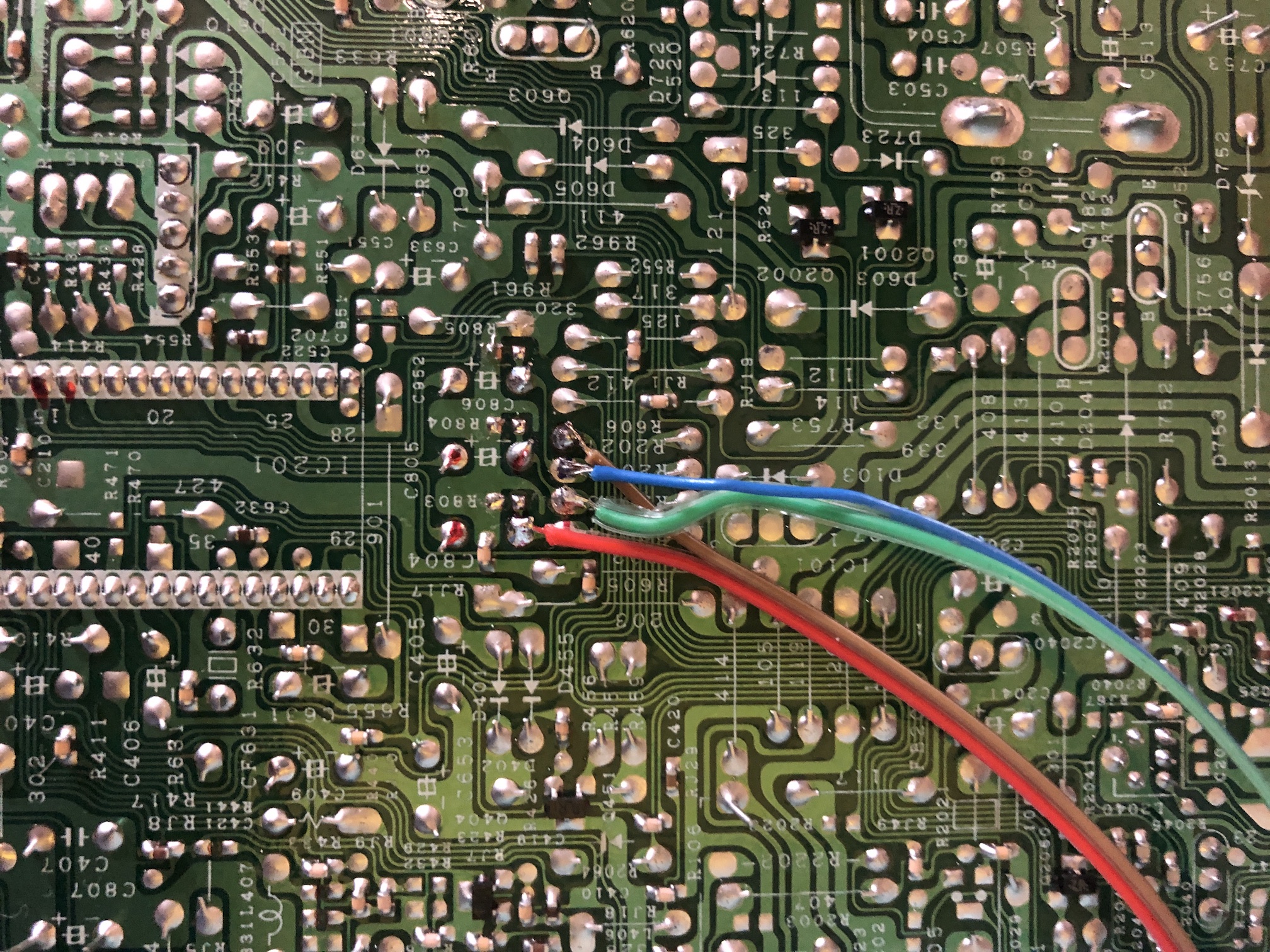
Close up of Sync and Audio 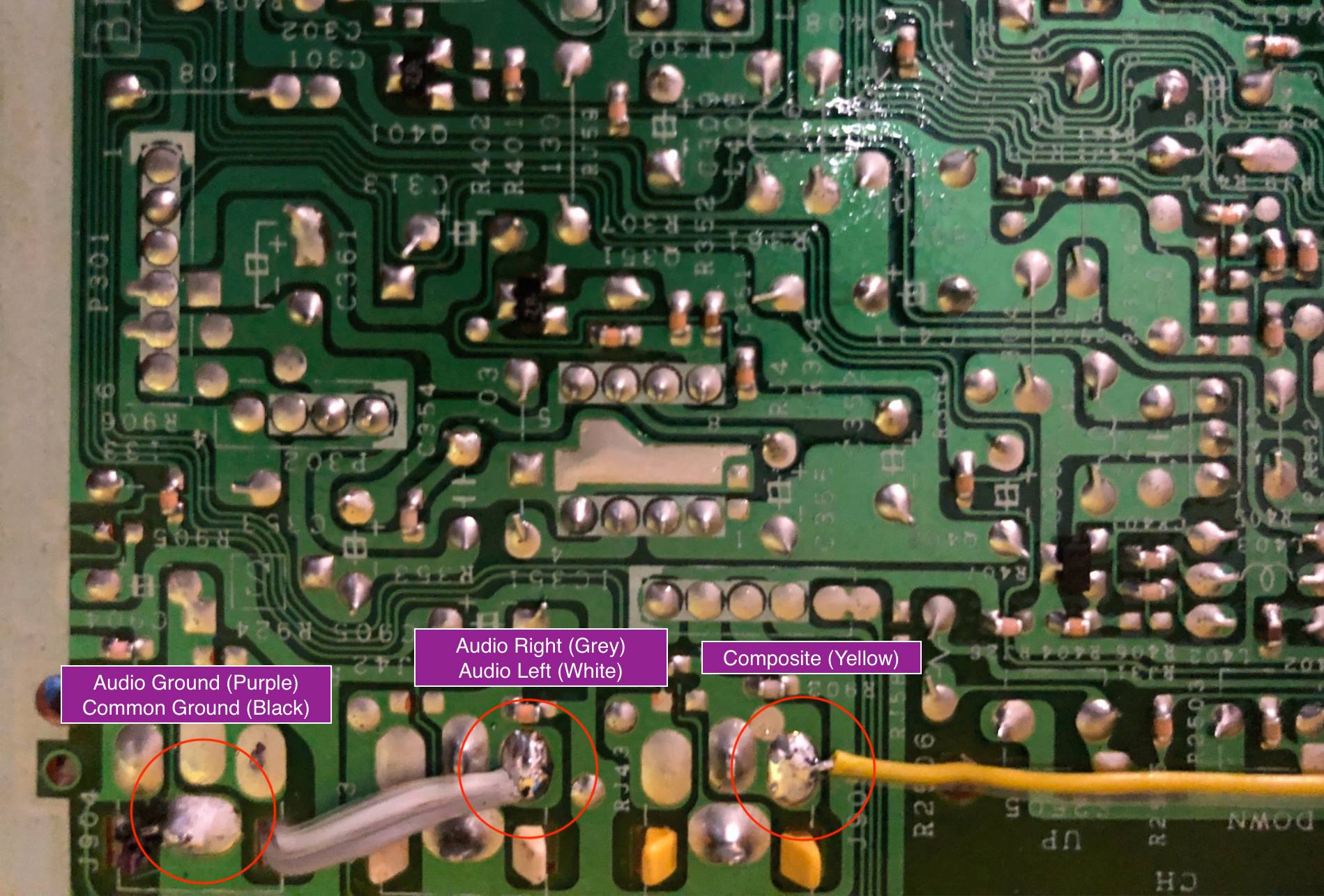
All wired up! 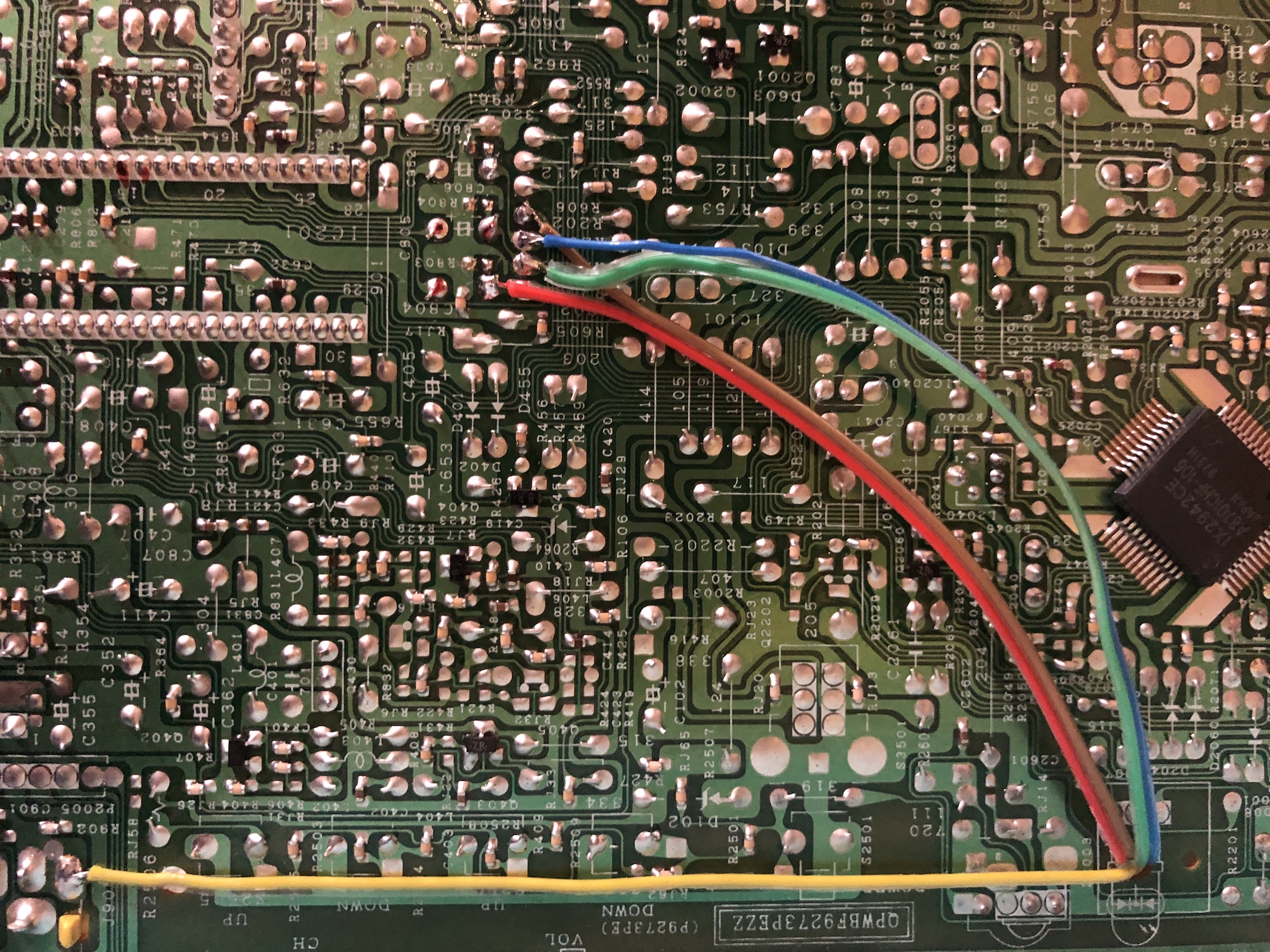
Another picture from a different set 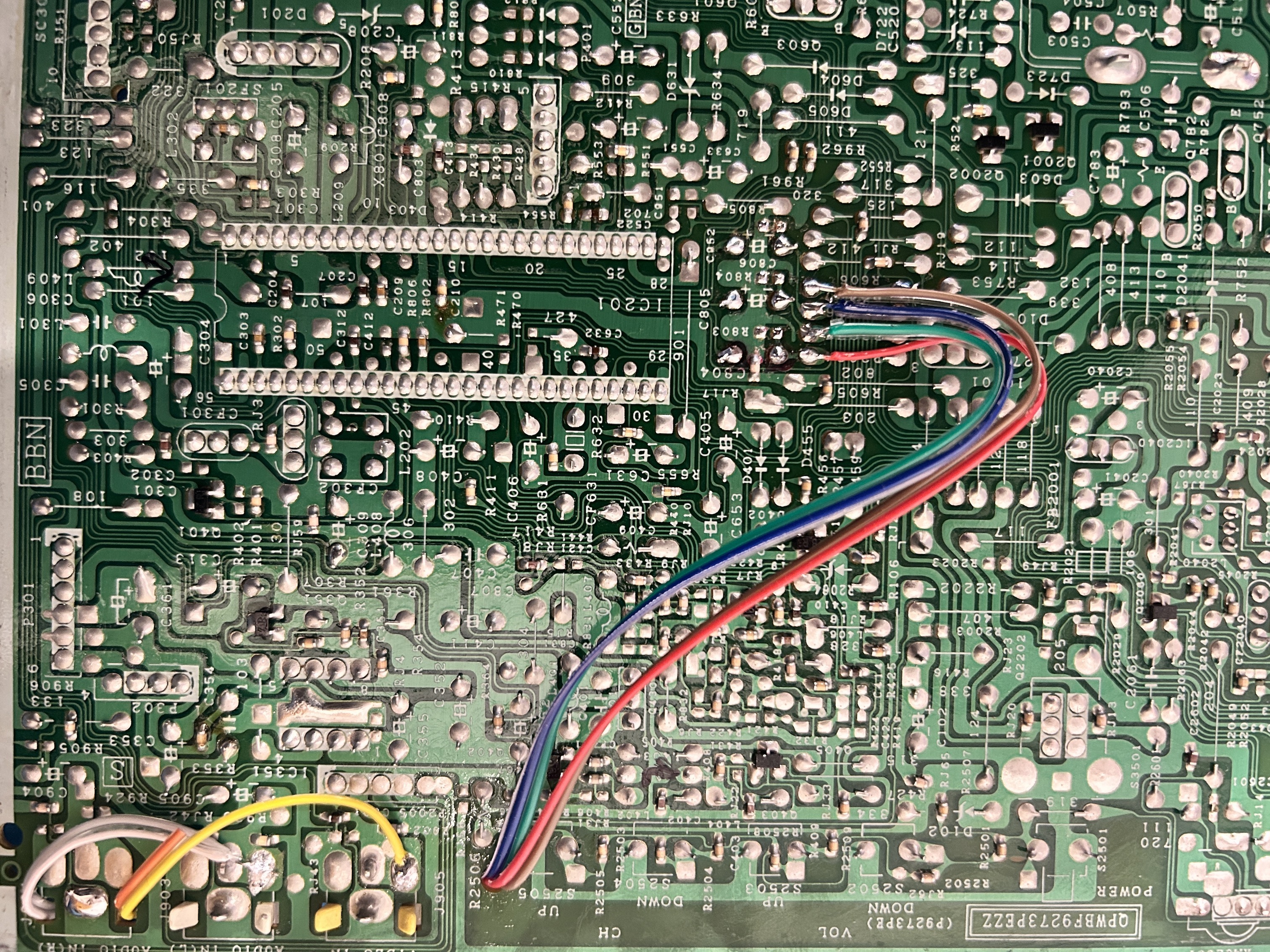
STEP 3: Ceramic inline caps (optional)
I would recommend changing the inline RGB caps to 0.1uF ceramic capacitors. 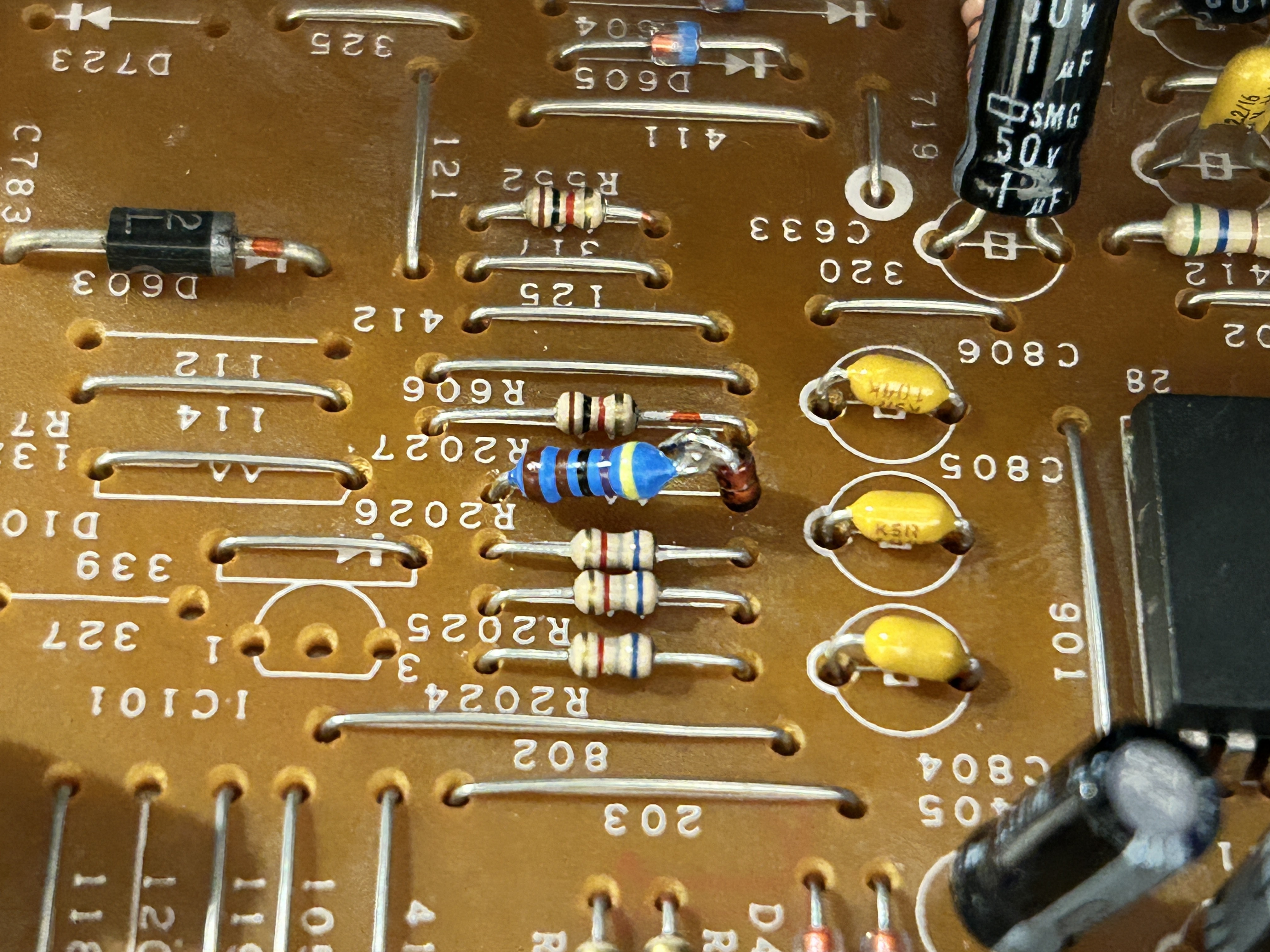
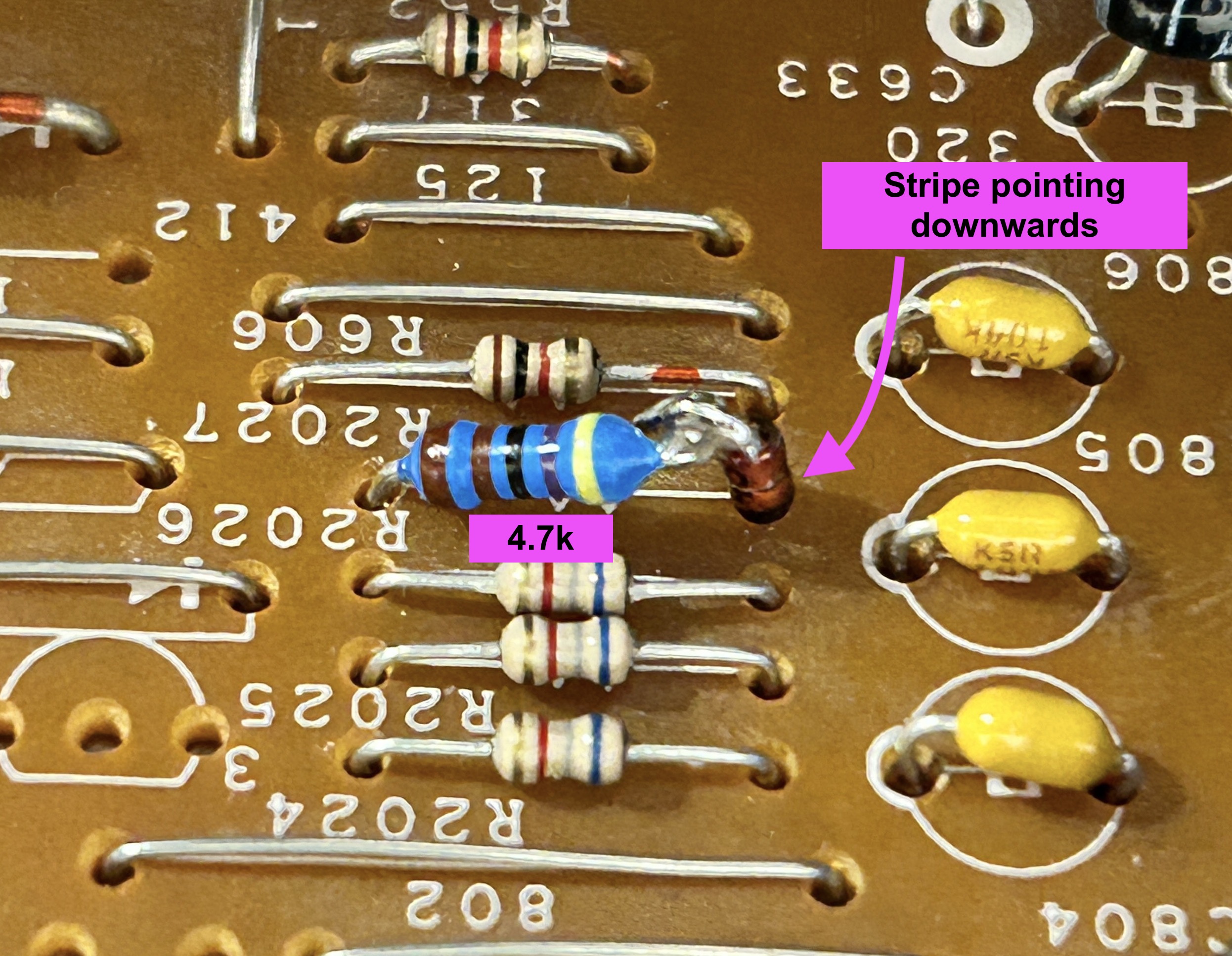
STEP 4: Add diode to the blanking
On the CRT chassis change R2027 from 6.8k to 4.7k along with a 1N4148 diode.
This is recommended to reduce interference. See the mux diagram above and the picture circled below.
Diode stripe should be pointing in the correct direction.
STEP 5: Build your mux board
This mod uses the RGB mux board. This is optional, but will make your mod easier and stable. You can also create the circuit presented in the schematics above without the board. Please also checkout the mux calculator to play with your own values.
| On Sharp CRT Chassis | CJ13M10 |
|---|---|
| CRT RGB inline resistor | 6.8kΩ |
| CRT RGB ground resistors removed | 1.8kΩ |
| 0.1μF caps replaced | No |
| Add diodes on chassis RGB lines? | Yes |
| Add blanking diode on chassis | Yes |
| RGB mux board | CJ13M10 |
|---|---|
| Mux board RGB termination (R1, R2, R3) | 220Ω |
| Mux board RGB inline resistors (R4, R5, R6) | 1.8kΩ |
| Mux board Audio LR (R7, R8) | 1kΩ |
| Mux board blanking diode (R9) | 1N4148 |
| Mux board blanking ground resistor (R10) | open |
| Mux board blanking resistor (R11) | 4.7kΩ |
Compatible mux boards:
STEP 6: Attach the female SCART connector to TV
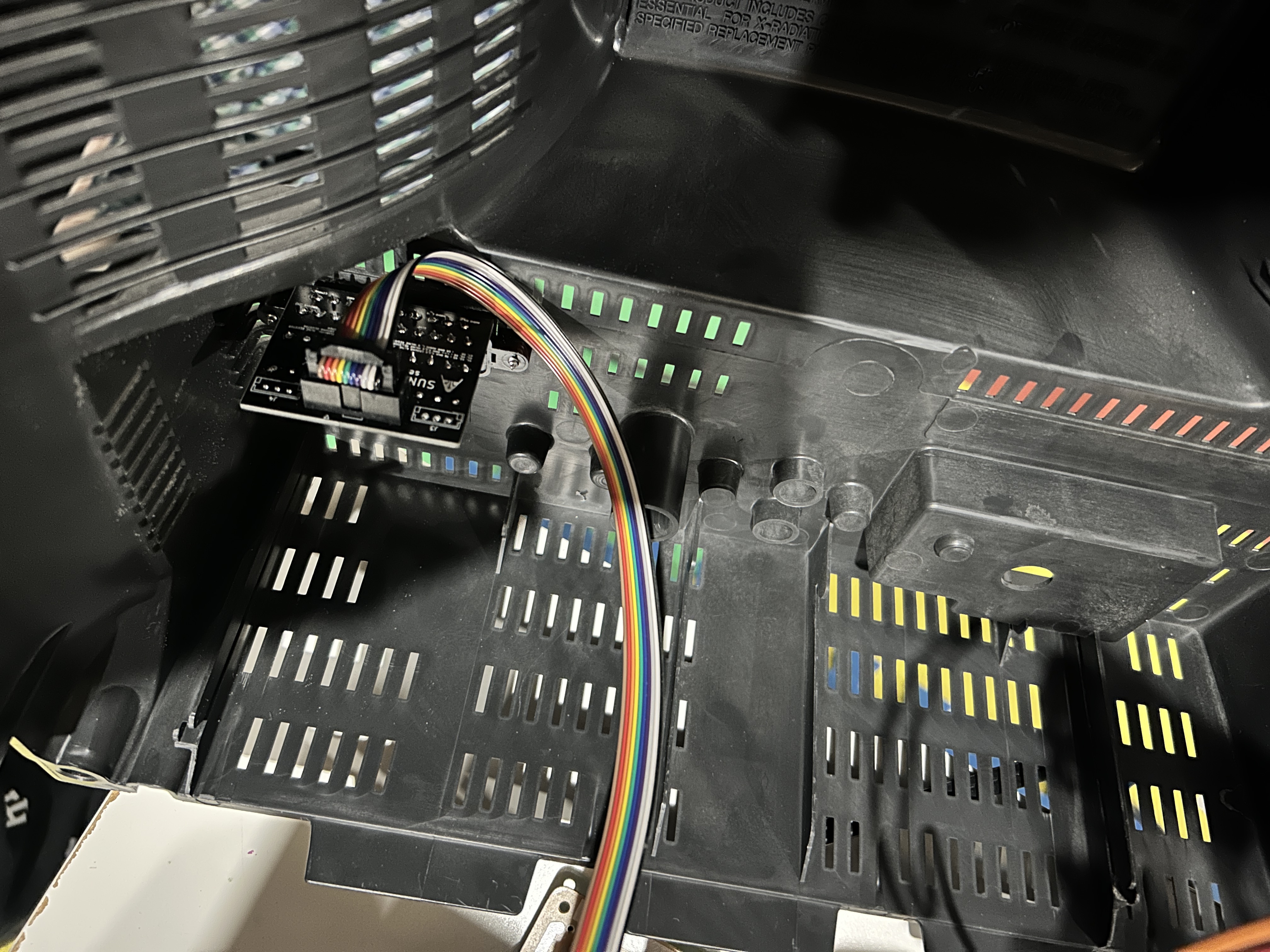 Creating a SCART cutout and mounting it is an art. I have a dedicated section for it.
How to create and mount a SCART female plug?
Route the ribbon cables carefully, not touching the heat sinks or high voltage. 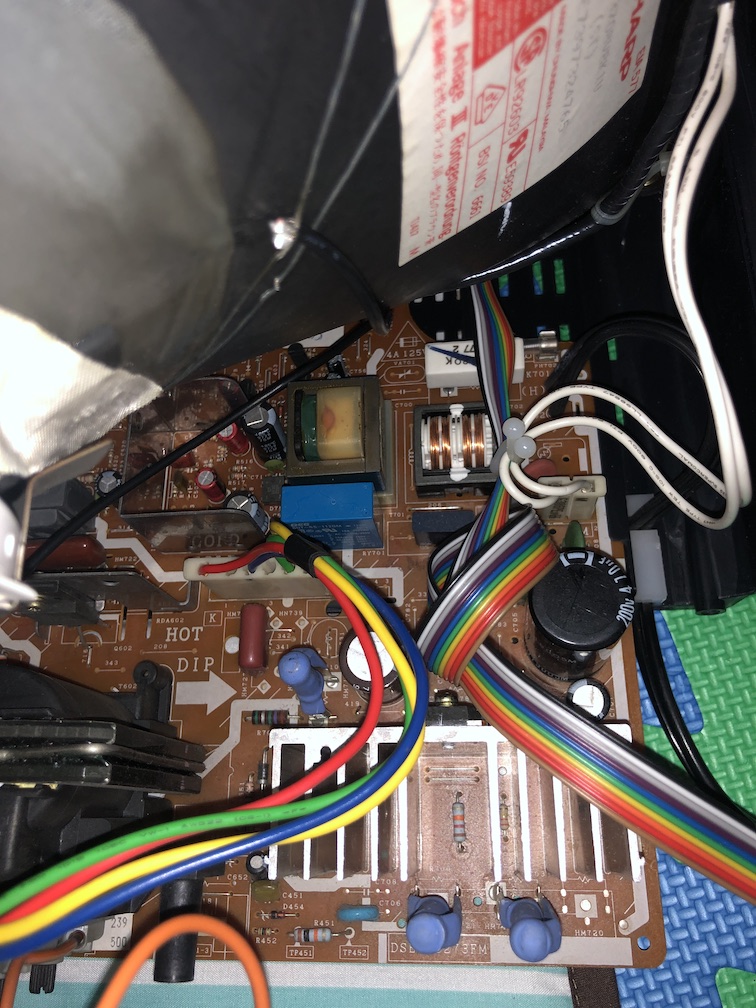
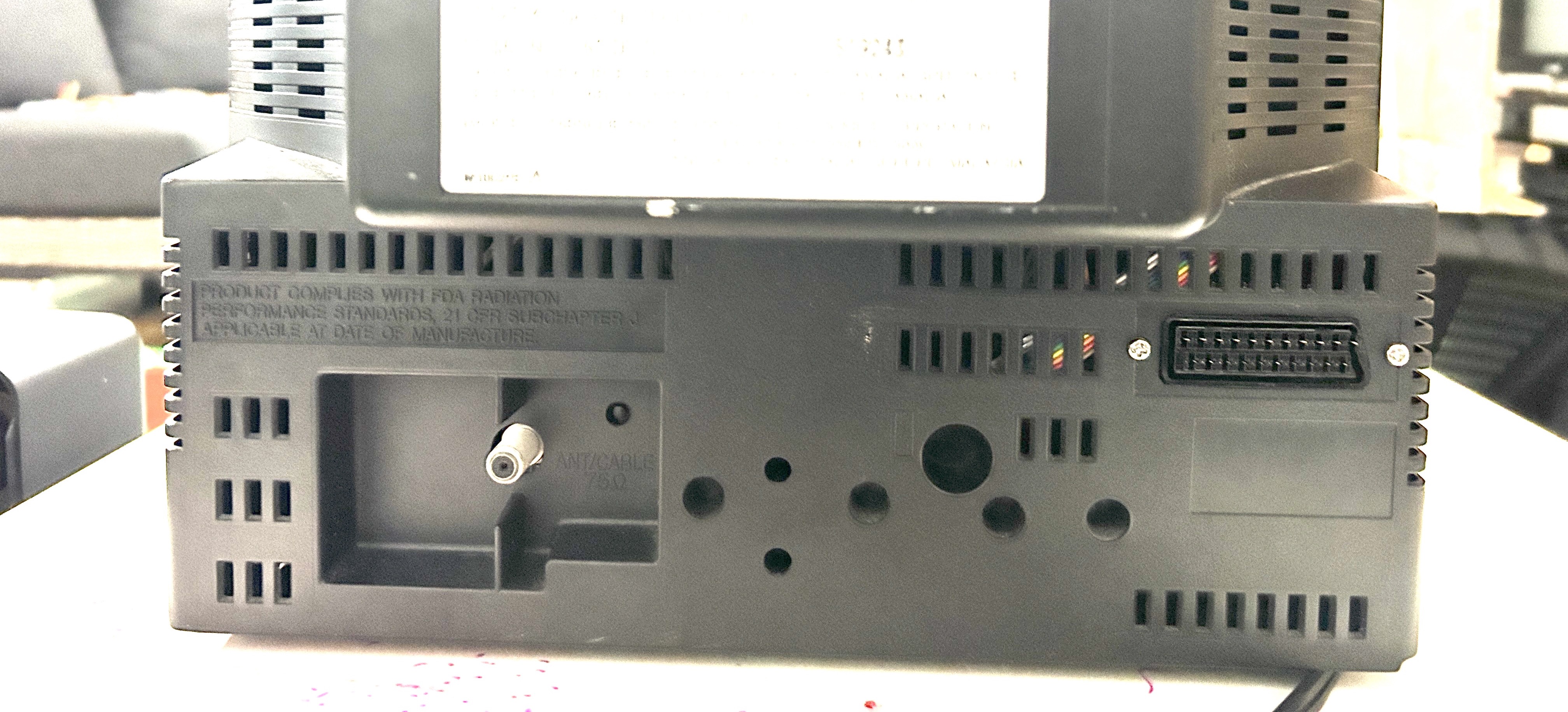
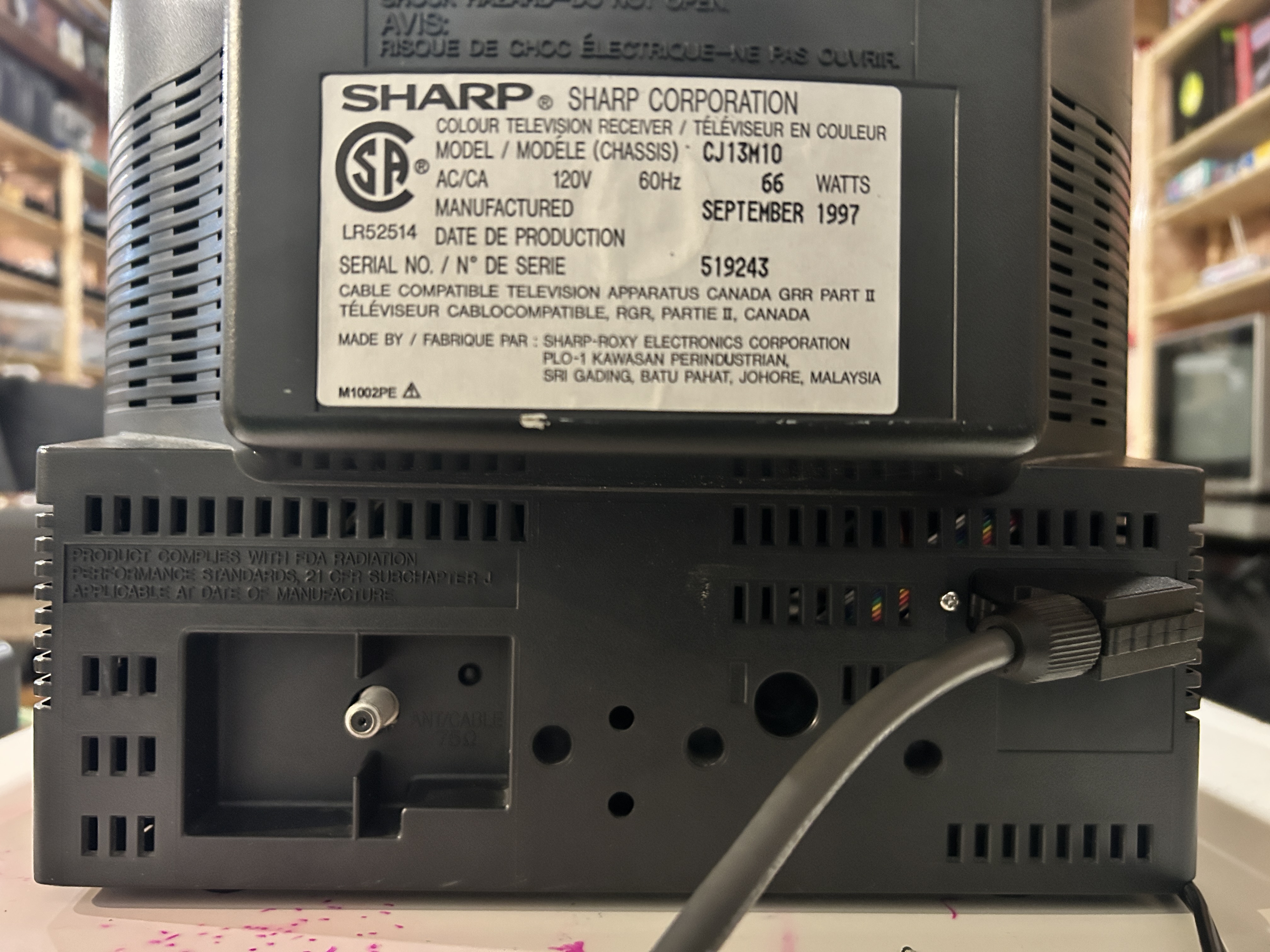
Remote Control for this TV
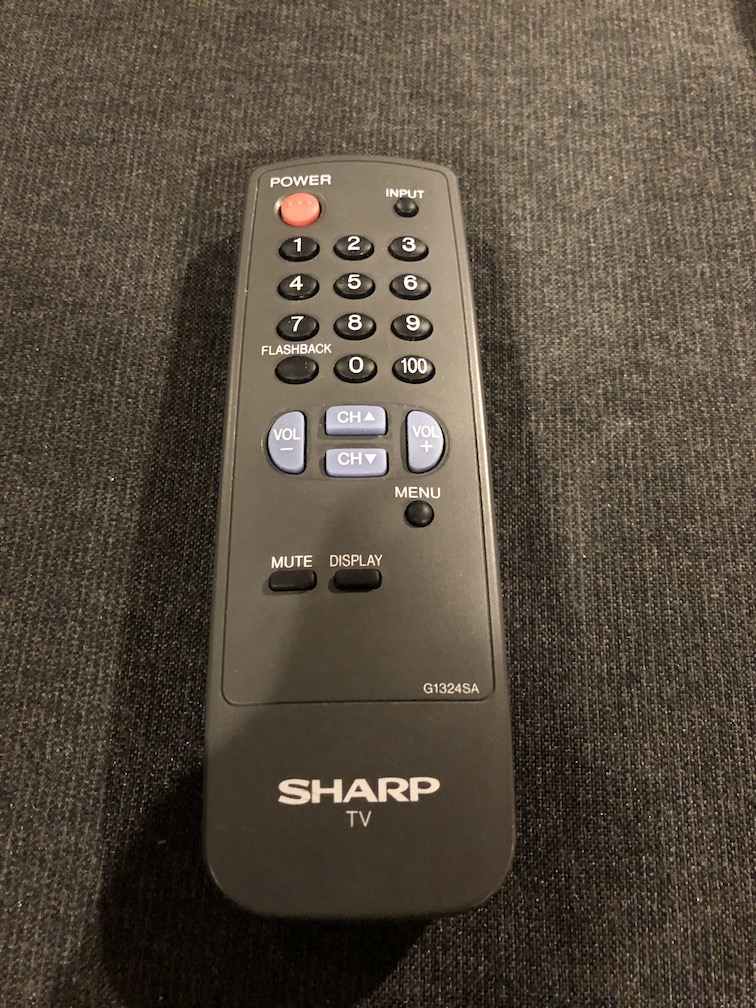
Getting into service menu
While pressing the Vol-up and Ch-up buttons at the sametime, plug the AC cord into a wall socket.
Pictures of the mod
Games
NES Adventure Island 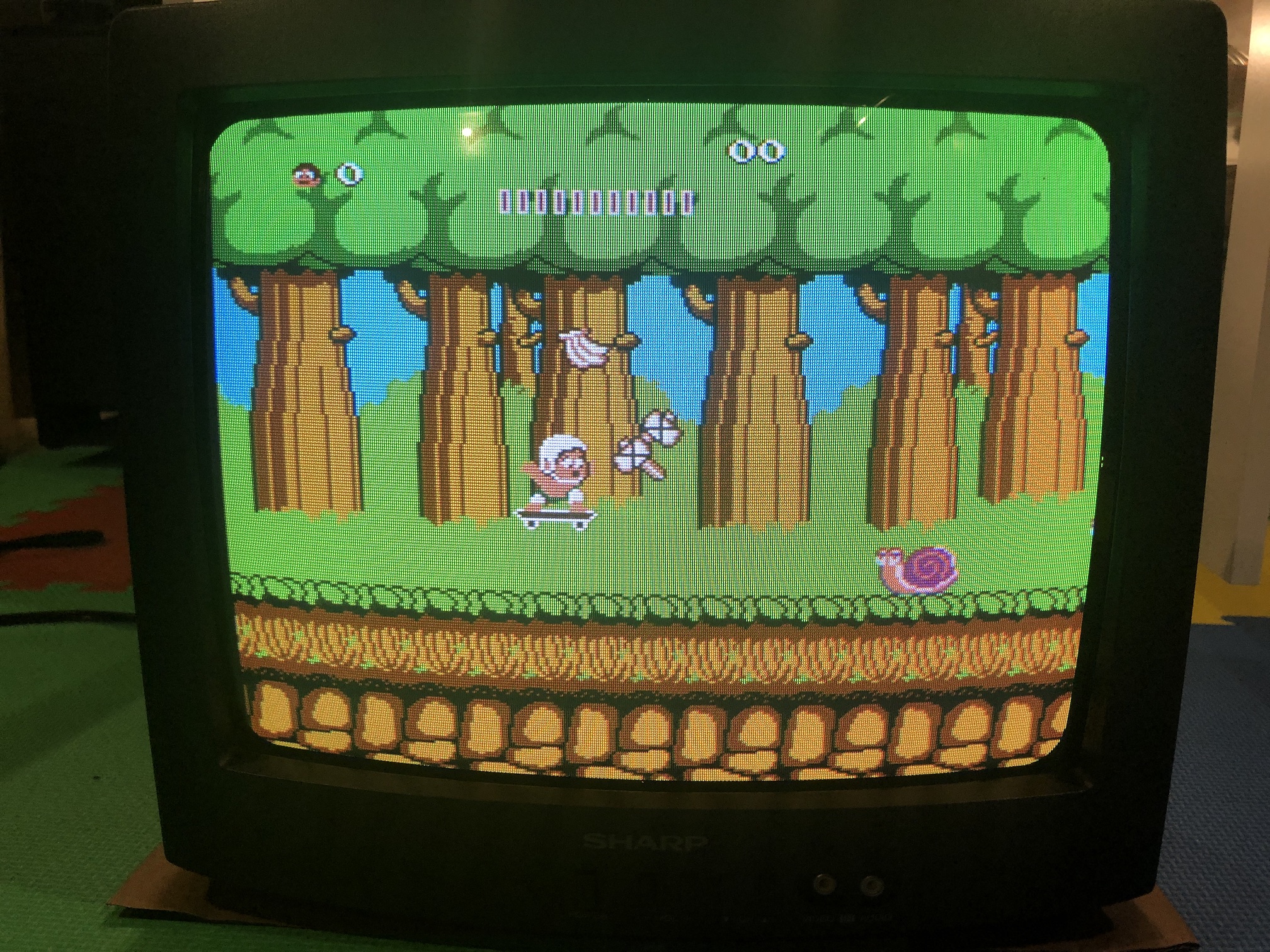
NES Adventure Island Close up 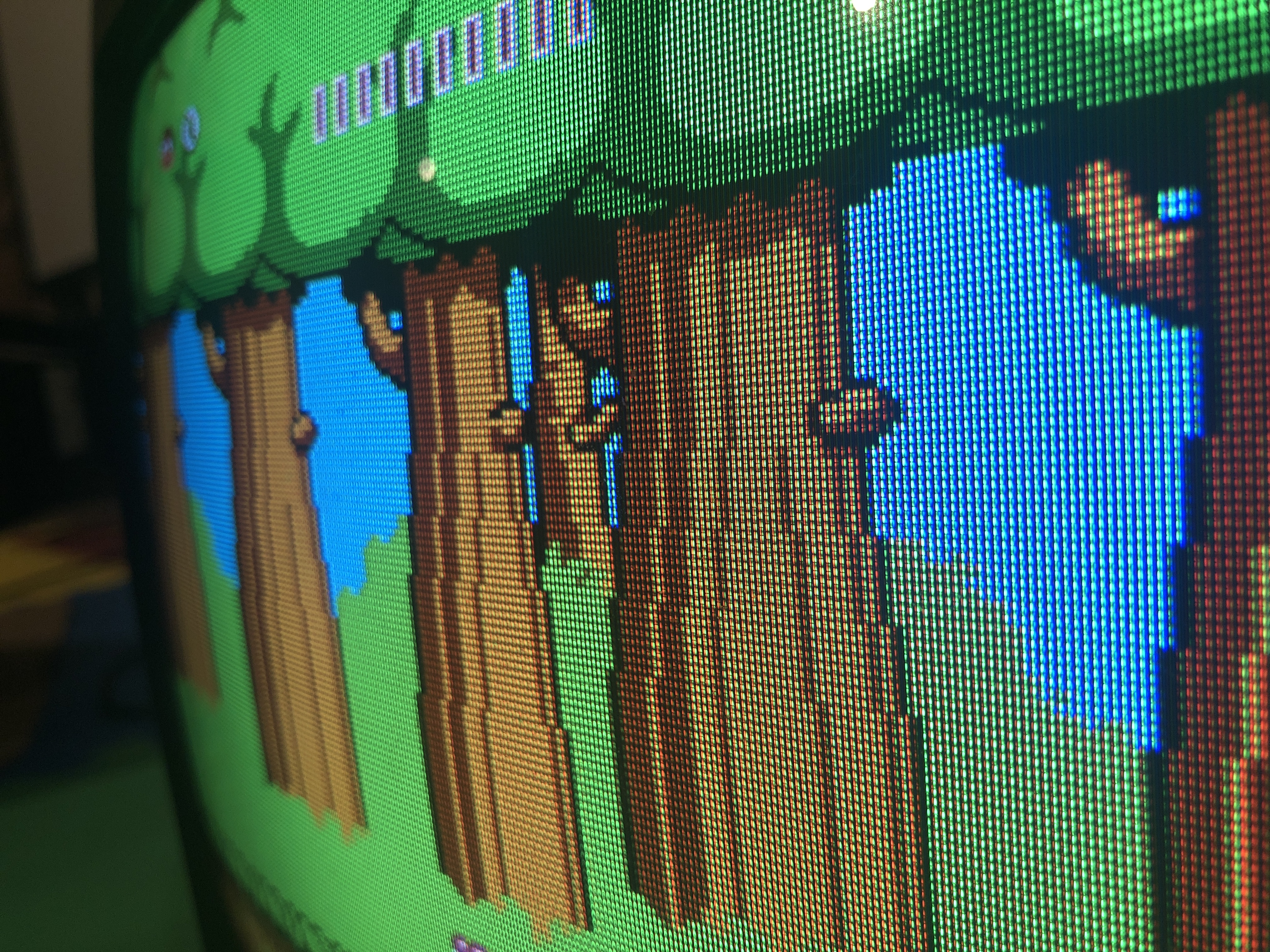
SNES Contra Alien Wars 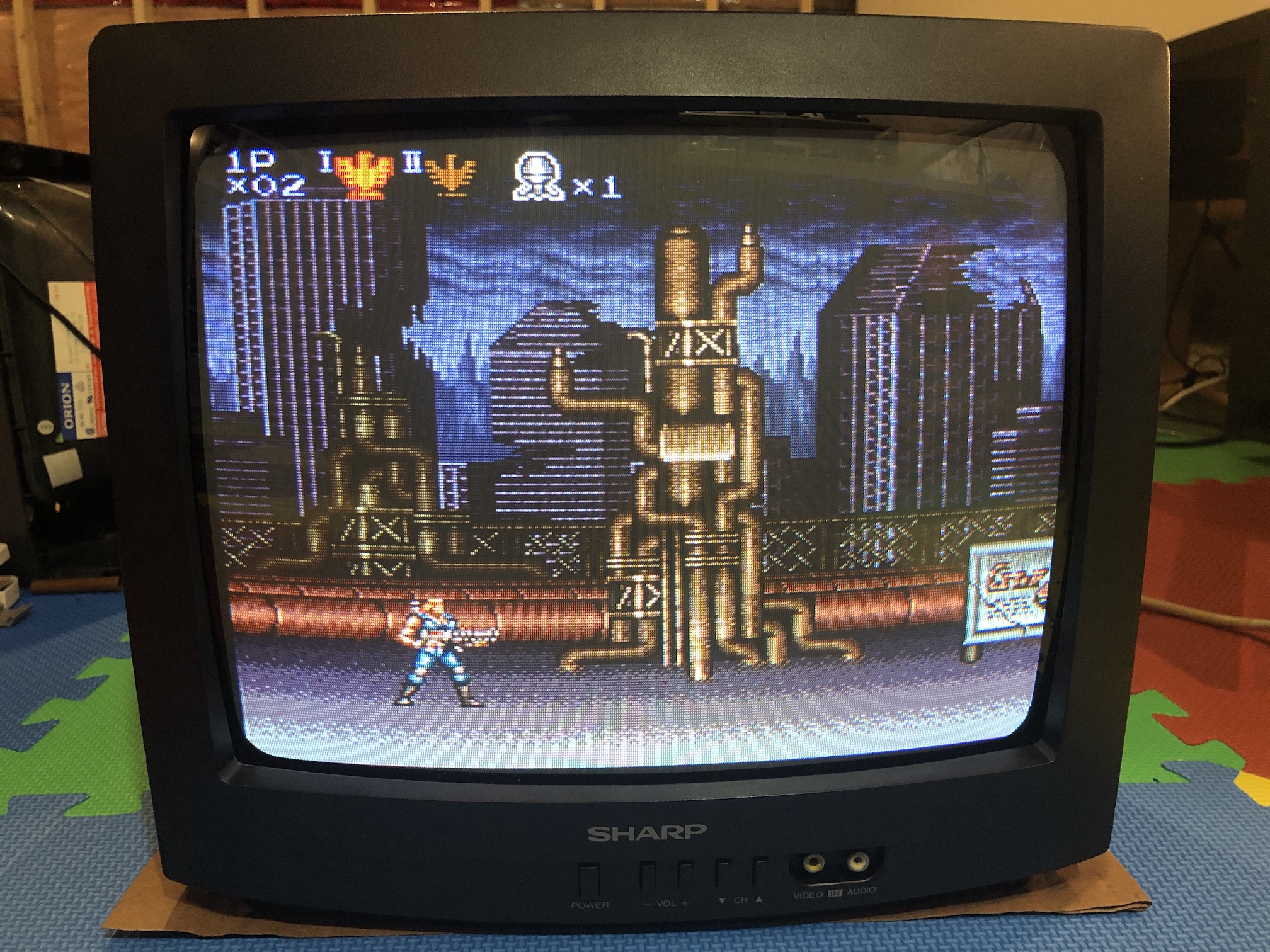
Game menu overlay (mux in action) 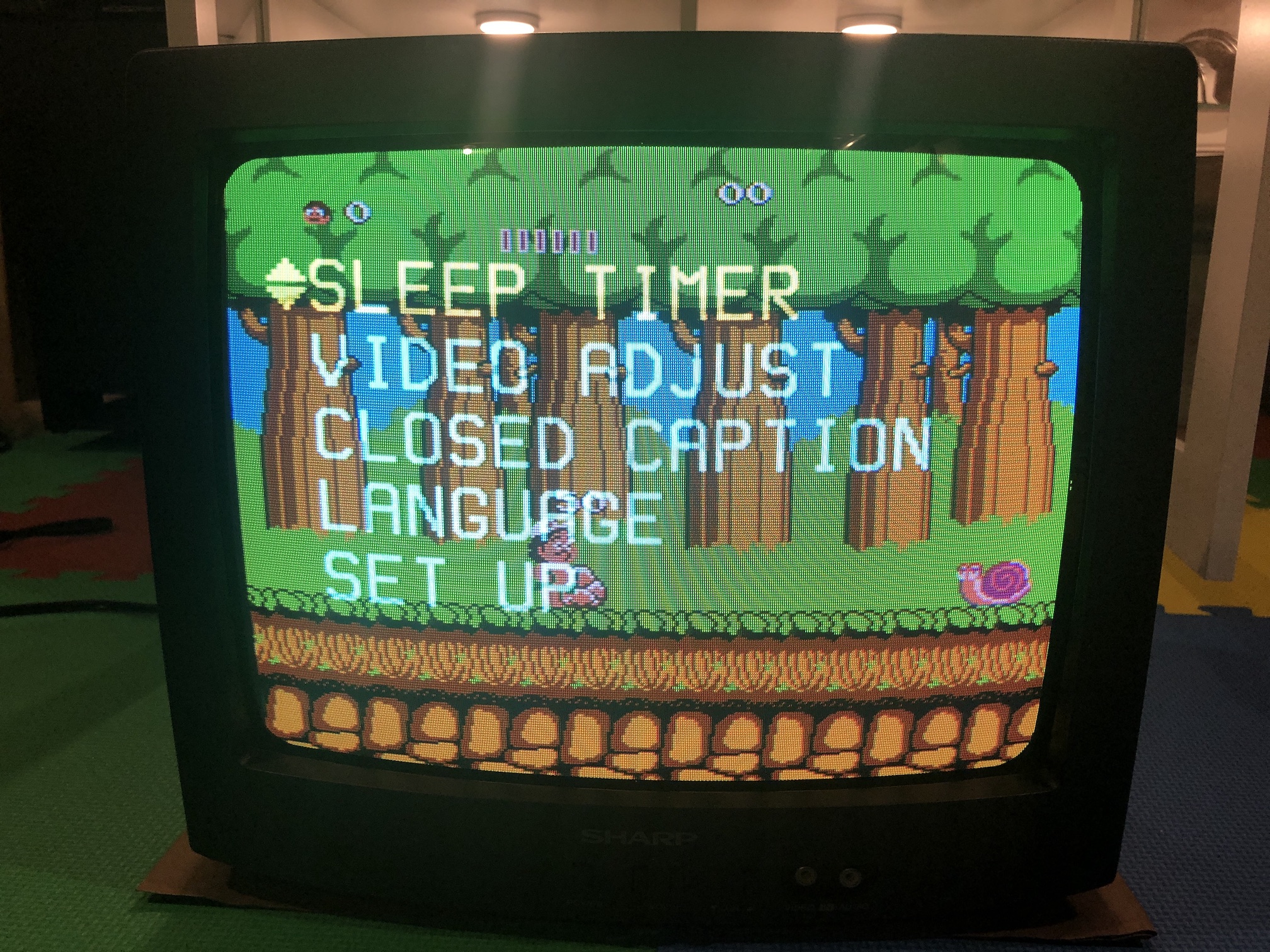
Genesis 2 Sonic The Hedgehog 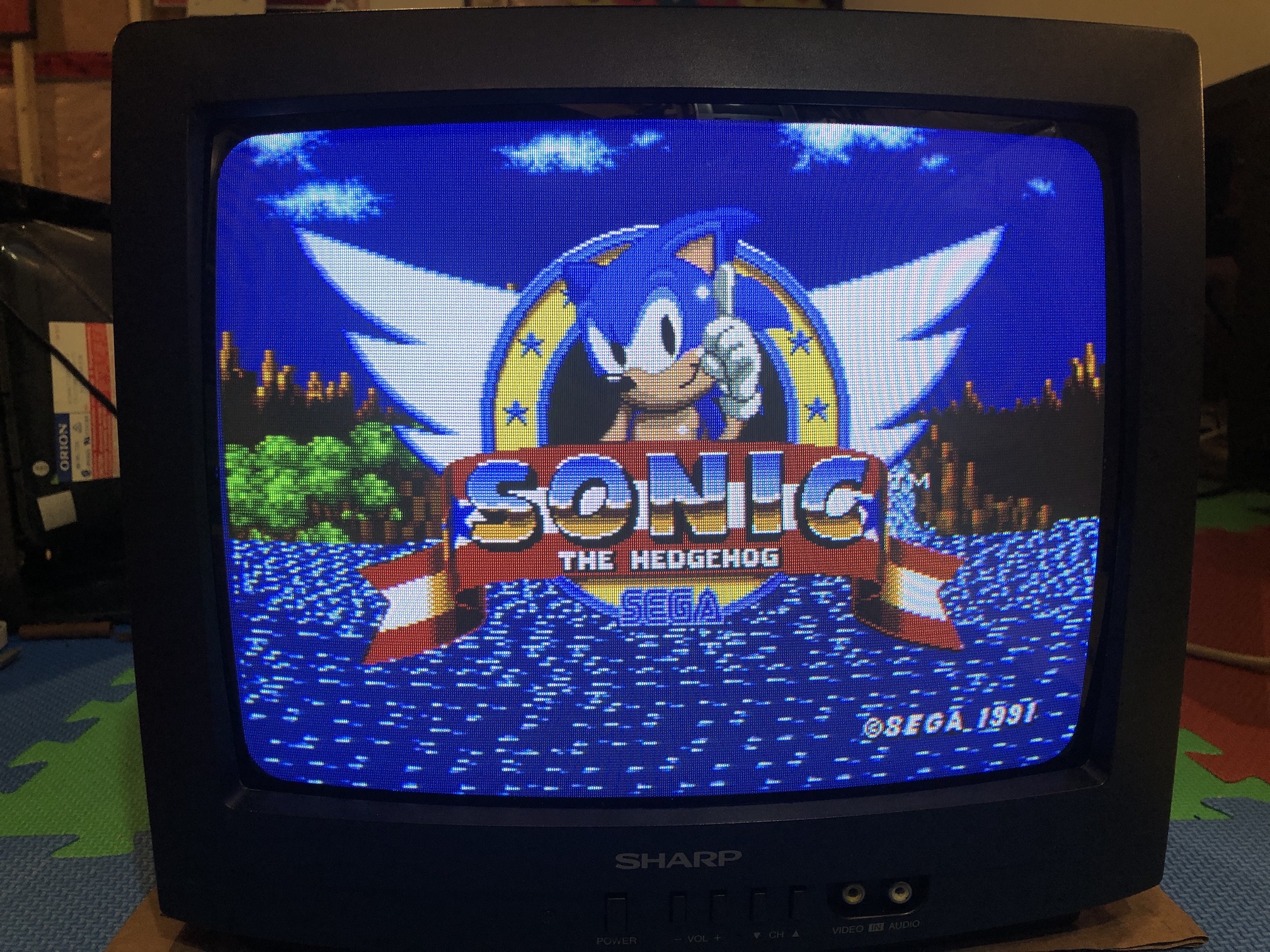
XBOX Unleash X menu 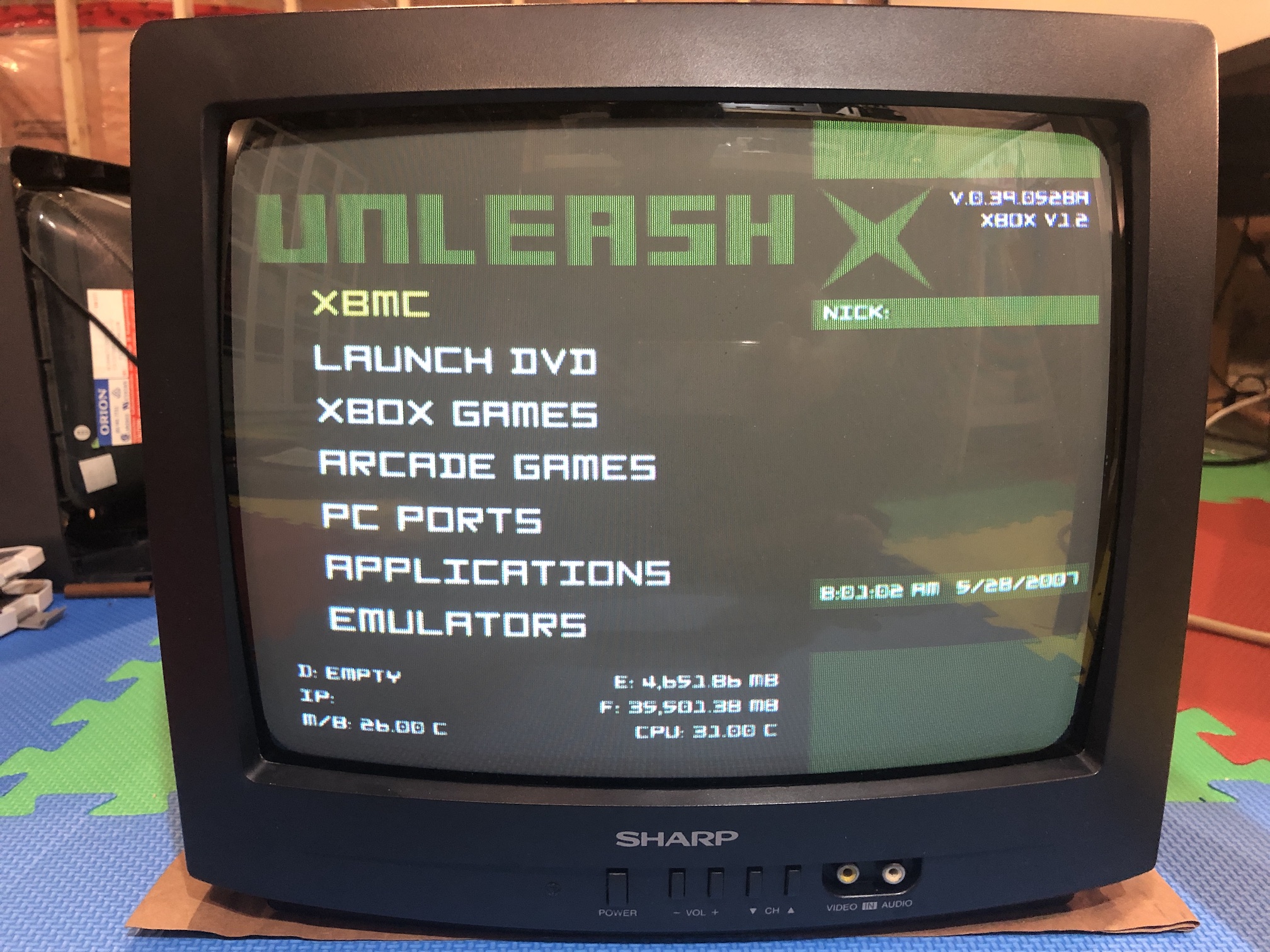
Patterns
Text from FXPAK Pro 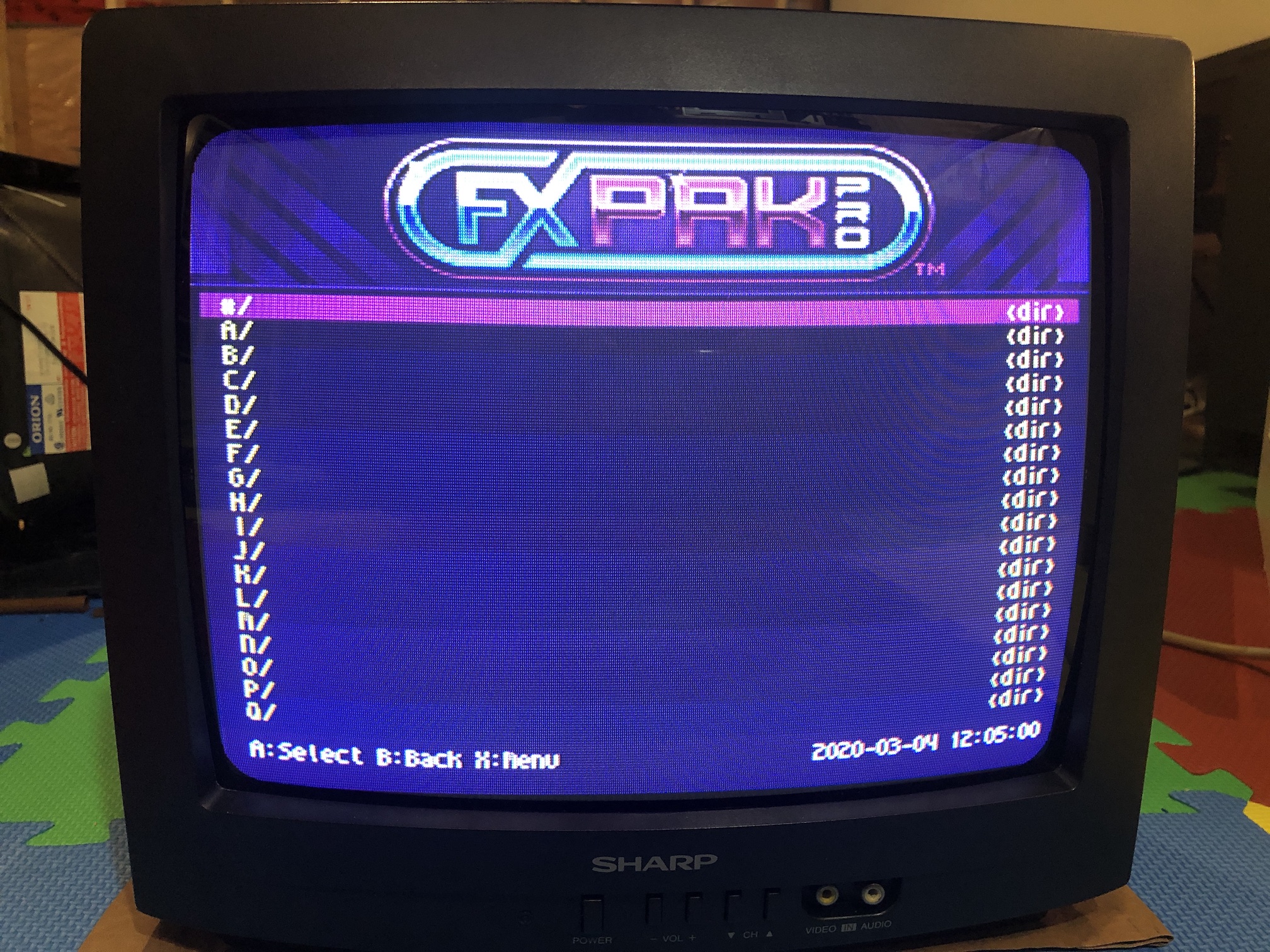
Grid 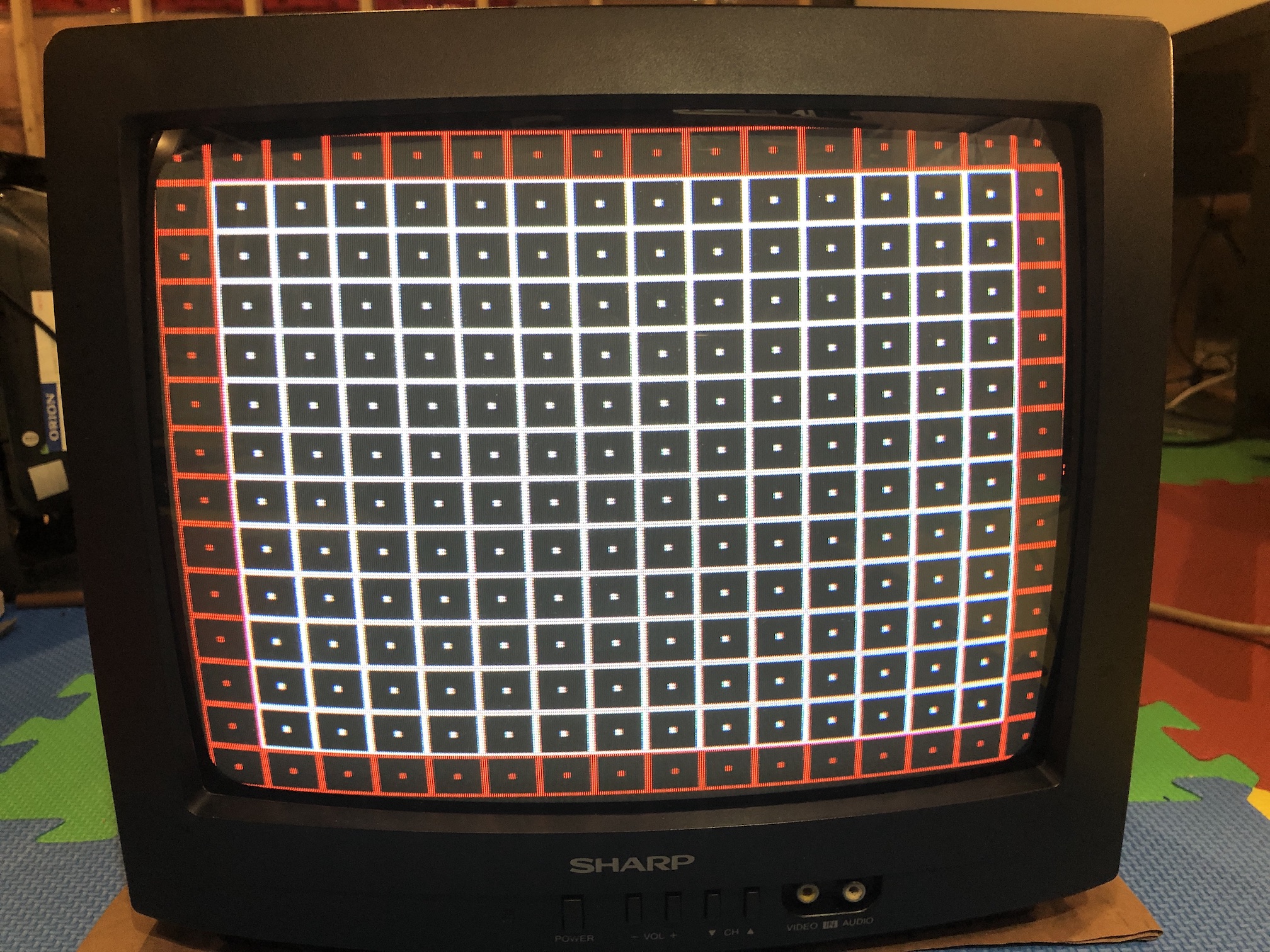
SMPTE Color Bars 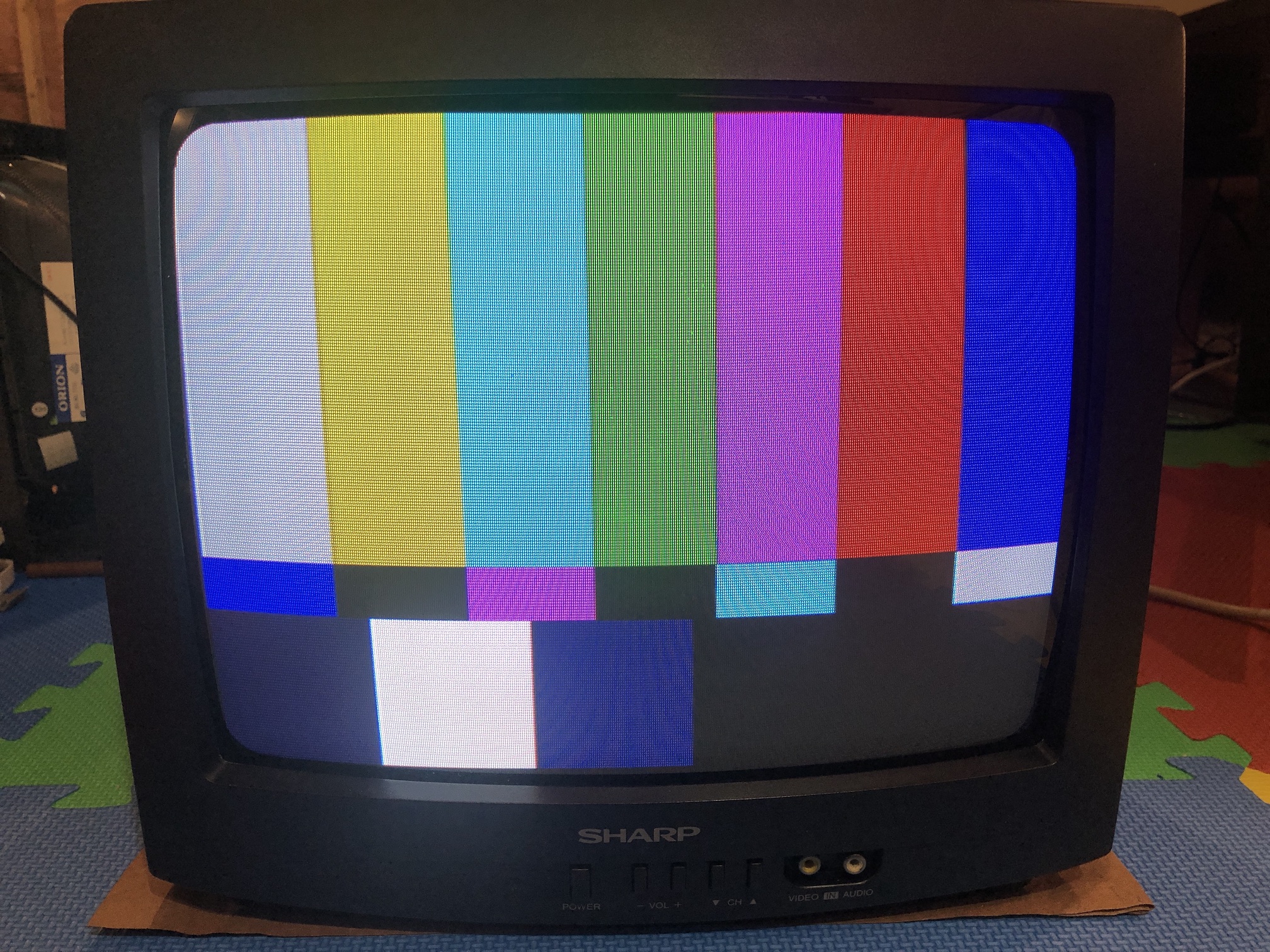
Neck board ground wire mod
The ground wire from the tube is soldered to the neck board, which makes it difficult to remove the board entirely from the CRT. While, this may not be necessary for this RGB mod, it definitely makes it easy to connect/disconnect the ground wire attached to the tube. I found the cable and the pin from another CRT that was going to be recycled.
Neck board back 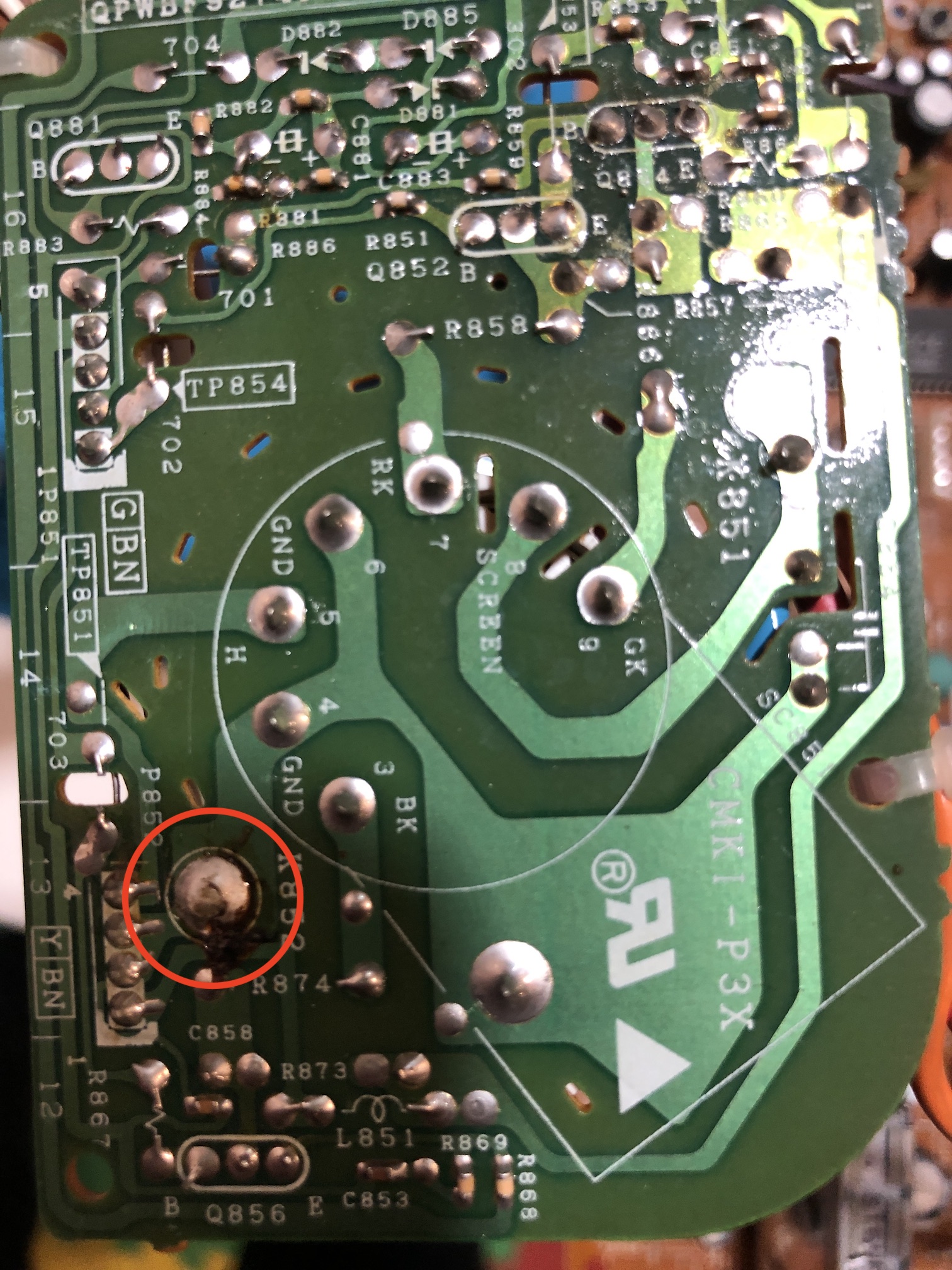
Neck board pin soldered 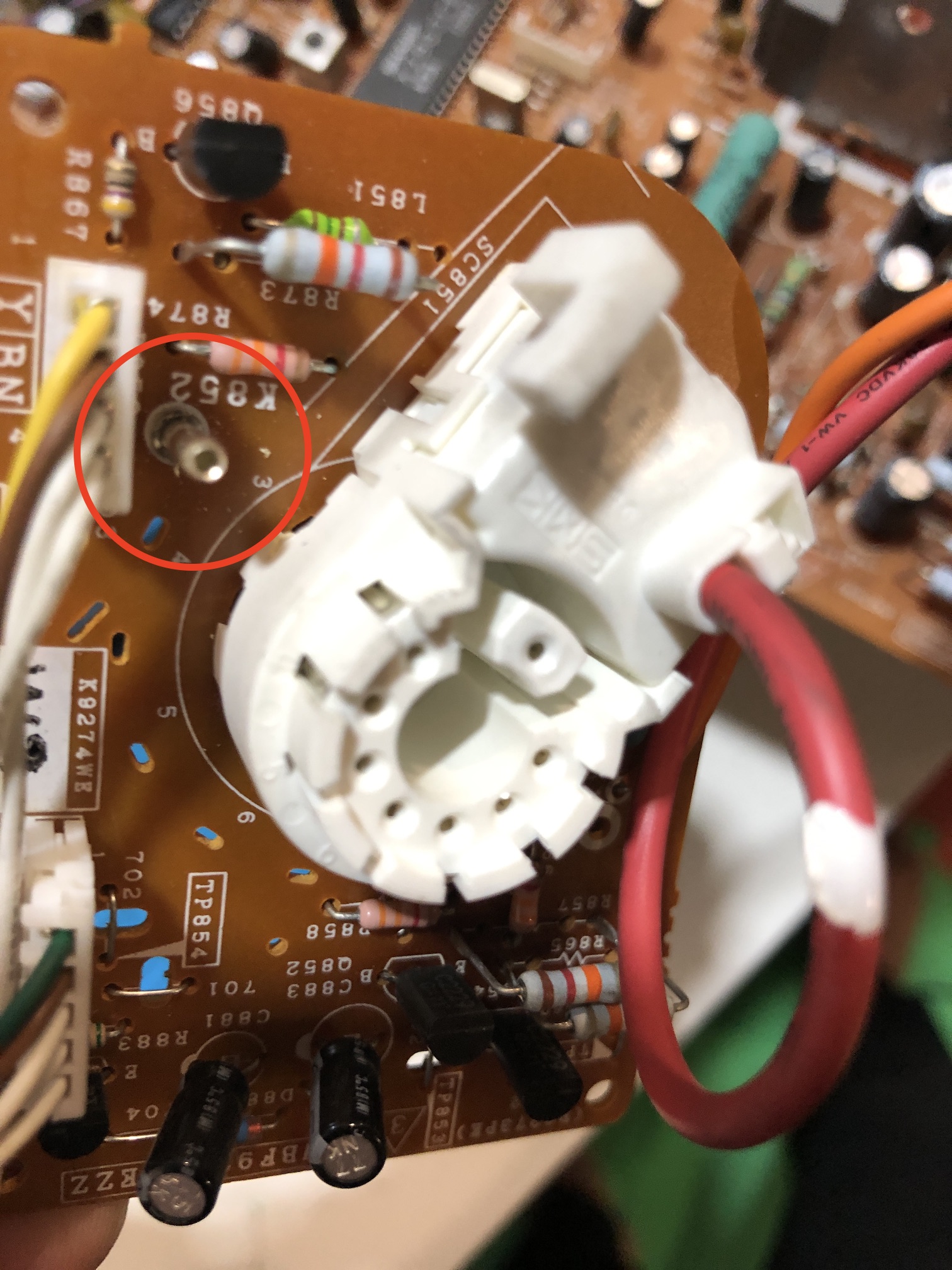
Tube new wire soldered 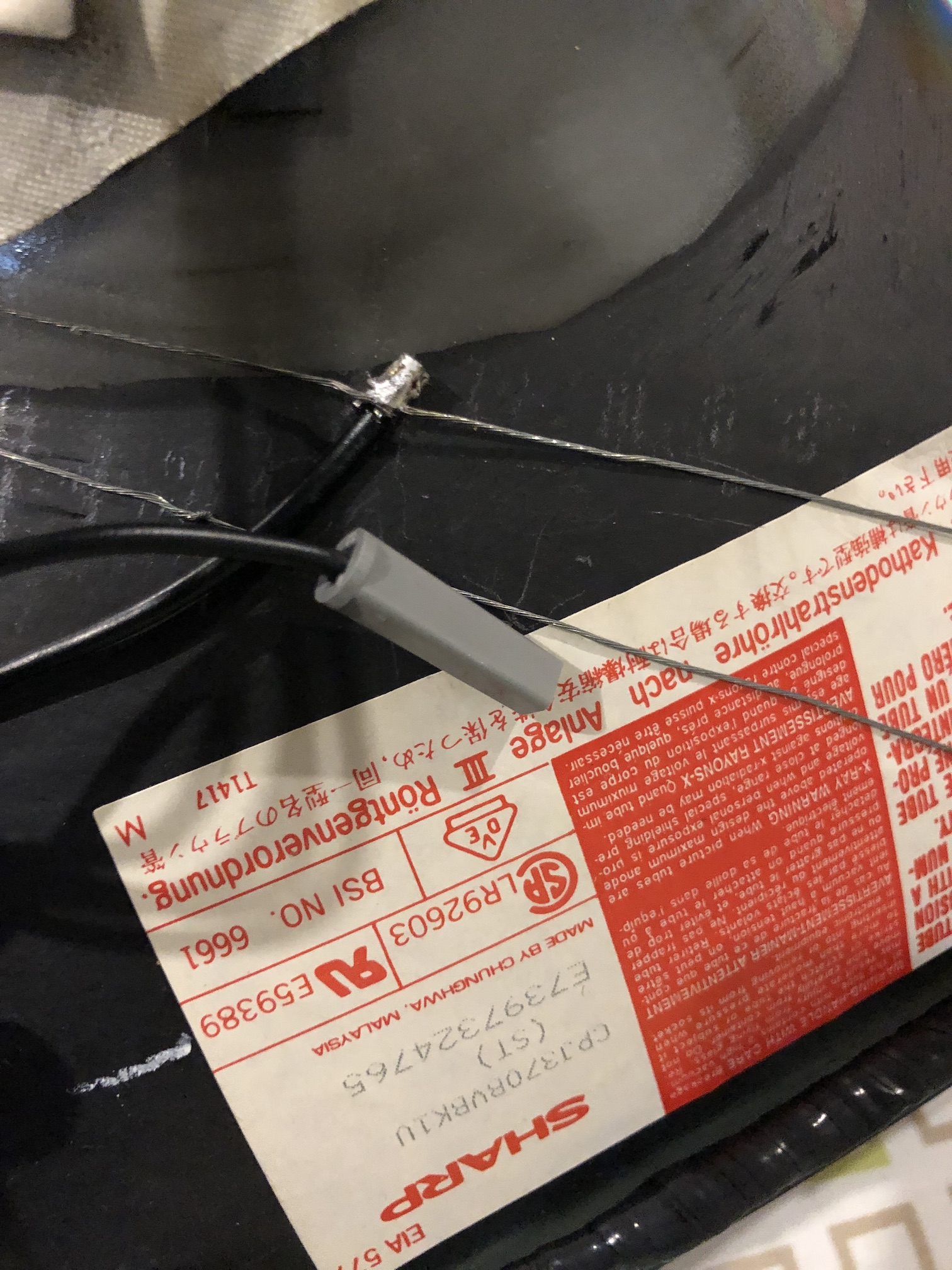
Neck board ground attached 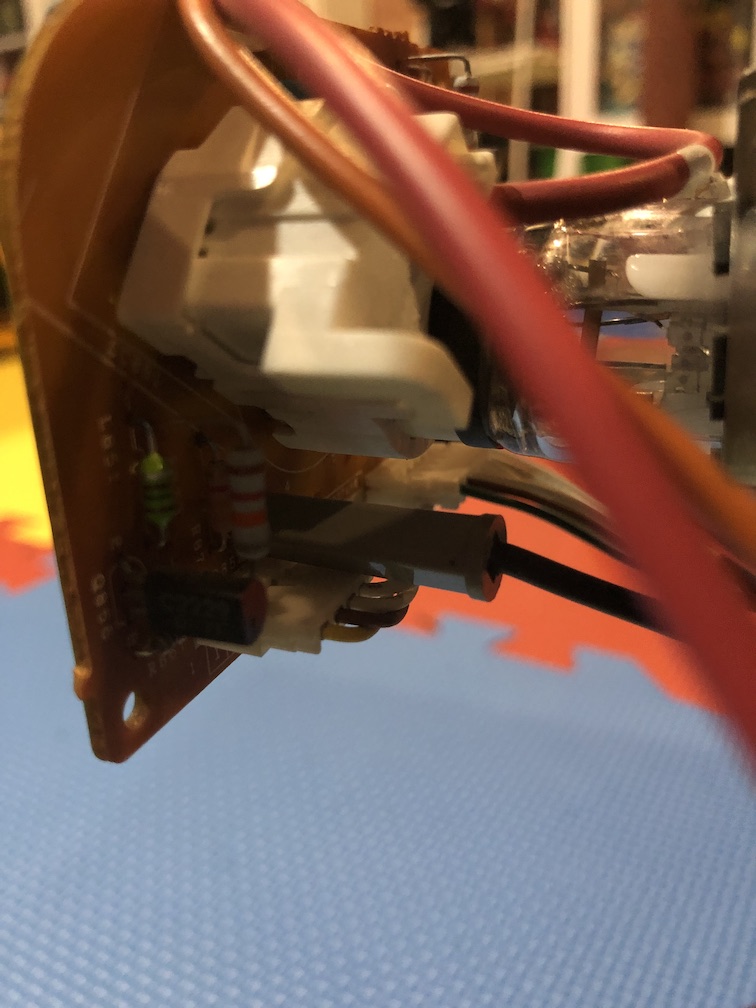
Pictures of the set
Back label 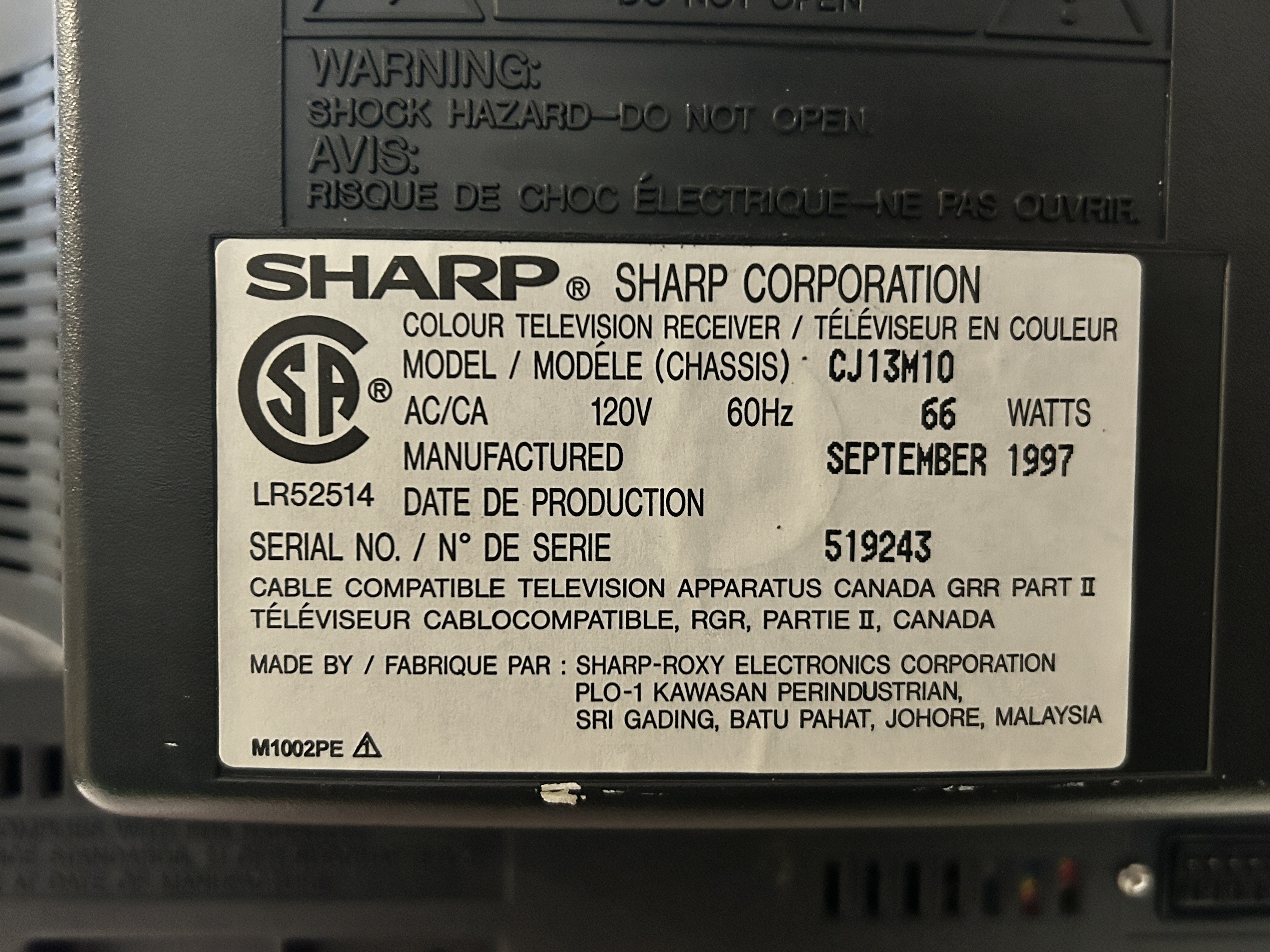
Swapped tube
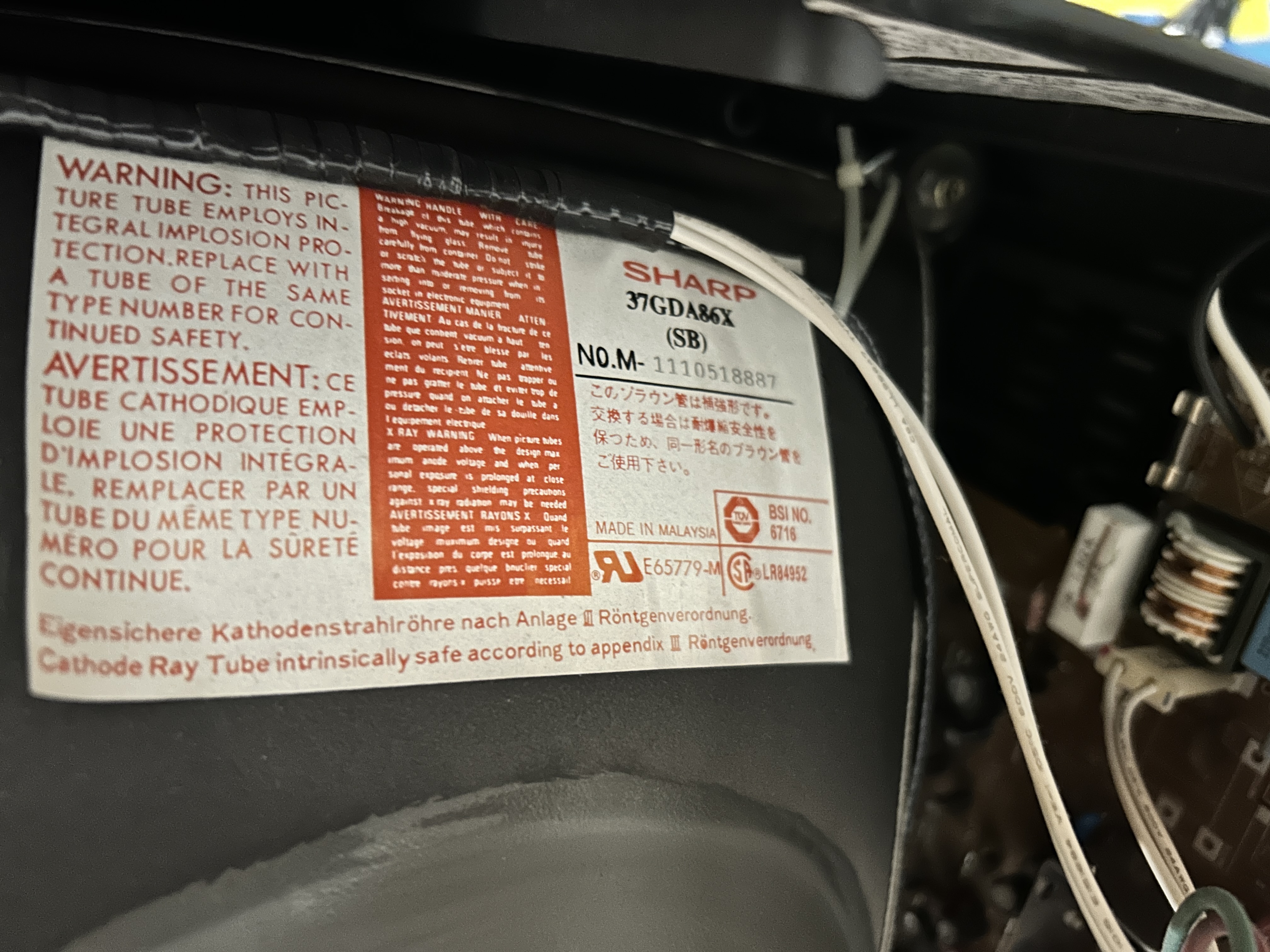
Originally this late 90s set came with the following tube: CPJ370BVBK1S
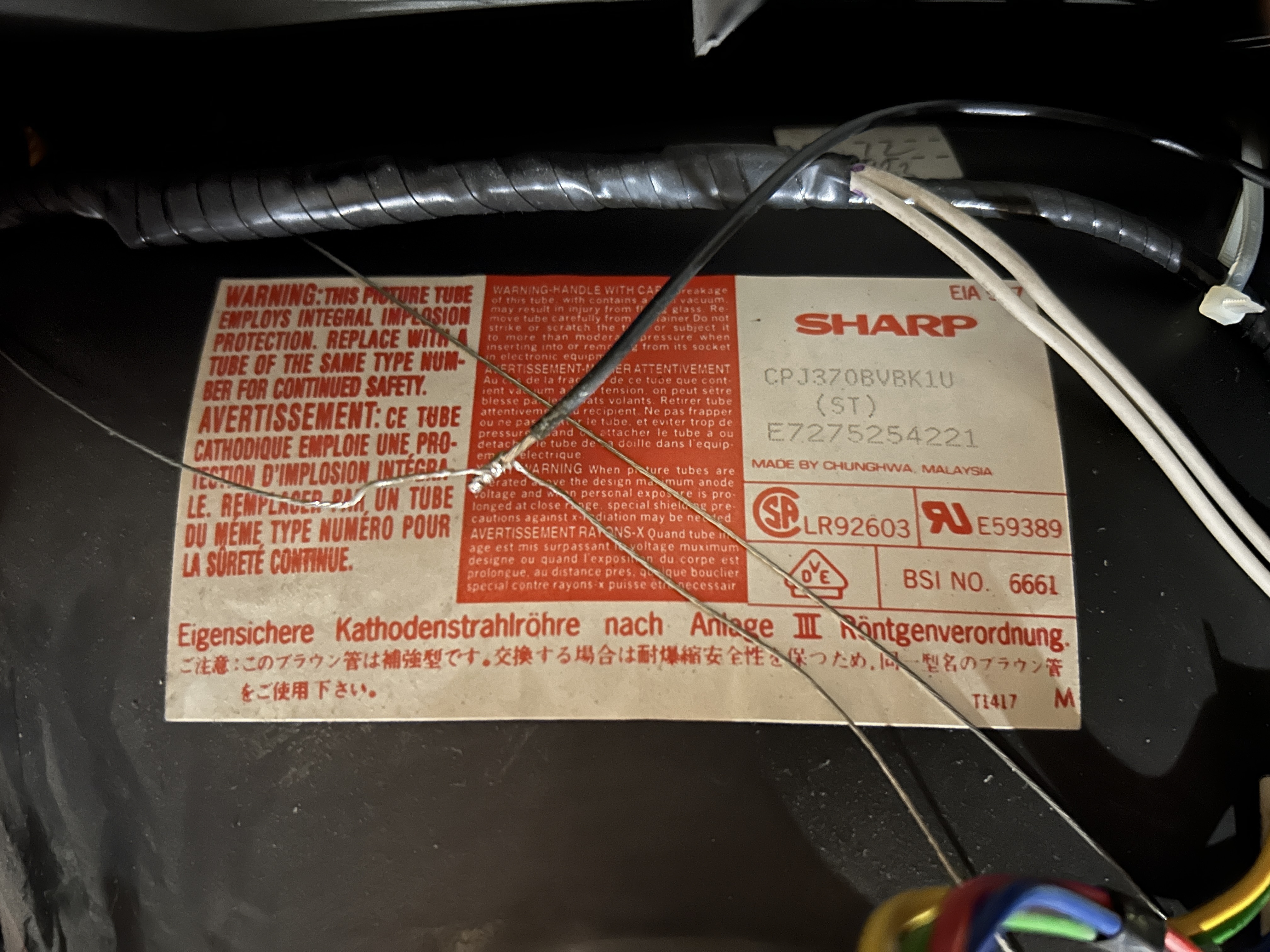
However, it can be replaced with the newer tube: 37GDA86X. It works without any issues.
Service menu settings
CJ13M10
TV1
| NUM | SETTING | VALUE | FIXED |
|---|---|---|---|
| S01 | PICTURE | 60 | DEFAULT |
| S02 | TINT | 3D | DEFAULT |
| S03 | COLOR | 33 | DEFAULT |
| S04 | BRIGHTNESS | 56 | DEFAULT |
| S05 | SHARPNESS | 24 | DEFAULT |
| S06 | VERTICAL PHASE | 06 | DEFAULT |
| S07 | HORIZONTAL PHASE | 17 | DEFAULT |
| S08 | RF-AGC | 26 | DEFAULT |
| S09 | VCO | 12 | DEFAULT |
| S10 | VERTICAL AMP | 26 | DEFAULT |
| S11 | R CUT-OFF | 09 | 00 |
| S12 | G CUT -OFF | 00 | DEFAULT |
| S13 | B CUT-OFF | 24 | DEFAULT |
| S14 | G GAIN | 9F | DEFAULT |
| S15 | B GAIN | 84 | DEFAULT |
| S16 | TRAP | 00 | DEFAULT |
| S17 | BALANCE | 20 | DEFAULT |
| S18 | C.C.POSITION | 1C | DEFAULT |
| S19 | Y-MUTE | 00 | DEFAULT |
TV2
| NUM | SETTING | VALUE | FIXED |
|---|---|---|---|
| S01 | PICTURE | 55 | DEFAULT |
| S02 | TINT | 3F | 20 |
| S03 | COLOR | 33 | DEFAULT |
| S04 | BRIGHTNESS | 4B | 42 |
| S05 | SHARPNESS | 24 | DEFAULT |
| S06 | VERTICAL PHASE | 00 | DEFAULT |
| S07 | HORIZONTAL PHASE | 12 | 14 |
| S08 | RF-AGC | 26 | DEFAULT |
| S09 | VSIZE? | 26 | DEFAULT |
| S10 | VERTICAL AMP | 24 | DEFAULT |
| S11 | R CUT-OFF | 00 | 16 |
| S12 | G CUT -OFF | 33 | 16 |
| S13 | B CUT-OFF | 54 | 16 |
| S14 | G GAIN | A3 | DEFAULT |
| S15 | B GAIN | 89 | 84 |
| S16 | TRAP | 00 | DEFAULT |
| S17 | BALANCE | 20 | DEFAULT |
| S18 | C.C.POSITION | 1C | DEFAULT |
| S19 | Y-MUTE | 00 | DEFAULT |
Pictures
Reference Photos